Terminal
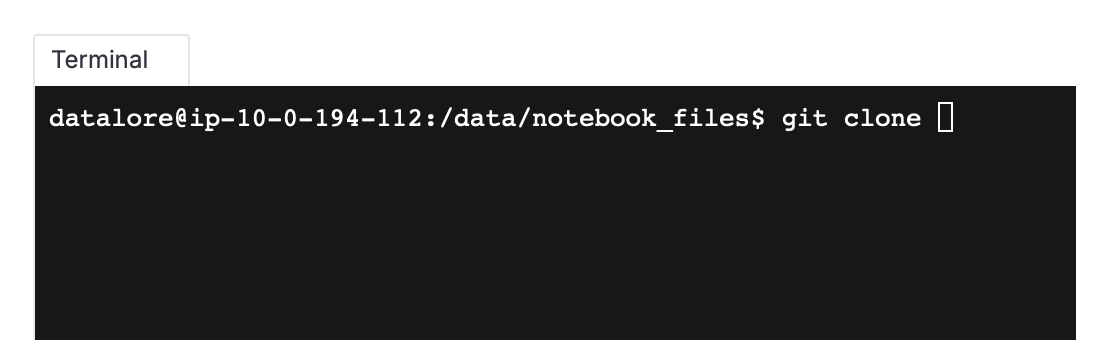
The Datalore editor includes an integrated terminal emulator. It allows you to perform various tasks in the same runtime as your notebook using standard shell commands similar to how you would use them on your local machine.
You can use Terminal for the following tasks:
Installing packages with dependencies or those where installation requires interactive input
Running scripts and utilities
Accessing the agent, environment, and file system
Running commands with
sudo
Start a session
In the notebook, select in the main menu.
Use Terminal as you would on your local machine.
Resize Terminal
Hover over the left side of Terminal and drag left it or right to resize.
Close a session
Hover over the tab at the top of the Terminal session you want to close.
Click x.
07 May 2026