Copy output
Copy cell output
To copy standard output, text, plots, traceback texts, or Markdown cell output from a code cell:
Right-click the cell output and select Copy.
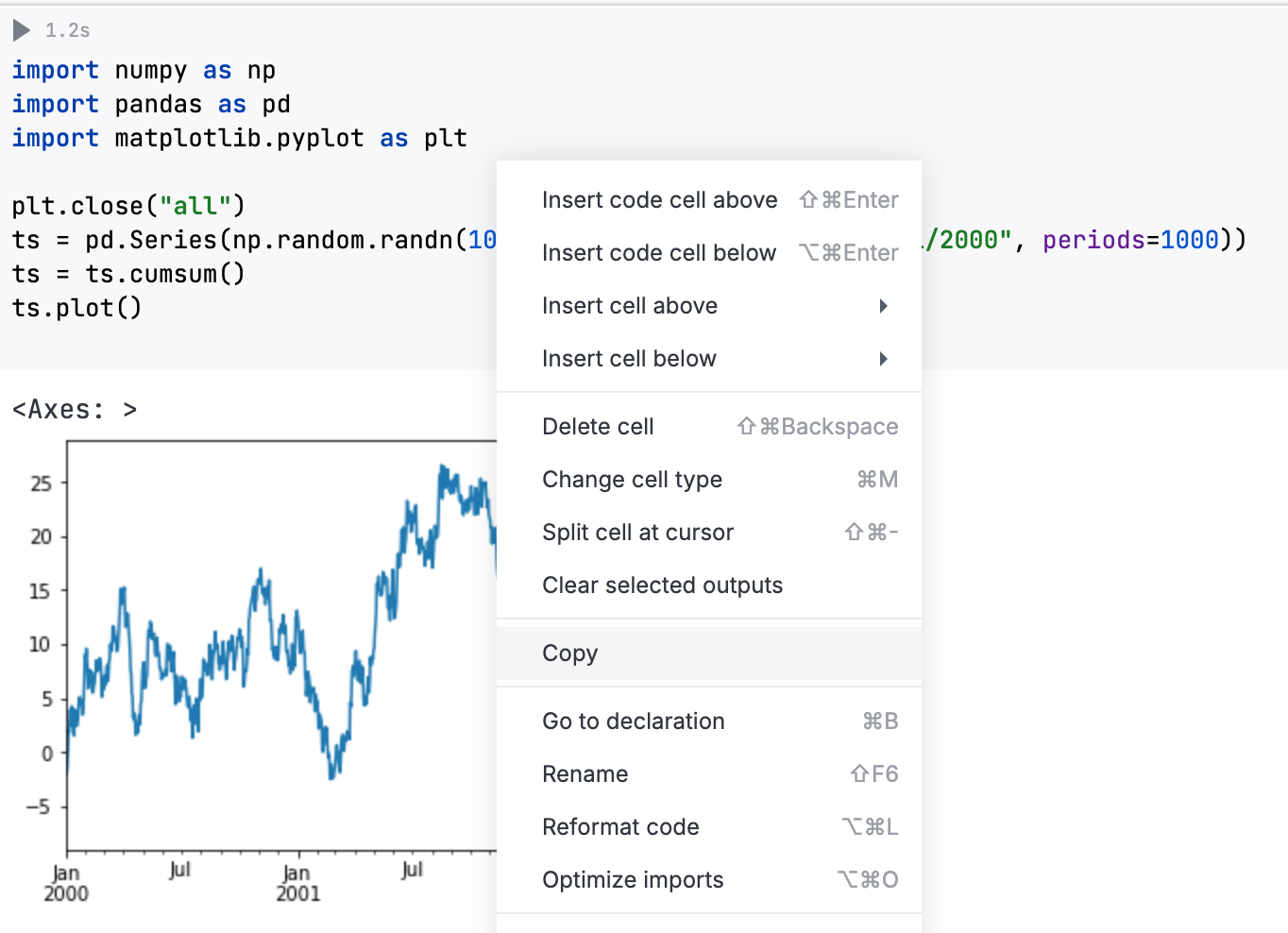
The entire output will be copied.
Copy a DataFrame
You can copy up to 10,000 rows from a DataFrame as comma-separated values (CSV) or tab-separated values (TSV).
To copy rows:
(Optional) Set the desired format in the Editor settings.
In a DataFrame, click
 (Copy) at the bottom right.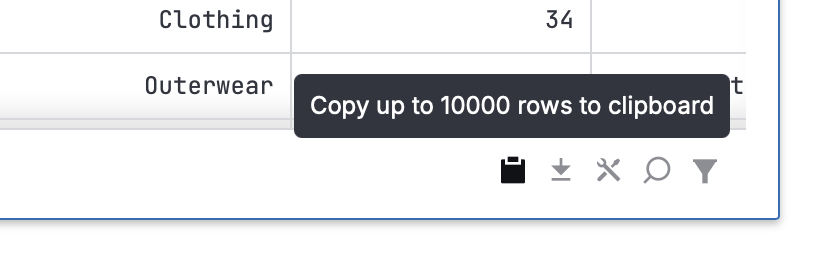
If the DataFrame contains more than 10,000 rows, only the first 10,000 rows will be copied.
30 July 2026