Groups
The Groups page in Hub displays a list of groups. To access this page, click the Groups link in the main navigation menu.
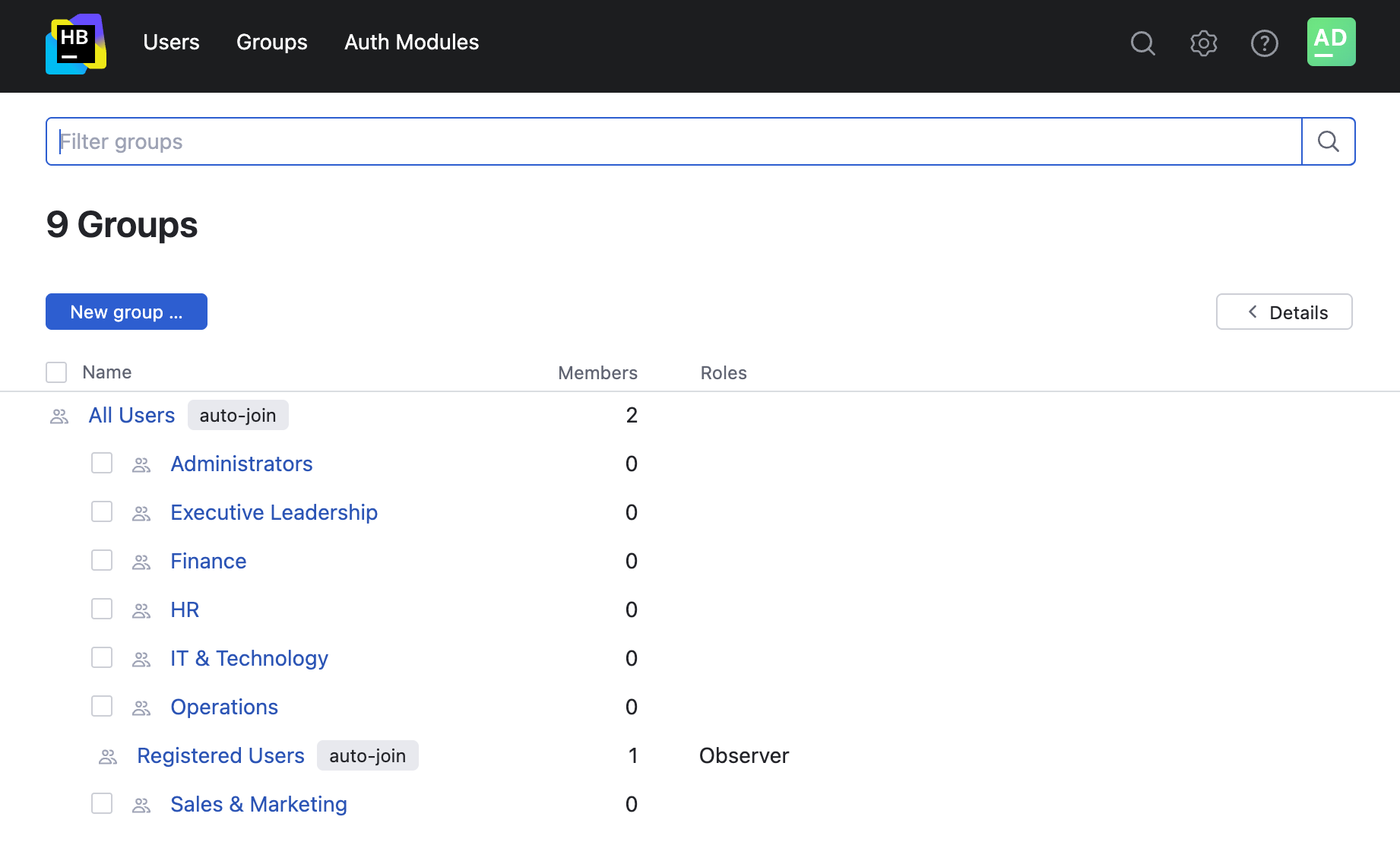
A group is a collection of user accounts. Groups let you manage multiple accounts more efficiently. You can grant and restrict access to specific features in Hub and other connected services for all group members at once.
The following operations are available on this page:
Merge Groups
When you select a group in the list, the Details sidebar displays all of the roles that are assigned to the group. The group also inherits roles that are assigned to a parent group. For example, roles that are assigned to the All Users group are available to all of the groups that are nested under this group. Roles that are assigned to parent groups are not shown in the Details sidebar.
When you click the name of a group in the list, the profile page for the selected group opens. On the profile page for the group, you can perform the following operations: