Manage IDE Provisioner
Enable IDE Provisioner for your organization
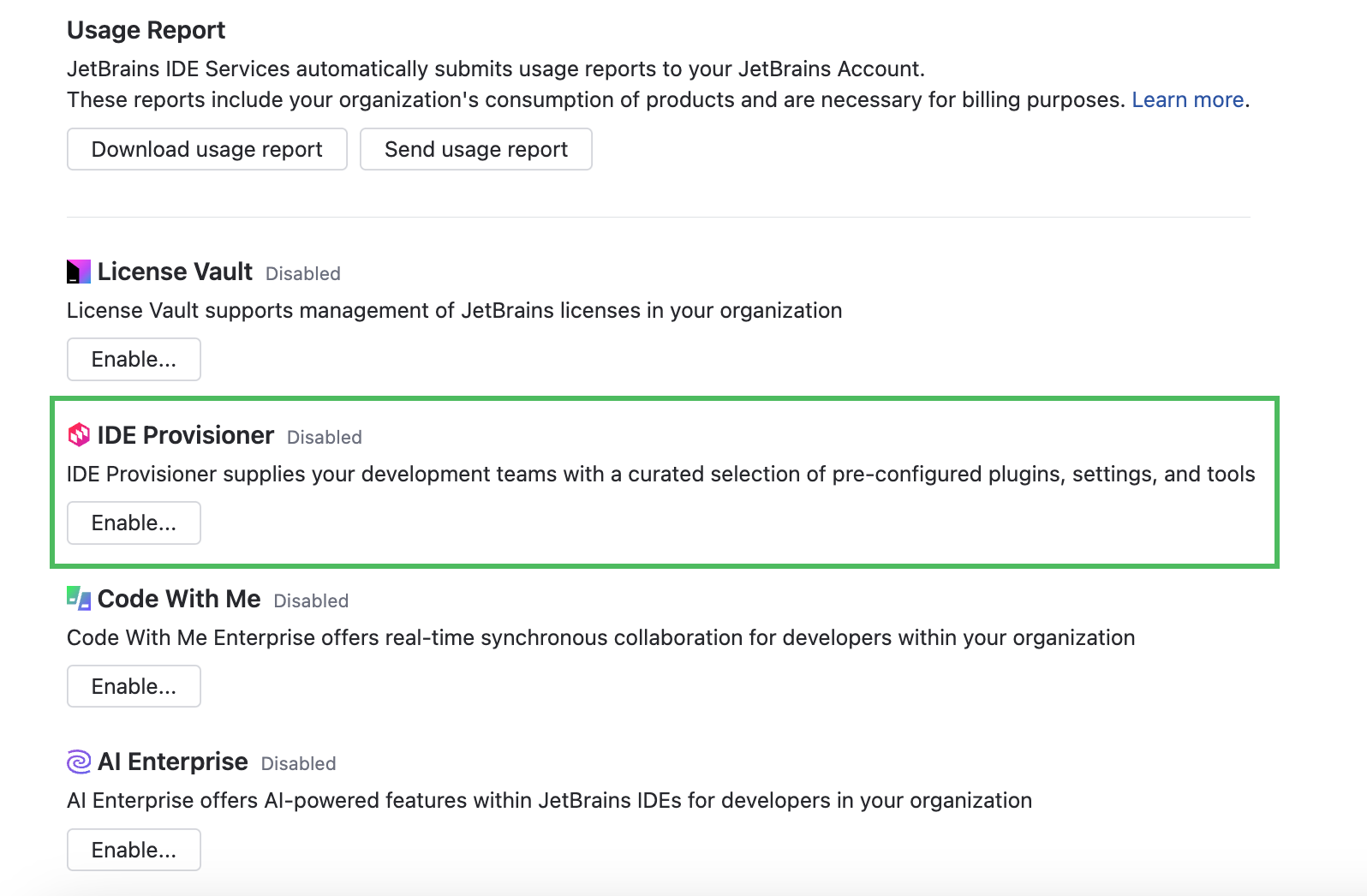
In the Web UI, open the Configuration page and navigate to the License & Activation tab.
In the IDE Provisioner section, click Enable.
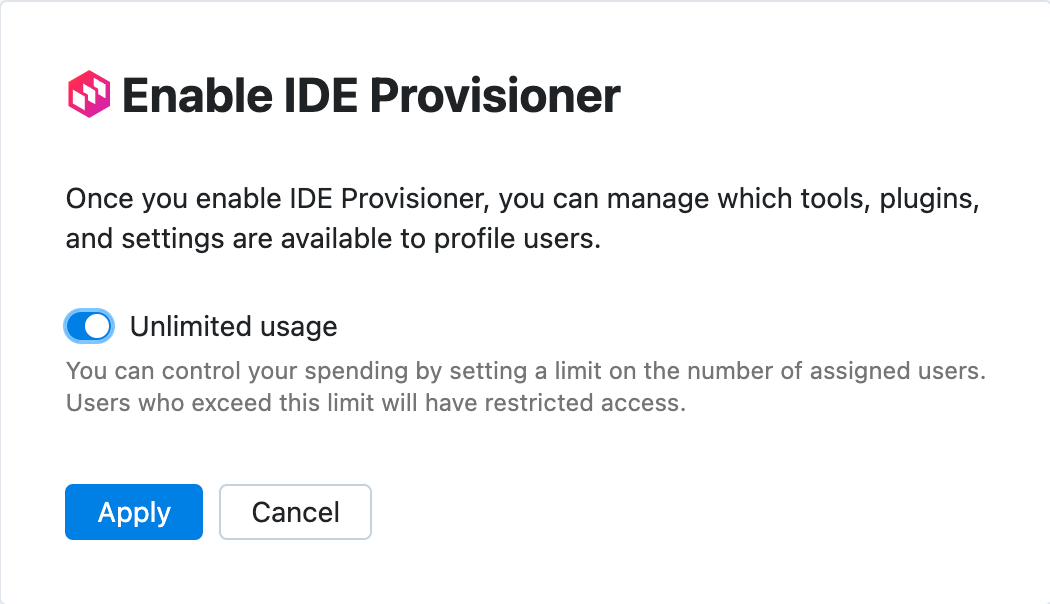
In the Enable IDE Provisioner dialog, set the usage limit for IDE Provisioner.
Enable the Unlimited usage option.
Disable the Unlimited usage option and specify the limit on the number of IDE Provisioner users.
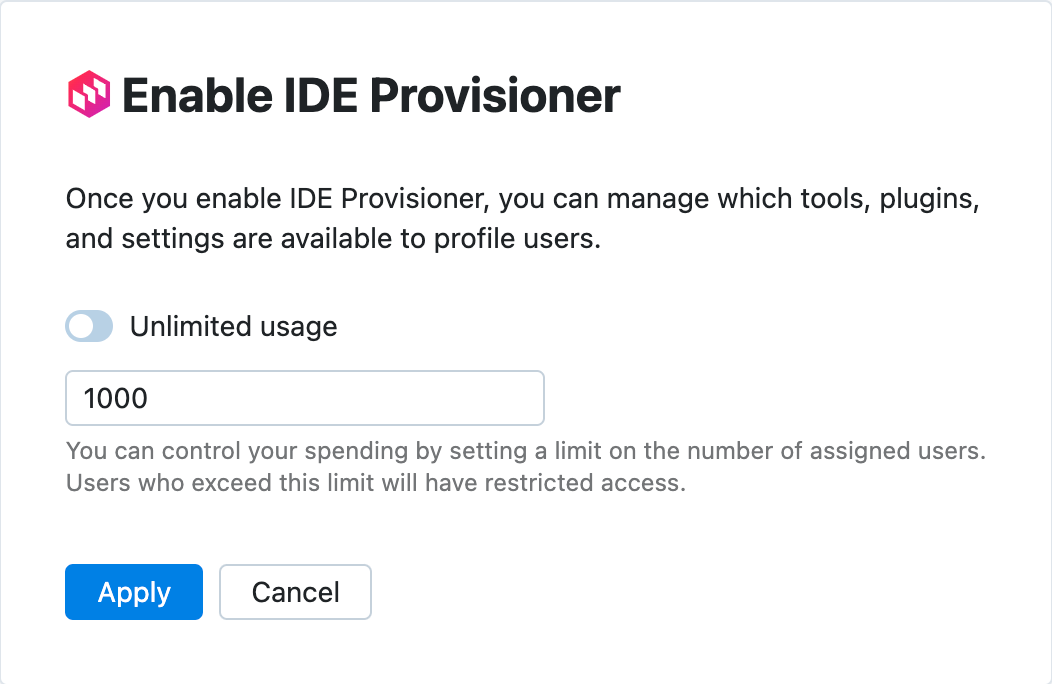
Click Apply.
Disable IDE Provisioner for your organization
In the Web UI, open the Configuration page and navigate to the License & Activation tab.
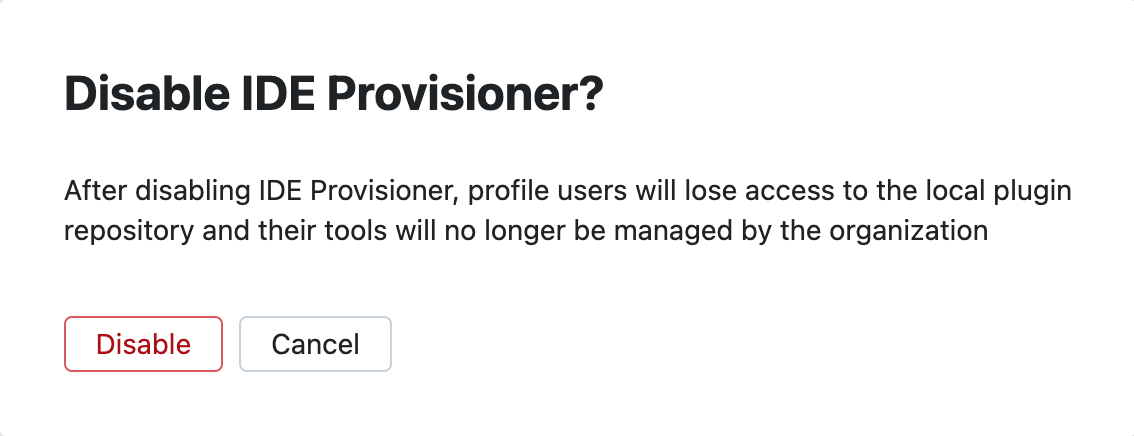
In the IDE Provisioner section, click Disable.
In the Disable IDE Provisioner? dialog, click Disable.
Edit IDE Provisioner usage limits
In the Web UI, open the Configuration page and navigate to the License & Activation tab.
In the IDE Provisioner section, click Edit limits.
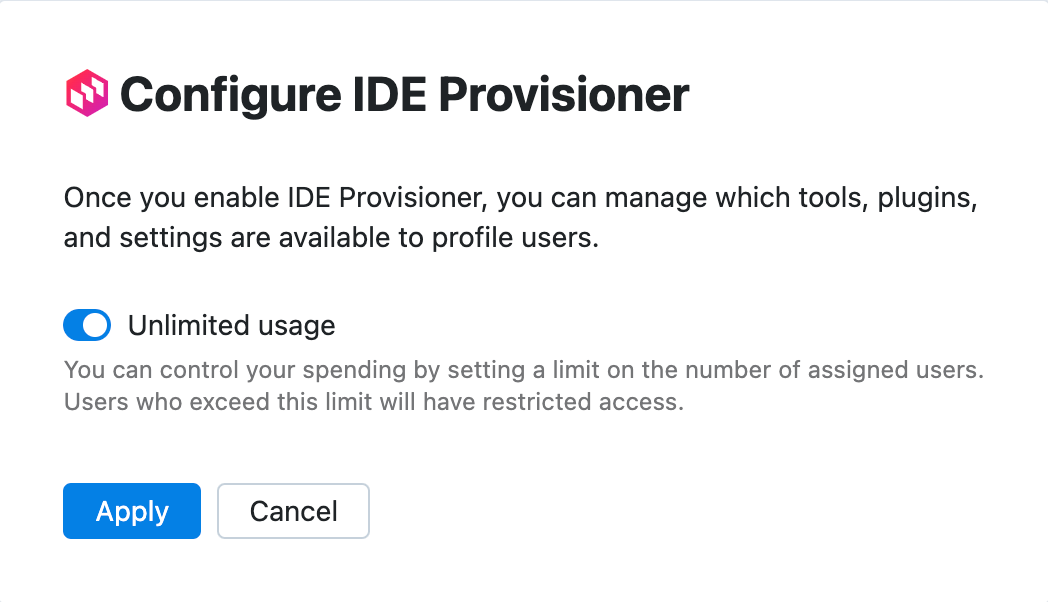
In the Configure IDE Provisioner dialog, set the usage limit for IDE Provisioner.
Enable the Unlimited usage option.
Disable the Unlimited usage option and specify the limit on the number of IDE Provisioner users.
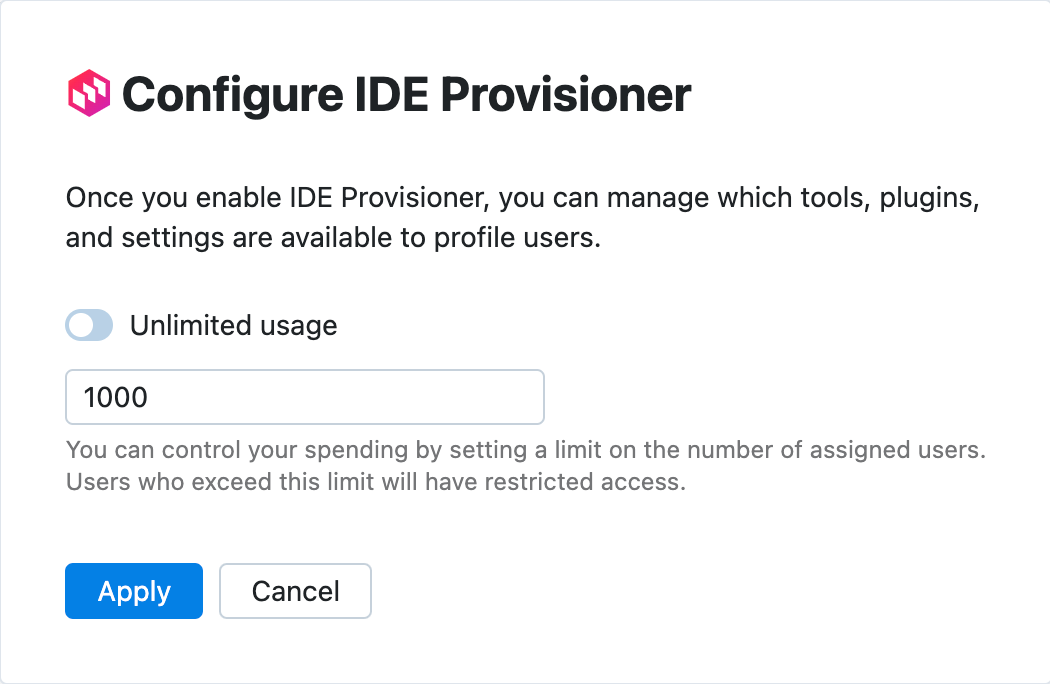
Click Apply.
Add more IDE Provisioner users to your IDE Services
With the prepaid billing model, you can purchase more resources for your IDE Services license from your organization's JetBrains Account.
Log in to your JetBrains Account with the organization or team administrator permissions.
In the menu on the left, click your organization's name.
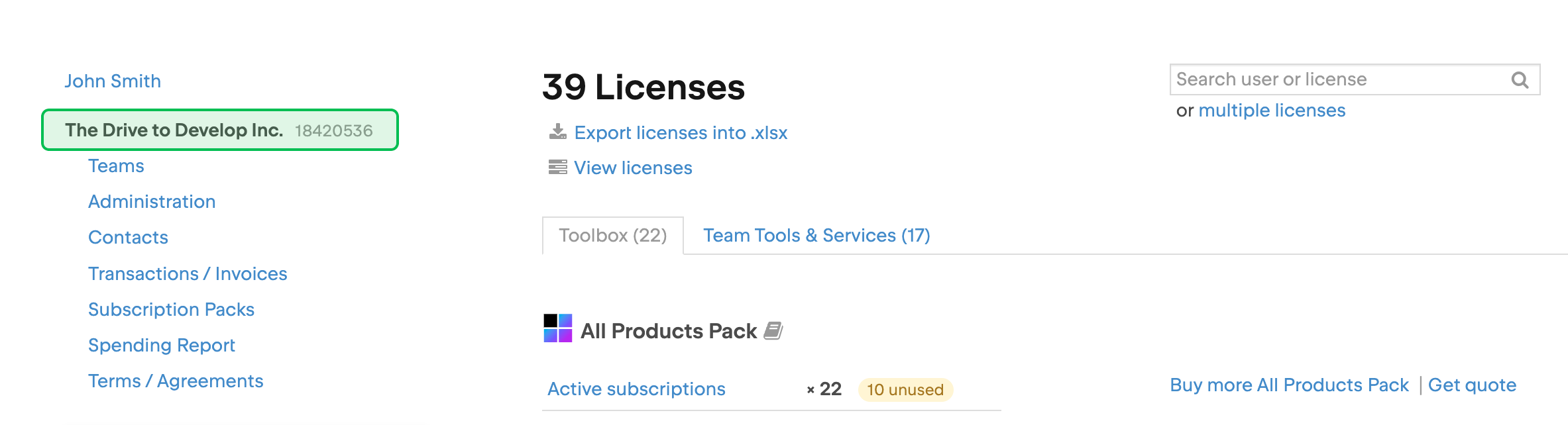
At the top of the page, click .
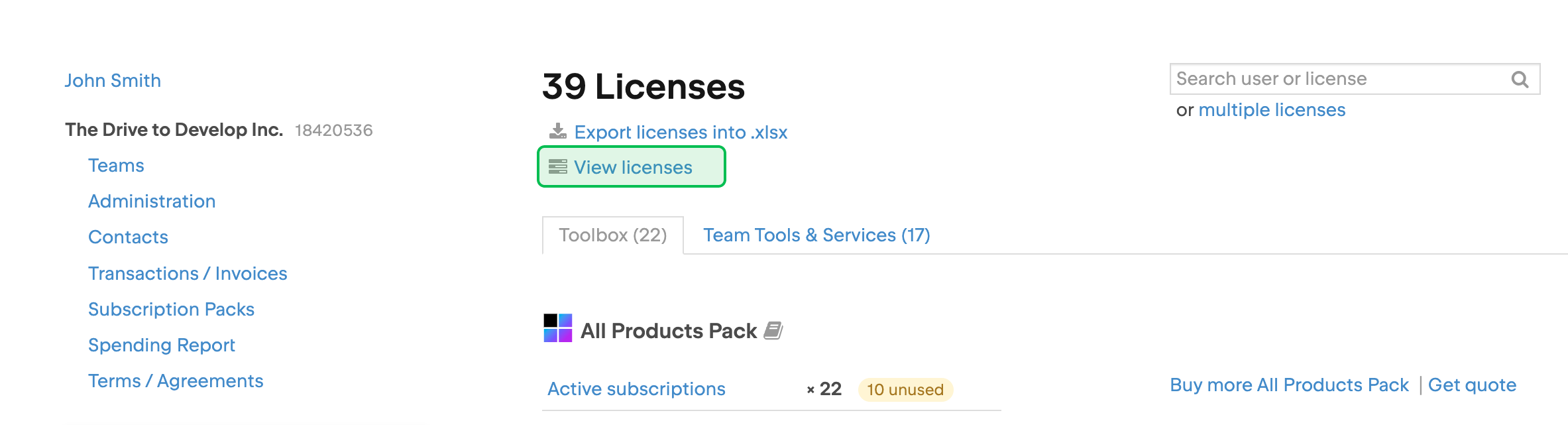
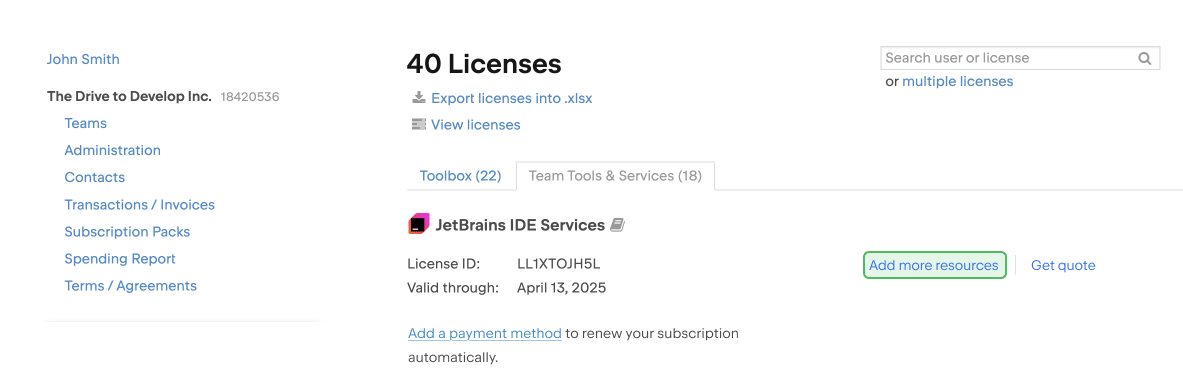
On the license overview page, select the Team Tools & Services tab.
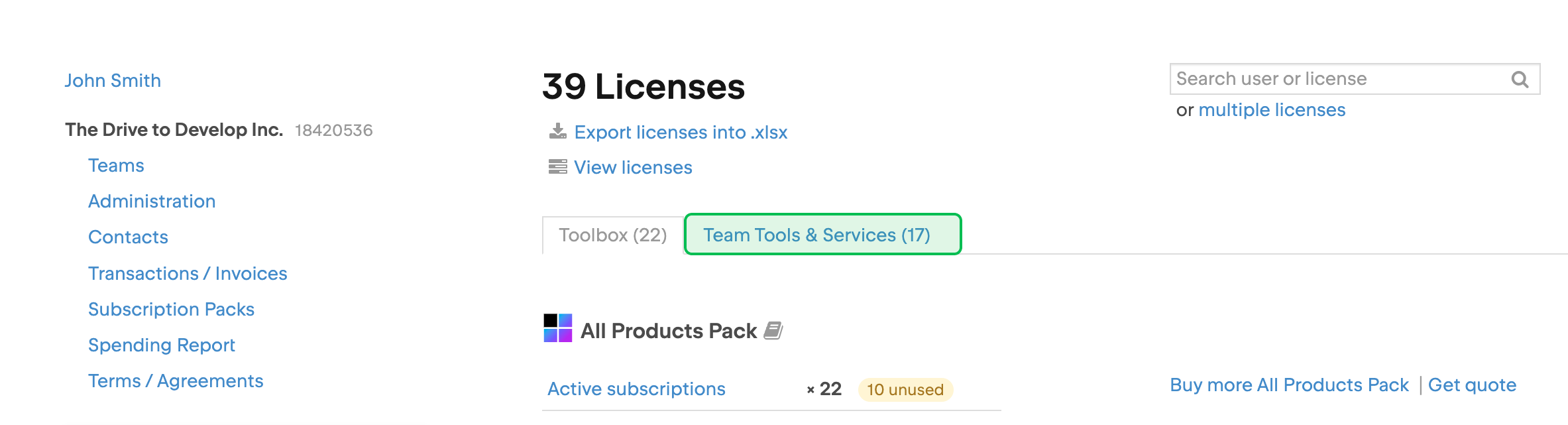
Locate the IDE Services license and click Add more resources. You may need to scroll down to find the license.
The checkout page will open. There you can select the resources you want to add and pay for them.