Bytecode decompiler
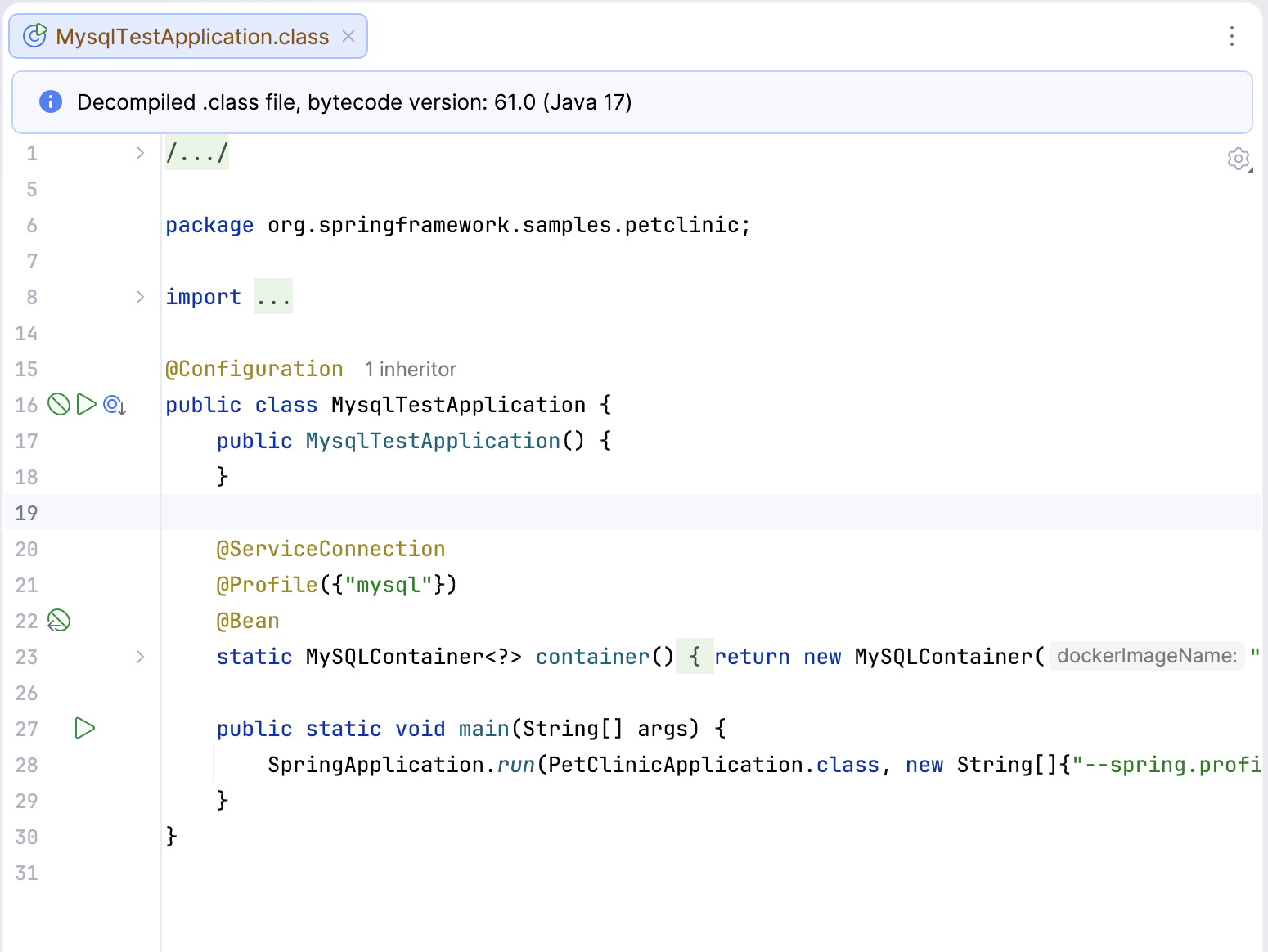
IntelliJ IDEA features the Java bytecode decompiler that shows you compiled bytecode as if it were human-readable Java code. The decompiler is enabled by default.
The bytecode decompiler used is Fernflower.
Enable the Java Bytecode Decompiler plugin
This functionality relies on the plugin, which is bundled and enabled in IntelliJ IDEA by default. If the relevant features are not available, make sure that you did not disable the plugin.
Press Ctrl+Alt+S to open settings and then select .
Open the Installed tab, find the Java Bytecode Decompiler plugin, and select the checkbox next to the plugin name.
View decompiled code
Open a compiled .class file in the editor.
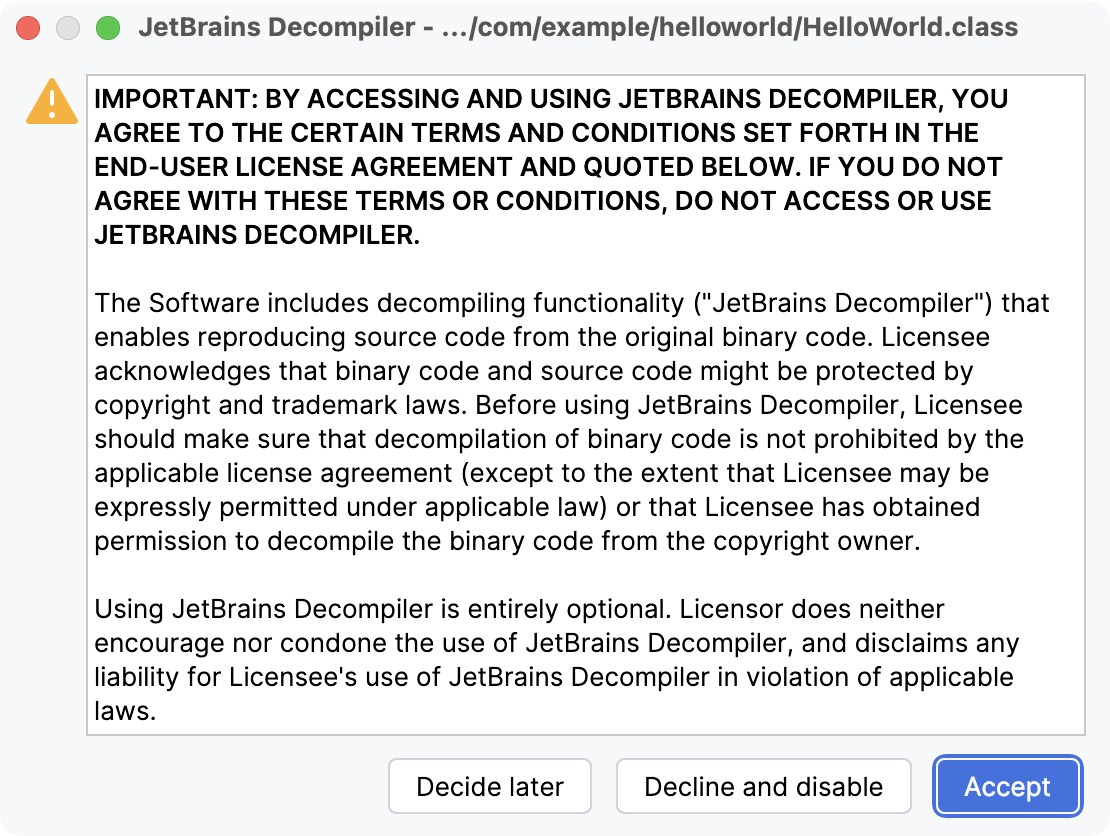
If it is the first time that you are opening a compiled file, the IDE prompts you to agree to the specified terms and conditions in the JetBrains Decompiler dialog. If you click Accept, the dialog will not be displayed in the future, and the appropriate code will be automatically decompiled.
After that the IDE will show you the human-readable Java code without actually converting .class files into .java files.
The notification panel above the editor informs you that you are reading a decompiled file.