Refactor React applications
Besides the common IntelliJ IDEA refactorings, in a React application, you can also run Rename for React components and use Extract Component to create new components.
Rename a component
Below is an example of renaming a component that is defined and used in only one file:
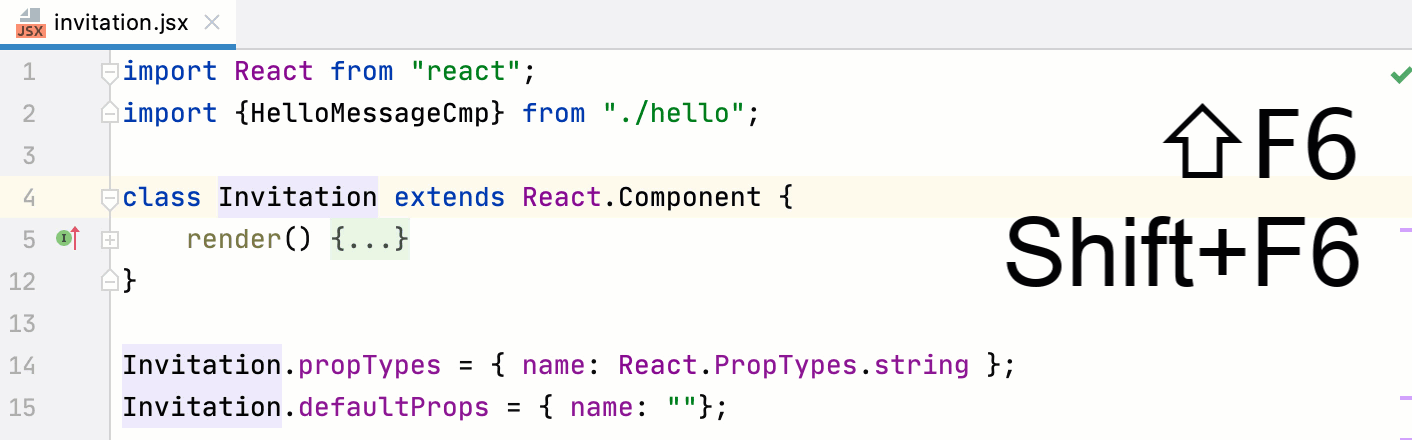
In the same way, you can rename components defined in one file and then imported to another file using a named export:
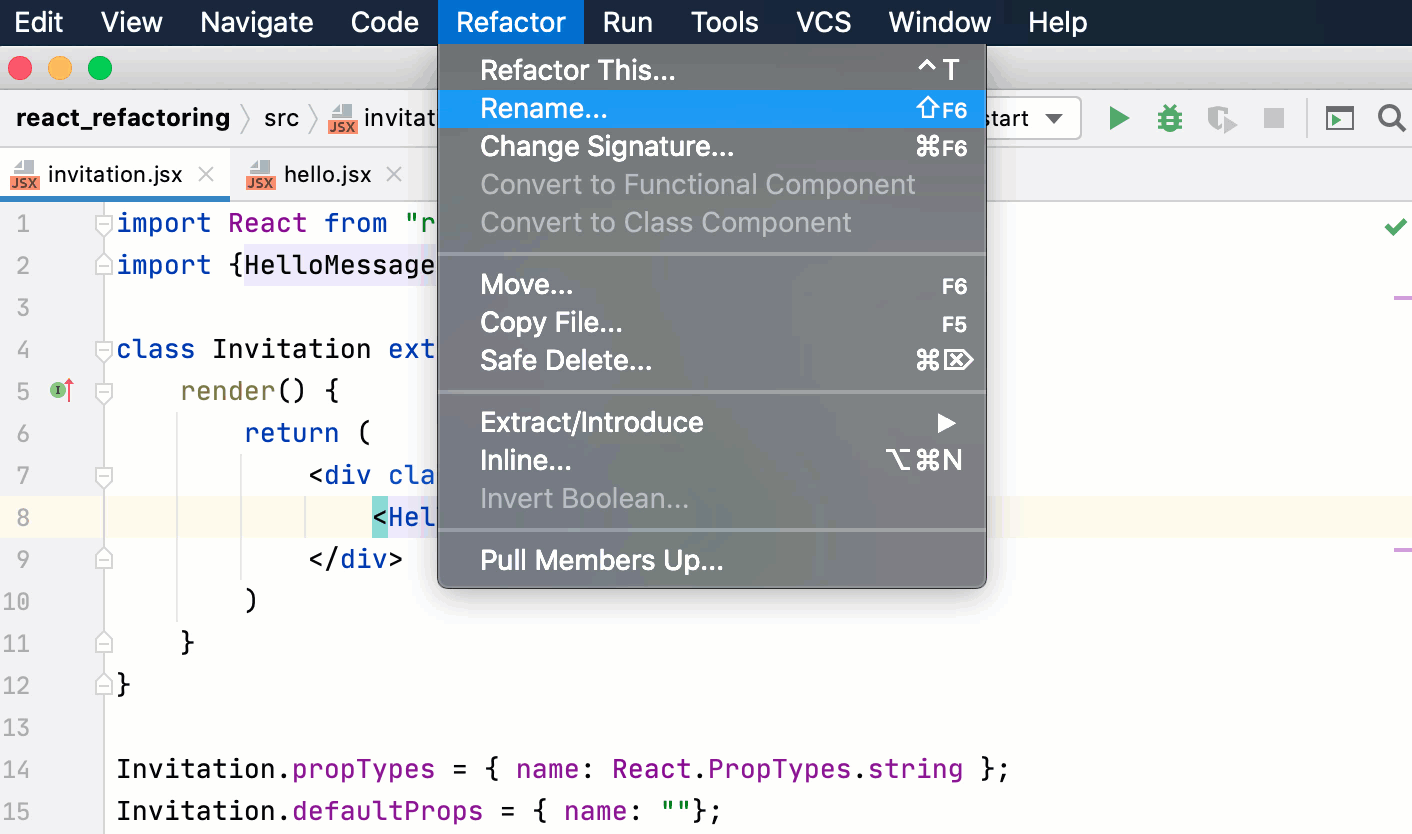
Place the caret within the component name and press Shift+F6 or select from the context menu.
Specify the new component name in compliance with React naming conventions.
Rename a state value
When you rename a state value, IntelliJ IDEA suggests renaming the corresponding setter (the function that updates this state value in a React useState hook).
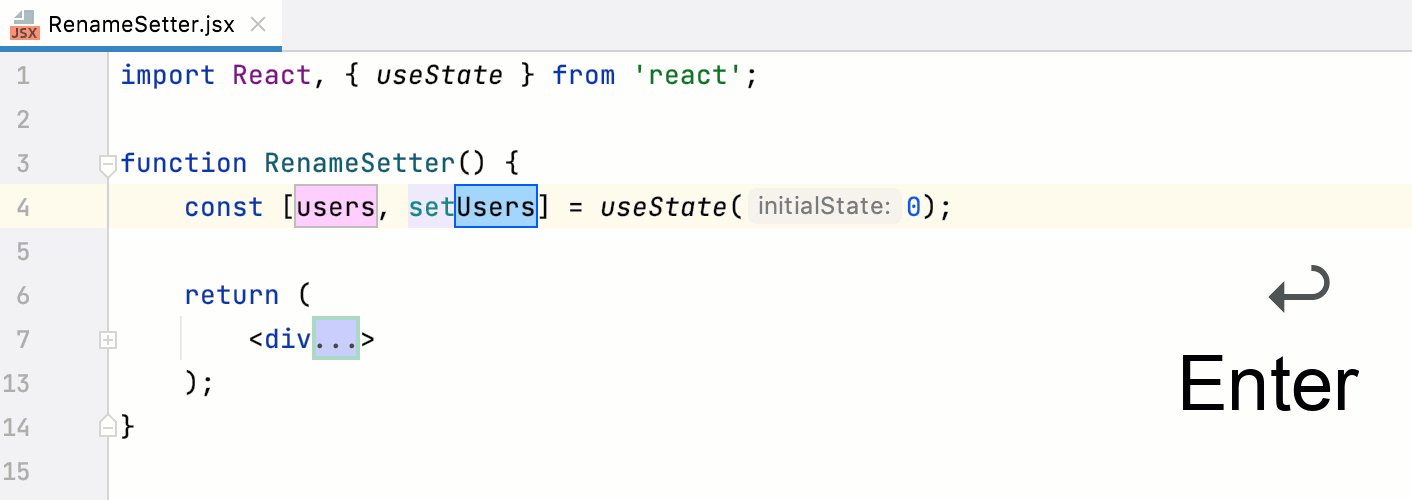
Place the caret within the name of the state value and press Shift+F6 or select from the main menu of from the context menu.
Specify the new value name and press Enter. The focus moves to the setter where the new name of the value is suggested. Press Enter to accept the suggestion.
Extract a component
You can create a new React component by extracting the JSX code from the render method of an existing component. The new component can be defined as a function or as a class, refer to Function and Class Components on the React official website. You can also have IntelliJ IDEA move the new component and all the required imports to a separate file.
Select the code you want to extract and choose from the context menu.
Alternatively, press Ctrl+Alt+Shift+T and select Extract Component from the popup or go to in the main menu.
In the dialog that opens, specify the name of the new component and its type. By default, a functional component is created. If you want to define the new component as a class, select Class.
To move the new component and all the required imports to a separate file, select the Create in separate file checkbox. By default, a new file with the name of the new component is created next to the current file, in the same folder. If necessary, specify another name in the Target file field.
Click OK. IntelliJ IDEA creates a new component and places a reference to it instead of the previously selected code fragment.
Optionally: modify the code templates that IntelliJ IDEA uses for new components. In the Settings dialog (Ctrl+Alt+S) , go to , open the Code tab, and update the templates as necessary using the Apache Velocity template language.
Convert a function to a class component
With the Convert to Class Component refactoring, IntelliJ IDEA generates a ES6 class with the name of the function which you want to convert. This class extends React .Component and contains a render() method where the function body is moved. Learn more from the React official website.
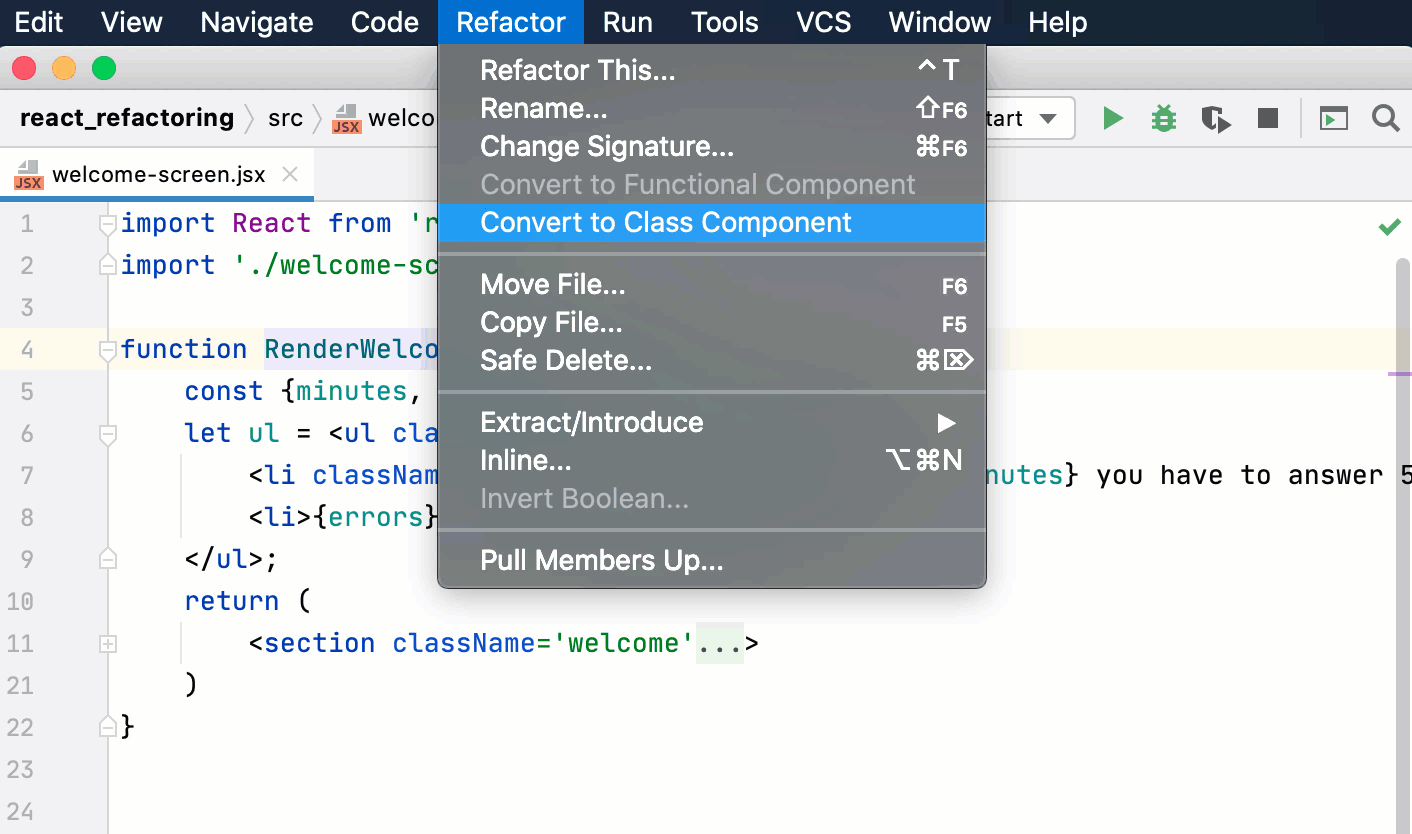
Place the caret anywhere inside the function to convert and select from the main menu or from the context menu.
Alternatively, press Ctrl+Alt+Shift+T and select Convert to Class Component from the popup.
Convert a class to a functional component
With the Convert to Functional Component refactoring, IntelliJ IDEA generates a function with the name of the class which you want to convert and moves the contents of the render() method to the function body.
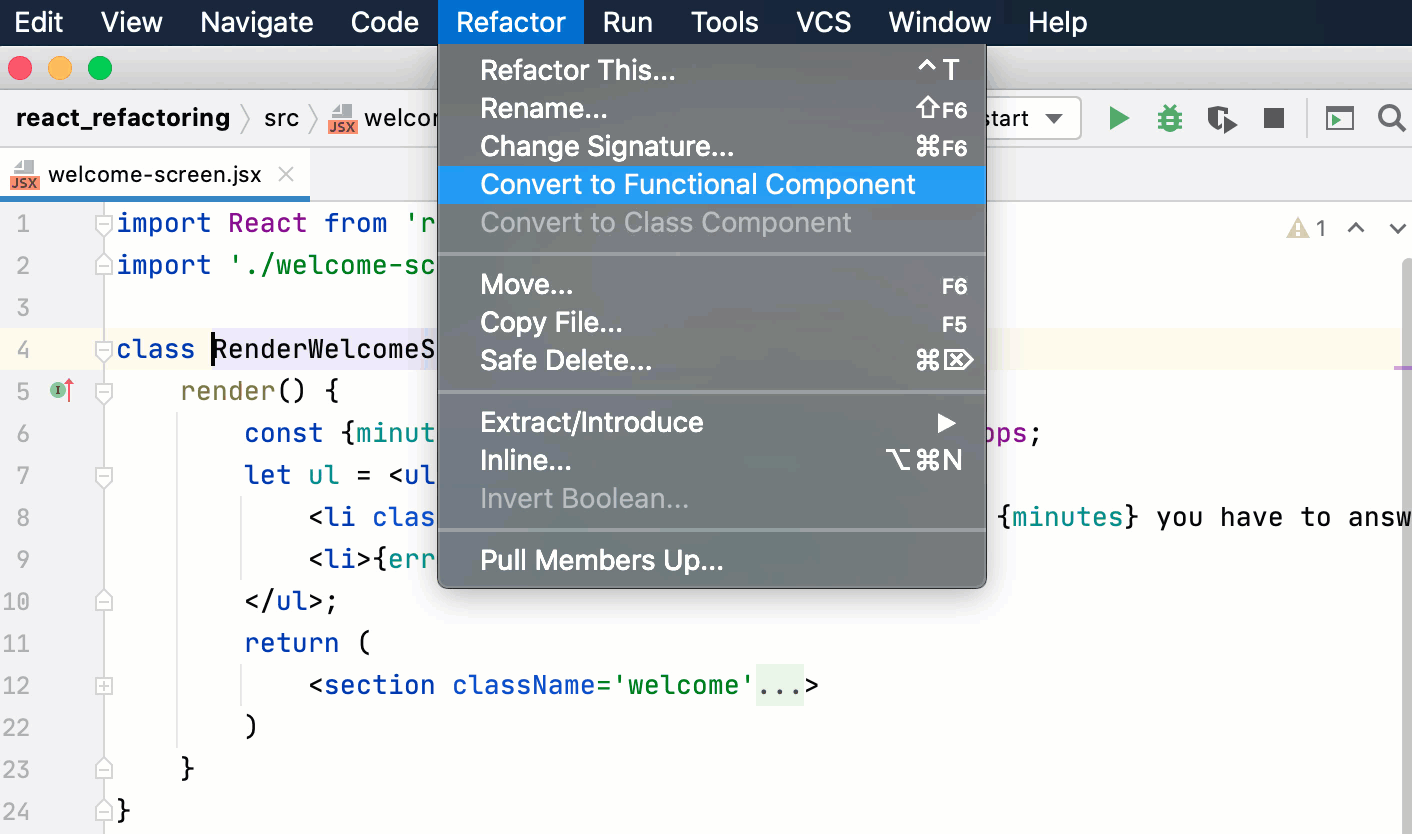
Place the caret anywhere inside the class to convert and select from the main menu or from the context menu.
Alternatively, press Ctrl+Alt+Shift+T and select Convert to Functional Component from the popup.
Destructuring in a React application
Destructuring lets you easily unpack values from arrays and objects into variables. This functionality has a very concise syntax that is often used when you need to pass data in your application.
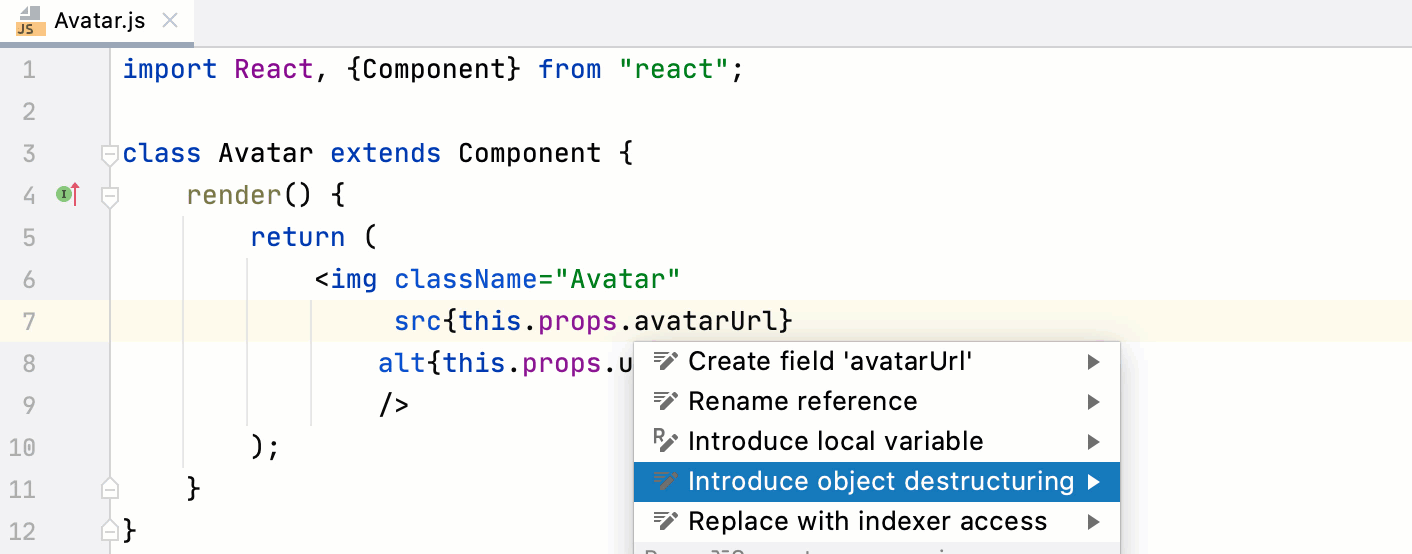
When working with React class components, consider using the Introduce object/array destructuring intention action. Learn more from Destructuring in JavaScript.