Scala classes and files
IntelliJ IDEA supports the practice of breaking Scala code into small functional chunks, each kept in its own file. Such files have their own specific icons. You can see those icons in the Project tool window that displays the contents of your project. Some of these icons are also visible in the New Scala Class/File window as you add new items to your project.
Add new Scala files or classes to your project
In the Project tool window (Alt+1), right-click the node in which you want to create a file or a class and select .
Name the new item and press Enter.
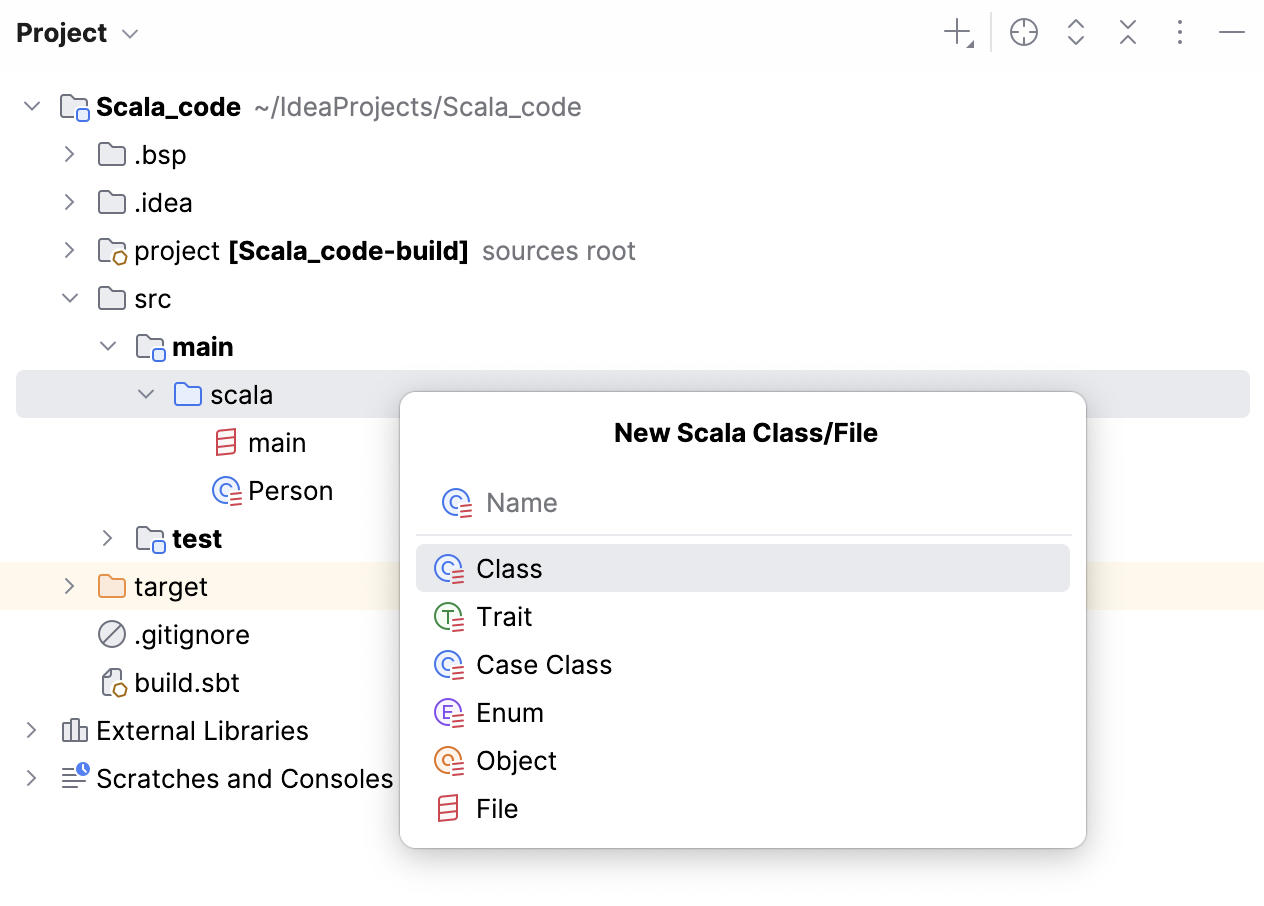
Note that the name of the file must be the same as the name of the data structure. Also, note that the rule of having only one data structure in the file applies only to the top-level structures. Within them, you can have as many other nested structures as you want.
Scala file icons
Icon | Description |
|---|---|
| A Scala file that contains only one |
| A Scala file that contains only one |
| A Scala file that contains only one |
| A Scala file that contains only one |
| A Scala file that contains only one |
| A Scala file that contains only one |
| A Scala file that contains only one |
| A Scala file that contains only one |
| A Scala file that contains more than one data structure. |


