Scala implicits
Implicit conversions
IntelliJ IDEA lets you invoke implicit conversion methods and arguments.
List implicit conversions
Select an expression and press Ctrl+Shift+Q (Ctrl+Q for macOS) to invoke the list of applicable implicit conversions. The list shows the regular scope displayed on the top and the expanded scope displayed on the bottom of the list.
If you need, make the implicit conversion method explicit. Press Alt+Enter and select Make explicit or Make explicit (Import method).
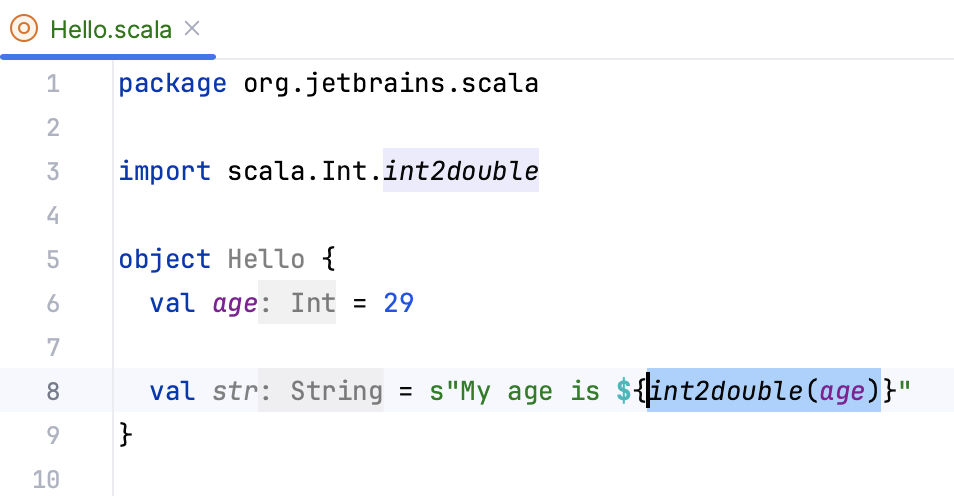
If you select Make explicit, IntelliJ IDEA returns a method call with the class name. It might be helpful if you need to make sure that the compiler imports a particular implicit conversion method that you originally wanted:
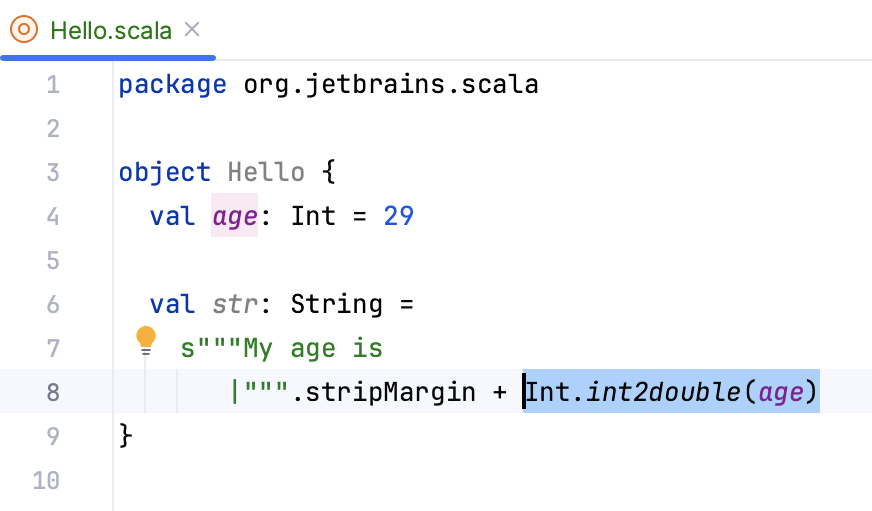
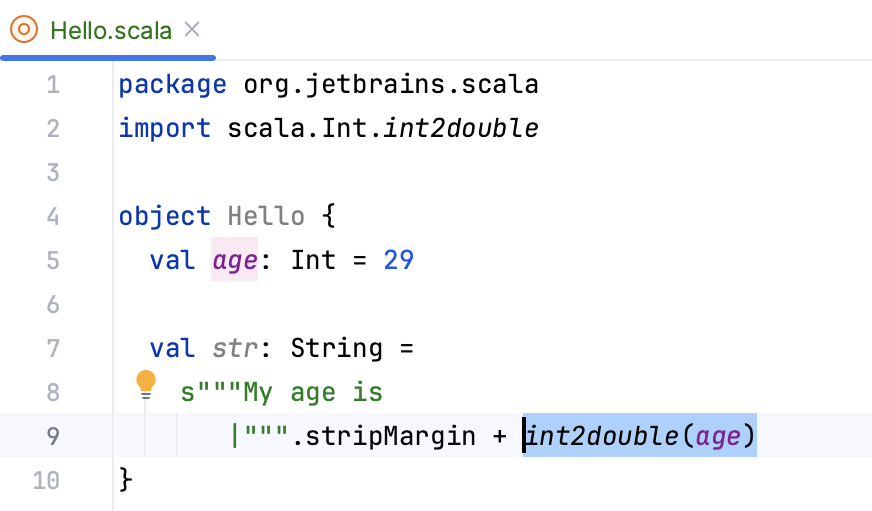
If you select Make explicit (Import method), the method is imported statically, and IntelliJ IDEA returns just its call without the class name. Also, the next time you open the list of useful implicit conversions, you will see this method in the regular scope:
List implicit arguments
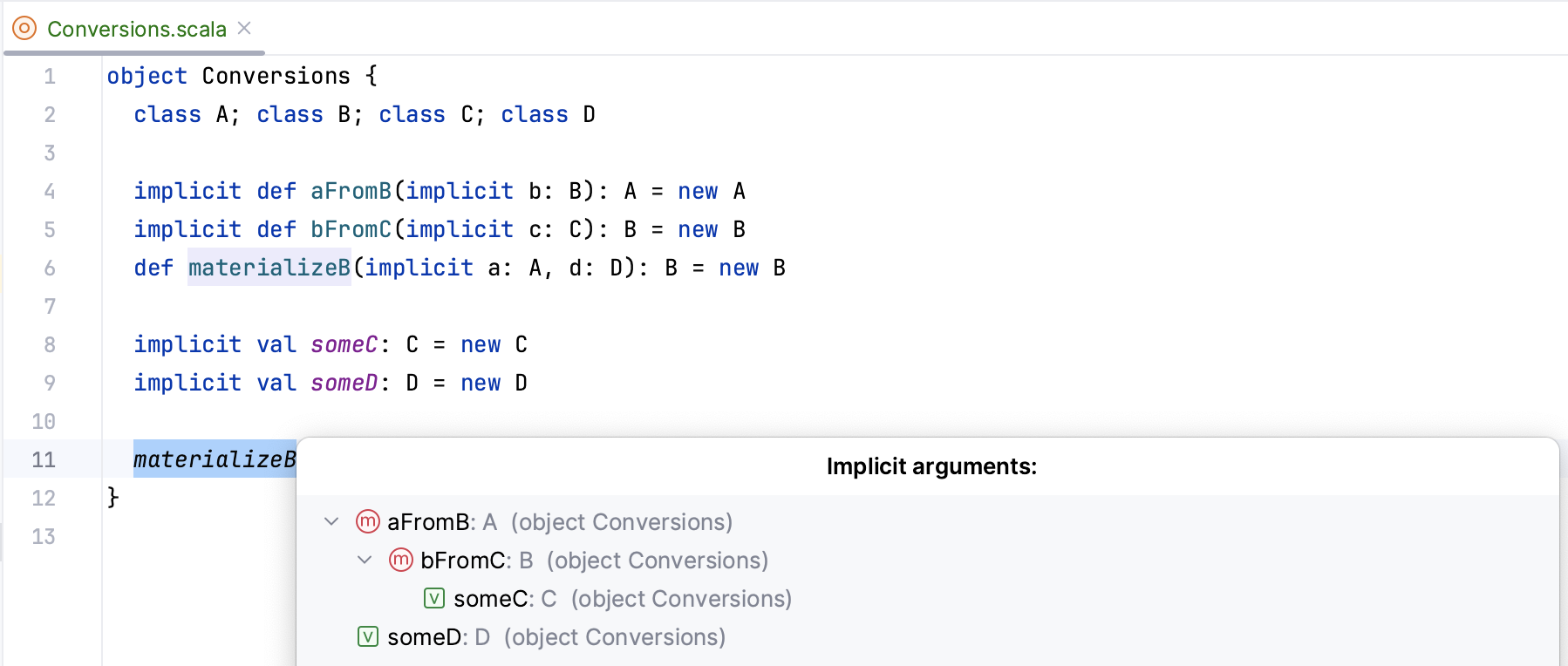
Place the caret at the method where implicit conversion was used and press Ctrl+Shift+P to invoke implicit arguments. It might be helpful for code analyzing when you want to find out what implicit arguments were passed to the particular call. It also lets you view the recursive implicit arguments.
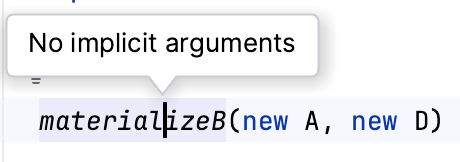
If IntelliJ IDEA cannot find method calls where implicit parameters were passed, it displays a pop-up message:
Find Usages for implicits
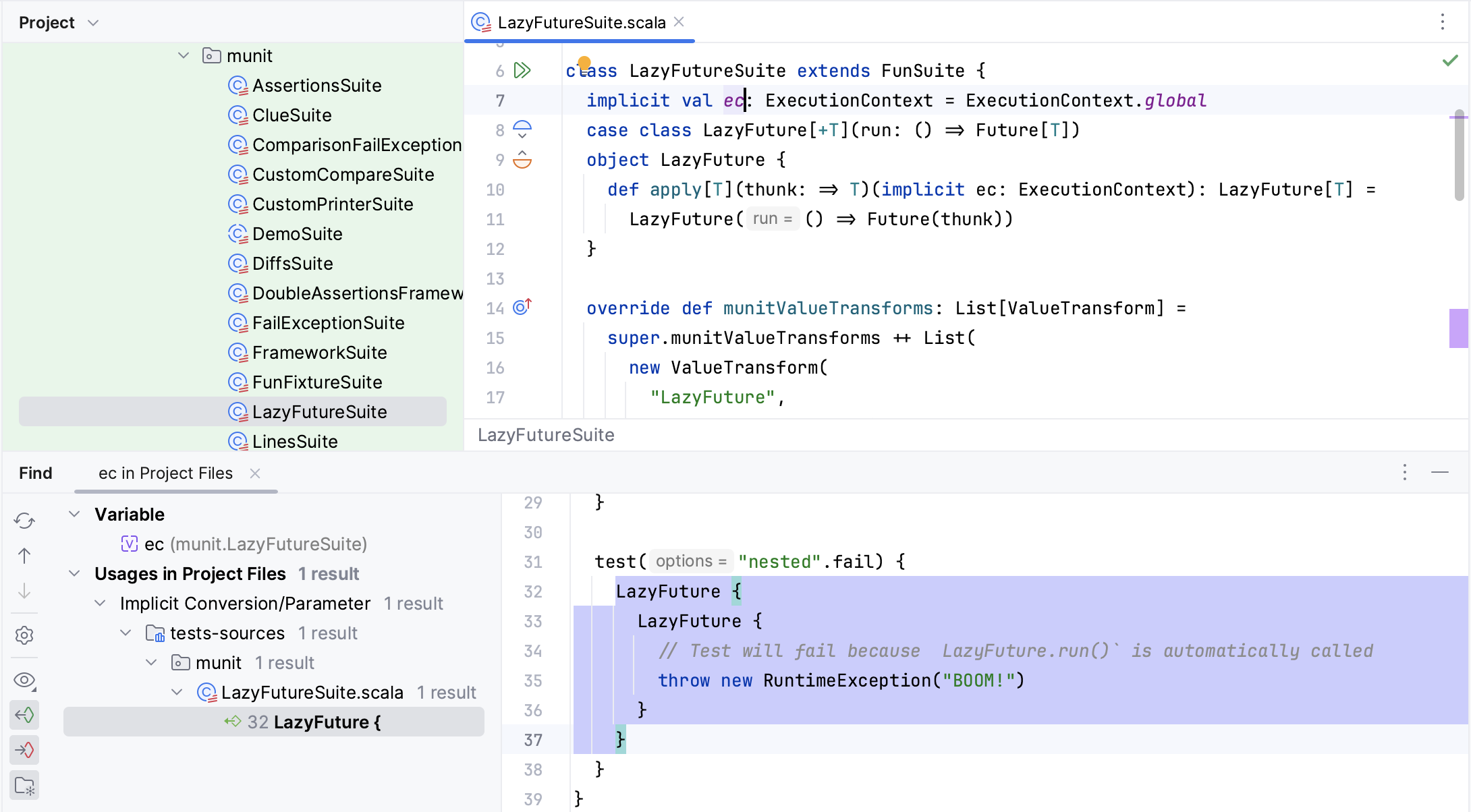
You can navigate from implicits definitions to their usages using the Find Usages action. In the editor, select the implicits definition and from the context menu, select Find Usages Alt+F7.
This capability relies on bytecode indexes, and can also be used to locate the following hidden elements that are not present in the source code as is:
apply/unapplymethod callsSingle Abstract Method (SAM) type instantiations
foreach/map/flatMap/filter/withFiltercalls via a for-comprehension
Auto-import for implicits
IntelliJ IDEA supports the auto-import for unresolved implicit conversions. Enter your code in the editor. Place the caret at the unresolved expression and press Alt+Enter and, from the list of the suggested options, select the conversion to import. As a result, IntelliJ IDEA adds the necessary import statements.