Navigation and search
Java and Kotlin by IntelliJ IDEA provides code navigation features that help you navigate between related symbols, search for usages, and view documentation without leaving the editor.
Go to a declaration or its type
To jump from a usage to the declaration of a symbol, place the caret on it and press F12.
To jump to the declaration of the symbol's type instead, right-click a symbol and select Go to Type Declaration from the context menu.
Go to implementations
To navigate from a symbol to its implementations, place the caret on the declaration and press Ctrl+F12.
Go to super method
Hover over a method that overrides a super method to view the signature of the super method, then click Go to super method to jump to its declaration.

Find usages
To find all places in your code base where a symbol is used, place the caret on it and press Shift+F12. The editor lists the references so that you can review them and jump to each one.
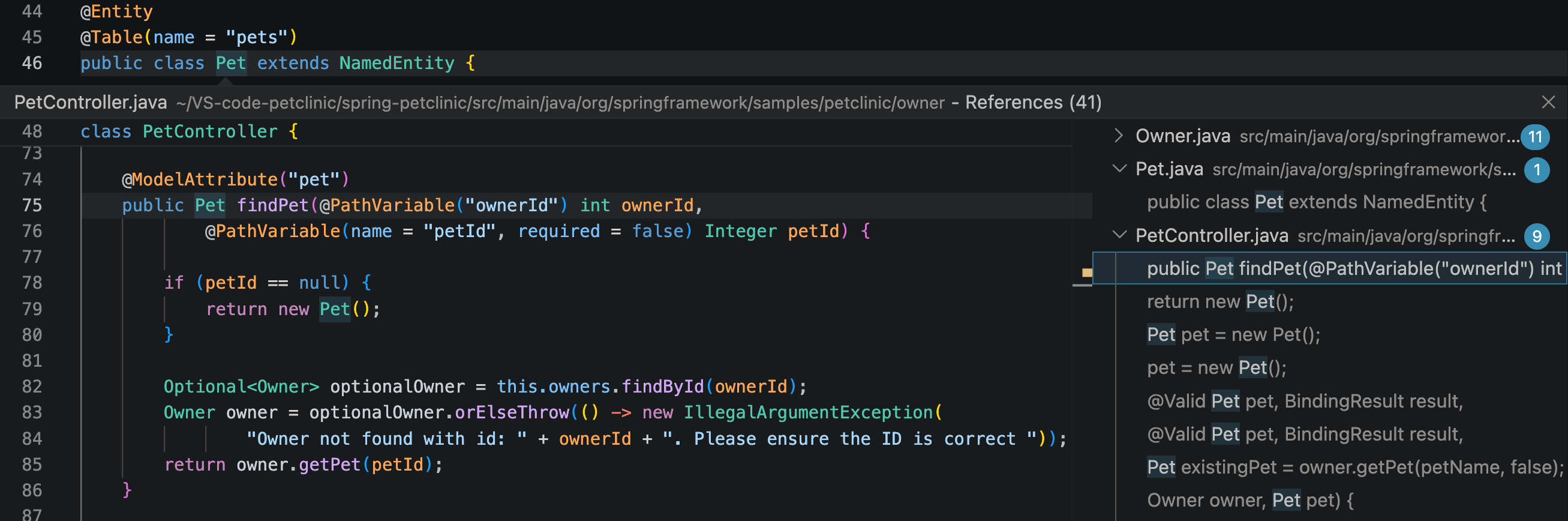
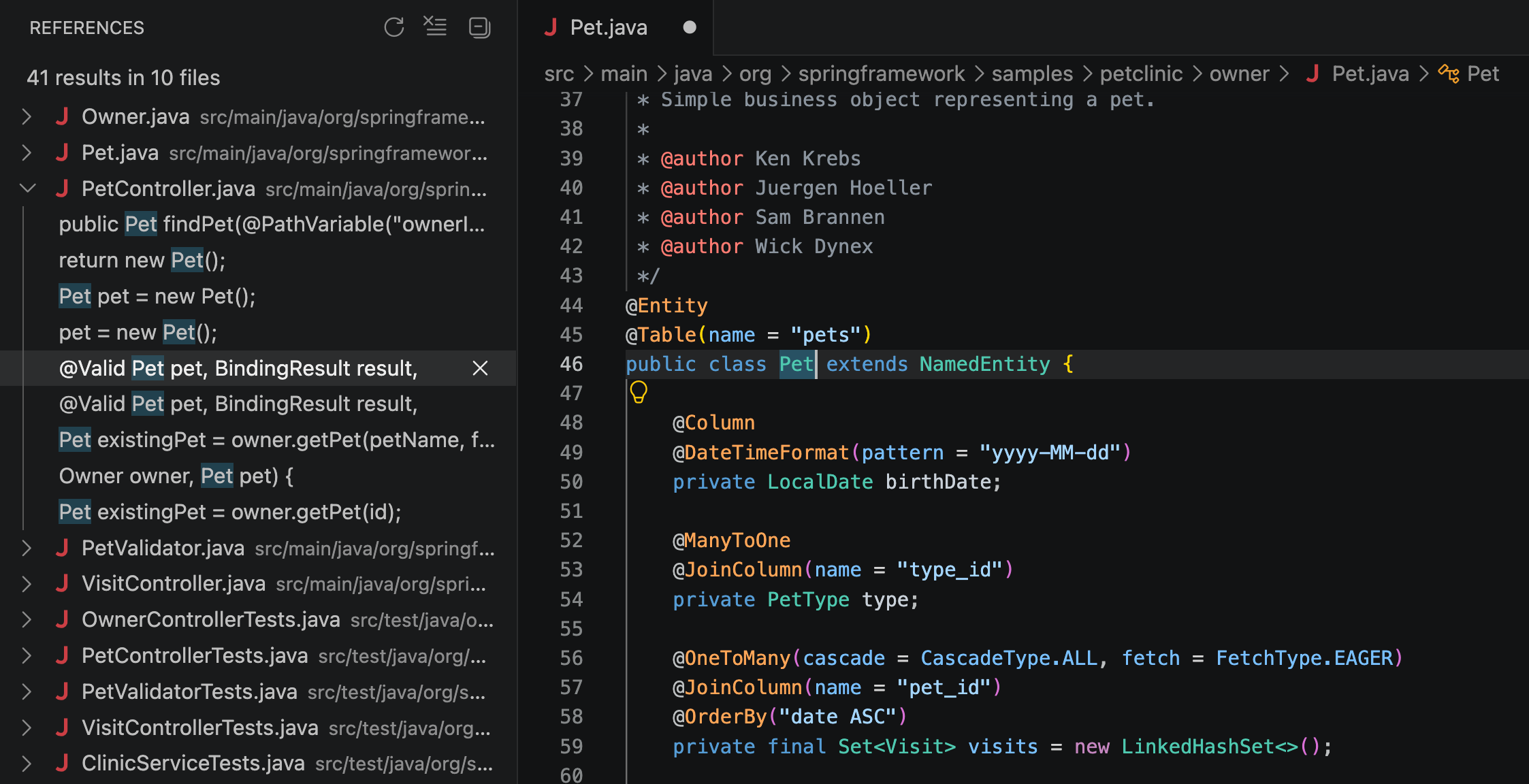
You can also select a symbol and press Shift+F12 to list all references to it in a sidebar.
Navigate between errors
To move through the problems that Java and Kotlin by IntelliJ IDEA reports in the current file, press Alt+F8 to jump to the next error and Alt+Shift+F8 to jump to the previous one.
Call and type hierarchies
Java and Kotlin by IntelliJ IDEA provides hierarchy views for exploring relationships between symbols:
The call hierarchy shows the callers and callees of a method.
The type hierarchy shows the supertypes and subtypes of a class or an interface.
To open a hierarchy, right-click the symbol you want to inspect and select Show Call Hierarchy or Show Type Hierarchy from the context menu.
View documentation
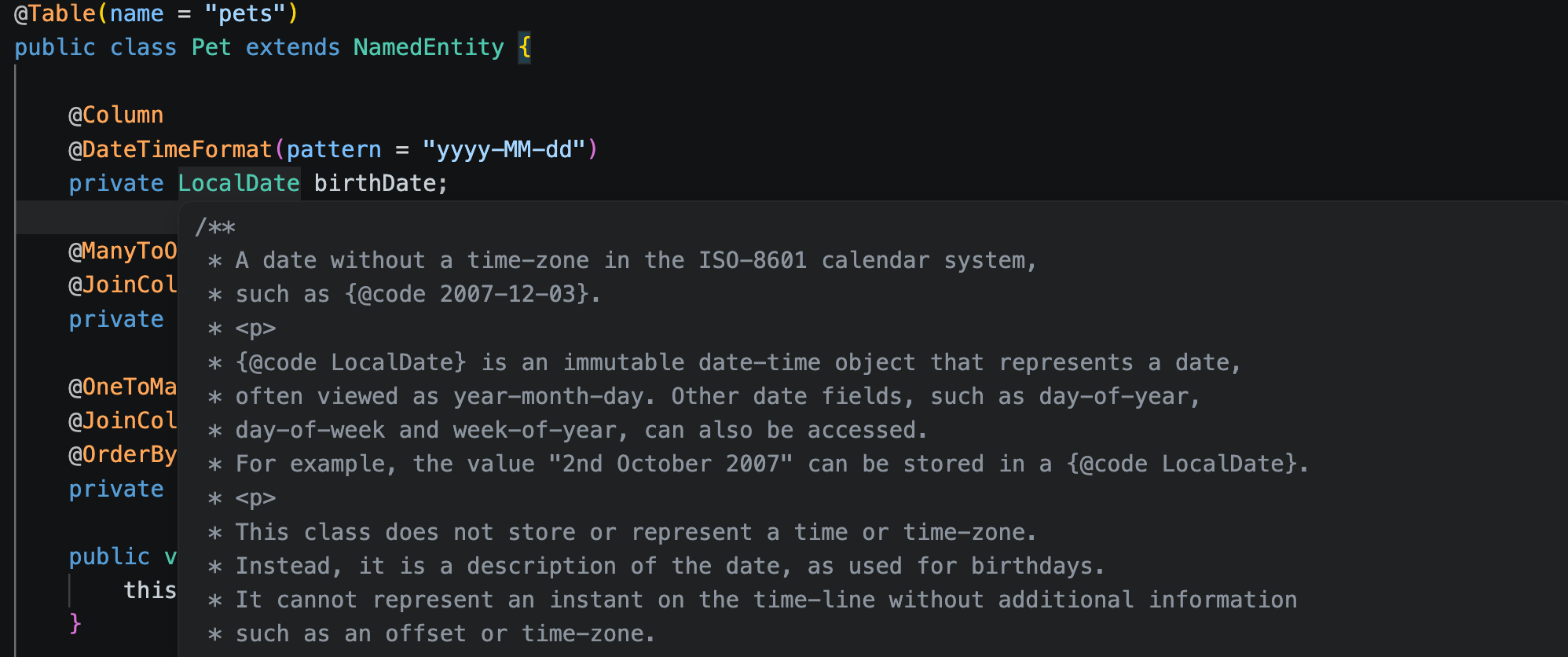
To read the documentation for a symbol, hover over it in the editor. The extension shows the quick documentation, including the signature and any doc comments.
To open the documentation from the keyboard, place the caret on the symbol and press Ctrl+Shift+F1.