Manage automatic subscription renewal
JetBrains product subscriptions purchased for an organization are consolidated into Subscription Packs. To renew a specific subscription automatically, you need to enable automatic renewal for the pack it belongs to.
Enable automatic renewal
Log in to JetBrains Central Console.
In the sidebar under Billing select Subscription packs.
If you don't see this page, your role doesn't have the necessary permissions.
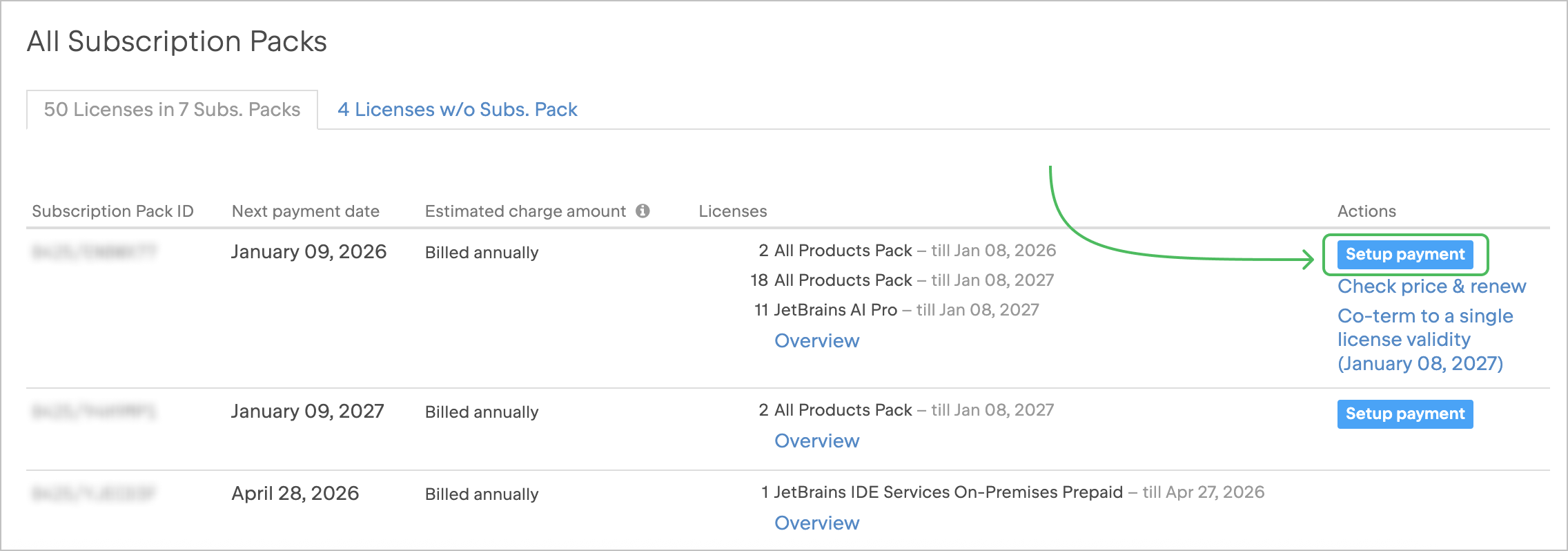
Find the Subscription Pack you want to renew automatically and click Setup payment.
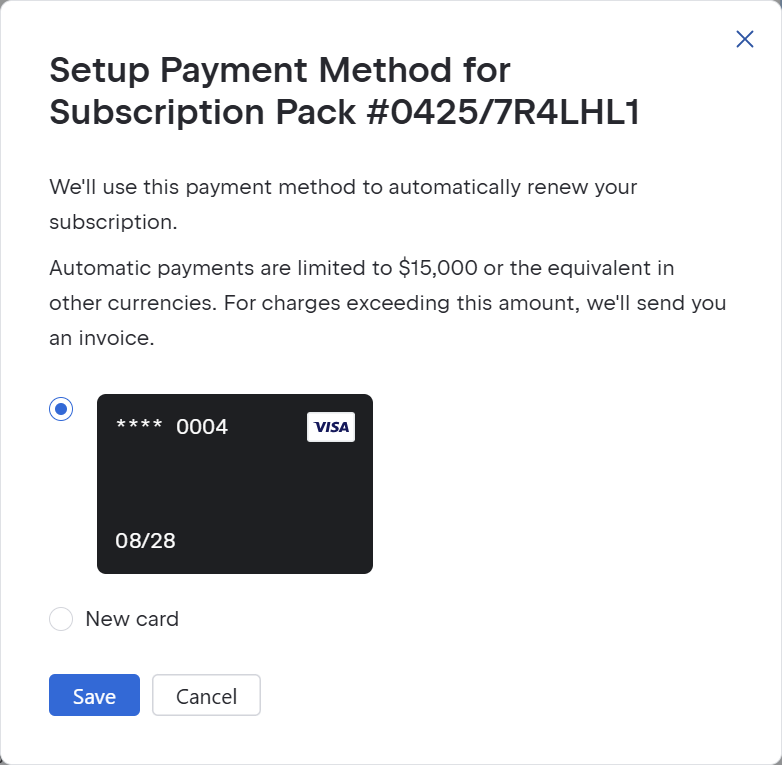
If you already have a payment method saved, you can either use it or add a new one.
If you don't yet have a payment method saved, you'll need to add one by entering your card details.
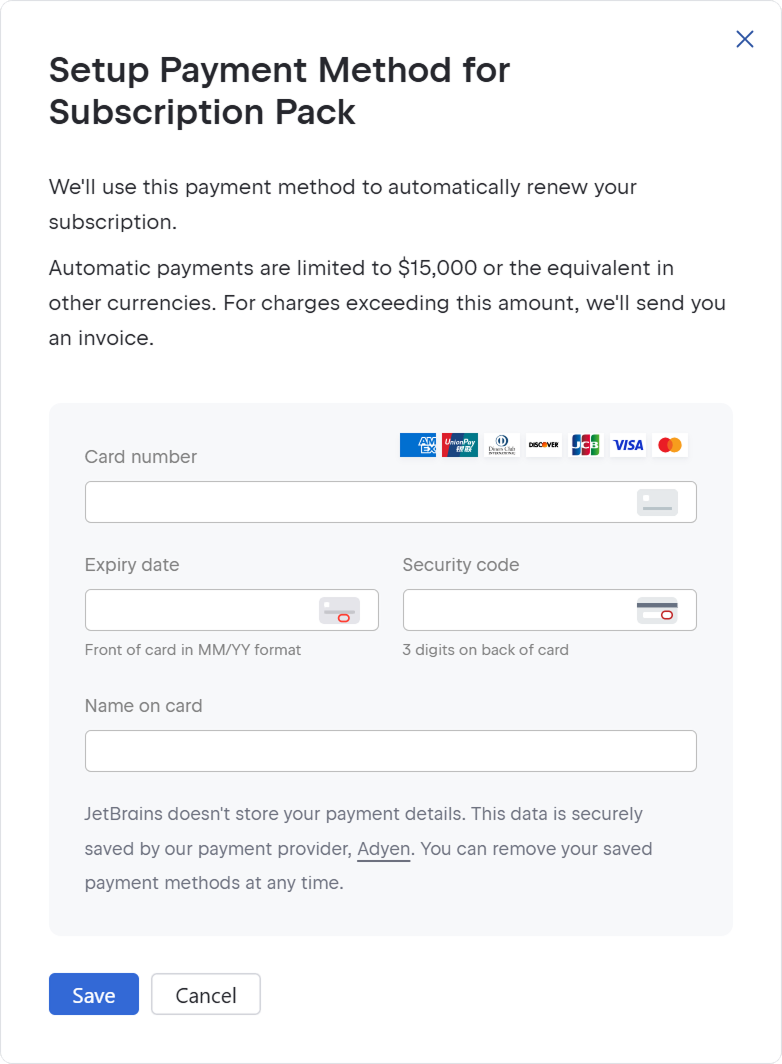
Click Save. From now on, the payment method you selected will be used to automatically renew all subscriptions in this Subscription Pack.
Disable automatic renewal
Log in to JetBrains Central Console.
In the sidebar under Billing select Subscription packs.
If you don't see this page, your role doesn't have the necessary permissions.
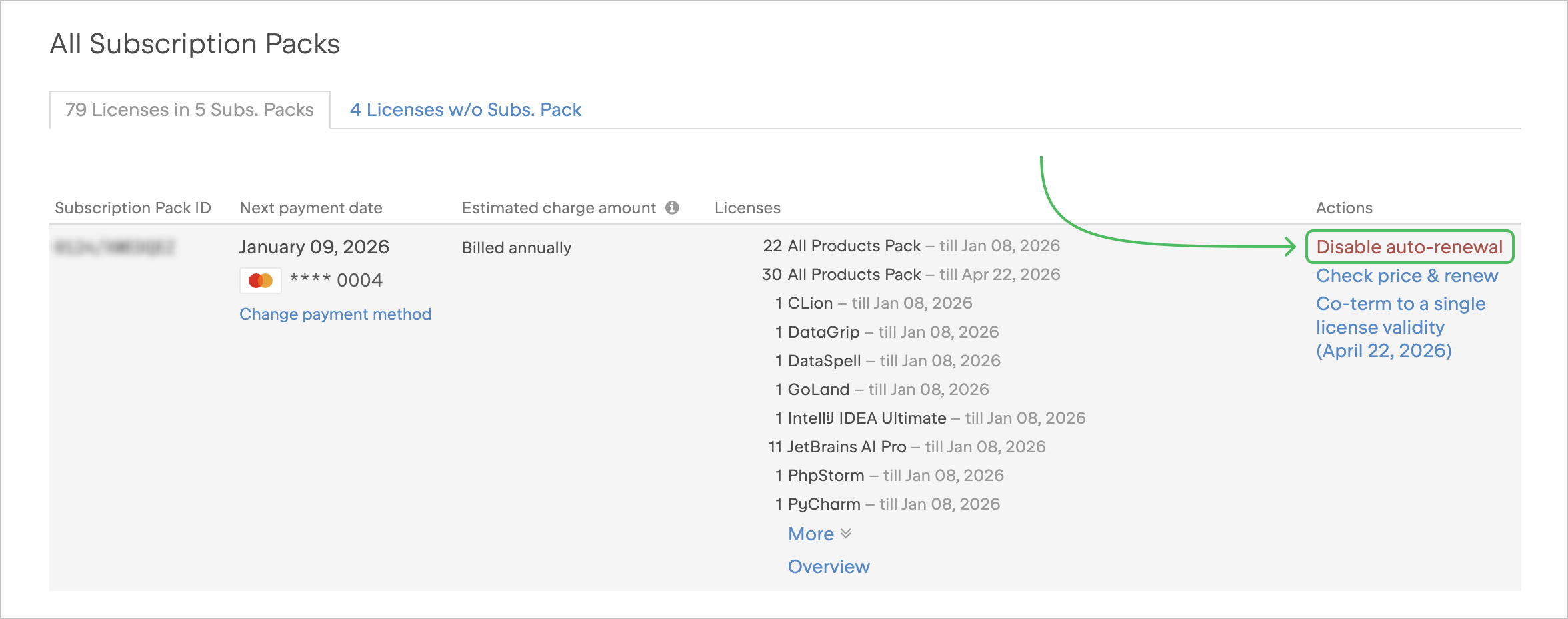
Find the desired Subscription Pack and click Disable auto-renewal.
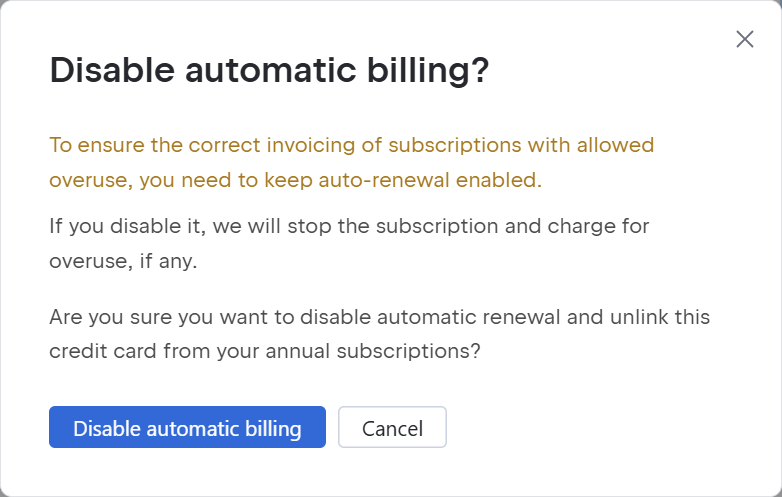
In the dialog that pops up, click Disable automatic billing.
That’s it! The subscriptions in your pack will stay active until their expiration dates. After that, you’ll be able to renew the pack manually.