Renew a subscription pack
All subscriptions in a pack renew at the same time. We’ll send you payment reminders as the expiration date gets closer. To renew, click the link in the reminder and pay online or request a quote. To make it even easier, you can set up automatic renewals.
If you’d like to renew ahead of time, you can always do so manually through JetBrains Central Console.
Renew a subscription pack
Log in to JetBrains Central Console.
In the sidebar under Billing select Subscription packs.
If you don't see this page, your role doesn't have the necessary permissions.
Find the subscription pack you’d like to renew and click Check price & renew.
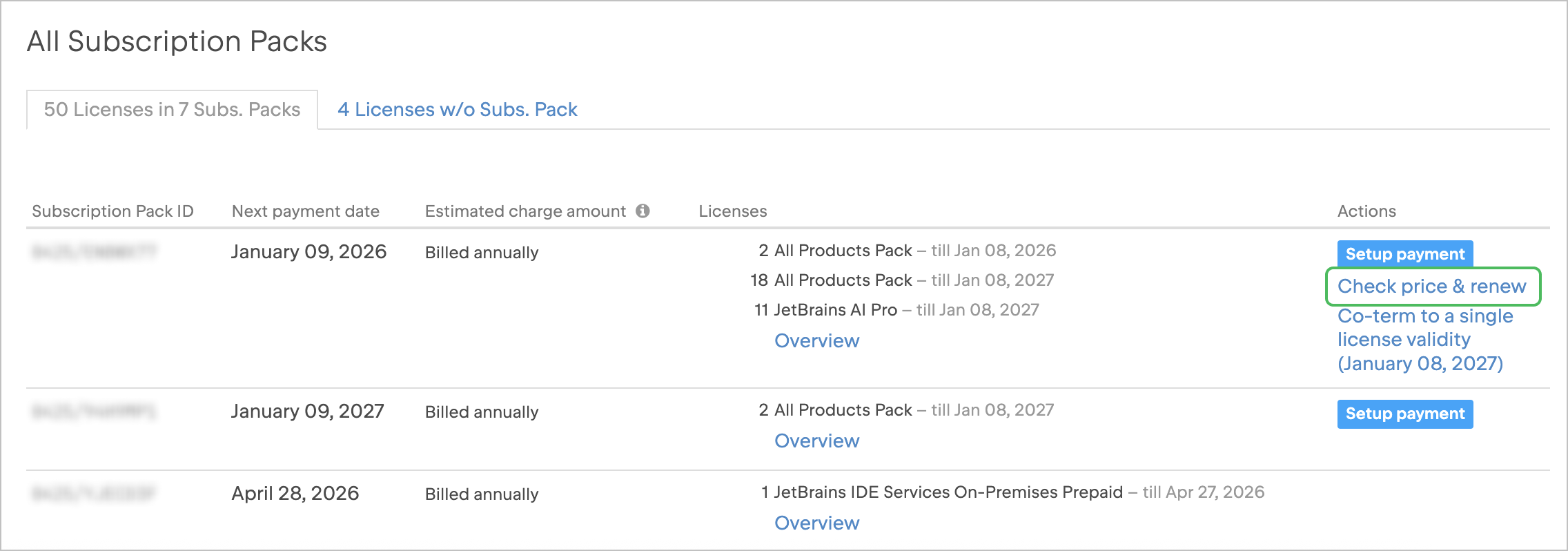
You’ll be taken to the checkout page, where you can check the renewal price, pay online, or request a quote.
10 September 2026