Revoking licenses from users
You can revoke product licenses from end users at any time. Once you do that, the users won't be able to use the product anymore.
Log in to JetBrains Console.
If you have the Manage licensing and billing or Manage organization permission, in the sidebar under Licensing select Products and services. If you're a team admin, click in the sidebar, select your team and click in the team management menu.
If you don't see this page, or the controls on this page are inactive, make sure your role has the necessary permissions.
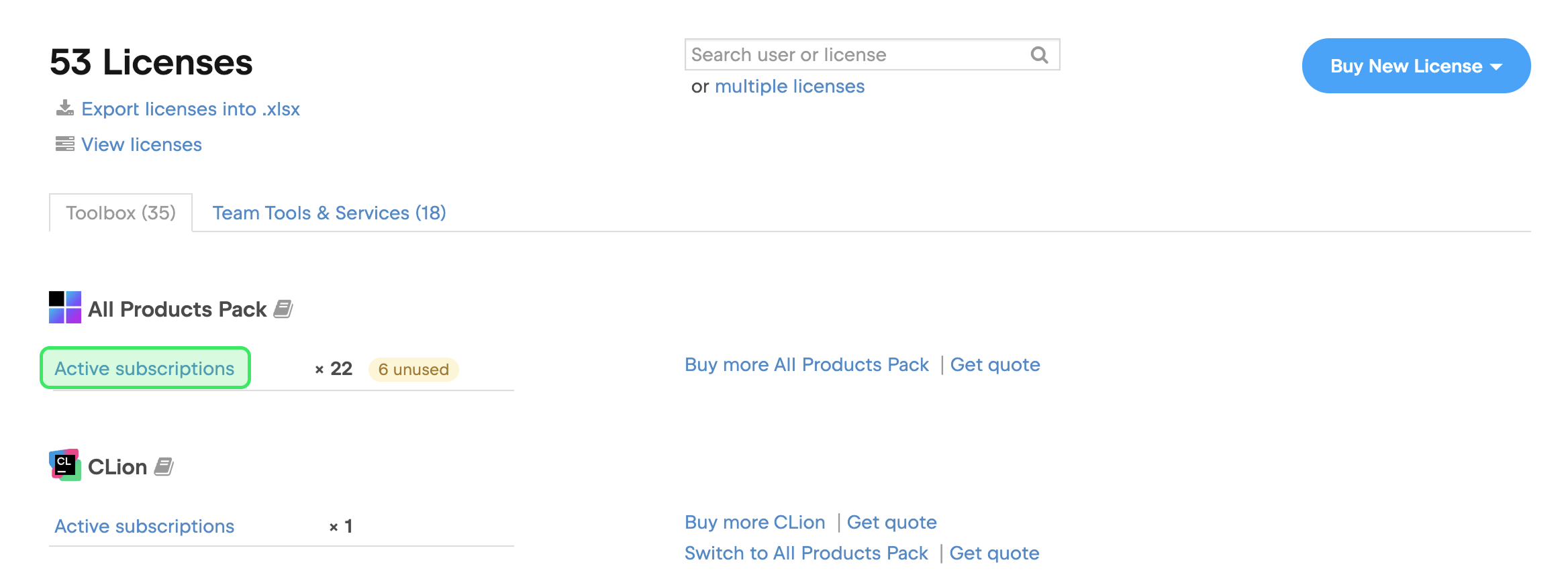
You will see a list of all product licenses that belong to your company or team. Locate the relevant product name in the list, and click Active subscriptions under it.
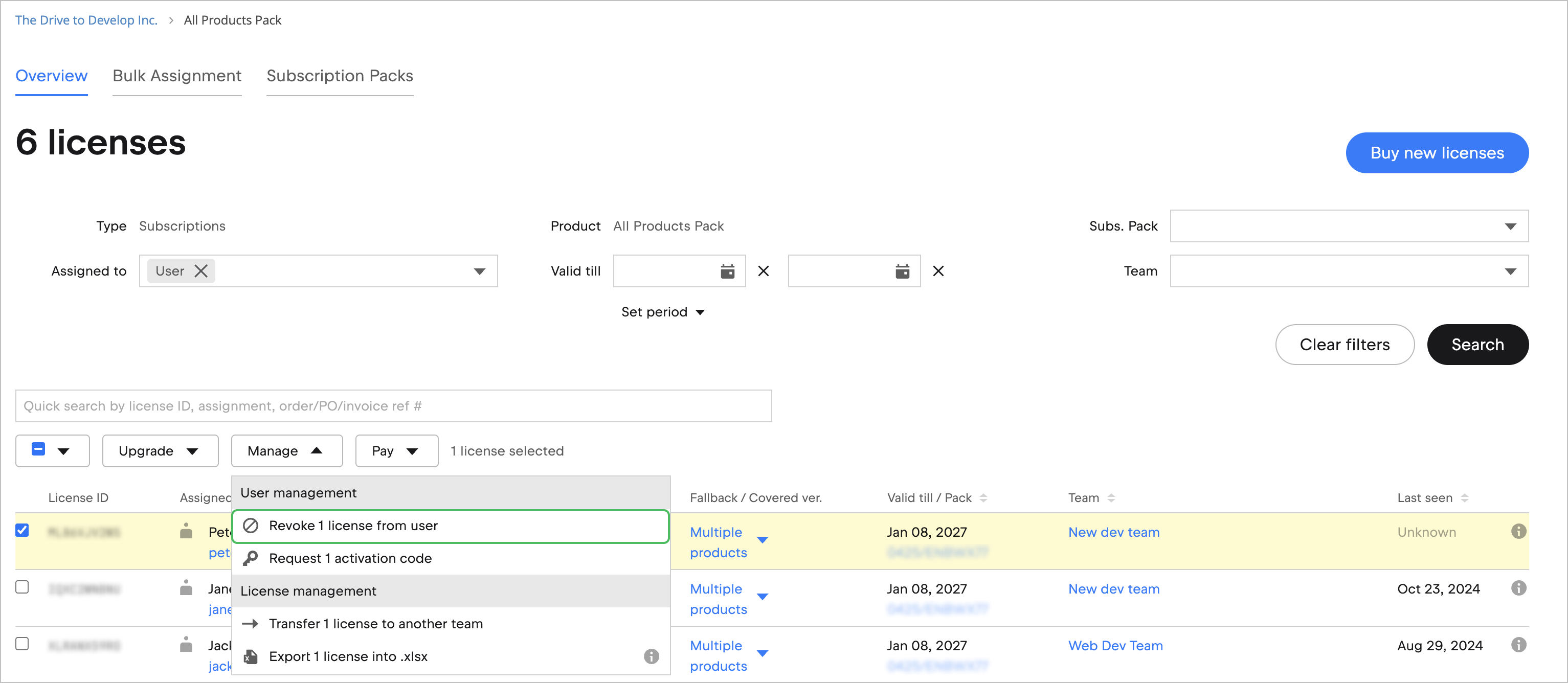
Check the boxes next to the licenses you want to revoke and click Manage at the top. Then select Revoke x licenses from users.
In the dialog that pops up, click Revoke x licenses to confirm.
All selected licenses are revoked immediately. The users won't be able to use the products until you assign a valid license to them.