.aiignore
You can restrict Junie from processing the contents of specific files or folders by creating and configuring an .aiignore file in the project root directory. If a file or folder is on the .aiignore list, Junie will ask for explicit approval before viewing or editing it.
The .aiignore file follows the same syntax and pattern format as the .gitignore file.
Add .aiignore file
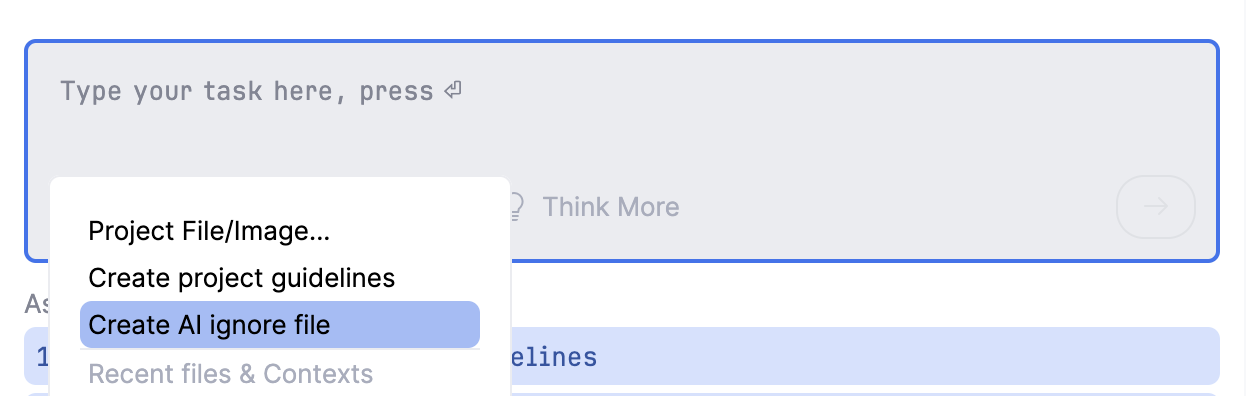
To add the .aiignore file, click  on the prompt panel and select Create AI ignore file.
The configured .aiignore file might look as follows:
# Ignore build output directories
target/
out/
# Ignore Maven wrapper files
.mvn/
# Ignore project files
.idea/
*.iml
# Ignore compiled Java class files
*.class
# Ignore all .java files except the ones from the 'src/main' folder
*.java
!src/main/**/*.java
# Ignore test reports and test directories
test-results/
allure-results/
# Ignore logs and temporary files
logs/
*.log
*.tmp
14 November 2025