Use interactive widgets
PyCharm supports interactive widgets that provide integration between Python code running in the notebook kernel and JavaScript running in the browser.
For more details about the variety and specifics of interactive widgets, refer to Jupyter widgets documentation.
Adding widget code to your Jupyter notebook
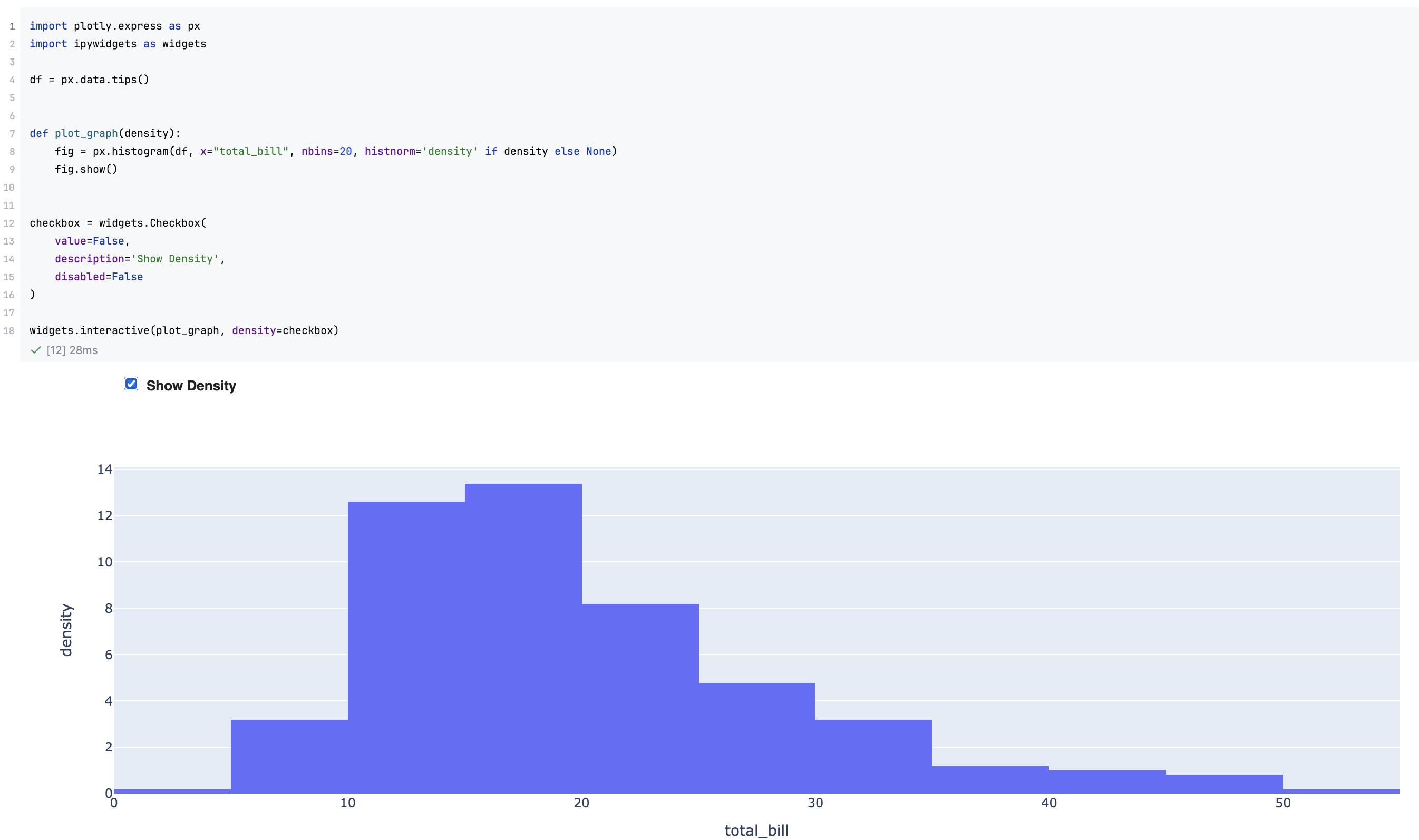
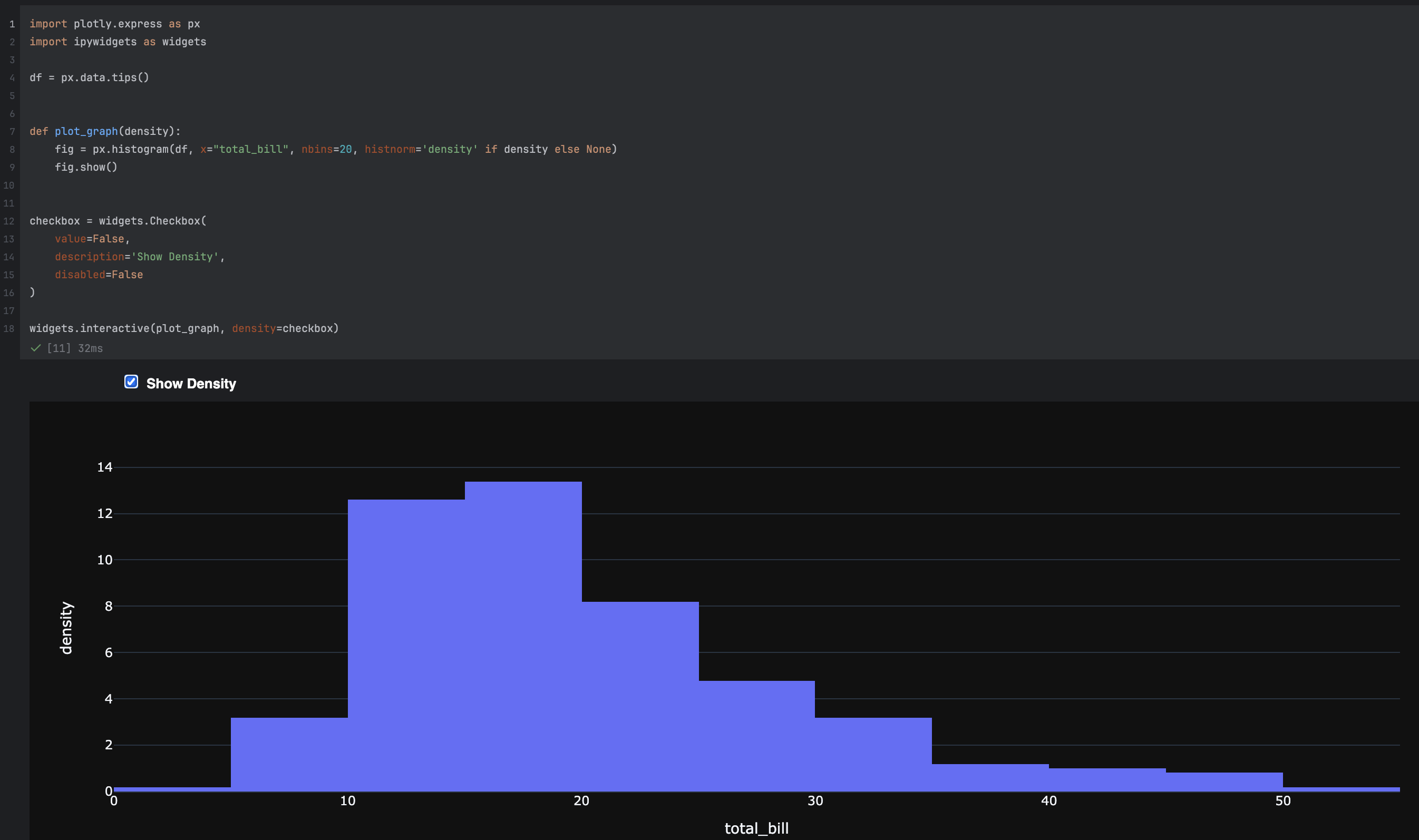
To add an interactive widget to your notebook, first add a code cell. For example, you could use this code sample:
To preview the widgets, you need to execute the corresponding code cell.
Handling security requirements
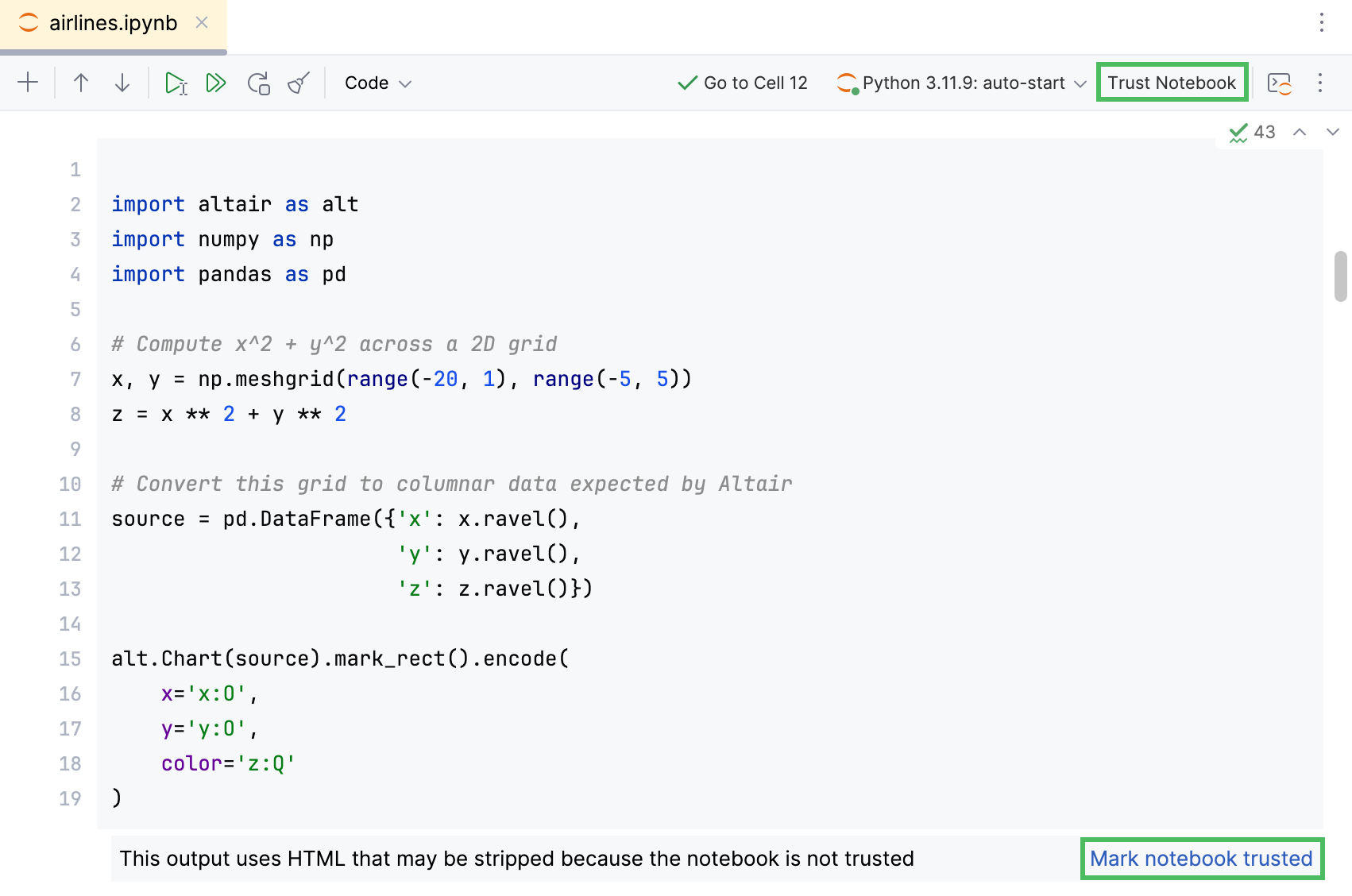
If you open any JavaScript or HTML code in a notebook file created outside of your project, that notebook is considered untrusted. According to the security model established for Jupyter notebooks, untrusted JavaScript code is never executed, and untrusted HTML code is always sanitized.
That's why, for example, when you try to execute HTML in such a notebook, you will receive an error message: This output uses HTML that may be stripped because the notebook is not trusted.
Click Trust Notebook checkbox on the Jupyter notebook toolbar or Mark notebook trusted to explicitly allow executing HTML (JavaScript) in your Jupyter notebook.