PyCharm for Education
PyCharm can be used for learning and teaching programming. You can learn Python from scratch or perfect your skills with interactive courses and programming contests. If you are interested in creating your own courses, you can do it right in PyCharm as well.
Start the learning course
Download PyCharm to use it for your educational purposes right away. If you need further instructions, refer to the installation guide.
On the Welcome screen, click Learn in the left pane.
In the right pane, click Enable Access under Learn to program and then Get Started.
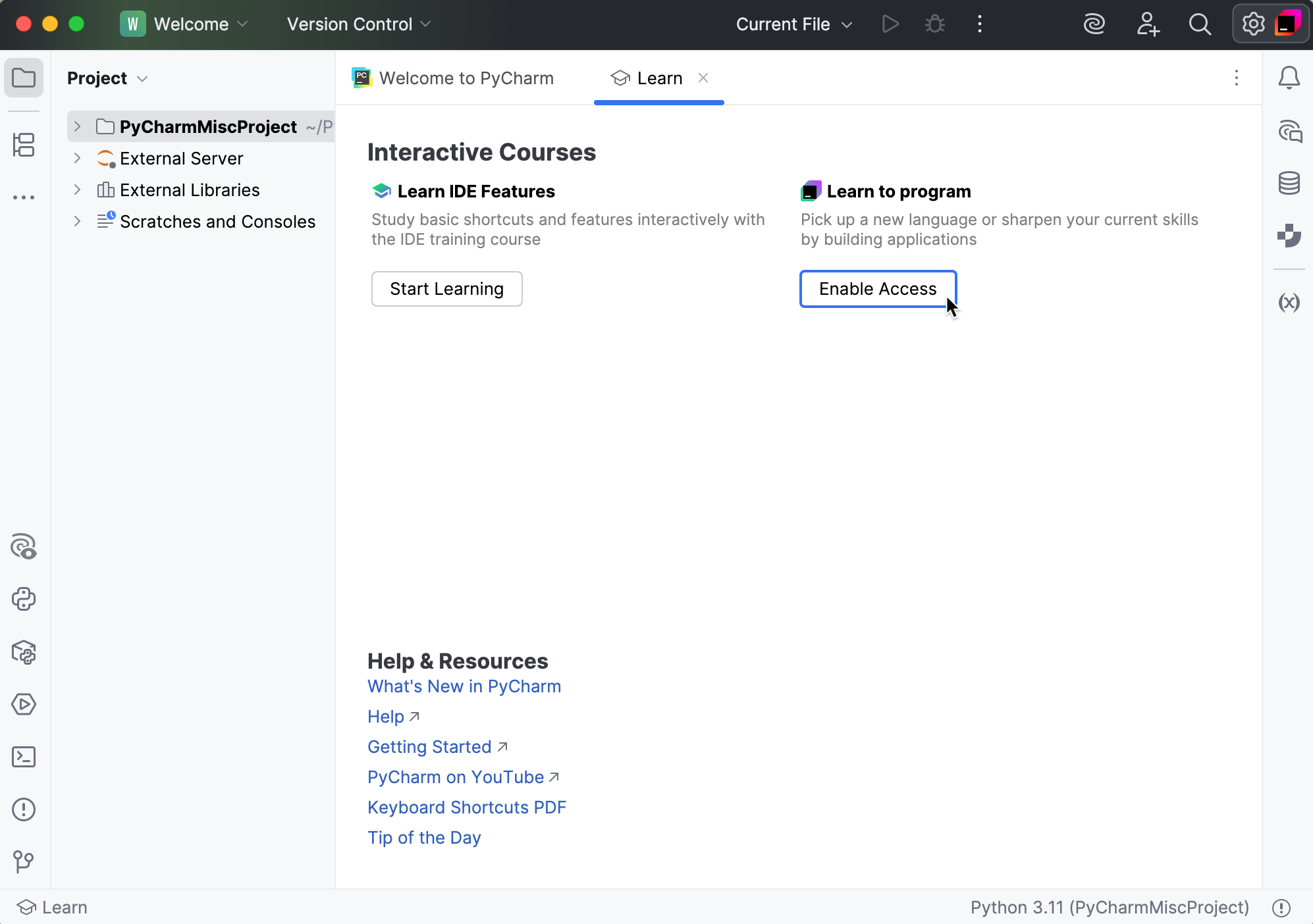
In the Select Course dialog, select a course you want to take and click Open.
PyCharm downloads the selected course and opens it inside the IDE.
When the course gets opened inside the IDE, you are ready to start. Its tasks can be easily followed.
Work with the main menu
You can also use the main menu to browse other courses, create new ones, or report issues.
In the main menu, go to to choose options for browsing new courses, create the new or the hyper skill course.
Go to to file found issues in the project.
Do you want to learn more? Check out the PyCharm for Education web page.