Step through the program
Stepping is the process of controlling step-by-step execution of the program.
After you have started the debugging session and suspended your program, RustRover provides you with a set of stepping actions. The choice of a particular stepping action depends on your strategy, such as whether you need to go directly to the next line or inspect the intermediate method calls as well.
The stepping buttons are located on the Debug tool window toolbar.
Step over
Steps over the current line and takes you to the next line even if the current line includes function calls. The calls are skipped, and you move straight to the next line of the caller.
Click the Step Over button
 or press F8.
If there are breakpoints inside the skipped methods, the debugger will stop at them. To skip any breakpoints on the way, use Force step over.
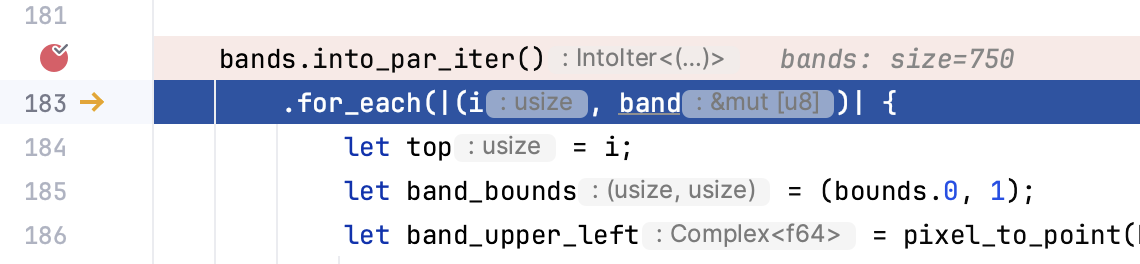
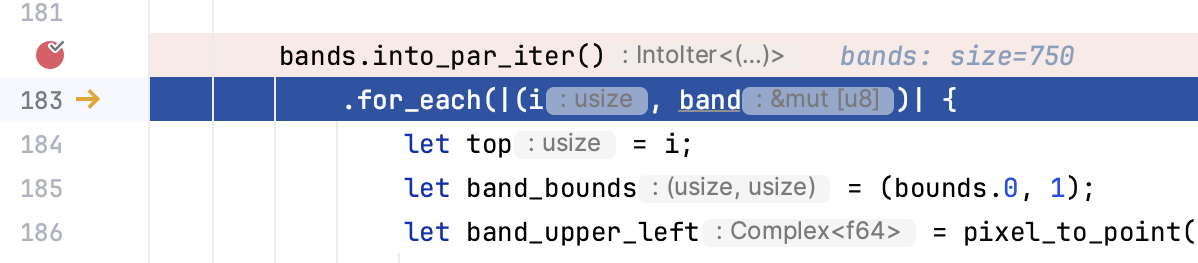
Step into
Enters the method to show what happens inside it.
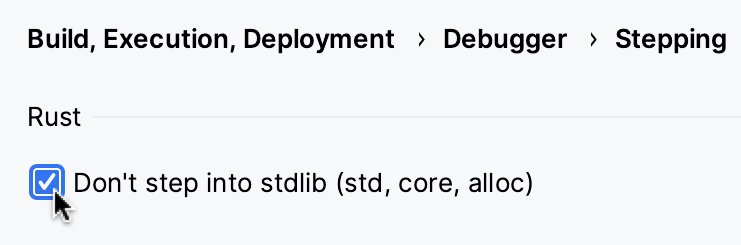
If you don't want to step into standard library code (std, core, alloc), in the Settings dialog (Ctrl+Alt+S) , go to and set the Do not step into stdlib checkbox.
Step out
Steps out of the current function and takes you to the code of the caller.
Run to cursor
Continues the execution until the position of the caret is reached.
Place the caret at the line where you want the program to pause.
Select Run to Cursor from the
 menu or press Alt+F9.
Also, you can Run to Cursor by hovering over the line and clicking the Run to Cursor icon.
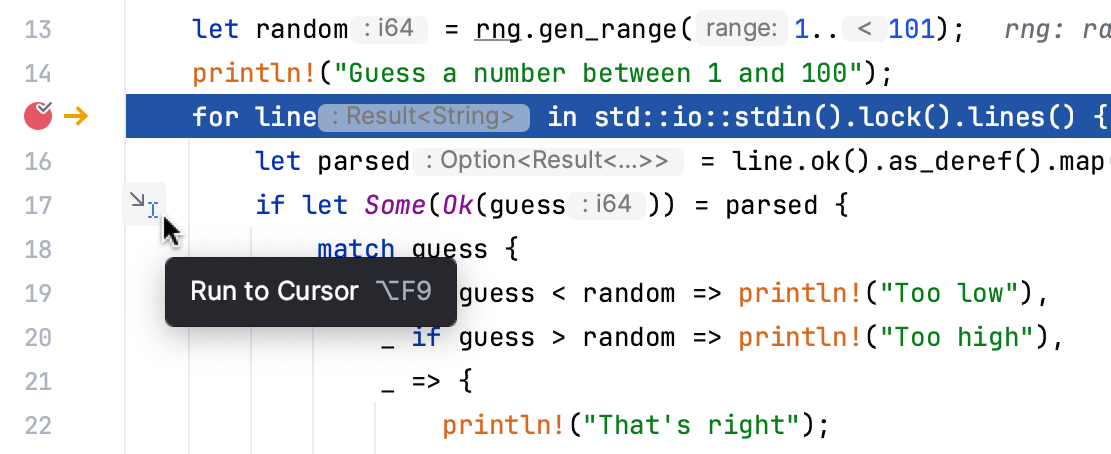
You can configure whether you want Run to Cursor to work on clicking a line number in .
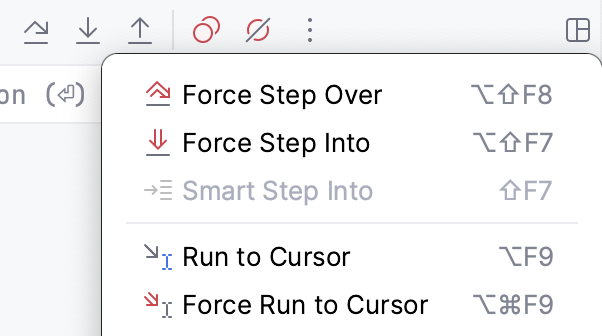
To skip any breakpoints on the way, use Force run to cursor.
Force step into
Steps in the method even if this method is skipped by the regular Step Into.
In case the source code of the method or function that you want to step into is unavailable, you can debug disassembled code in a dedicated view.
Force run to cursor
Continues the execution until the position of the caret is reached. All breakpoints on the way are ignored.
Place the caret at the line where you want the program to pause.
Select Force Run to Cursor from the
menu or press Ctrl+Alt+F9.
Force step over
Steps over the current line of code and takes you to the next line even if the current line has method calls in it. If there are breakpoints in the called methods, they are ignored.