Develop Applications
Applications are the main way to extend SpaceCode functionality. An application is an external server-side service or a client-side program (JavaScript, desktop, or mobile) that can interact with SpaceCode through:
Interaction between SpaceCode and applications
SpaceCode and applications can communicate with each other in both directions:
An application can send data to SpaceCode. For example, send a message to a chat channel, request data on SpaceCode entities like projects, team members, and so on.
SpaceCode can send data to the application. For example, send notifications about events via webhooks, send user messages, and so on.
A SpaceCode user can interact with the application in several ways:
Send a chat message to the application (e.g., a chatbot).
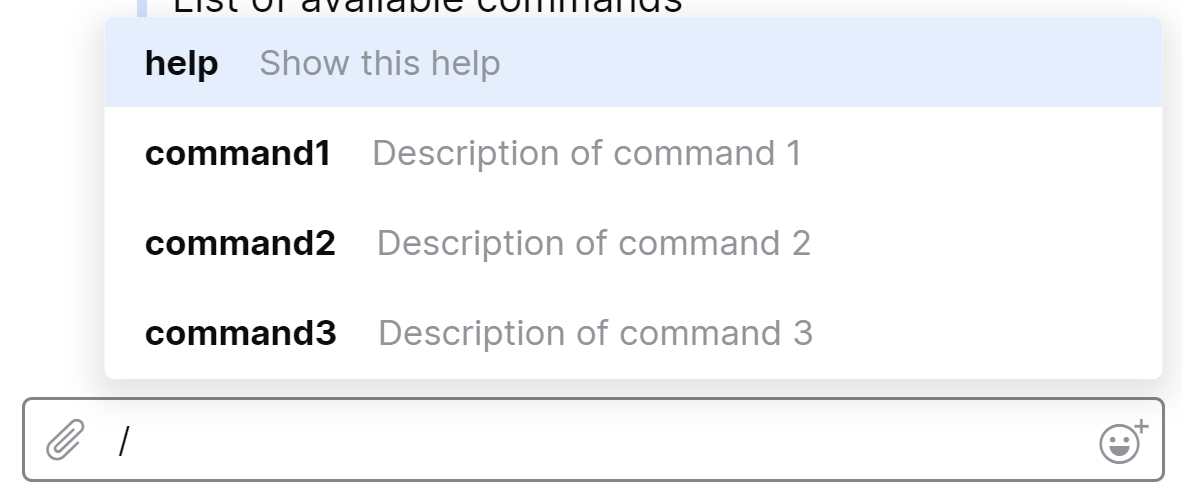
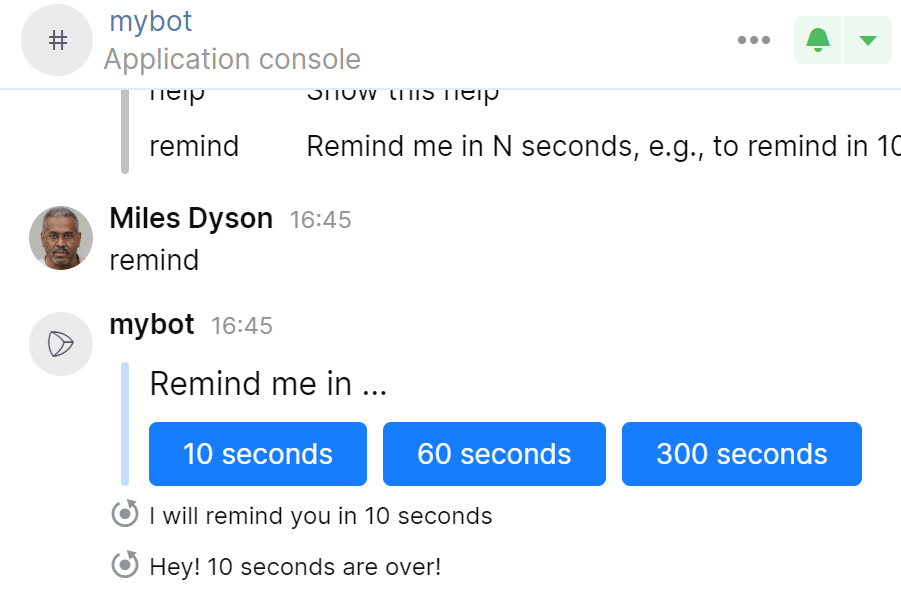
Click buttons in a chat message received from the application.
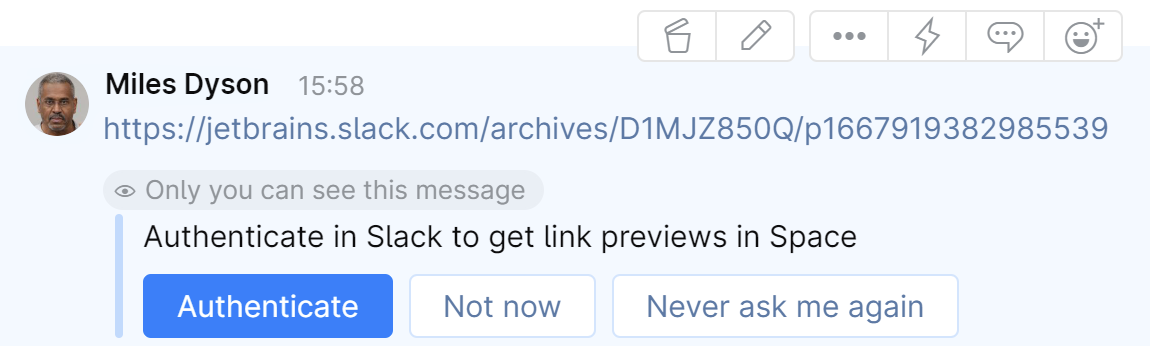
Click buttons in link unfurls provided by the application.
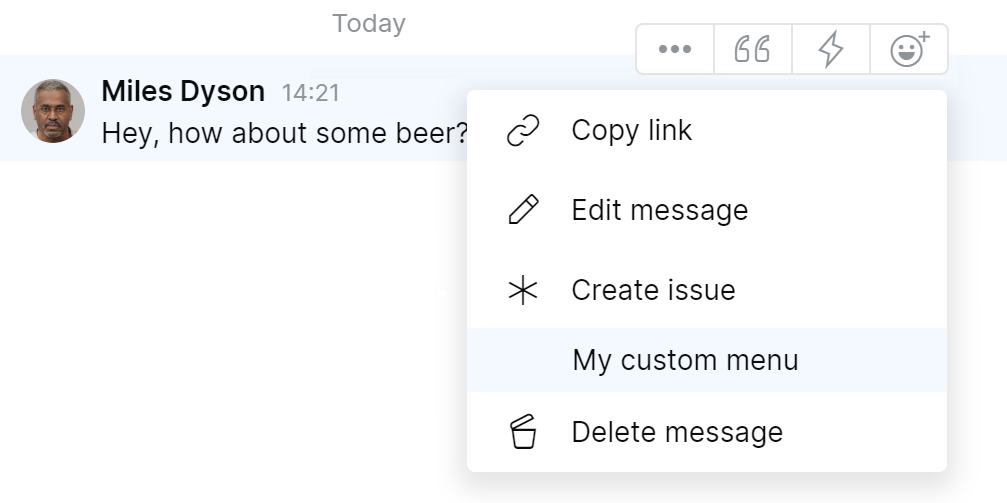
Click a custom menu item added by the application to a particular SpaceCode entity.
Interact with the application user interface via an
iframe.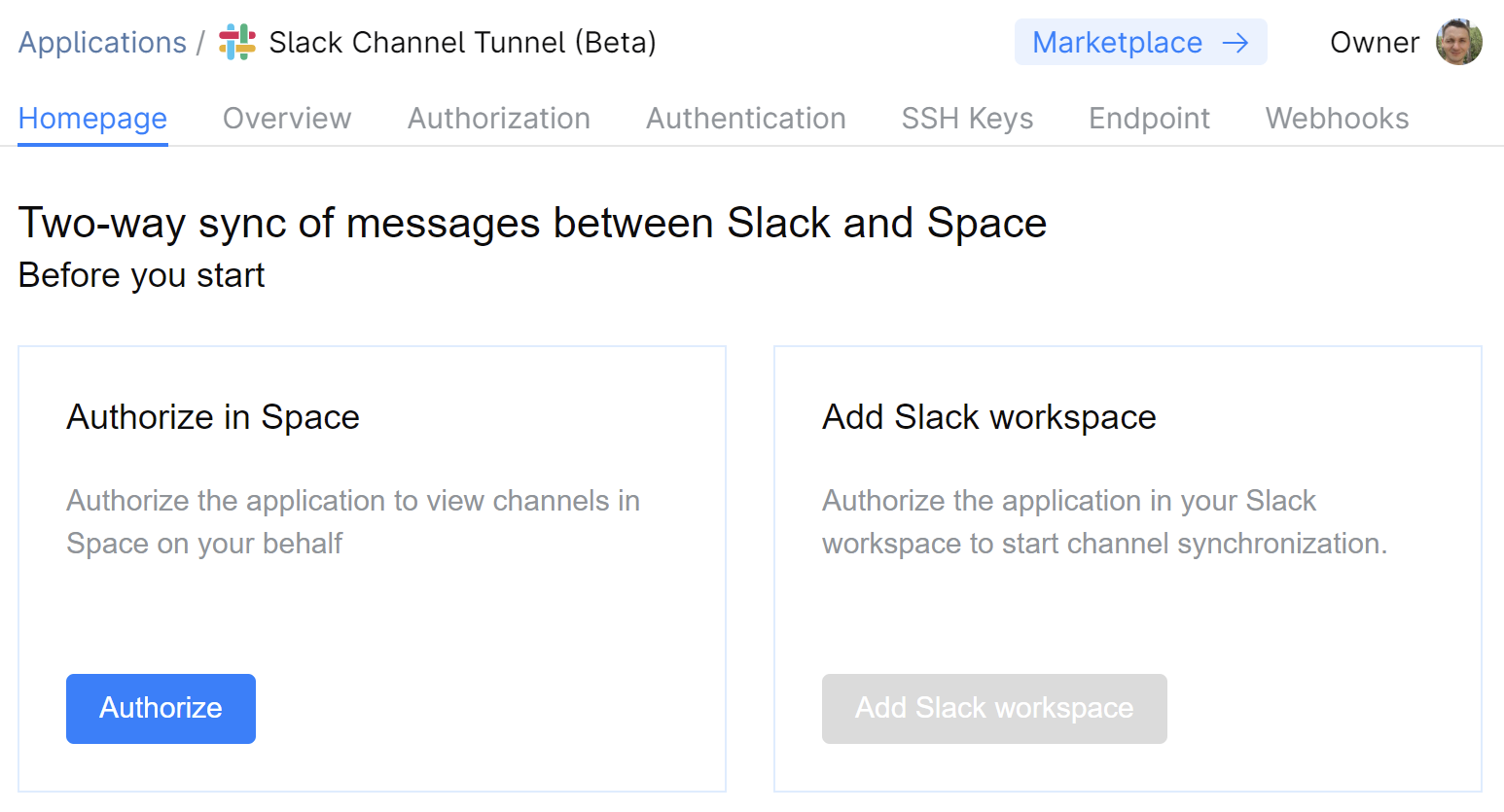
Interact with SpaceCode from a static web page (running entirely in the client browser).
Hosting of applications
Currently, the only option is to host your application on your own server. In the future, it'll be possible to host applications right in SpaceCode.
Authentication and authorization
All requests to SpaceCode have to come from an authorized caller. To send requests to SpaceCode, the application must first obtain an access token. The most secure way to do this is by using one of the OAuth 2.0 authorization flows, though, you can also provide the application with a permanent token. Learn more.
Distribution
There are two application types depending on how they are distributed:
Single-org applications
These are applications intended only for a particular (typically, your own) SpaceCode organization. To install such an application, you must manually register it in SpaceCode. When registering the application, you specify all the required data: an authorization way, application endpoints, required permissions, and so on.
Multi-org applications
These applications are intended for public distribution and can be installed to multiple SpaceCode organizations.
There are two ways to distribute such an application: via an installation link or via JetBrains Marketplace. When a user installs the application, SpaceCode sends an
InitPayloadto the application endpoint. Upon receivingInitPayload, the application saves a new SpaceCode organization with SpaceCode access credentials. Then it configures itself in SpaceCode through API calls, for example, requests permissions and creates webhooks.
SpaceCode HTTP API
SpaceCode HTTP API is the main and the only way for an application to communicate with SpaceCode. By making HTTP calls to SpaceCode endpoints, you can access any SpaceCode module: Teams, Chats, Projects, Issues, Packages, etc.
The best way to explore the API is to use API Playground.
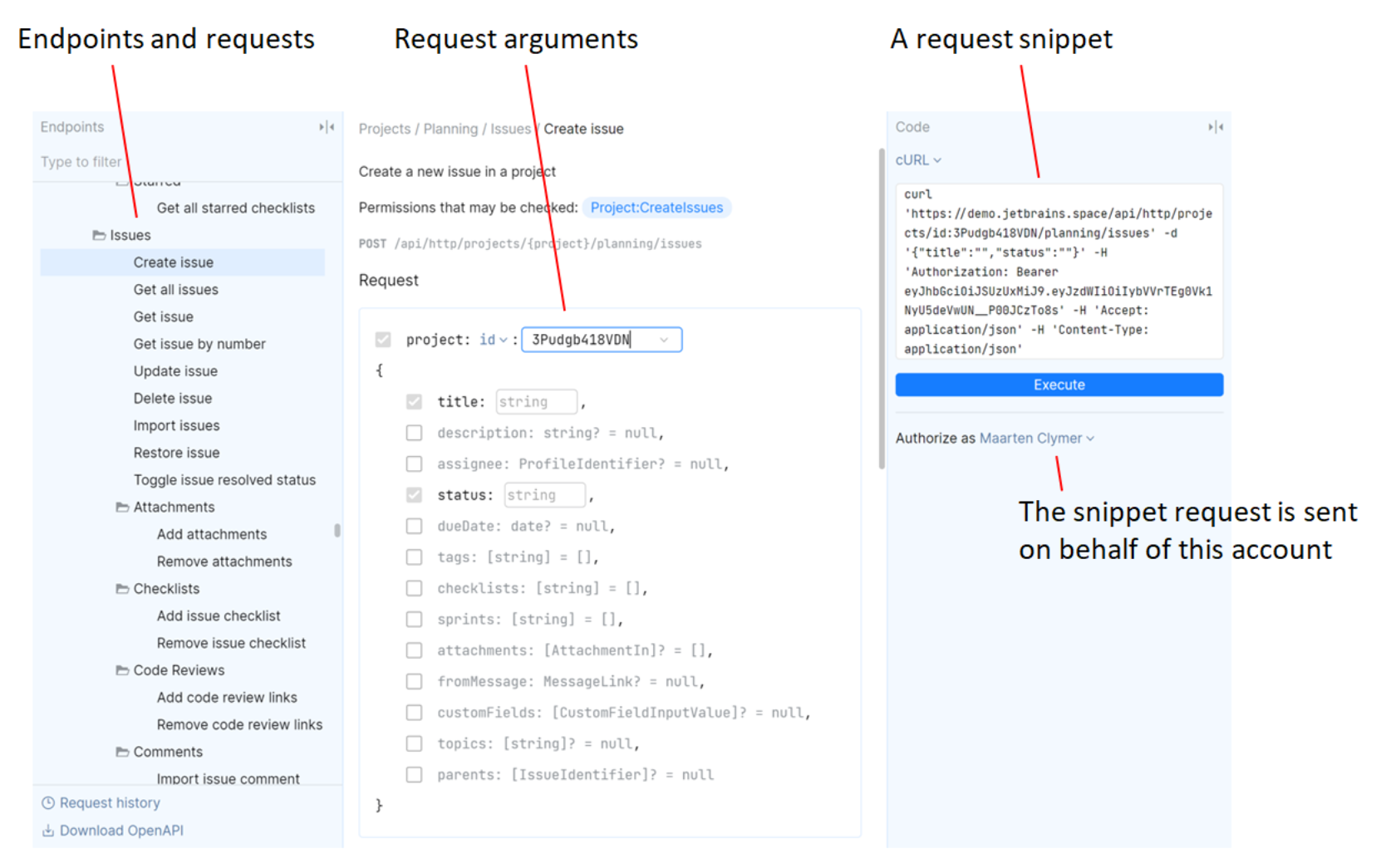
SpaceCode SDK
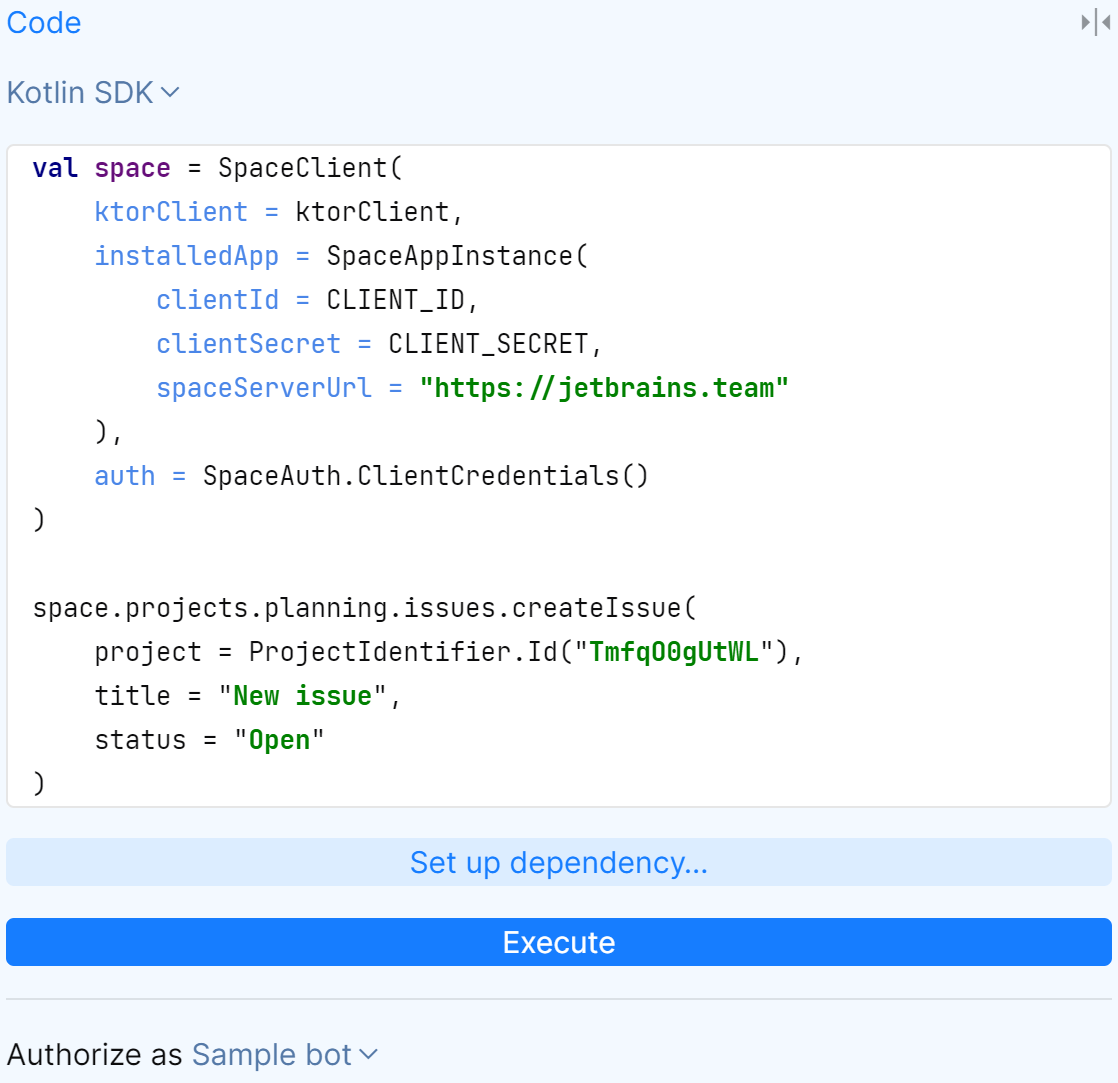
You can develop your SpaceCode application using any language or framework. But if you write it in Kotlin or .NET, we recommend that you use SpaceCode SDK. The SDK lets you perform all common tasks: authorization, invocation of API methods, etc. It also provides additional support for Ktor server, making it easier to process requests from SpaceCode in your application.
API Playground can generate code snippets for SpaceCode SDK.
Sample applications
To help you get started, we provide a number of sample applications in our public GitHub repository.
JetBrains Platform Slack community
The JetBrains Platform Slack community is a place where you can talk with other developers and JetBrains employees. Get invite.