Find a Repository
To find a repository, you can press Control+K and start typing the repository name.
Alternatively, you can open the project you are interested in by clicking Select project and view its repositories.
Some projects may contain multiple repositories. You can see them all and choose the one you need:
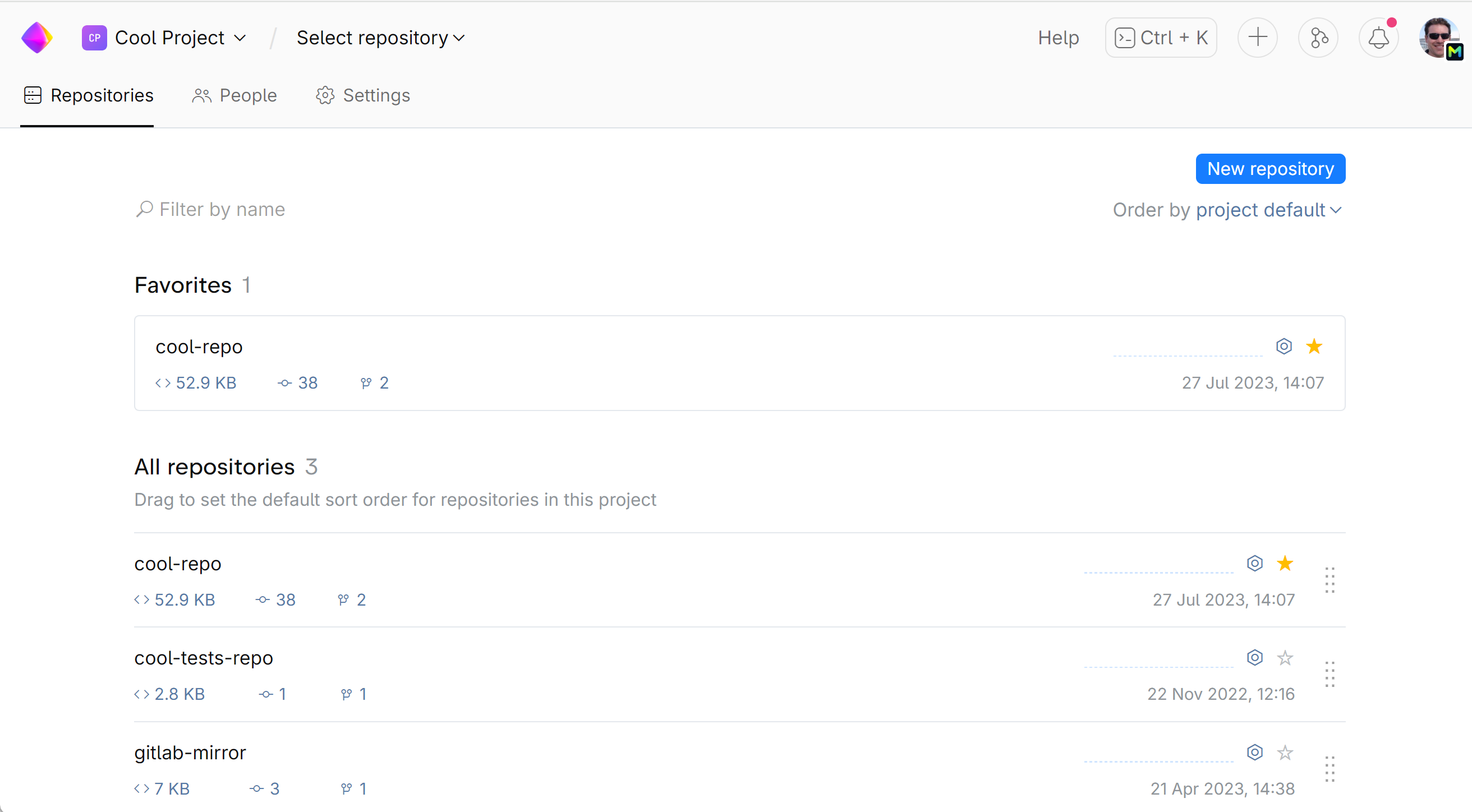
If there are a lot of repositories in the project, use the Filter by name field to find the one you need.
For quick access, add a repository to Favorites by clicking the star next to the repository.
Favorite repositories are displayed on your dashboard (home page).
Last modified: 24 May 2024