Join a Project
If you want to start contributing to a project, you need to join it — i.e. become a member of that project.
Navigate to the project you're going to contribute to.
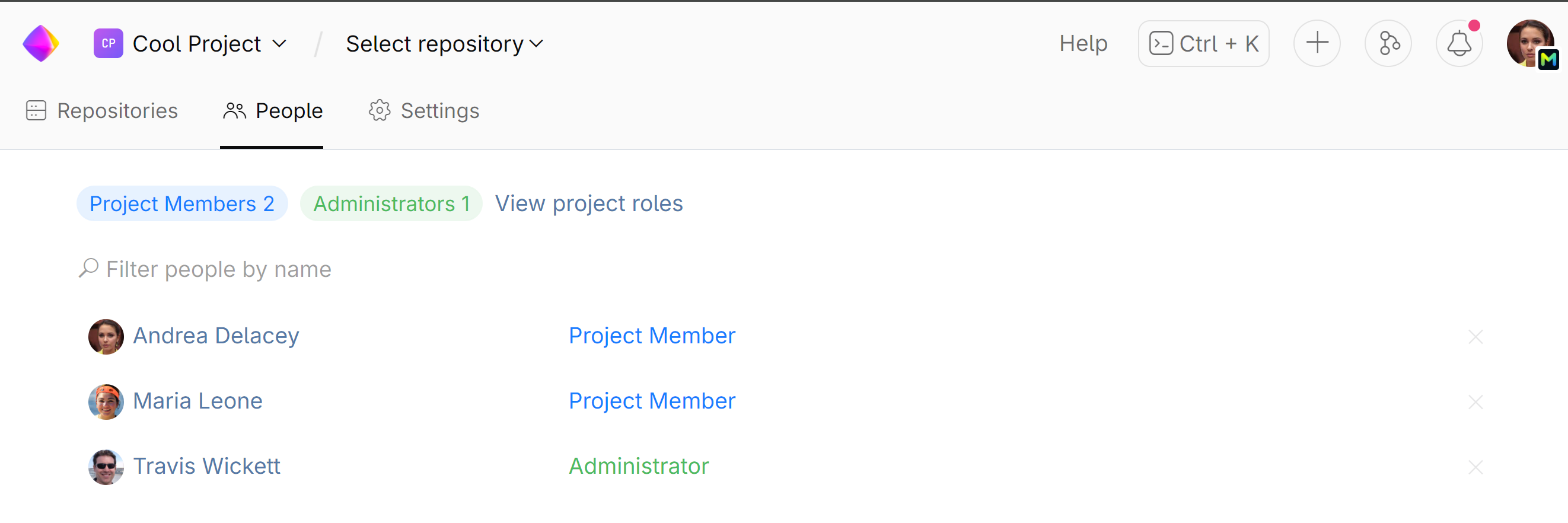
If you're already a member, you'll be listed on the project's page under the People tab. If not, contact the project administrator and ask for membership.
To find out who the project administrator is, go to the People tab on the project page:
Find a project
To find a project, press Control+K and start typing its name.
Or you can view a list of projects by clicking Select project on the top left.
View Project Members
Project members are the members that work on the project. They are provided with specific rights to access internal project resources and contribute to the project (e.g. commit to the project repositories, participate in code reviews).
On the project page, choose the People tab:
All members of this project will be listed here