Wiki
SpaceCode Wikis provide a streamlined way for developers and teams to document projects directly within a repository. They offer a collaborative space for creating detailed, structured documentation, such as technical specifications and onboarding materials, that is easily accessible and editable by contributors.
Integrated Documentation: Each SpaceCode repository can have its own wiki, integrated into the project environment.
Version Control: Like the code in a repository, wiki content is versioned. Wiki files are located within the same repository in a dedicated
wikibranch. You can author a wiki from the SpaceCode UI or make your changes locally and then push them to the repository.Markdown Support: Wikis use Markdown, allowing for easy creation of richly formatted pages with headings, lists, tables, and links.
Create Wiki pages
Every wiki documentation begins with an index page, serving as the entry point for readers. This page can include an introduction or a general overview of the documentation. Once the index page is created, you can add additional pages, a sidebar, and a footer, organizing them to suit your needs.
Create the first (index) page
Open the repository and click the Wiki tab.
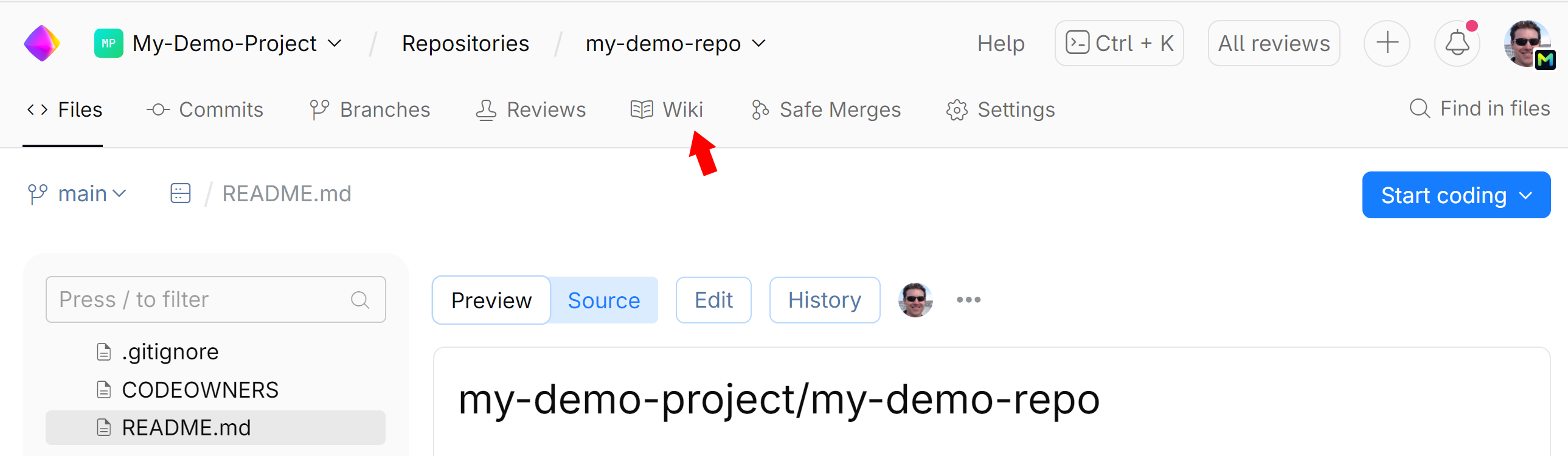
Click Create your first page.
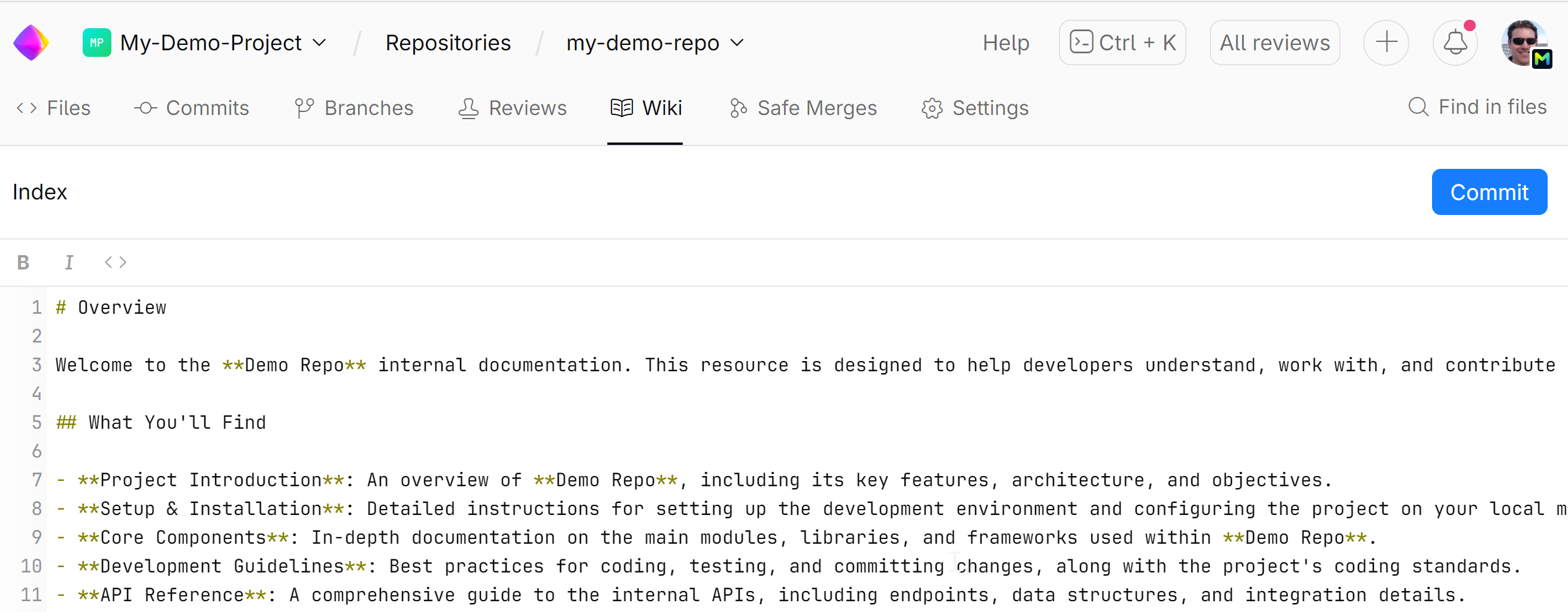
Add your page content using Markdown for formatting.
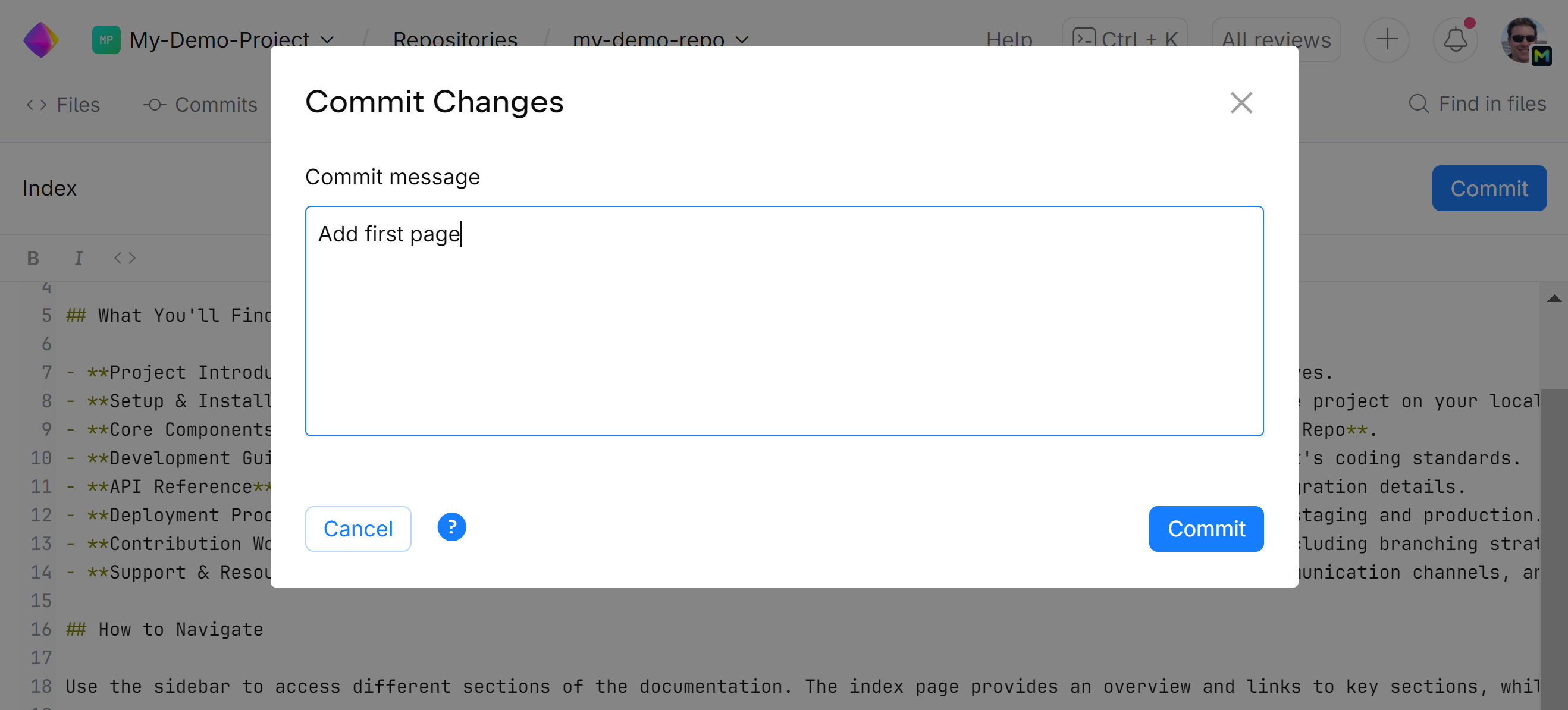
Click Commit to add your changes to the Wiki. Write a commit message describing your changes and click Commit again.
Create additional Wiki pages
Open the repository and click the Wiki tab.
On the left panel, click
 next to Wiki Structure.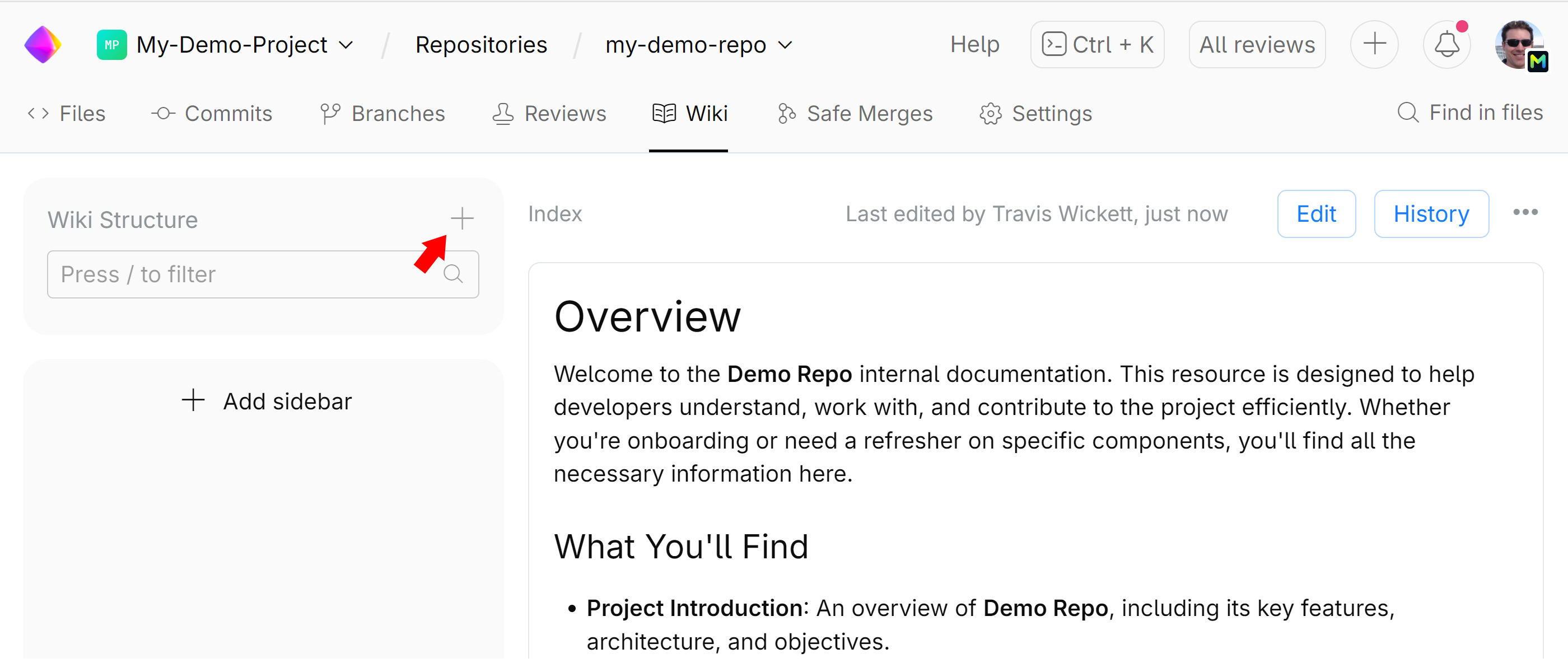
If you want a page other than Index to be the parent for you new page, go to that page and click
on the left panel.Give your page a title and add content using Markdown for formatting.
Click Commit to add your page to the Wiki. Write a commit message describing your changes and click Commit again.
Wiki sidebar
The SpaceCode wiki has a default table of contents (Wiki Structure) where all wiki pages are listed in alphabetical order.
Adding a sidebar allows you to create an organized multi-level table of contents, offering a structured overview of the wiki's pages.
A sidebar appears on the left side of every page within the repository wiki. It serves as a main menu to help readers easily explore and navigate the contents of the wiki.
The sidebar is defined using a _sidebar.md file within the wiki repository, where you can add Markdown-formatted links, sections, and headings.
Add a wiki sidebar
Click Add sidebar.
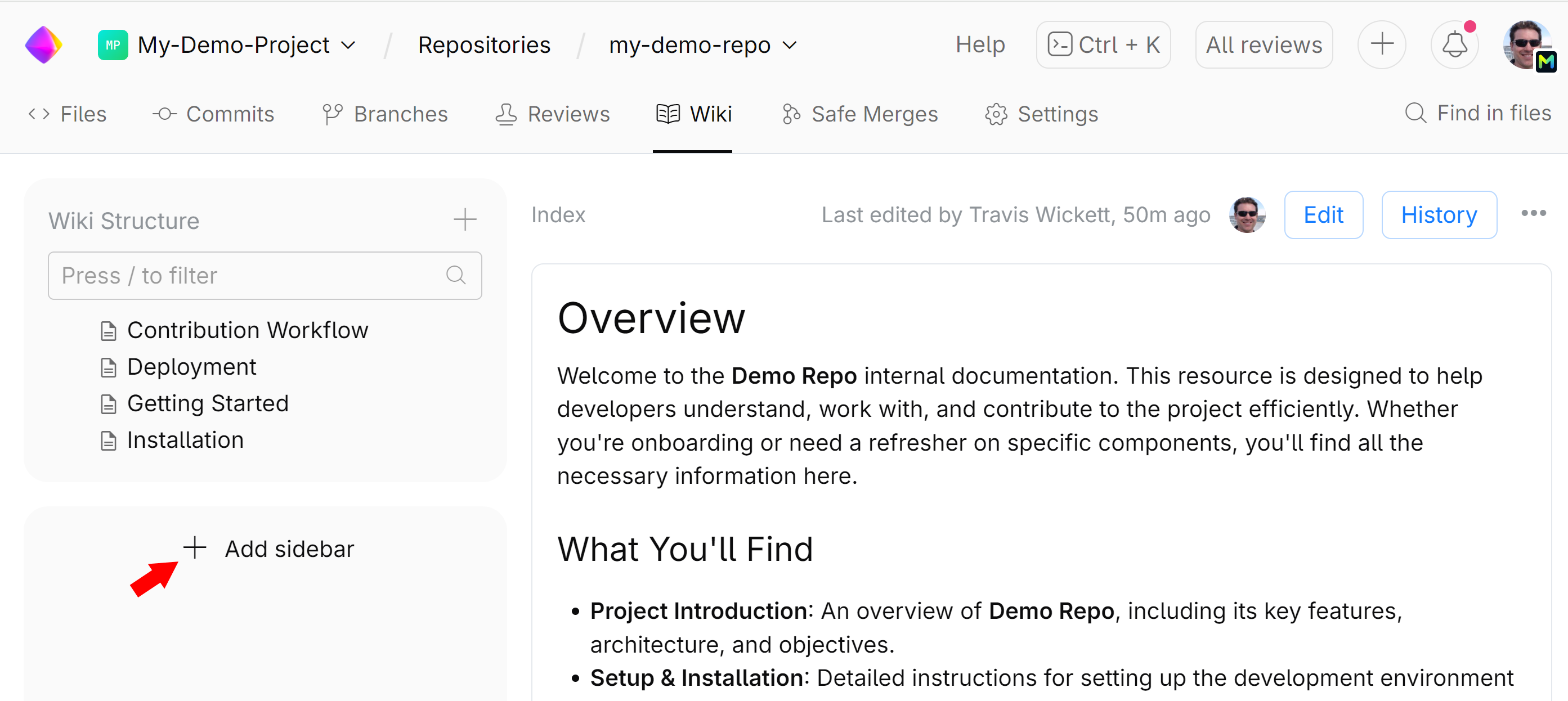
Using Markdown formatting, create a sidebar menu. You can use links to your wiki pages an external resource.
Here’s an example of how a comprehensive sidebar might look in Markdown:
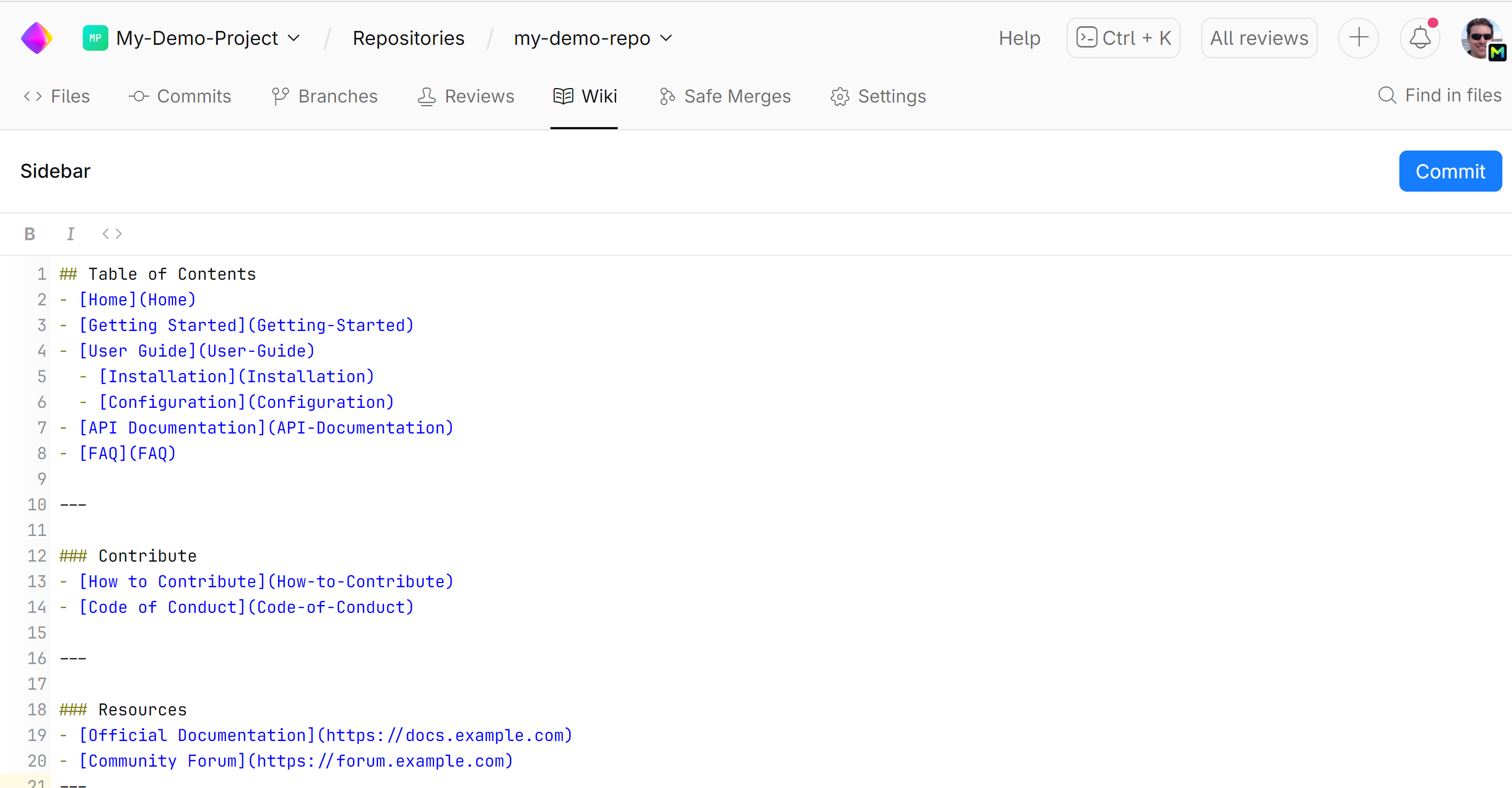
An here's what it looks like for the readers:
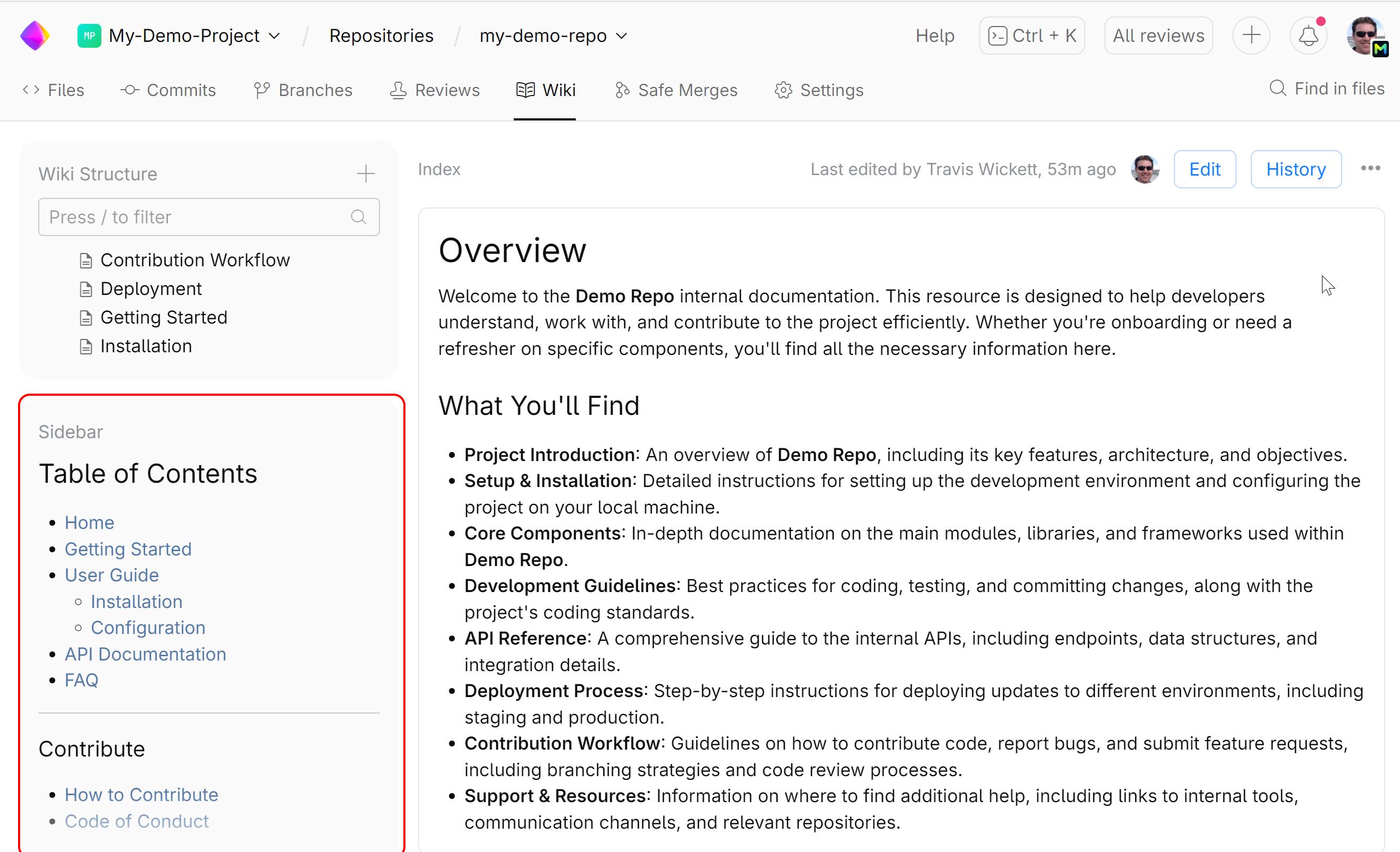
When you are finished editing the sidebar file, click Commit, describe your changes and submit them.
Wiki footer
A wiki footer is a section that appears at the bottom of every page in a wiki. It can provide context that is relevant across all pages of the wiki, such as links to external documentation, related projects, or resources for further reading.
The wiki footer is defined in a _footer.md file located in the wiki branch of the repository, and whatever content is added to this file will automatically appear at the bottom of every wiki page.
Add a wiki footer
Scroll to the bottom and click Add footer.
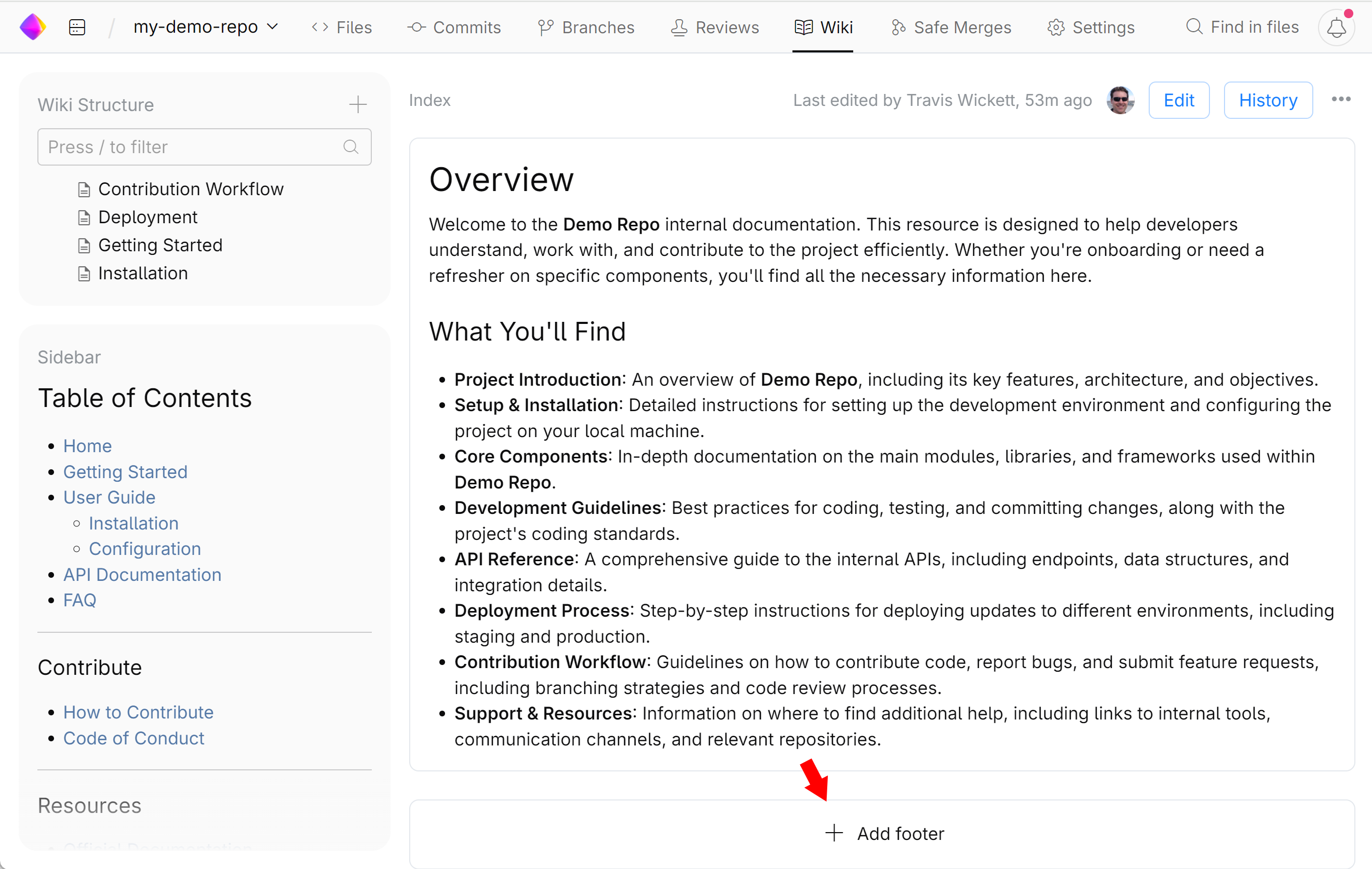
Using Markdown formatting, add content.
When you are finished editing the footer file, click Commit, describe your changes and submit them.