TeamCity On-Premises 2026.1 Help

Managing Cloud Agents

Cloud agent profiles provision build agents on demand from cloud providers (AWS, Azure, GCP, Kubernetes, and others). Profiles belong to TeamCity projects, their images define what to provision, and instances are the running cloud machines. The teamcity project cloud command group lets you inspect and manage all three.

Cloud profiles

Listing profiles

View cloud profiles configured for a project:

teamcity project cloud profile list
Listing cloud profiles and viewing details

List profiles for a specific project:

teamcity project cloud profile list --project MyProject teamcity project cloud profile list --project MyProject --json

profile list flags

Flag

Description

-p, --project

Filter by project ID

-n, --limit

Maximum number of profiles to display

--json

Output as JSON. Use --json= to list available fields, --json=f1,f2 for specific fields.
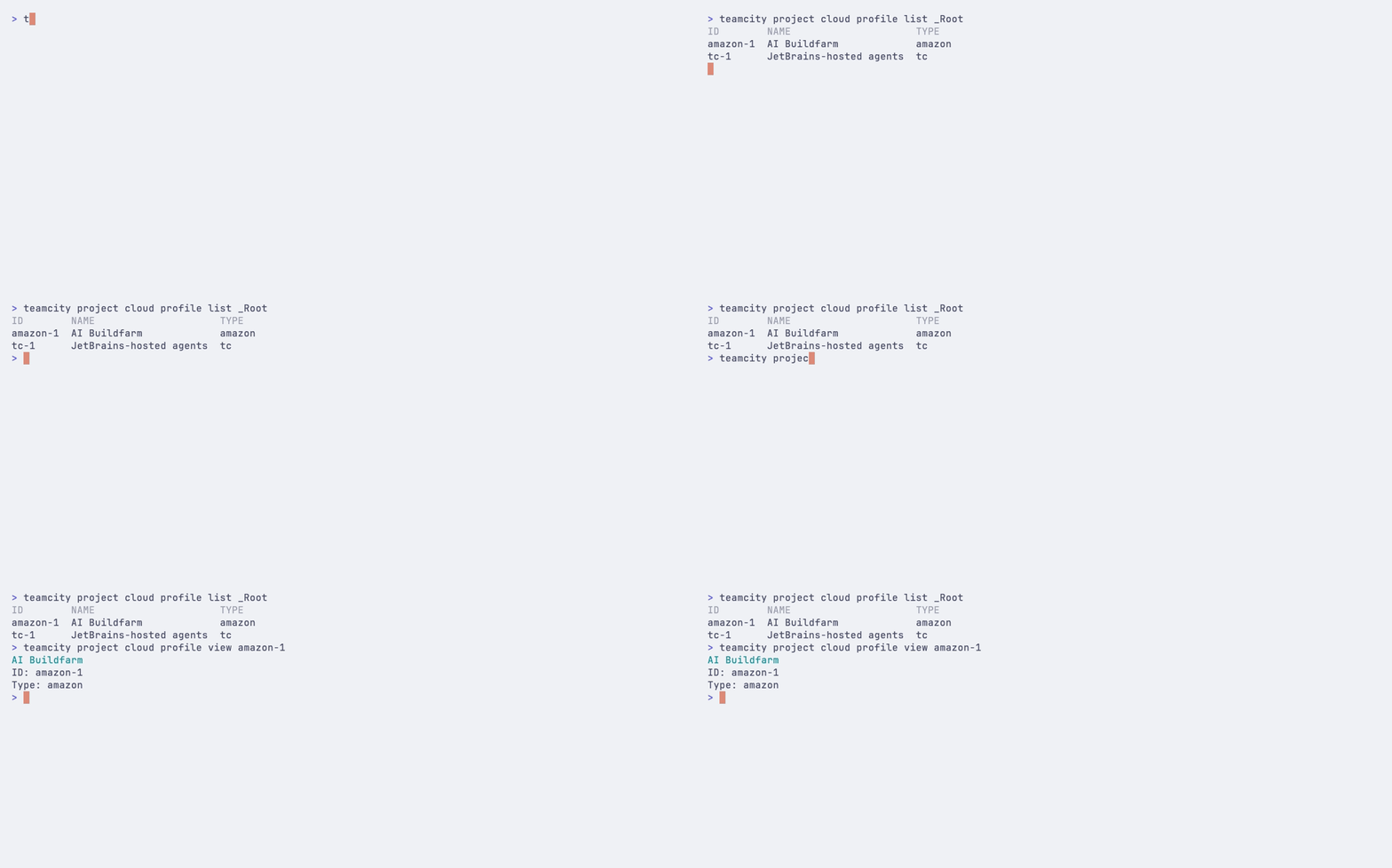
Viewing profile details

teamcity project cloud profile view amazon-1 teamcity project cloud profile view amazon-1 --json

Cloud images

Listing images

View cloud images available for a project:

teamcity project cloud image list --project MyProject
Listing cloud images and instances

Filter by cloud profile:

teamcity project cloud image list --project MyProject --profile aws-prod

image list flags

Flag

Description

-p, --project

Filter by project ID

--profile

Filter images by cloud profile ID

-n, --limit

Maximum number of images to display

--json

Output as JSON. Use --json= to list available fields, --json=f1,f2 for specific fields.

Viewing image details

teamcity project cloud image view ubuntu-22-large teamcity project cloud image view ubuntu-22-large --json

Starting an instance from an image

Start a new cloud instance from a selected image:

teamcity project cloud image start ubuntu-22-large teamcity project cloud image start ubuntu-22-large --json

The command returns the new instance ID on success.

Cloud instances

Listing instances

View running cloud instances for a project:

teamcity project cloud instance list --project MyProject

Filter by image:

teamcity project cloud instance list --project MyProject --image ubuntu-22-large

instance list flags

Flag

Description

-p, --project

Filter by project ID

--image

Filter instances by cloud image name or explicit ID locator

-n, --limit

Maximum number of instances to display

--json

Output as JSON. Use --json= to list available fields, --json=f1,f2 for specific fields.

Viewing instance details

teamcity project cloud instance view i-0245b46070c443201 teamcity project cloud instance view i-0245b46070c443201 --json

Stopping an instance

Stop a cloud instance gracefully:

teamcity project cloud instance stop i-0245b46070c443201

Force-stop for immediate termination:

teamcity project cloud instance stop i-0245b46070c443201 --force
14 April 2026