ようこそ画面
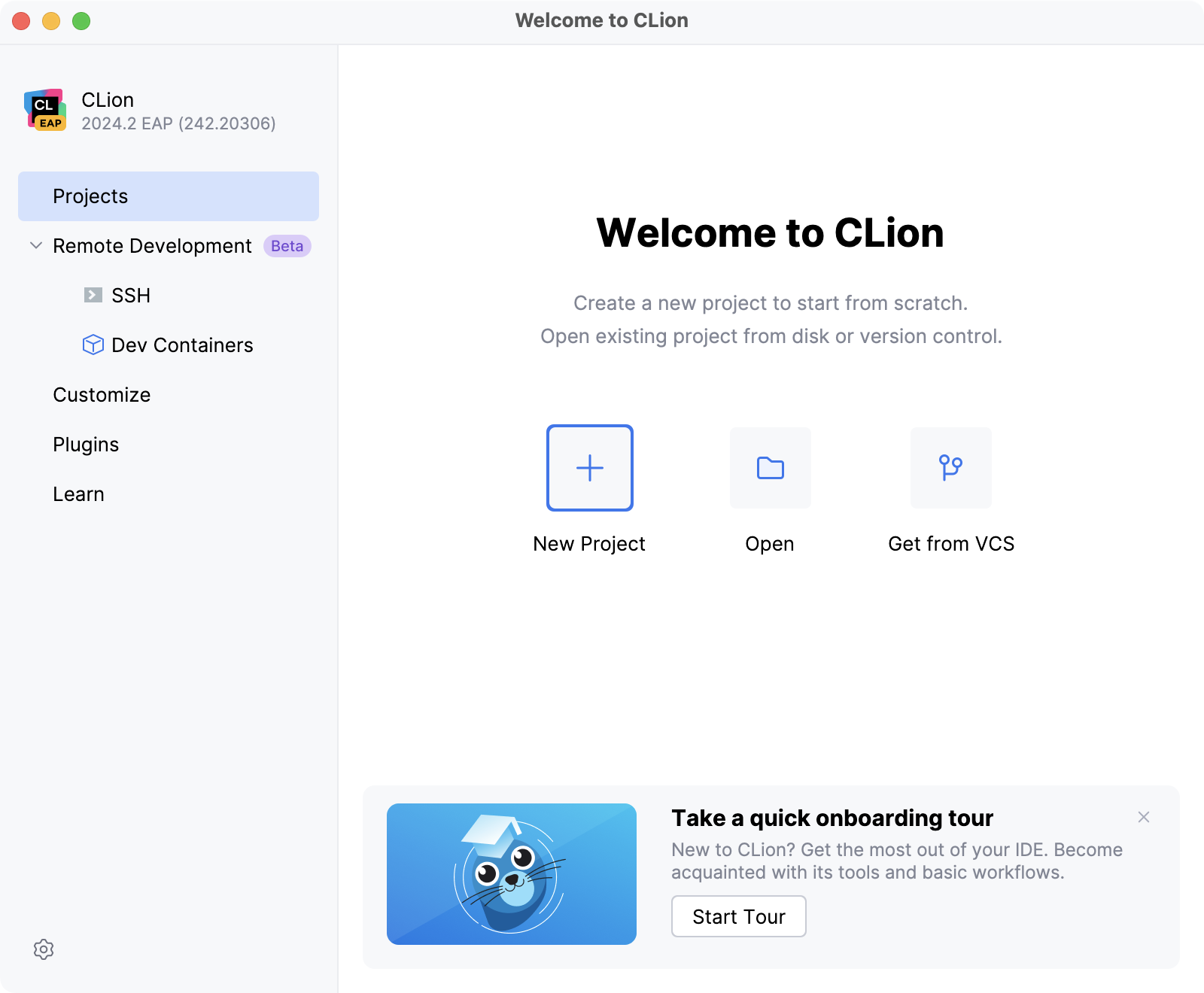
CLion displays Welcome screen when no project is opened. 例: IDE を初めて実行するとき、または開いている唯一のプロジェクトインスタンスを閉じた後。 From this dialog, you can open/clone and create projects, customize the settings and plugins, and access help resources.
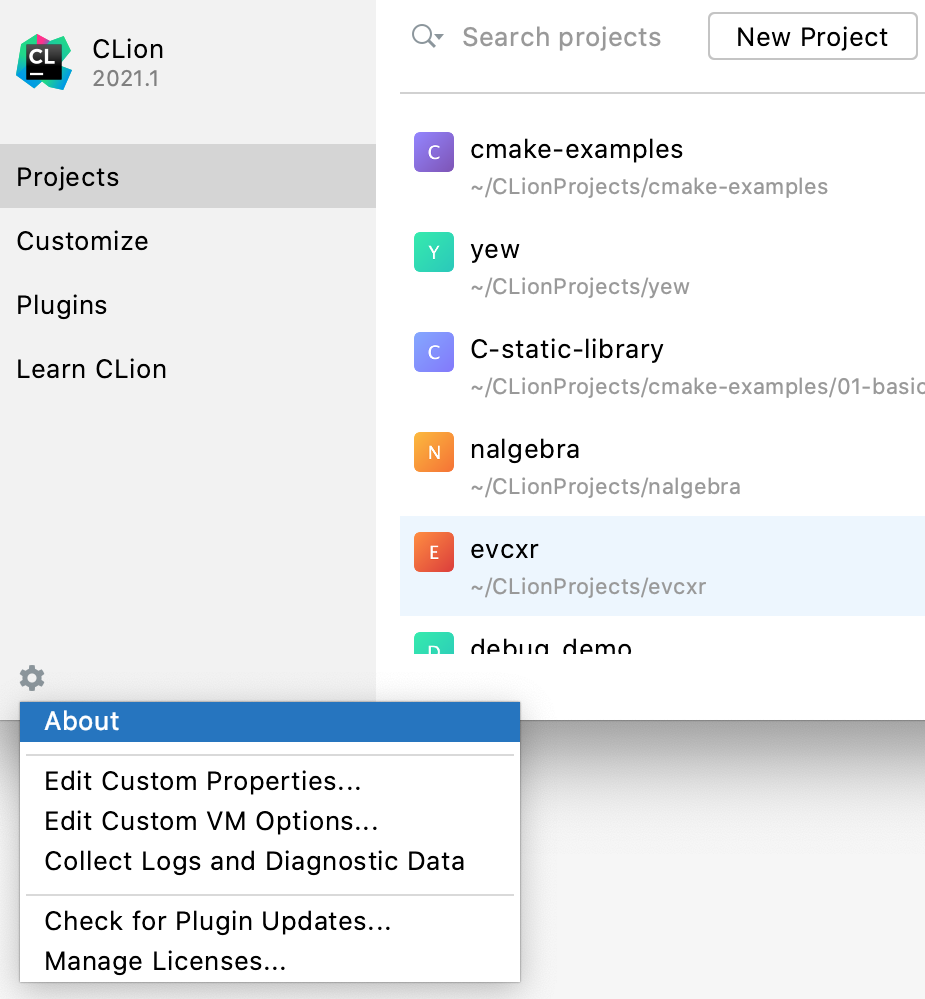
左下隅のドロップダウンメニューから、さらに多くのアクションを利用できます。
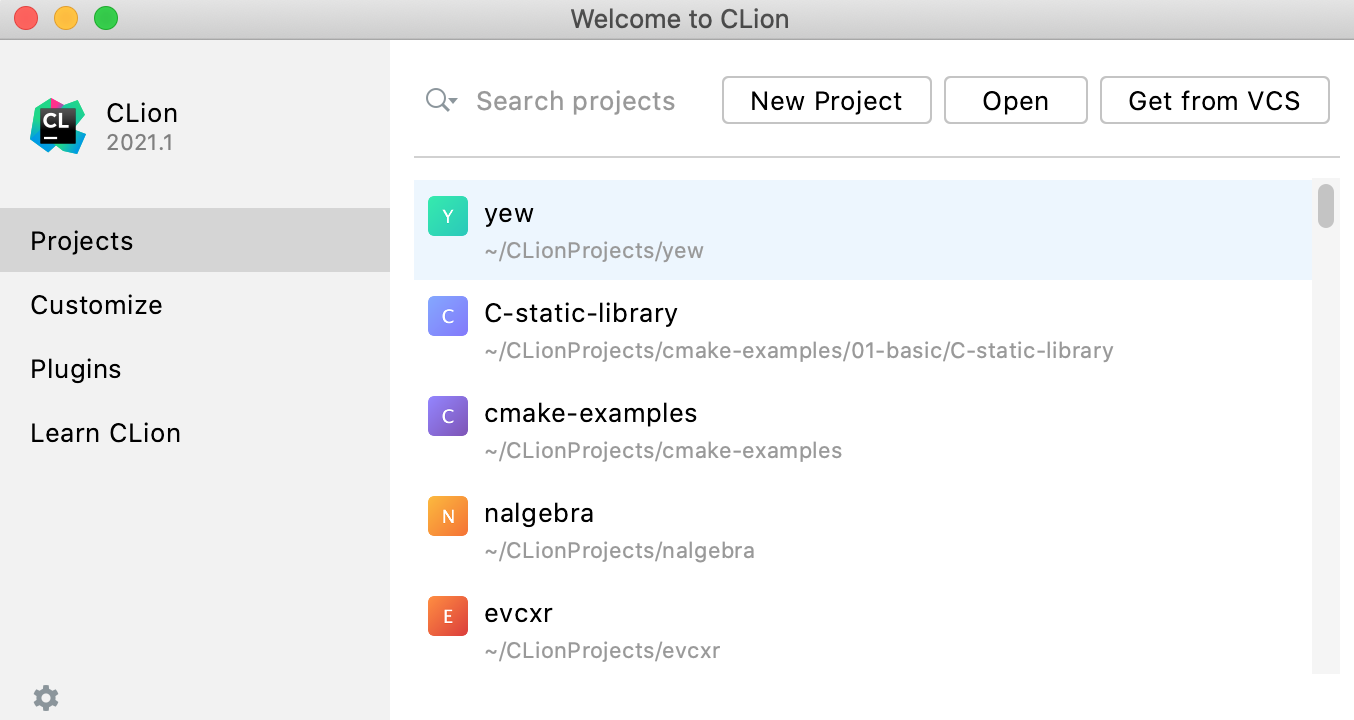
If you have previously opened projects in CLion, you will see a list of them in the right-hand pane. 入力を開始してプロジェクトを検索したり、クリックしてプロジェクトを開いたり、コンテキストメニューまたはねじナットアイコンを使用してリストからプロジェクトを削除したりできます。
2026 年 11 月 6 日