AI on your terms
YouTrack gives you control over how AI fits into your work. You can choose the specific capabilities your team needs or even disable AI entirely. Use Ask YouTrack, the built-in agentic AI chat, to search project context and turn answers into actions. You can also connect external AI tools through MCP or use the built-in AI Assistant to create tasks, summarize content, and suggest replies.
Choose the provider and model that fit your organization’s policies and budget. Use models from OpenAI, Anthropic, and Google through JetBrains AI, or connect them using Bring Your Own Key (BYOK). You can also connect a custom LLM compatible with OpenAI, Google, or Anthropic APIs.
Get started with the built-in AI in YouTrack
Paid YouTrack Cloud subscriptions include a weekly allowance of AI credits for using Ask YouTrack and AI Assistant functionality. For additional usage, customers on any free or paid YouTrack Cloud or YouTrack Server plan can connect a paid JetBrains AI subscription or use BYOK with their credentials for a supported provider, including OpenAI, Anthropic, and Google. If third-party providers aren’t an option or you need more granular control, connect a custom LLM compatible with OpenAI, Google, or Anthropic APIs.
Administrators can monitor AI usage, control which AI capabilities their teams can use, limit access to specific users and groups, or turn AI off entirely.
AI or no AI, Server or Cloud – you choose!
Ask YouTrack: Your built-in agentic AI chat
Get everyday work done in an AI chat without leaving YouTrack. Ask YouTrack uses your preferred LLM and relevant project context to help you find information and take action on tasks, tickets, and articles, with more capabilities coming soon. With direct access to your project’s context, Ask YouTrack can reduce repeated MCP calls and token usage.
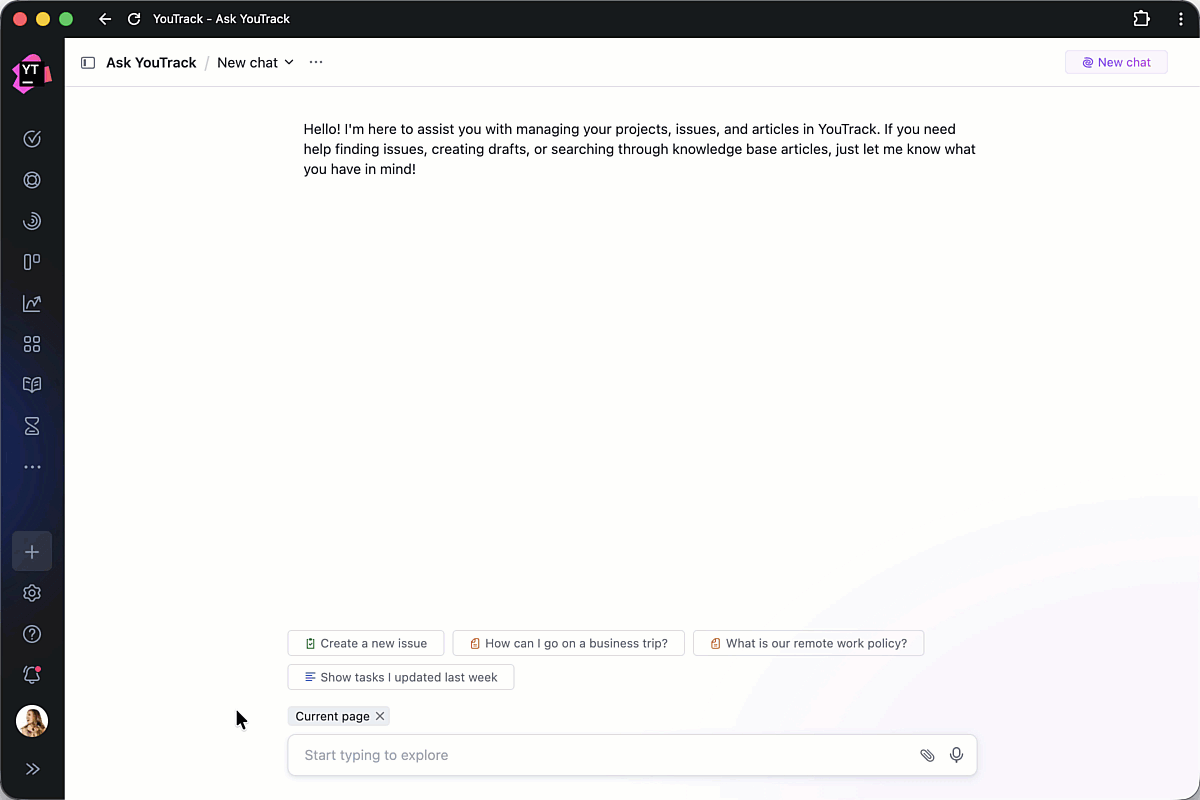
Search with natural-language prompts
Search across projects, get answers, and maintain an overview of ongoing tasks using natural-language prompts. For example, marketers can see all unresolved social media tasks at a glance and ask to group them by campaign, visualize their relationships, or create an article summarizing upcoming activities.
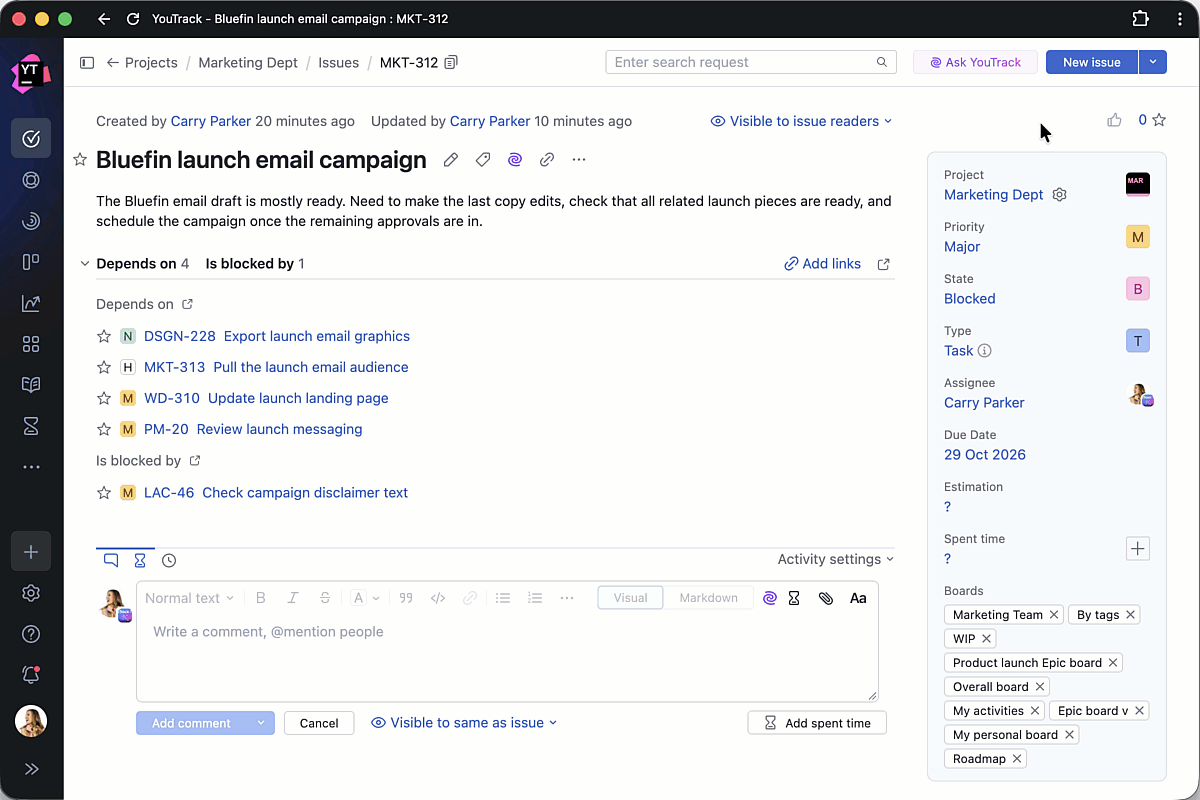
Turn answers into work actions
Use Ask YouTrack directly from YouTrack pages, save chats, and return to them later. For example, while reviewing a task, managers can ask why the task isn’t moving forward and get an answer based on the available YouTrack context. They can then switch to the full-screen chat to organize workloads, review deadlines, and reassign tasks in bulk.
Bring YouTrack context into the AI stack with MCP
Connect AI tools, IDEs, agents, and workplace apps to YouTrack through its remote MCP (Model Context Protocol) server at no extra cost. Give these tools access to your organization’s project context so you can manage tasks from the environments you already use.
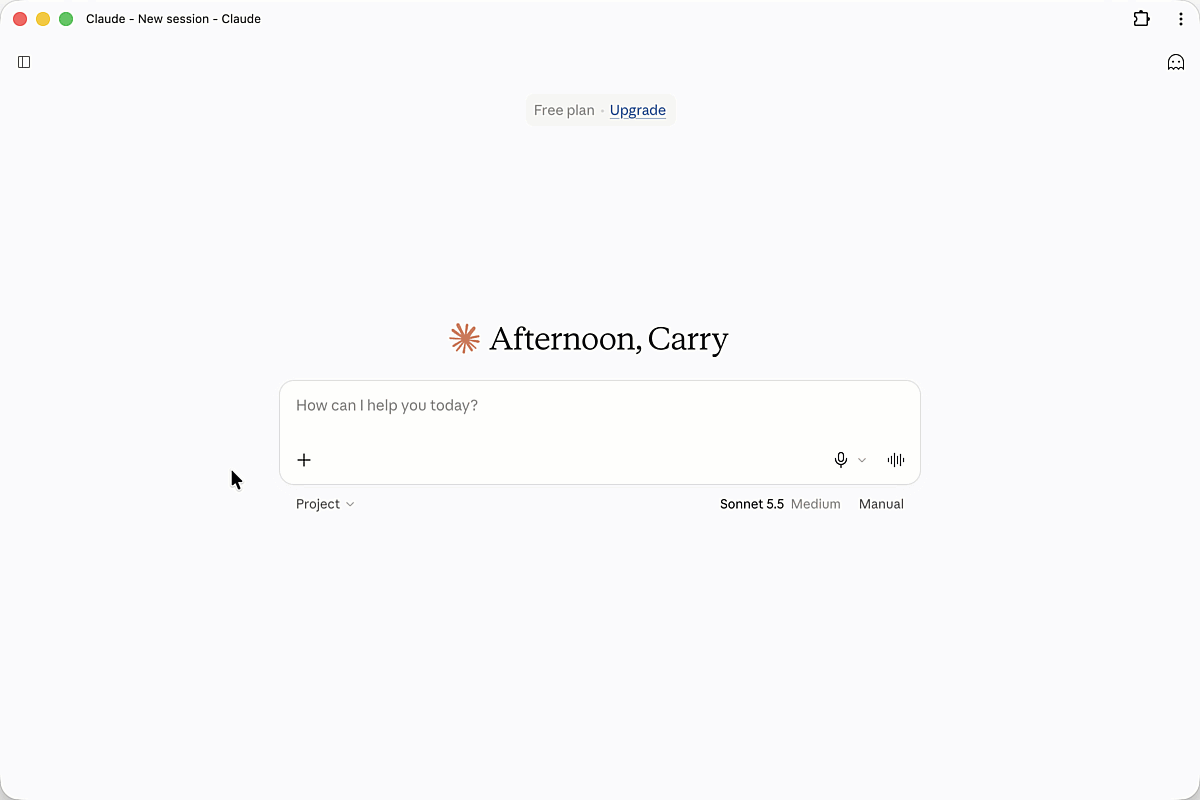
Configure the MCP server to fit your team’s needs
Connect your AI clients and use predefined actions to manage projects, tasks, support tickets, articles, users, and more. For example, you can use a Claude agent to create or update tasks, log time spent working, or retrieve information from YouTrack based on your prompts. Add custom actions using YouTrack apps and workflows, or build API-based scripts for agentic workflows.
Administrators can configure OAuth for a simple, organization-wide connection, connect ChatGPT and Claude directly from their directories, or generate tokens for custom setups. The ChatGPT connection is available for Business, Enterprise, and Edu workspaces.
See how teams achieve more with YouTrack’s MCP server
“Connecting AI agents to YouTrack through MCP made task management a natural part of everyday work. AI agents help us review YouTrack requests, monitor backlog health, and prepare changelogs.”
Artem Filimonchyk, Head of Technical Care, Gurtam
Make everyday work easier with the built-in AI Assistant
Use the built-in AI Assistant to work with content directly in YouTrack. Text-to-Issue Transformation identifies action items in selected text and turns them into tasks. Writing assistance checks grammar, spelling, and punctuation and completes phrases as you write.
AI Assistant also generates quick summaries of tasks, articles, and support tickets and suggests replies in multiple languages.
Create tasks from Slack threads
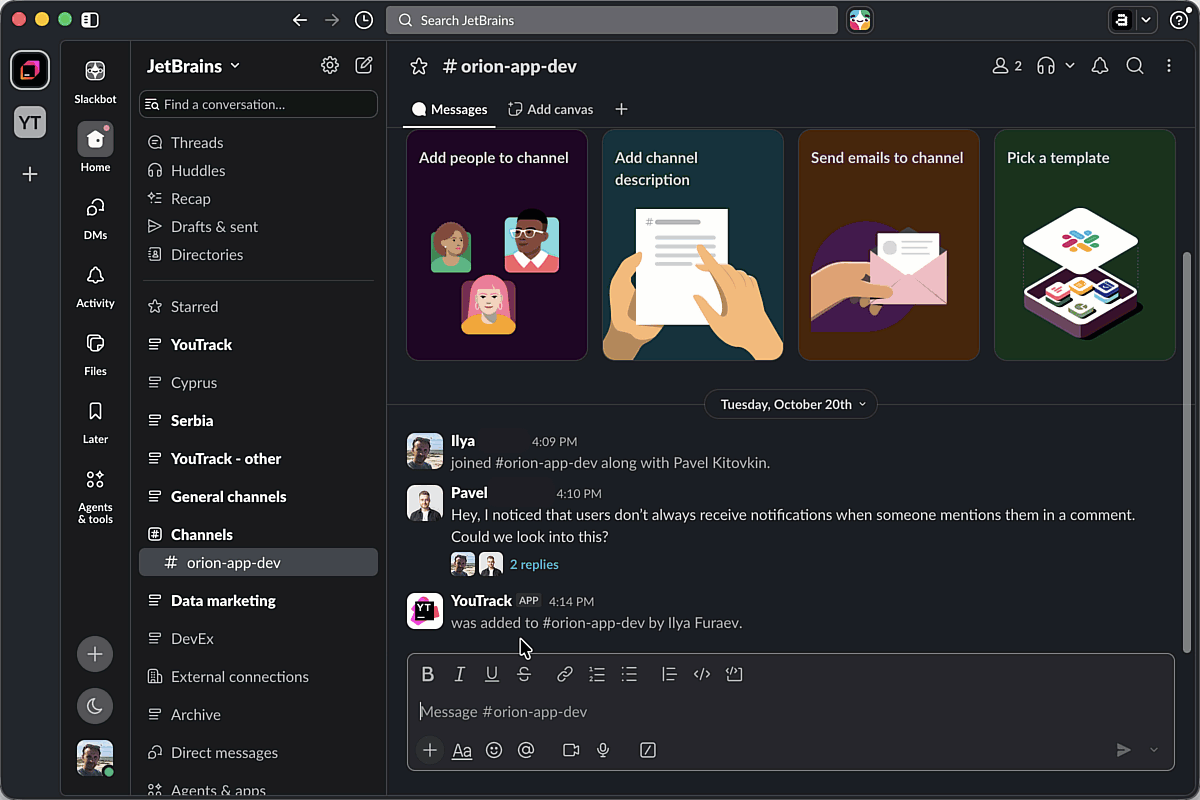
The YouTrack Slack app uses AI to turn Slack conversations into tasks. Product teams, for example, can mention @YouTrack in a channel to turn a conversation into a feature request and specify what the task should include.