Apps and Workflows
Apps give you the power to extend YouTrack with additional functionality tailored to your specific needs. You can integrate with other tools, add widgets to display important data, and share workflows. Apps offer a flexible way to expand your YouTrack experience. Create your app yourself, use the help of a YouTrack consulting partner, or check out what’s already available on JetBrains Marketplace.
Part of the YouTrack app ecosystem, workflows are sets of rules that define and automate the life cycles of tasks in your projects. You can create workflows that automatically remind you about upcoming deadlines, update fields and assign issues according to specified conditions, and much more.
Use apps to extend YouTrack’s functionality

You can create your own apps or install external ones to support your team's workflow. Apps in YouTrack let you customize its appearance, add UI widgets, forms, and extra pages, implement complex automation with workflows, and enhance your work experience. YouTrack also provides a remote MCP (Model Context Protocol) server, which makes it easier to connect to AI-powered tools.
Where to get apps
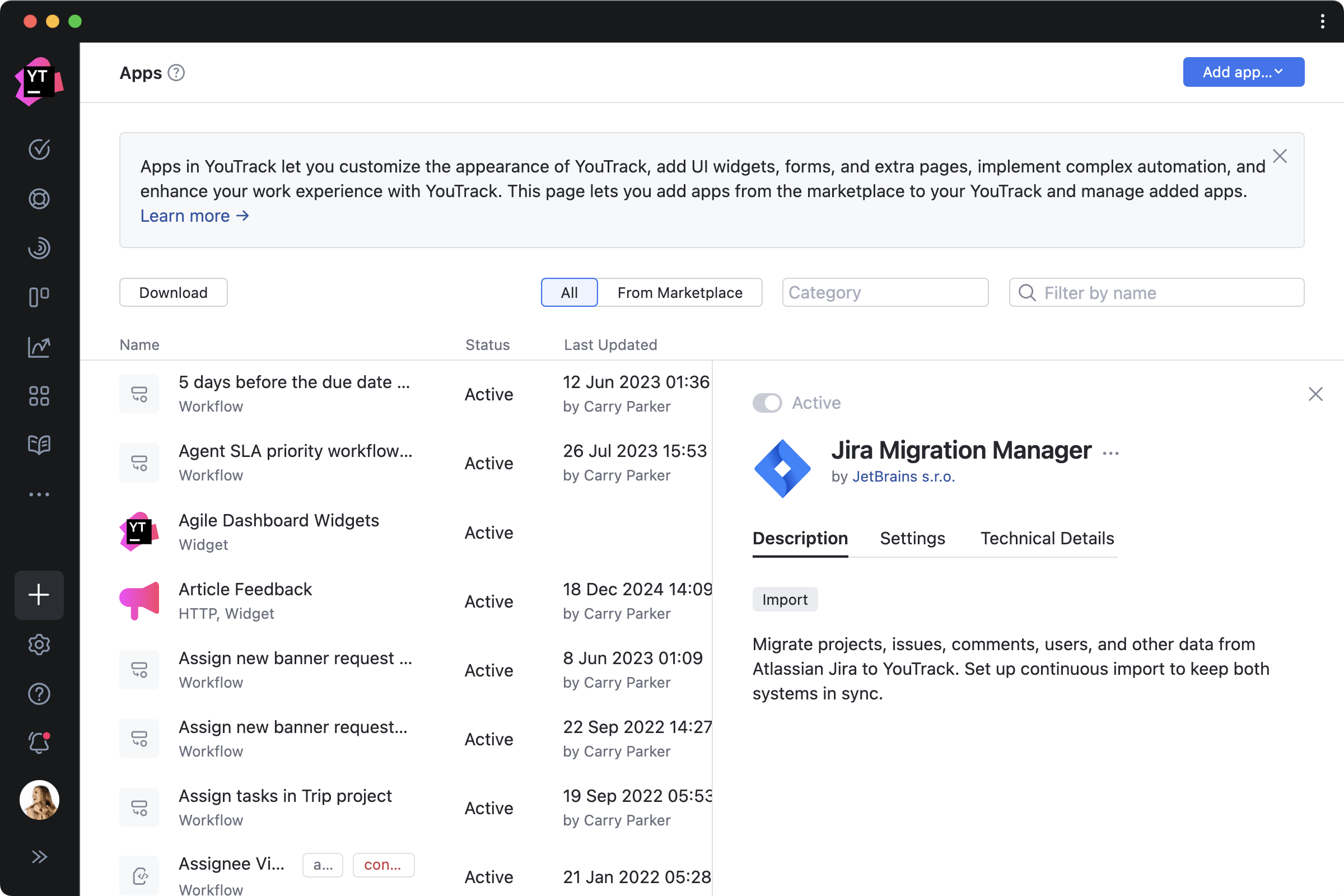
Use the preinstalled apps
You will find several preinstalled apps in YouTrack that import content from other systems and add some popular workflows and widgets to your dashboards.

Create your own apps
You can create an app to address your team’s needs, for example, to integrate YouTrack with an internal company system. You can also get in touch with one of our consulting partners to have them create an app for you. These apps can be downloaded directly to your YouTrack.
Browse JetBrains Marketplace
Several other apps can already be downloaded for free from JetBrains Marketplace, where everyone has the opportunity to publish the apps they create. We hope that the collection of apps will continue to grow. For now, all apps in JetBrains Marketplace are available for free, but we’re working on adding an option to publish paid apps so you can profit from your custom solutions.
Automate your business processes with workflows
Part of the app ecosystem in YouTrack, workflows allow you to define and automate the life cycles of tasks in projects. You can create workflows that automatically remind you about upcoming deadlines, update fields and assign issues according to specified conditions, create recurring issues at specific dates and times, and much more.


Code-free automation
Write your own workflows in JavaScript using the built-in editor, or create them without coding in the Workflow Constructor.
The Workflow Constructor is a drag-and-drop visual editor that provides non-technical users with access to all but the most advanced of YouTrack’s powerful automation capabilities, including state-machine rules.
State-machine rules let you create flowchart-style business processes by restricting issue state transitions to a specific sequence. Combined with on-change rules, they let you enforce conditions that must be met in order for each transition to be allowed, and trigger actions when transitions are made.
Built-in apps
YouTrack comes with a selection of apps that offer workflows to support typical team processes. There are workflows that can close a parent issue when all its subtasks are resolved, raise an issue's priority after a certain time period, manage duplicate issues, track time spent, and much more.

In addition to detailed documentation, we have a YouTrack Community on Reddit where you can discuss ideas and get help configuring your apps and workflows from our team and community members.