Whiteboards
Whiteboards are flexible visual spaces that enable solo thinking or team collaboration – whether you're a project manager structuring a plan, a team brainstorming, or an individual organizing your own work.
Start from scratch or bring in existing project content – issues, support tickets, articles, and any notes you've collected along the way. Turn ideas into YouTrack tasks and articles with a single click. Links between items sync automatically with your project – and vice versa.
Free for teams of 10, forever
From first ideas to final plans
Project planning For project managers
Plot roadmaps, restructure ongoing work, or visualize new projects, then use this content to generate tasks and articles with a single click.
Team brainstorming For teams
Run retrospectives, build mind maps, or sketch out ideas together in real time or asynchronously.
Knowledge sharing For project administrators
Explain workflows, processes, and project structures by combining guidance notes with quick access to relevant tasks and articles.
Personal work For individual users
Plan your week, capture ideas, and take notes on private Whiteboards visible only to you.
Brainstorm from scratch
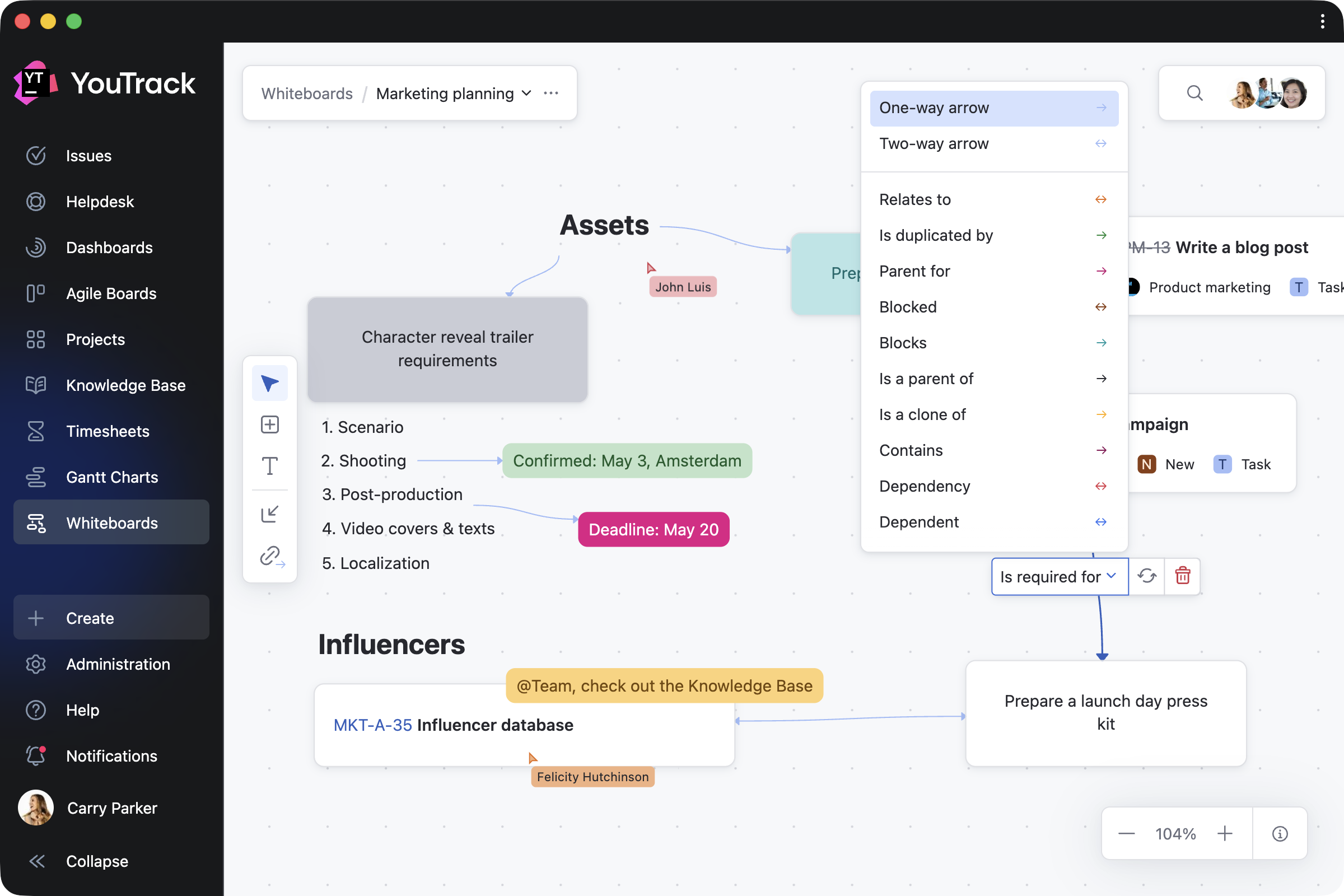
Start with a blank canvas – alone or with your team. Break down ideas using cards and text blocks, connect them with links, and build up structure as you go. Every update is instantly visible to everyone on the board.
You can also add interactive widgets that display task lists, reports, Agile Board charts, and other project information.
Turn ideas into tasks and articles
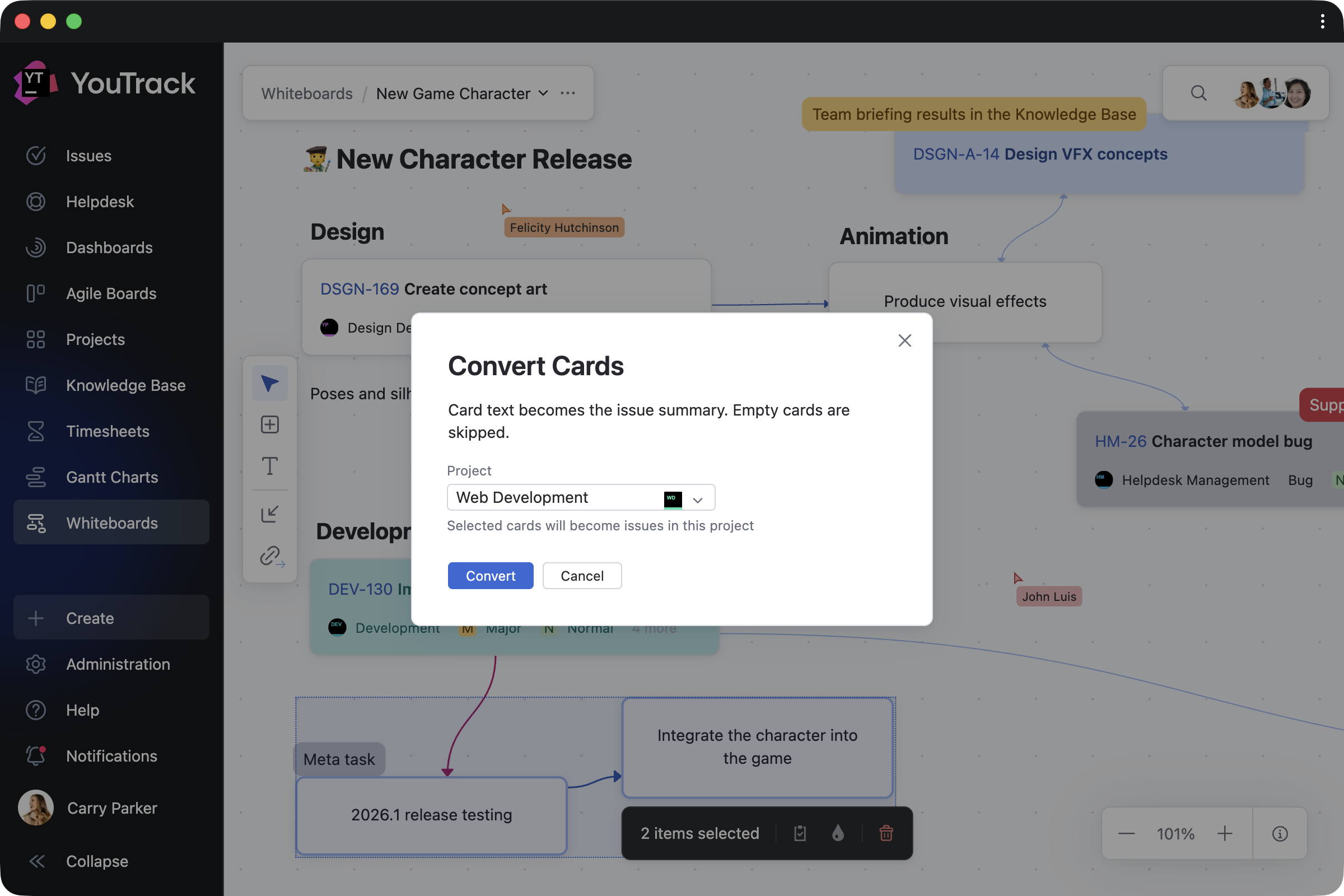
Select any card, pick the right project, add details, and watch it transform into a real YouTrack issue or article. Convert items one by one or all at once when your brainstorming session is complete. Task dependencies sync automatically – no extra steps needed.
Import and work on ongoing projects
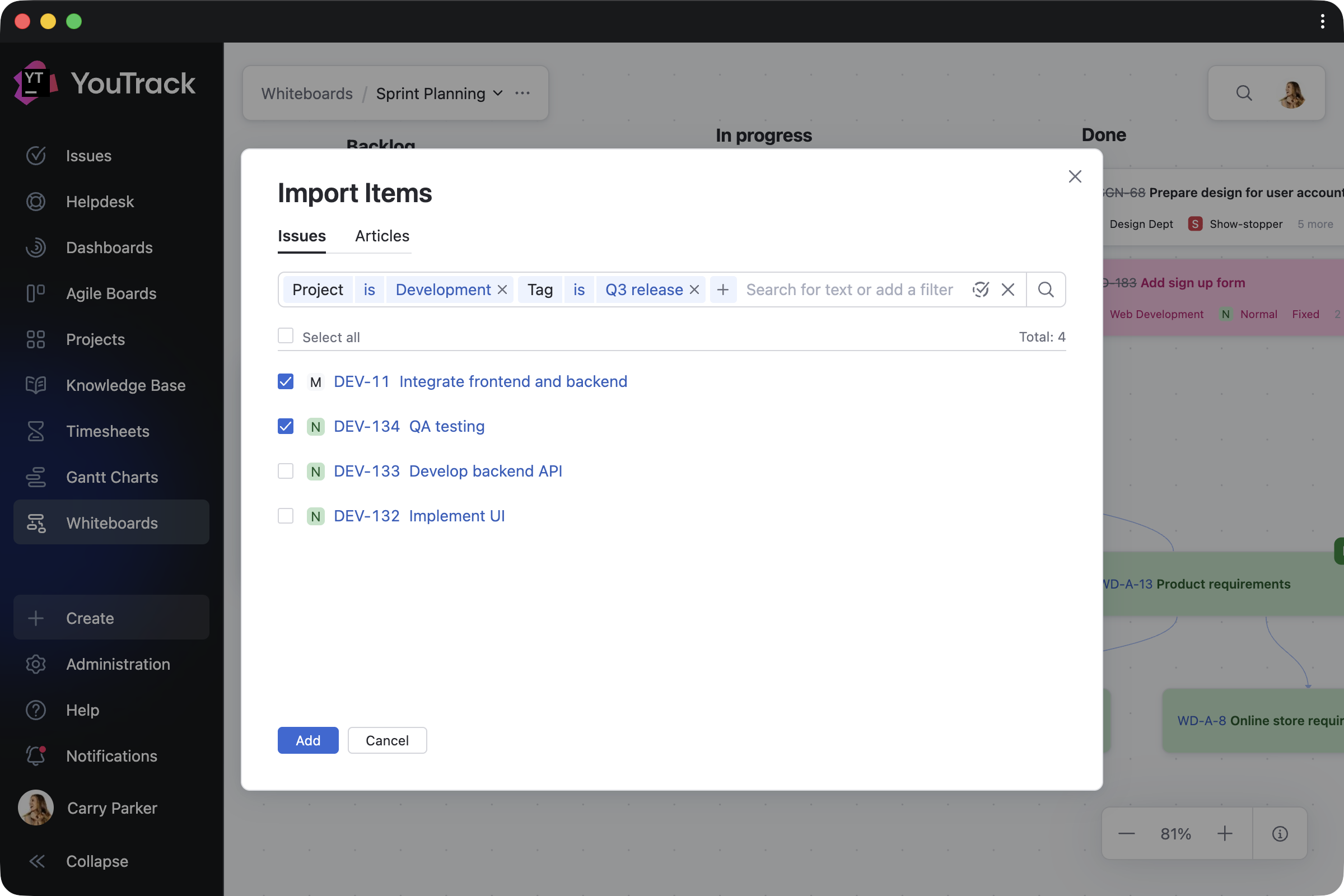
Bring existing tasks, tickets, and articles onto the Whiteboard and update them directly as your plans evolve. Every change is instantly reflected across your projects. Add backlog tasks to a planning session, link relevant articles, or use your Whiteboard as a living overview of ongoing work.
Navigate and track your progress
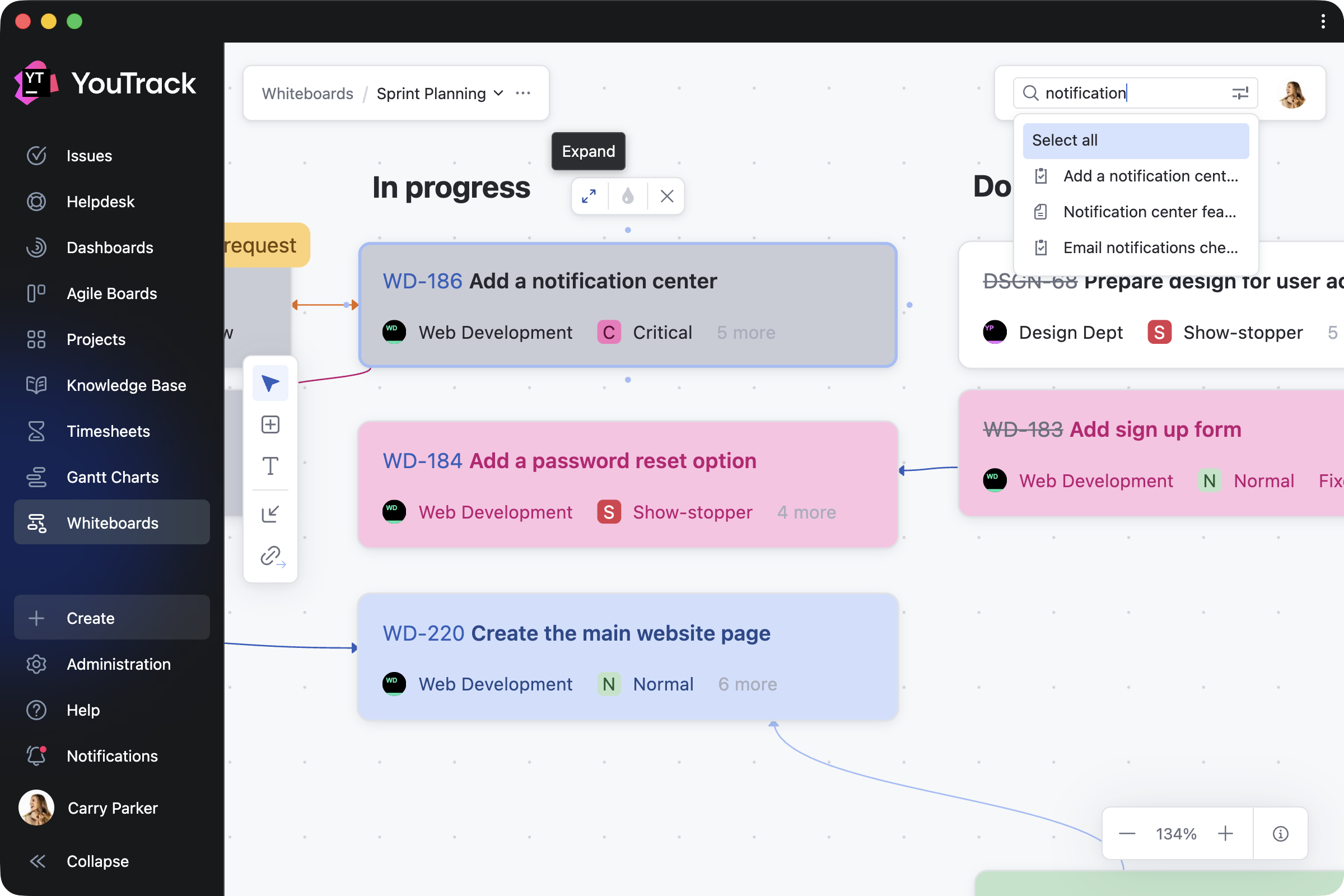
Return to any Whiteboard at any point to see how your plans have evolved. Zoom in to focus on specific areas, switch to full-screen mode for a bird’s-eye view, auto-arrange content based on card dependencies, or use search to quickly find and navigate to relevant content.
Control who sees and edits your work
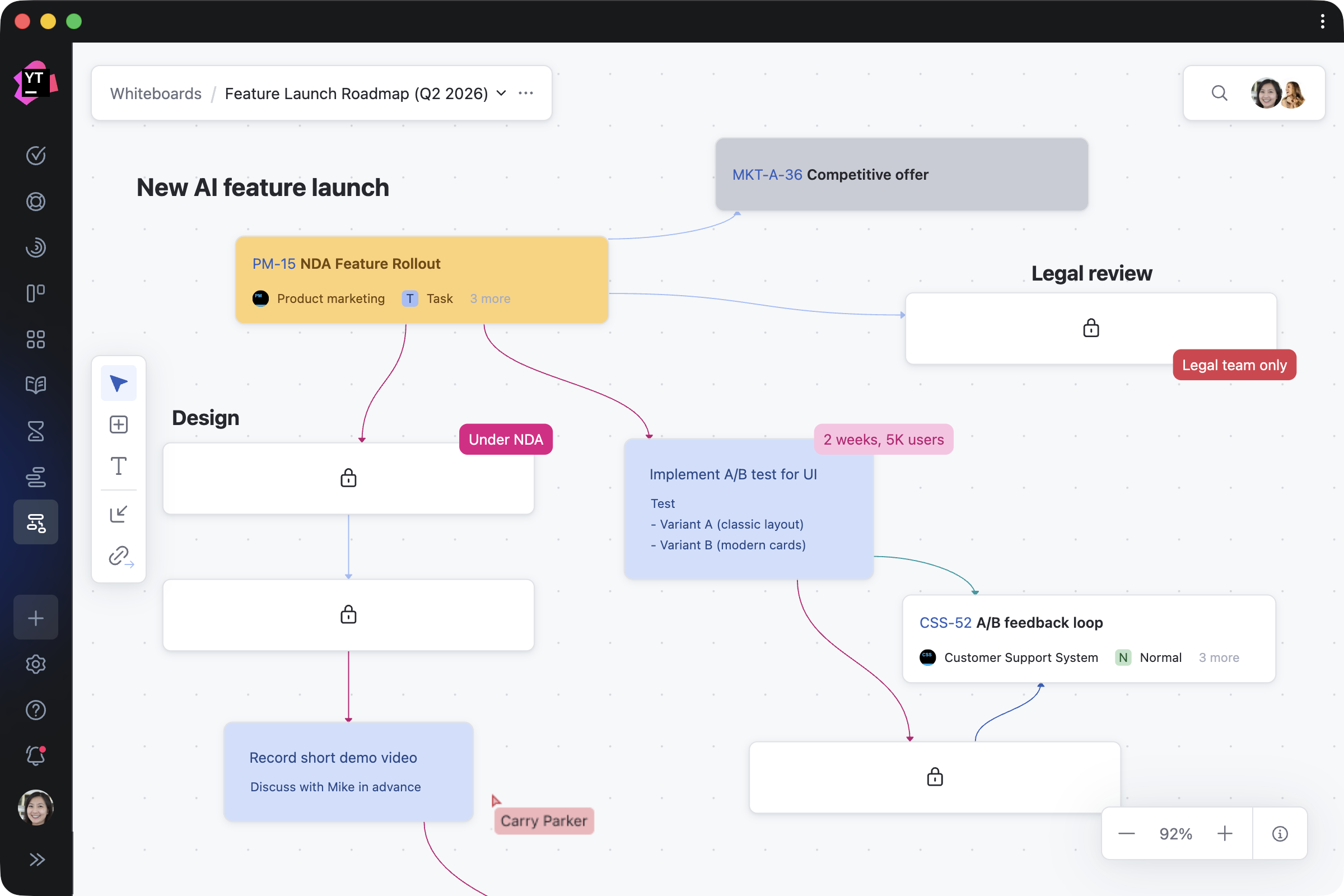
Work item visibility on a shared Whiteboard follows your YouTrack project permissions. Users only see what they already have access to. Whiteboard owners can set a board as editable or view-only. For personal work, you can create a personal Whiteboard that is visible only to you.