Generate reference documentation
PyCharm helps produce the formatted API documentation, using the following documentation generators:
Mind the following:
The documentation generators should be properly installed on your machine. For more information, refer to their respective download and installation pages.
PyCharm recognizes the docstring format and uses the documentation source directory defined in the Integrated Tools page of the Settings dialog.
Generating Reference Documentation Using DocUtils
To generate docutils documentation
Select DocUtil task run/debug configuration, and change it as required: specify the configuration name, input and output directories, and optional keys.
Launch this run/debug configuration, as described in the section Run and rerun applications.
Generating Reference Documentation Using Sphinx
Create initial infrastructure for Sphinx documentation
Ensure that the Sphinx package has been installed with the Python interpreter (). For more information about installing a package, refer to Install, uninstall, and upgrade packages.
In the main menu, go to .
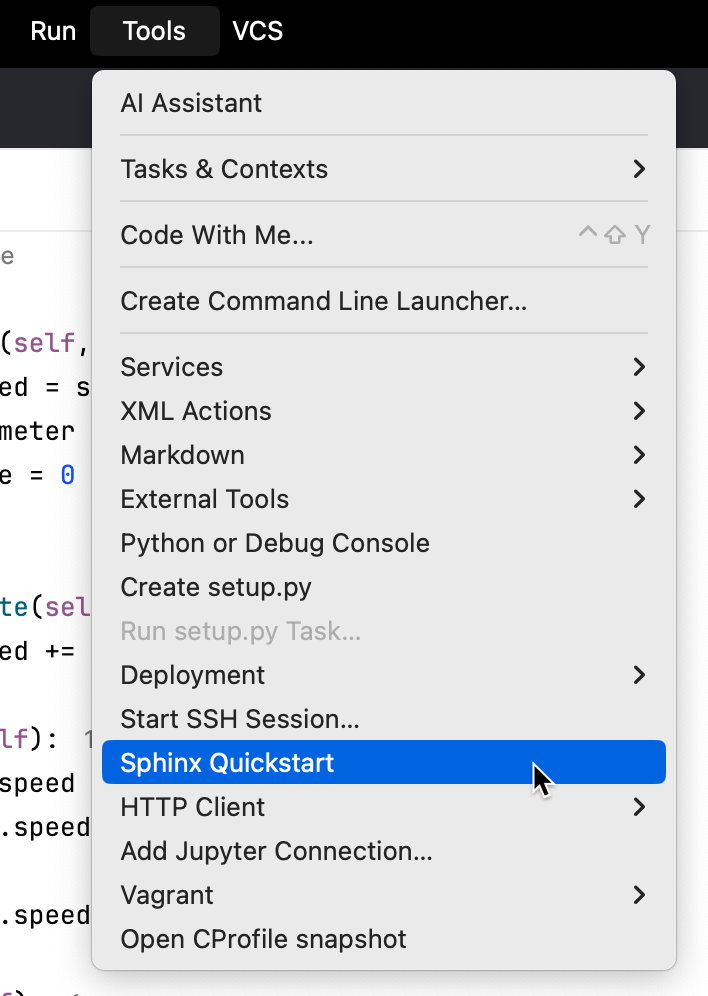
If the Sphinx working directory is not specified in the Integrated Tools page, the Set working directory dialog opens, suggesting to specify the path to the documentation.

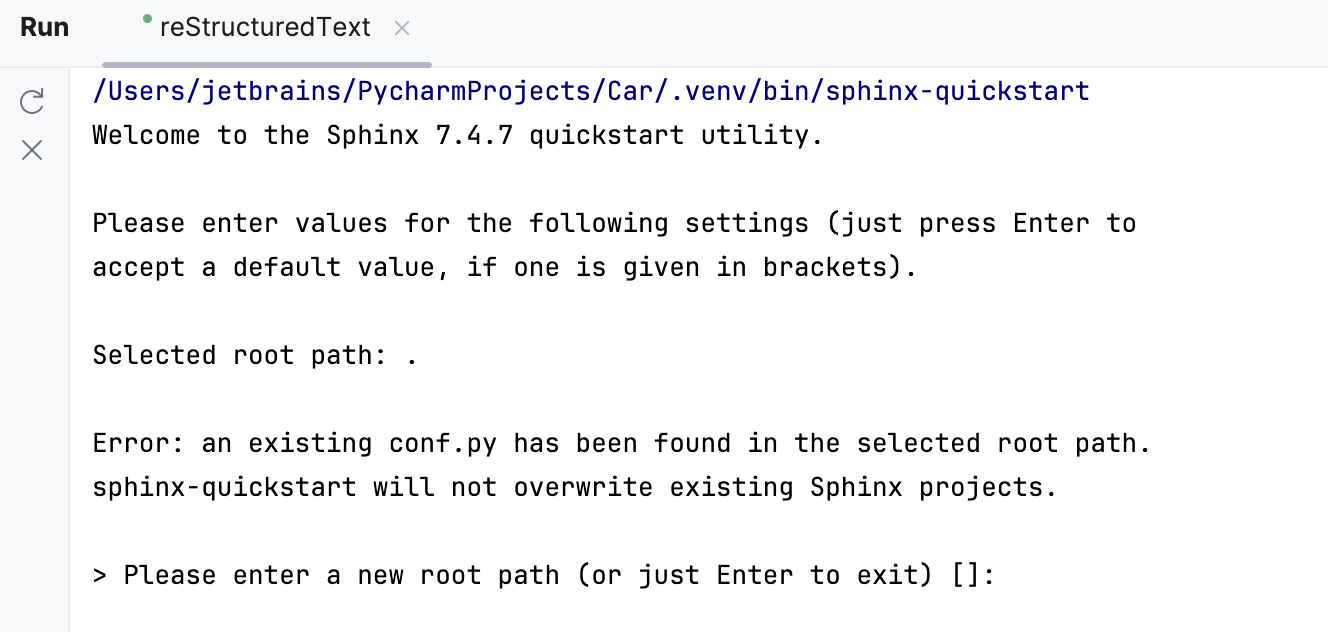
In the console that opens in PyCharm, answer the questions provided by the sphinx-quickstart utility. In particular, specify the source directory, where the generated conf.py file will be stored. If, answering this question, you just press Enter, PyCharm will use either the path you've specified in the previous step, or the path specified in the Sphinx working directory field of the Integrated Tools page.
Generate Sphinx documentation
Open the Run/Debug Configuration dialog in one of the following ways:
Select from the main menu.
With the Navigation bar visible (), choose from the run/debug configuration selector.
Press Alt+Shift+F10 and then press 0.
In the Run/Debug Configuration dialog, click
 on the toolbar or press Alt+Insert. The list shows the run/debug configuration templates.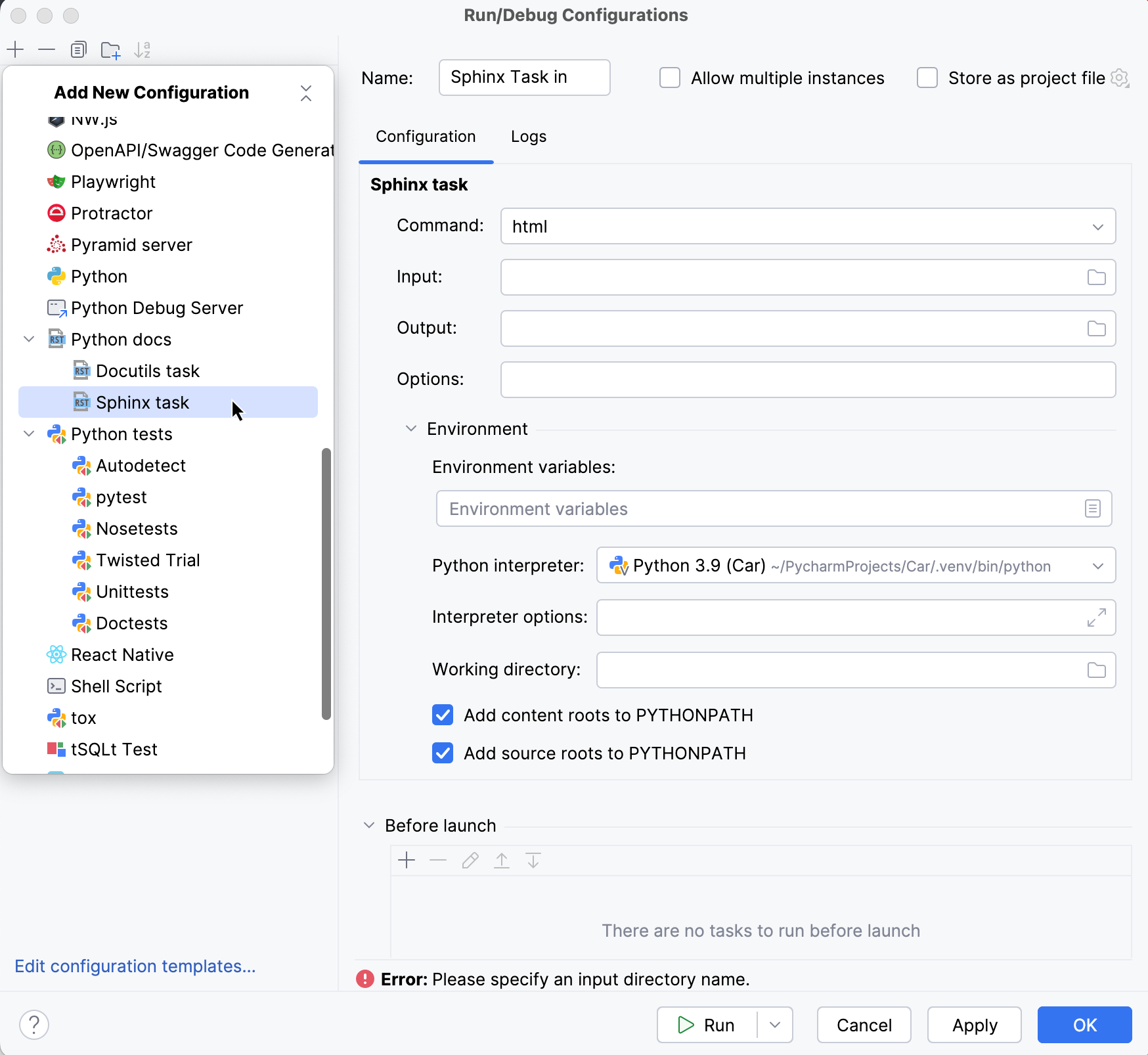
Select Sphinx task run/debug configuration, and change it as required: specify the configuration name, input and output directories.
Launch this run/debug configuration, as described in the section Run and rerun applications.
Reuse docstrings in Sphinx documentation
Set up the initial infrasructure for Sphinx documentation.
In your conf.py file, make sure the following extensions are enabled:
extensions = [ ..., 'sphinx.ext.autodoc', 'sphinx.ext.autosummary', ]These extensions allow you to reuse docstrings and automatically generate summary pages.
Add docstrings to your Python functions, classes, or exceptions in the source code.
In your .rst files, add the directives to reuse the corresponding docstrings in the documentation. For example:
.. autofunction:: module_name.function_name.. autoexception:: module_name.exceptionTo automate the documentation of multiple objects, use:
.. autosummary:: :toctree: generated module_nameThis generates a table of contents for all the documented objects in the module.