Review with agent
Review with agent is an automated review pass performed by an agent. Use it when you want a strong first check that applies your project's constraints and review focus areas consistently. This works especially well before a pull request and human review.
Review with agent does not replace human review. It helps you find issues early and makes the final review faster by turning common checks into repeatable feedback.
This is a feature of the Air app. The browser has no built-in review pass and no review prompt to edit: there you review by hand, or run whatever review command or skill the agent itself provides. See Review the changes and comment on them.
How review with agent works
Review with agent runs as a separate review task with a fresh agent session and its own context, so it does not interfere with the main task.
The review context includes:
Agent and model – you select the agent and model in the review menu, so the review can run with a different agent than the one that implemented the change.
Review prompt – the agent uses review instructions that define what it should focus on. You can adjust the review prompt or override it for a specific project.
Review scope – the selected scope is added to the review context. You can review task changes, all local changes, or another scope such as files, folders, commits, or branches.
Review task changes
Use this option when you want to review only the changes created by the current task.
Review task changes with an agent
Open the task changes in one of the following ways:
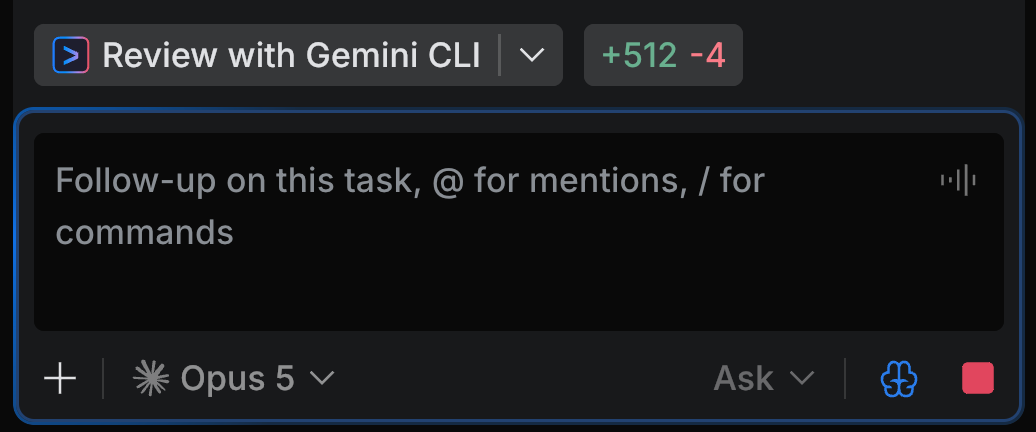
after the task is finished, use the Review with <agent> button shown in the Chat tool
after the task is finished, open the Task Changes editor tab
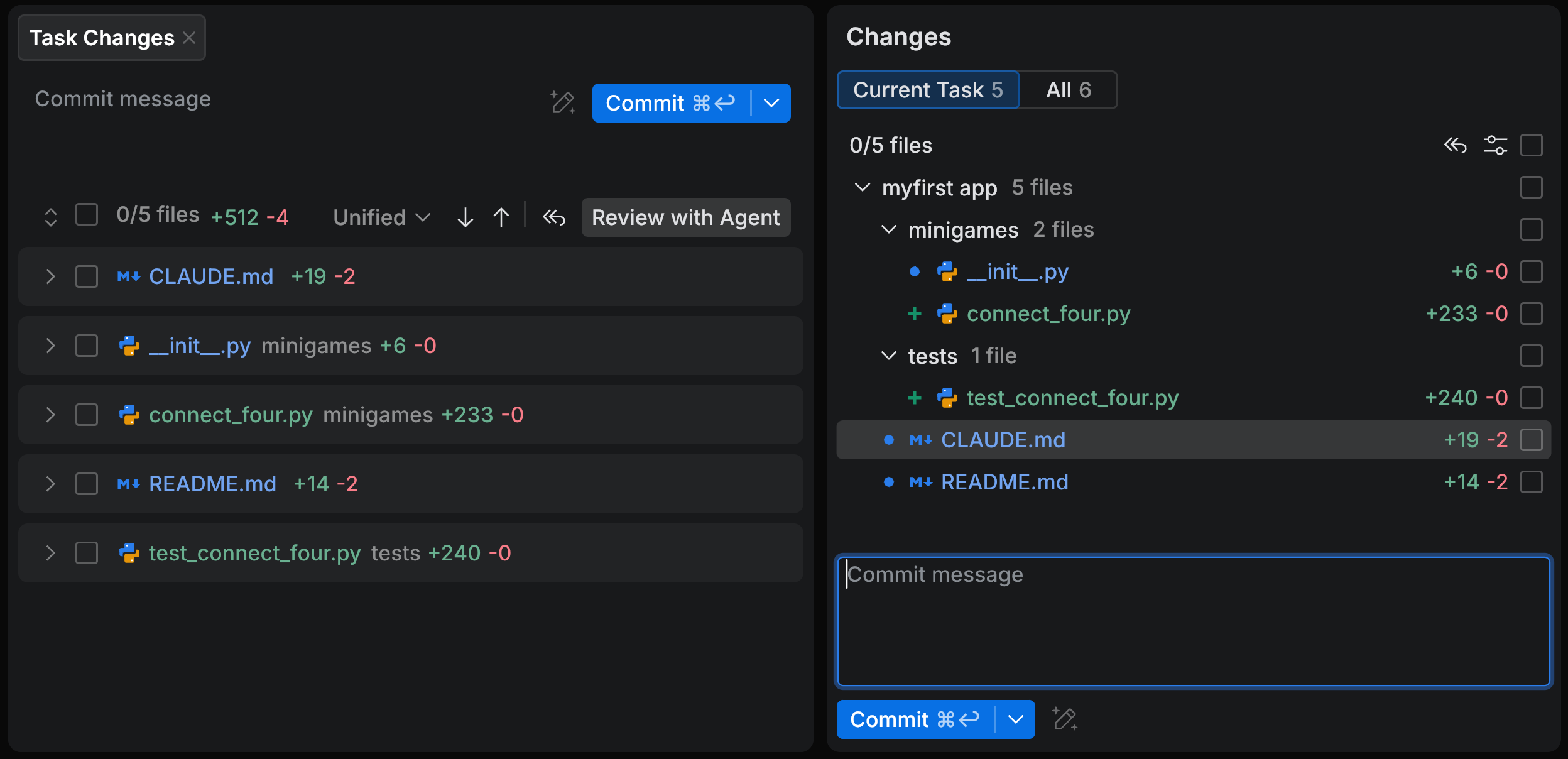
open the Changes tool and select Current Task to open the Task Changes tab in the editor
type
/in the task input, choose Review with <agent>, and then choose Task Changes as the review scope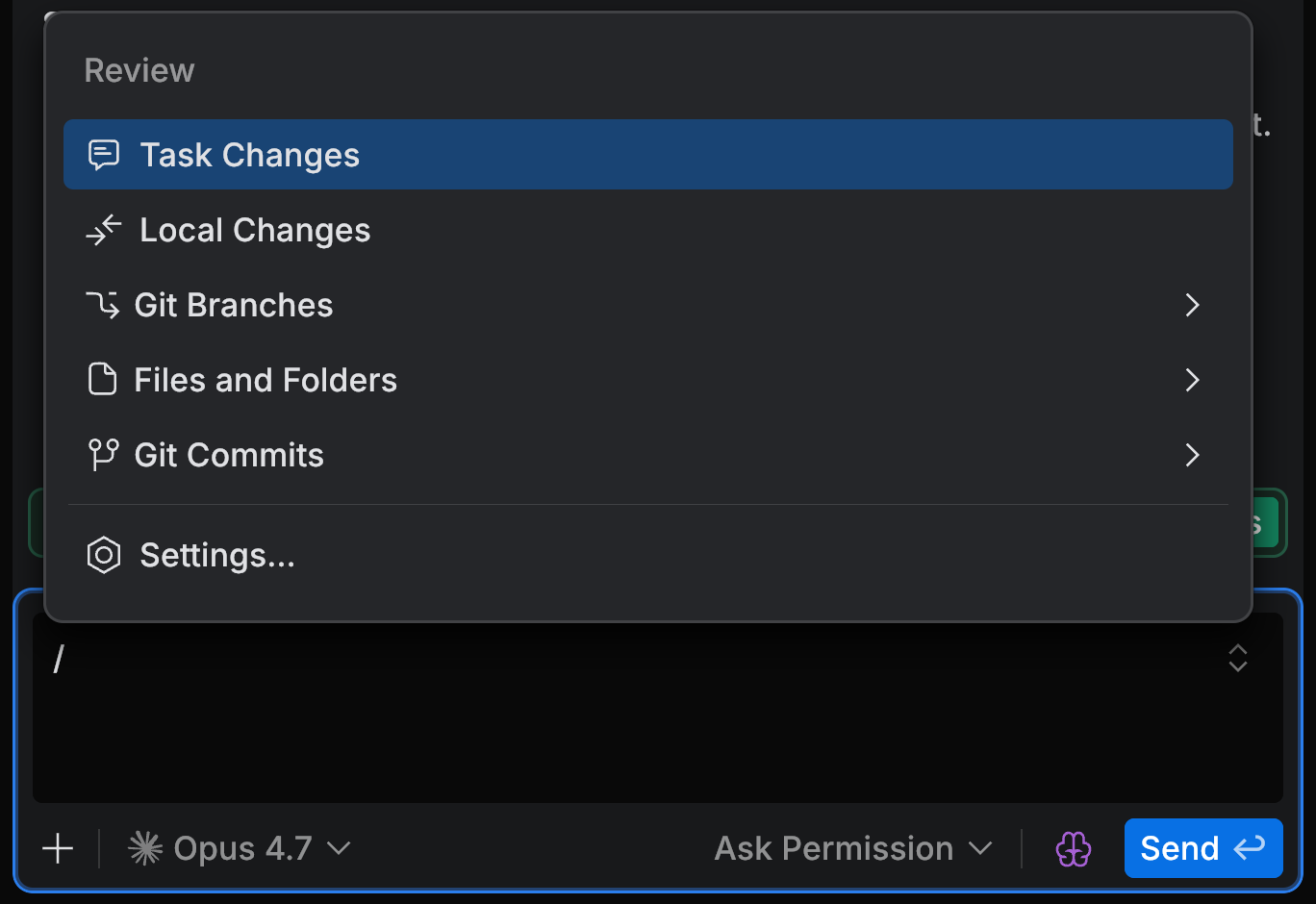
Optionally, select another agent and model for the review.
The button shows the agent that runs the review, for example, Review with Codex. Click the arrow next to it, select an agent, and then select a model. A review by a different agent than the one that implemented the change gives you a more independent second opinion.
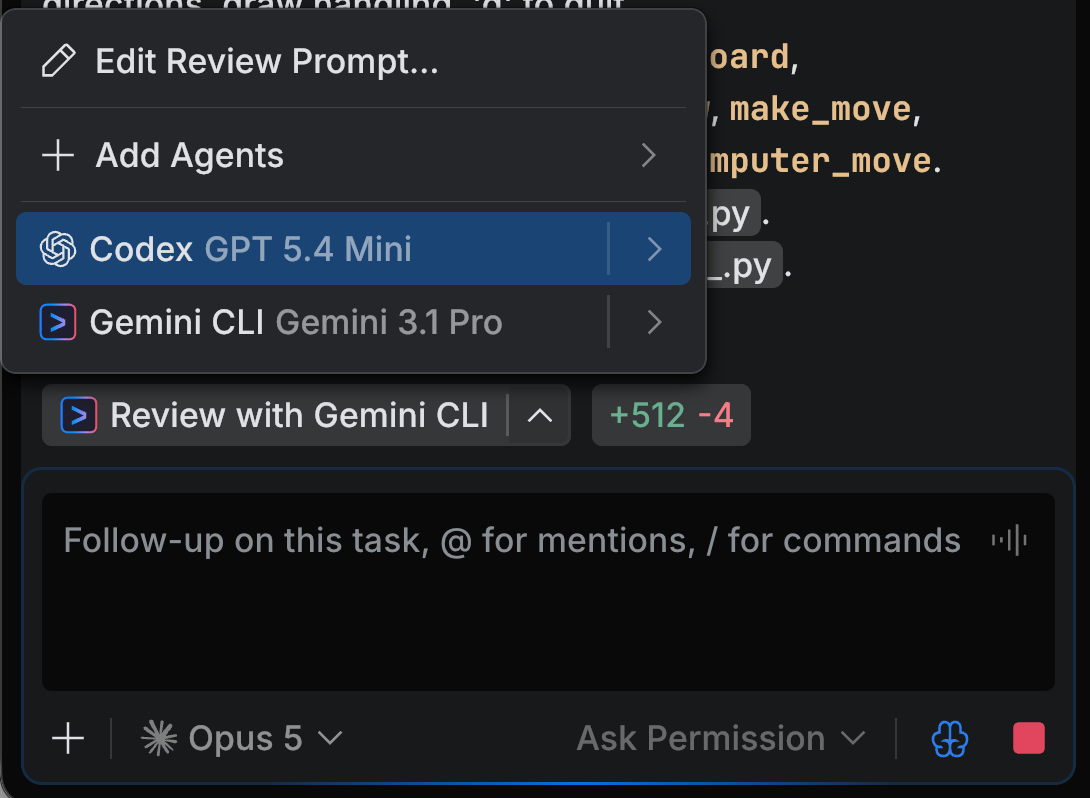
The menu lists the agents you have connected, each with the model it currently uses. To review with an agent you haven't connected yet, select Add Agents.
Start the review with Review with <agent>.
Wait until the dedicated review task starts and completes.
The review runs in a separate agent session and uses its own context, so it does not interfere with the main task.
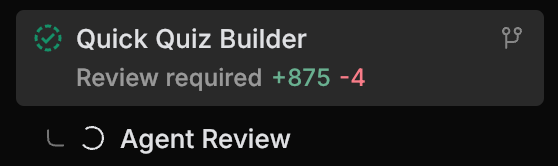
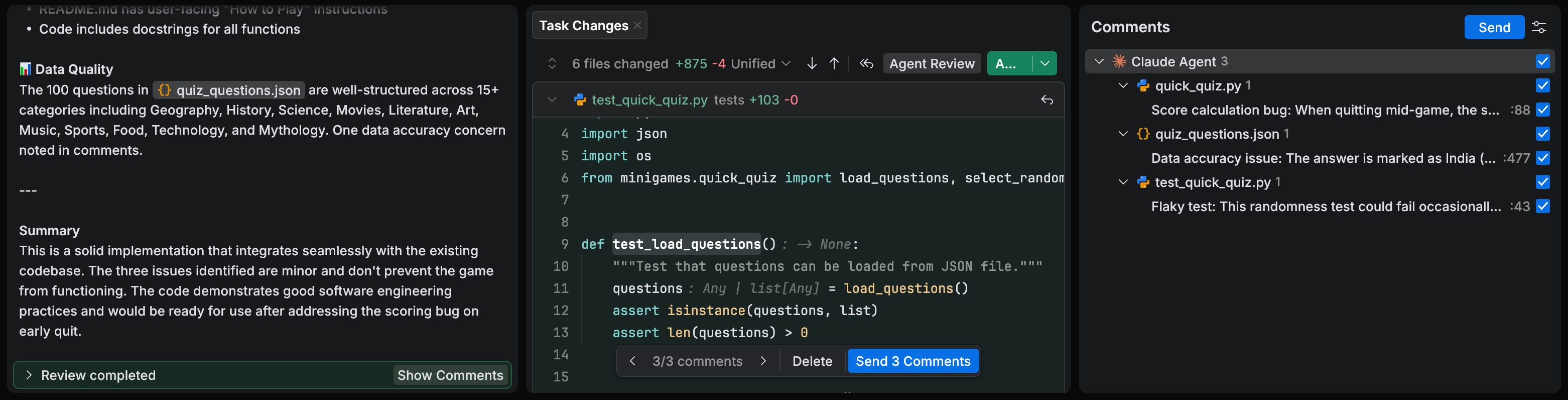
Review the generated comments in Task Changes and in the Comments tool.
Select the comments you agree with and click Send to send them to the main task.
The main agent uses the accepted comments as follow-up instructions and updates the code.
Review all local changes
Use this option when you want the agent to review all uncommitted changes in the current workspace, not only the changes from the current task.
This is useful when task changes are mixed with manual edits or changes from previous tasks.
Review all local changes with an agent
Open all local changes in one of the following ways:
open the Changes tool and switch from Current Task to All
type
/in the task input, choose Review with <agent>, and then choose Local Changes as the review scope
If you used the Changes tool, make sure the All Changes tab is open in the editor.
The Changes tool is used to select which changes are shown.
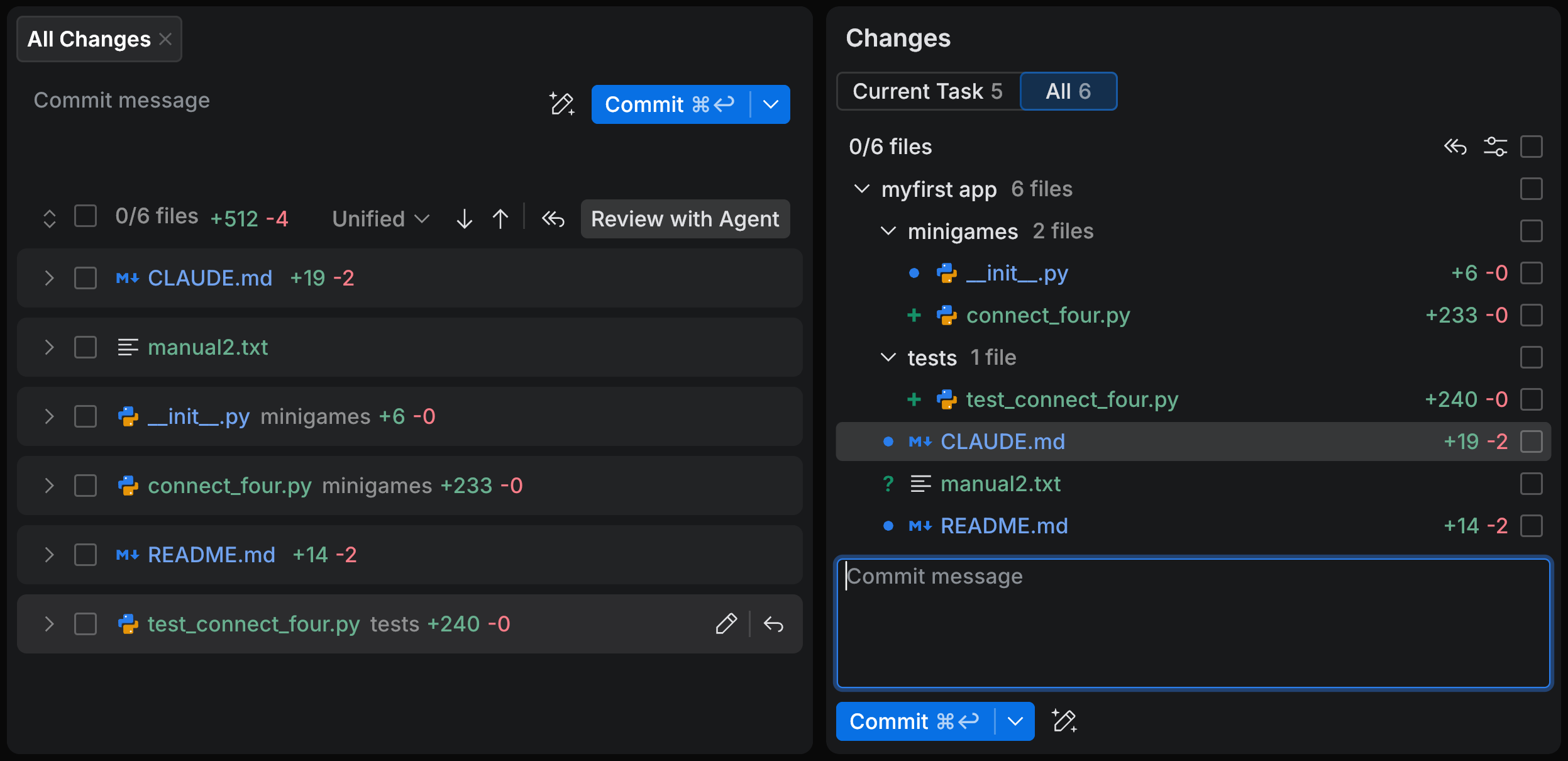
In the All Changes tab, click Review with <agent>. Or, if you started from the command, confirm Local Changes as the scope.
Review the generated comments and send the accepted ones to the main task.
Review another scope
Use this option when you want to review something other than task changes or all local changes. For example, you can review specific files, folders, commits, or branches.
Start this review from the task input: type /, choose Review with <agent>, and then select the scope you want to review.
Review another scope with an agent
In the task input, type
/.Select Review with <agent>.
Select the scope you want to review, such as files and folders, Git commits, or Git branches.
Wait until the review finishes, then inspect the review comments and send the accepted ones to the main task.
Adjust the review prompt
The global review prompt is used by default for review with agent in all projects. Change it when you want to update your default review focus, for example, to emphasize code style, security checks, test quality, or project-specific conventions that you commonly use.
Edit the global review prompt
Next to Review with <agent>, click the arrow to open the review menu.
Select Edit Review Prompt.
You can also open the prompt from Settings: on the Global tab, go to and click Edit next to Agent review prompt.
Update the prompt and save it.
Use a project-specific review prompt
A project-specific review prompt overrides the global review prompt for one repository. Use it when a project has its own review rules, constraints, or focus areas that should not affect your default review behavior in other repositories.
The project-specific review prompt is stored in the repository: .air/review/review-prompt.md.
Edit a project-specific review prompt
Open Settings.
Select the project tab.
In the project settings, find the section.
Next to Agent review prompt, click Edit.
Update the project-specific review prompt and save it.
If a project-specific review prompt exists, it is used instead of the global review prompt.