Review changes
After an agent plans and implements a change, review the result before you integrate it. Review is interactive: you can inspect diffs, navigate to modified files, comment on code, and turn feedback into the next iteration.
Review can be done by a human or by an agent. This topic describes human review in the Air app. For agent-based review, see Review with agent; for reviewing a cloud task in the browser, see Review the changes and comment on them.
Review workflow
Review, iterate, and verify
Open the task changes.
After a task is finished, the Chat tool shows how many lines the task added and deleted, for example, +512 -4. Click the statistics to open the merged diff in a single editor tab named Task Changes.
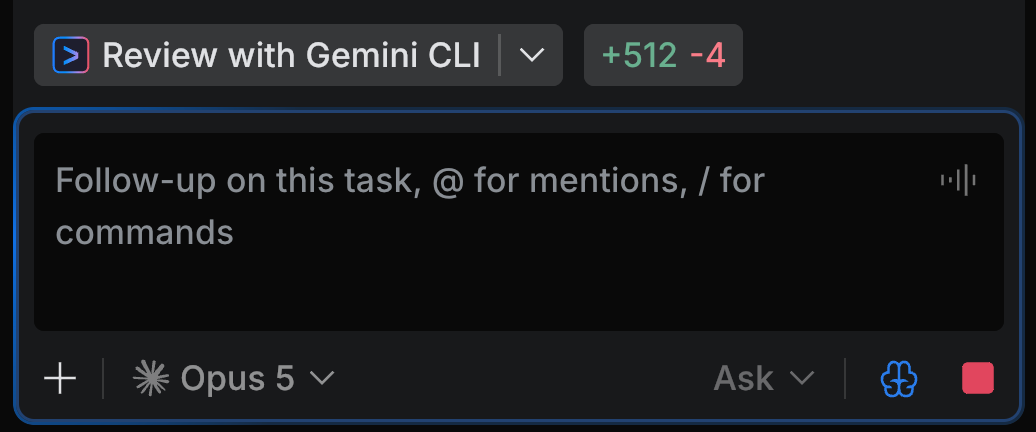
Navigate the diff and choose how to inspect it.
Use the diff header to switch between Unified and Side-by-side views. Use the navigation controls to jump to the next or previous hunk. You can also open the changed files and review them in the context of the whole project.
The diff header also holds the Review with <agent> button, so you can hand the same diff to an agent without leaving the tab. See Review with agent.
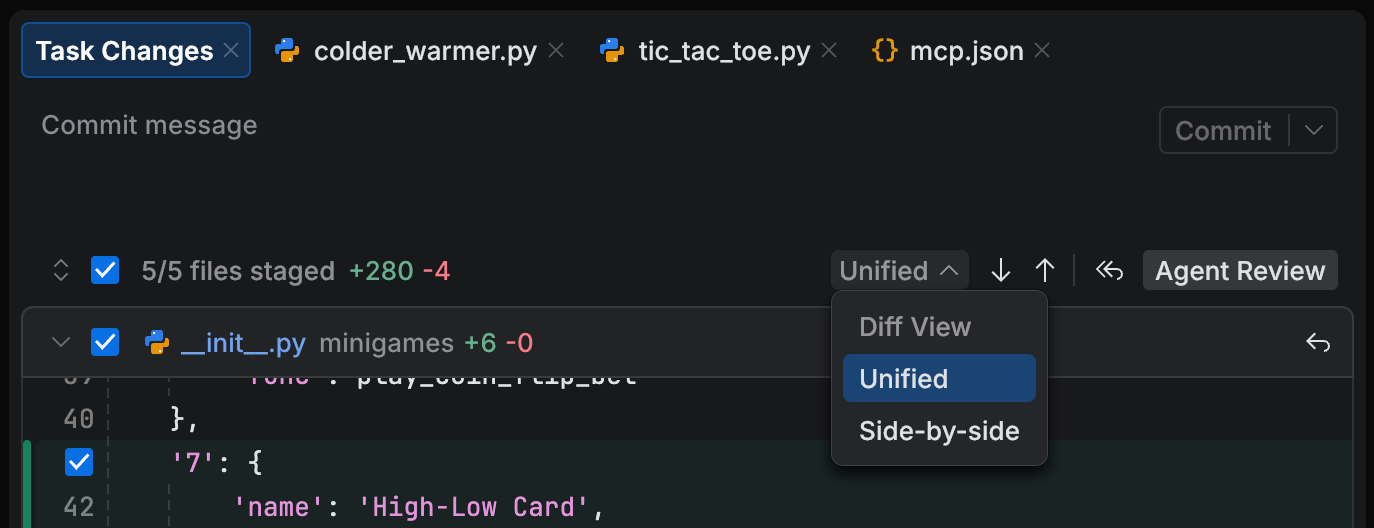
Review the result and choose how to provide feedback.
You can review changes in several ways:
Comment on code – add comments to specific lines and send them to the task as review feedback. You can send one comment immediately or collect several comments and send them together. See Comment on changes.
Add selected code to the task – send a selected code fragment directly to the task as context for a follow-up. See Add selected code to the task.
Iterate on the result.
If more work is needed, send your review feedback to the task and let the agent update the result. You can also add more context using the same tools as when defining a task: attach files and folders, mention symbols, add terminal output, or upload a file. Learn more in Task context.
Verify the updated result.
You can verify changes by running the project yourself or by asking the agent to run commands or tests. For example, ask the agent to run newly added tests, or run the app if it is a console project.
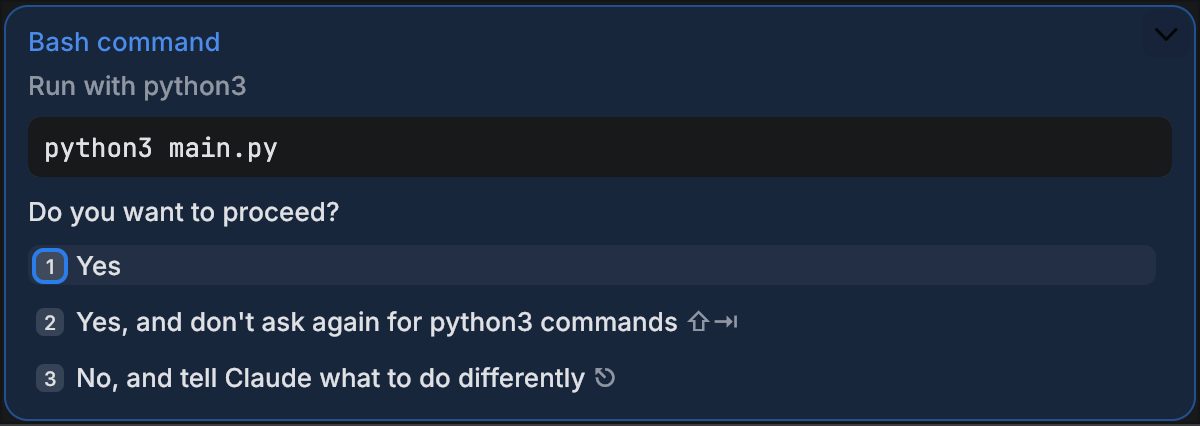
After the agent completes the follow-up, the updated change statistics appear again. Each iteration returns you to the updated Task Changes tab.
Review actions
Comment on changes
Use comments when you want to leave review feedback on specific lines. You can send a single comment immediately or collect several comments and send them together.
In the diff or editor, select the line you want to comment on.
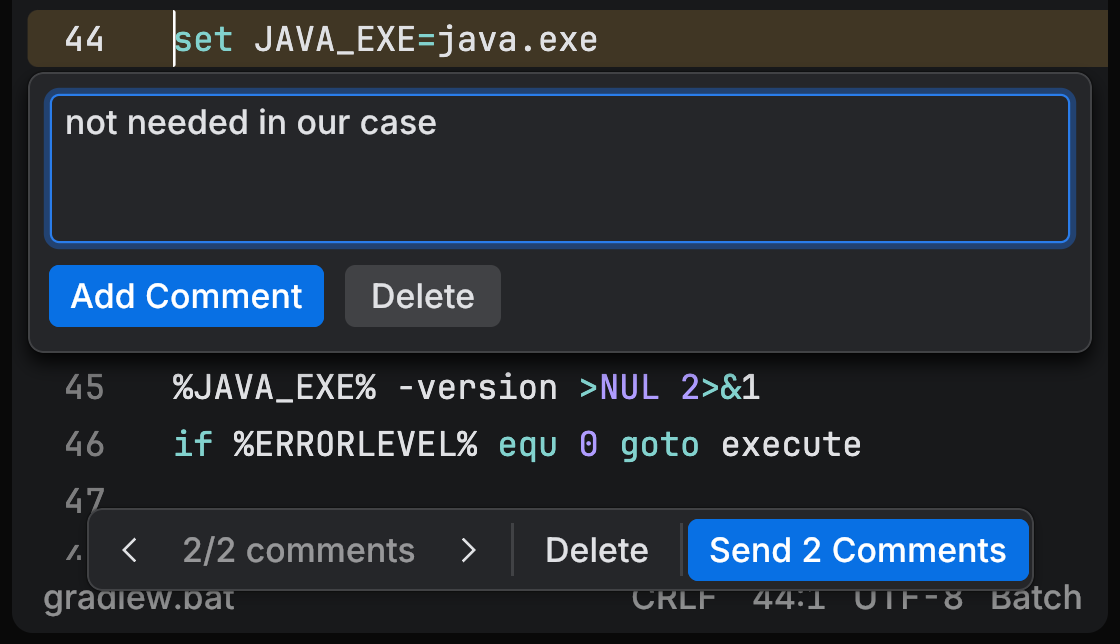
Enter your comment.
Choose how to proceed:
To keep reviewing and add more comments, click Add Comment.
To send all currently collected comments and start the next iteration, click Send Comments.
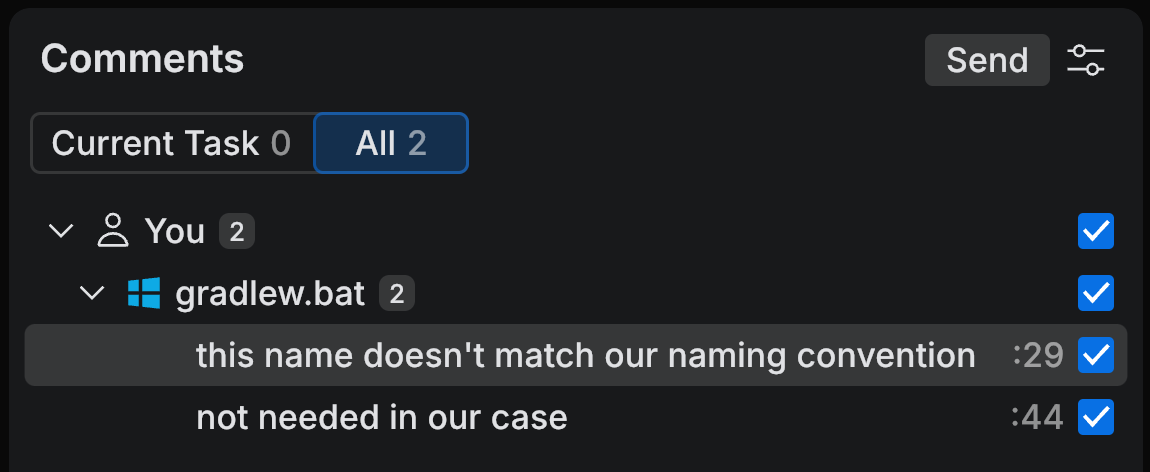
(Optional) Open the Comments tool if you want to review all collected comments before sending them.
The tool shows comments for the current task and, if needed, all comments across tasks.
Add selected code to the task
Use this action when you want to send a selected code fragment directly to the task as follow-up input.
In the diff or editor, select the code you want to reference.
Click Add to Task.
Enter the follow-up instruction and send it to the task.