Comments
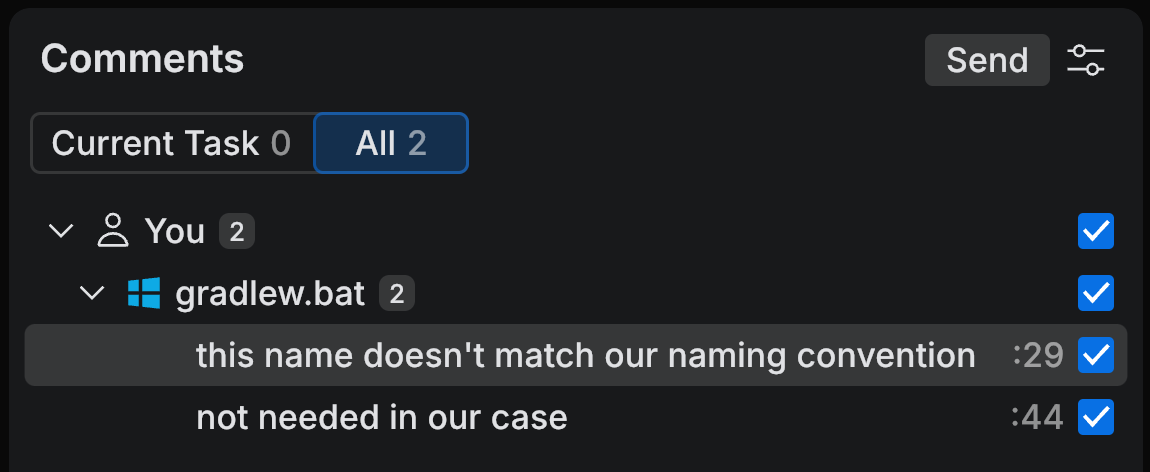
Use Comments to review and manage comments in the current workspace. It collects both the comments you add in code and the ones an agent leaves during agentic review, for the current task or across all tasks. Select a comment to open the file and jump to the commented code.
Collecting comments here is what lets you review a whole diff before you answer it: add as many comments as you need, then send the ones you agree with in one go. They go to Chat as a follow-up in the same agent session, so the agent already has the task's context when it picks them up.
Open the Comments tool
Navigate to in the main menu and select Comments.
On the tool panel, click Comments.
What you can do here
Comment on changes – add comments to specific lines and send them to the task as review feedback.
Review with agent – have an agent review the diff, then send the comments you accept back to the main task.