Slow project analysis
Profile the indexing (project analysis) process
Click .
Click Invalidate and Restart.
Wait until GoLand loads and analyzes the project files.
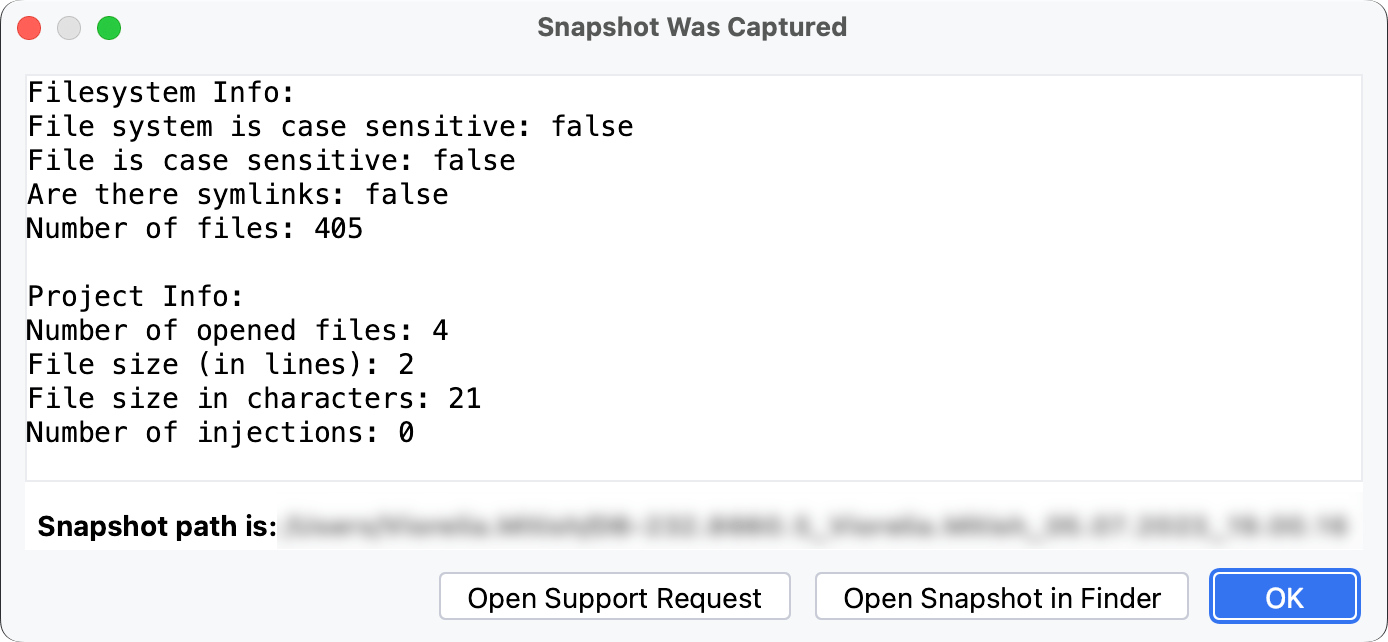
Click the Open Snapshot in <file_browser> button to locate the snapshot. The file browser name depends on your operating system: Finder, File Explorer, GNOME, Xfce, and others.
21 January 2026