Ruby
The Ruby plugin extends IntelliJ IDEA with the full-scale functionality for Ruby development. The plugin supports the same functionality as RubyMine, the standalone IDE for Ruby developers.
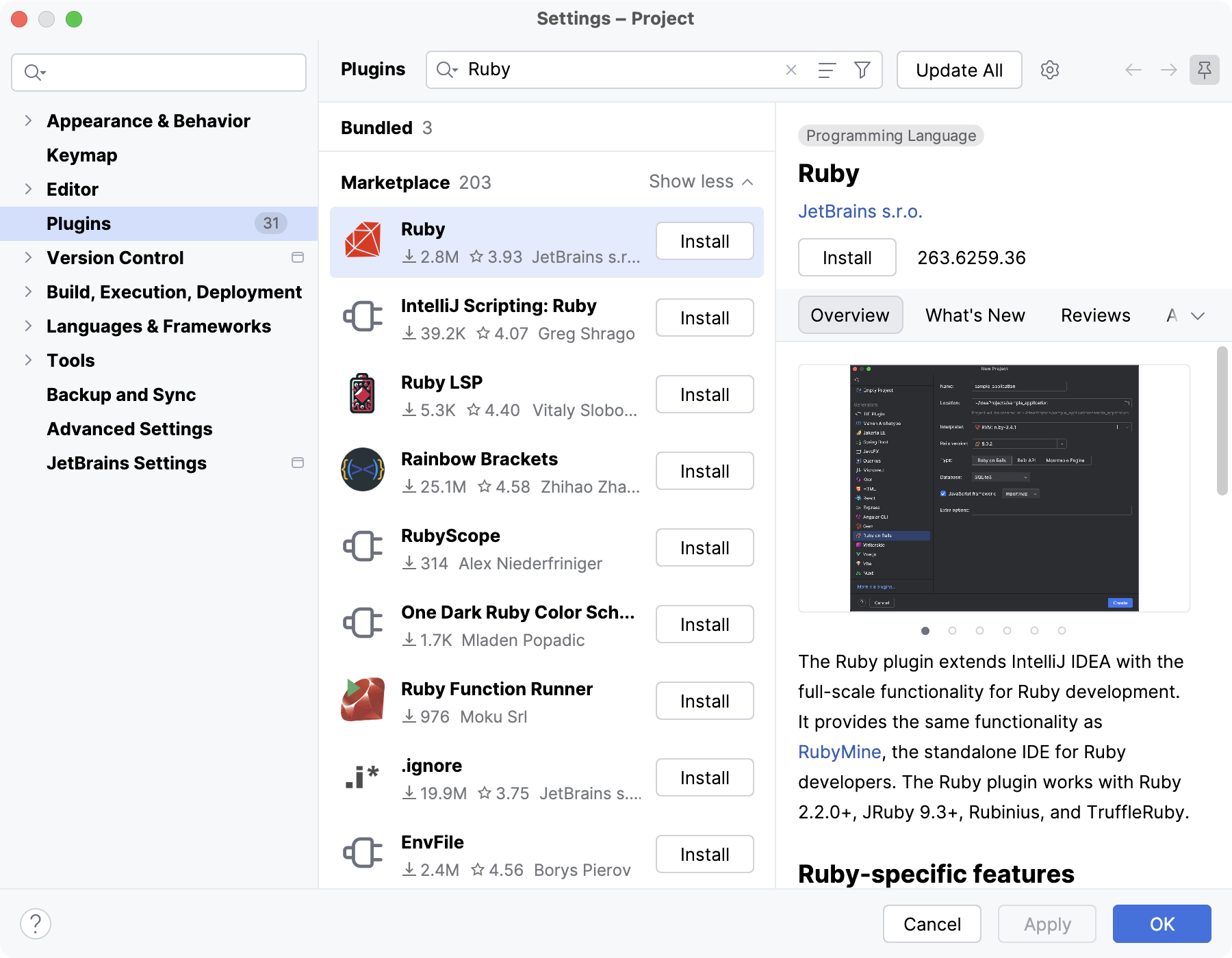
Install the Ruby plugin
In the Settings dialog (Ctrl+Alt+S) , select Plugins.
Find the Ruby plugin and click Install.
Wait for IntelliJ IDEA to install the plugin. After that, you can start using Ruby/Rails features.
Further procedures
JRuby integration
IntelliJ IDEA supports JRuby to allow you to integrate Ruby code with the Java ecosystem by running Ruby on the Java Virtual Machine (JVM)
Configuring JRuby in your project is different from setting up pure Ruby projects. For more details, refer to Set up JRuby integration this topic.
06 October 2026