Code highlighting
You can configure code highlighting options for Scala code in settings. Press Ctrl+Alt+S to open settings and then select .
IntelliJ IDEA with Scala Plugin offers two modes of error highlighting: Built-in and Compiler.
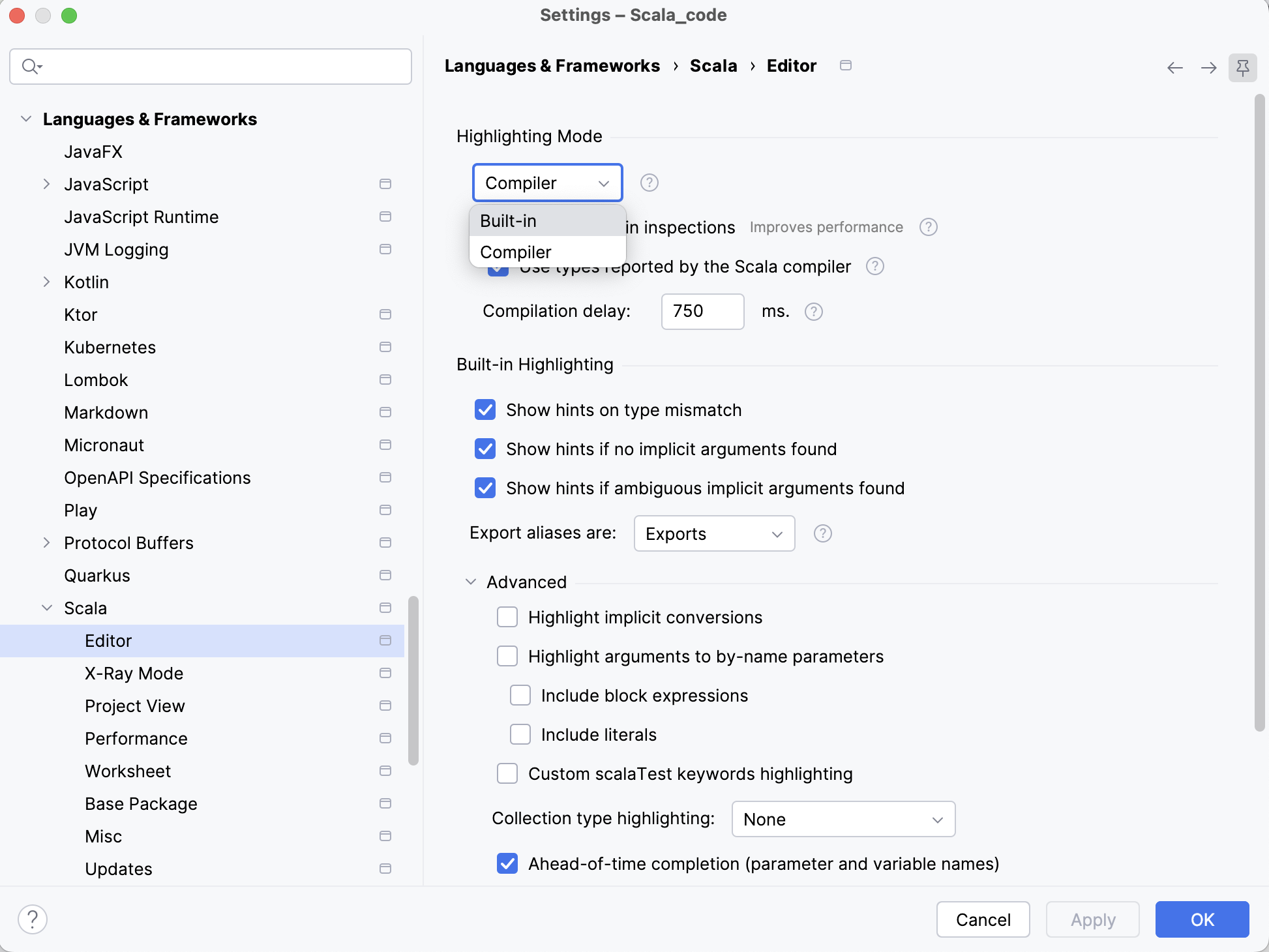
Built-in highlighting
Built-in highlighting is the default highlighting mode. It offers more features and faster feedback and is overall more lightweight.
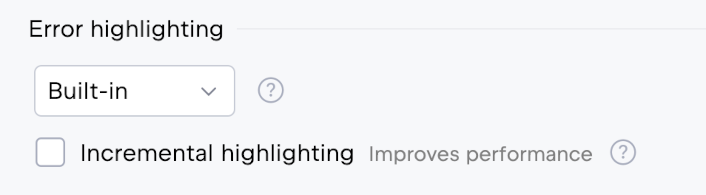
When Built-in highlighting is selected, the Incremental highlighting option becomes available. Enable this option to limit syntax highlighting to the visible area of the editor. This may improve performance and reduce CPU, memory, and battery usage, especially when editing large or complex files.
Compiler-based highlighting
Compiler highlighting provides more accurate error and warning reporting because it uses the Scala compiler. However, it is slower, consumes more resources, and does not support some IntelliJ IDEA features, such as inspections, quick-fixes, and type diffs. Unless you encounter a significant number of false positives, Built-in highlighting is recommended.
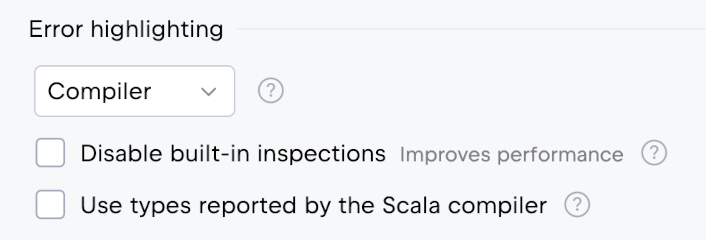
When the Compiler highlighting is selected, the following options become available:
Disable built-in inspections: some inspections provided by the Scala plugin overlap with compiler diagnostics or add only a small amount of additional information. Disabling these inspections can help improve editor performance.
Use types reported by the Scala compiler: use type information provided by the compiler for type inference in macros and in
transparent inlinemethods.
Other highlighting options
You can find more highlighting options in the Advanced section on the page :
Title | Example |
|---|---|
Highlight implicit conversions | 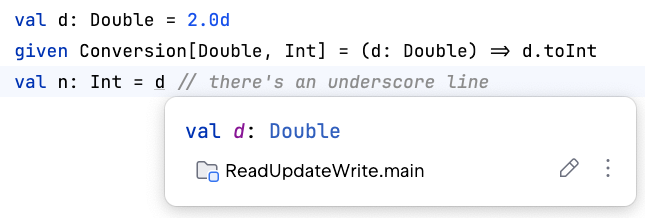 |
Show hints on type mismatch |  |
Show hints if no implicit arguments found | 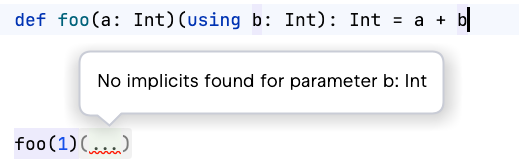 |
Show hints if ambiguous implicit arguments found | 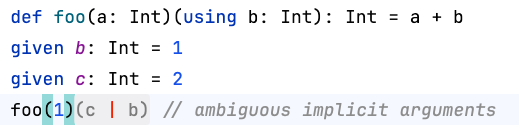 |
Highlight arguments to by-name parameters | 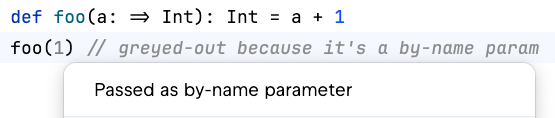 |
Custom aliases are Exports/Definitions | 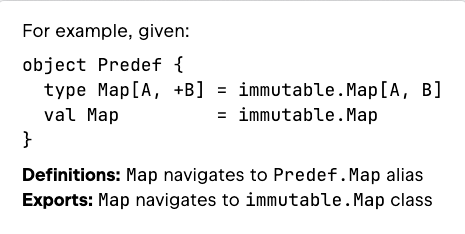 |
Collection type highlighting |  |