Revoke licenses with AI from users
You can revoke licenses with AI from users in your organization when they no longer need them or when you need to reassign these licenses to other users.
Revoke licenses with AI from users
Log in to JetBrains Central Console.
In the sidebar, under AI management, select Users and licensing.
Search for a user either by scrolling through the list or using the search box at the top of the page. For details, see Searching for users.
In the Licenses and quotas column, click
 and select Revoke licenses.
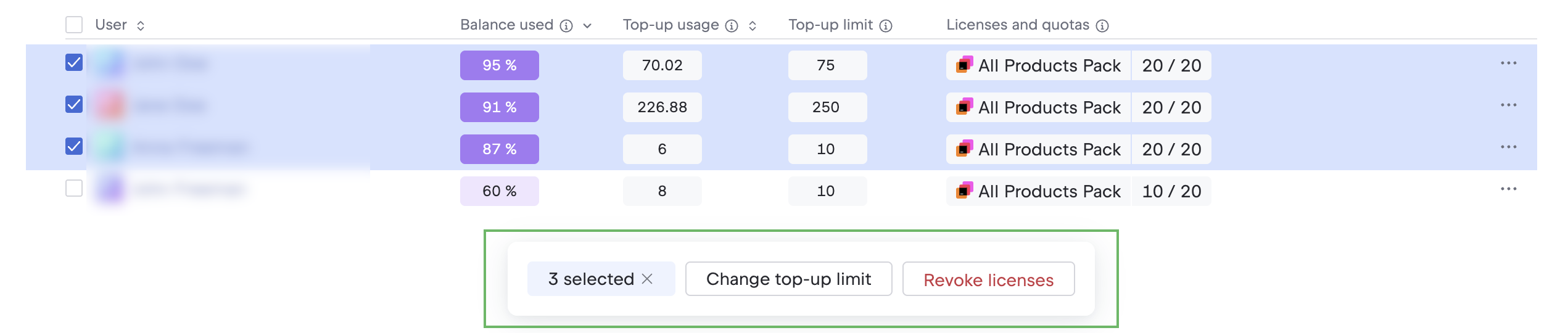
To revoke licenses from multiple users, select them using the checkboxes in the User column and click Revoke licenses on the toolbar below the table.
In the popup, do one of the following:
If revoking a single license from a user, click Revoke license.
If revoking multiple licenses, select the licenses you want to revoke and click Revoke licenses.
You can now reassign the revoked licenses to other users. For details, see Assign licenses with AI to users.