Edit a File
SpaceCode lets you edit, delete or create files directly on its web interface. This can be helpful when you want to make minor changes on the go, while browsing or reviewing code, or if the computer you are using has not been set up for committing to the project.
Open the repository and Navigate to the file you want to edit.
Click corresponding controls on top of the file view to edit or delete the file. You can also create a new file or folder:
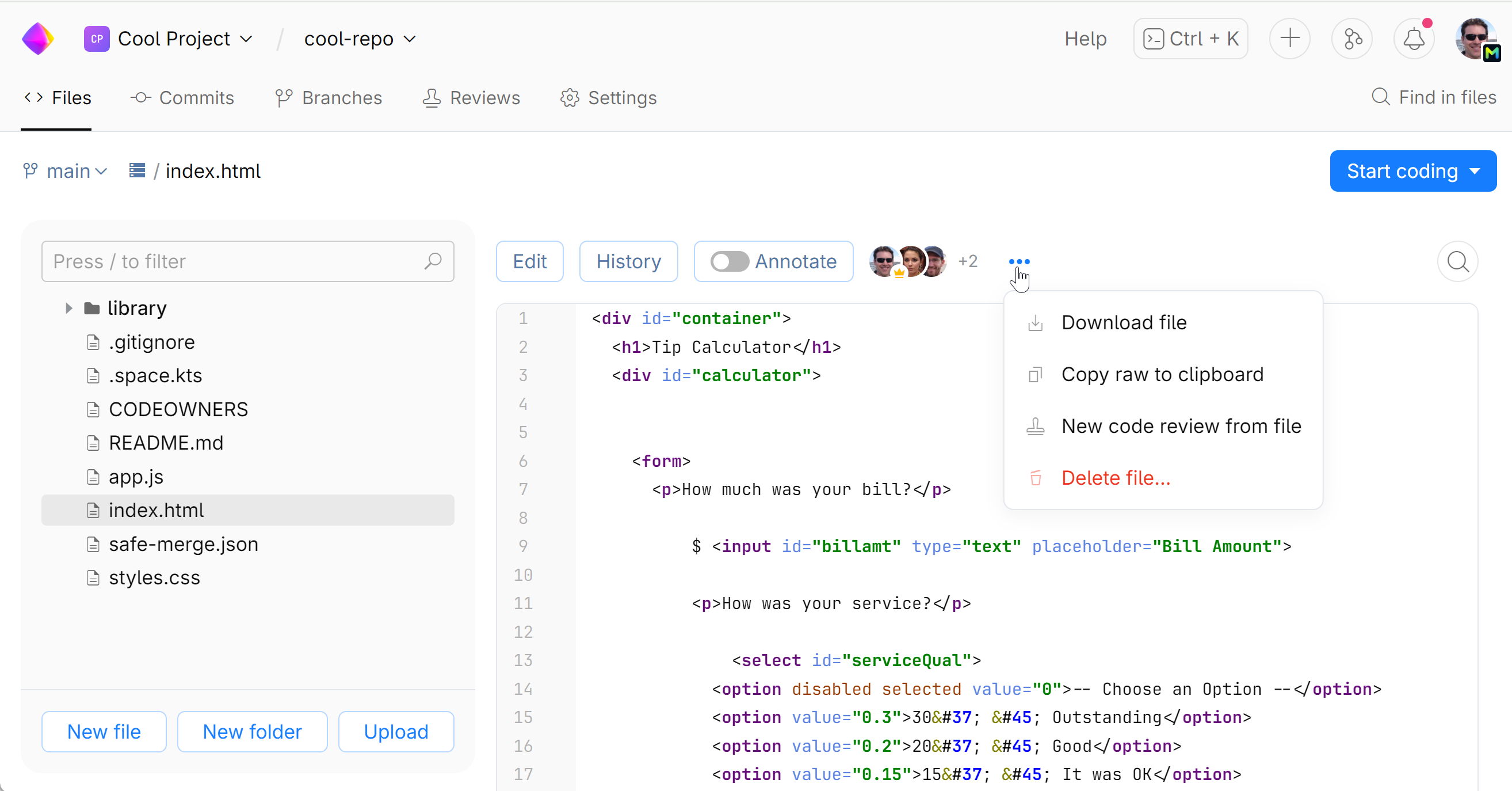
When you're done editing, adding or deleting a file, click Commit.
Type in your commit message, and select the branch you want to commit to.
You can choose to create a new branch for your commit:
Click Commit.
Your changes will be pushed to the repository.
Last modified: 24 May 2024