Pipelines Kotlin DSL
In TeamCity 2026.1, pipelines owned by projects who store their settings in Kotlin DSL can automatically convert their settings to Kotlin. The familiar Visual/YAML switch starts showing the additional Kotlin DSL tab.
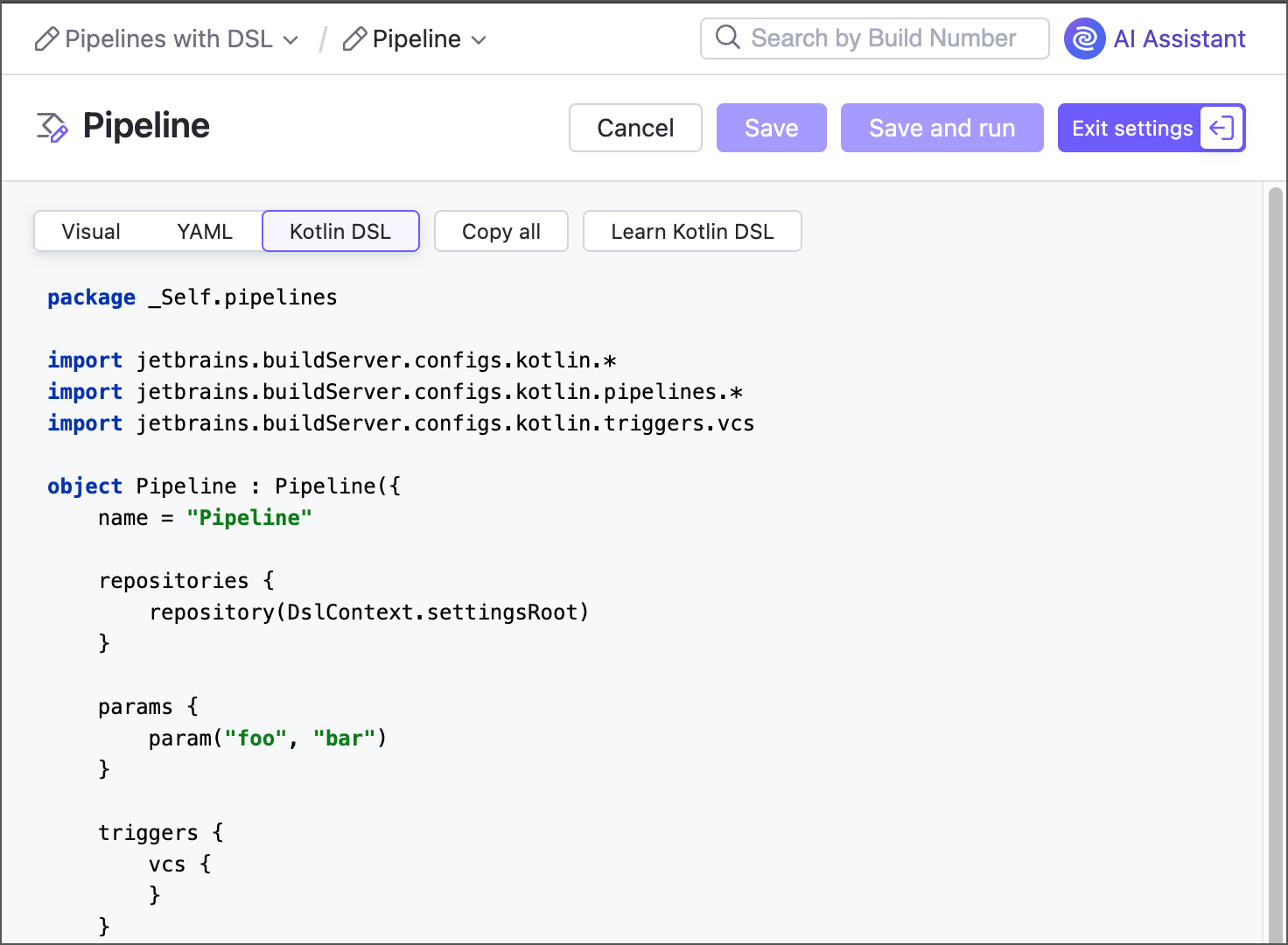
This allows you to have a complete project DSL without any pipeline "gaps".
DSL compatibility mode
Enabling versioned settings for a project that includes a pipeline imposes a few restrictions, depending on where your pipeline stores its settings.
If the main pipeline repository stored its YAML on a server when you enabled project versioned settings, it switches to the in VCS repository mode and becomes partly editable via TeamCity UI. Edits made in the Visual or YAML tab are automatically converted to DSL, but cannot be saved or committed automatically. Copy the generated DSL related to the new changes and manually commit it to the project
.ktsfile. Until you do so, a pipeline cannot run because its current configuration mismatches the one stored in a remote file.If the main repository already stores its configuration file as a remote YAML file, the pipeline remains fully editable via TeamCity UI. However, the project
.ktsfile will not include this pipeline's Kotlin DSL, so the project configuration file will remain incomplete.
Pipeline DSL entities
Pipeline-specific classes are declared in the jetbrains.buildServer.configs.kotlin.pipelines namespace. Key objects in this namespace are:
- Pipeline
Represents a pipeline.
DSL documentation: Pipeline
- Job
Represents a job.
DSL documentation: Job
- Repository
Represents a repository that pipeline jobs can process. Each of Pipeline settings | Repositories entries correspond a
PipelineRepositoryEntryinstance, whereas jobs work withJobRepositoryEntryobjects.DSL documentation: PipelineRepositoryEntry | JobRepositoryEntry
- File publication
Specifies the file that should be published as an artifact, as a shared (with downstream jobs) file, or as both.
DSL documentation: FilePublication