チュートリアル: Yii コマンドラインツールを PhpStorm と統合する
PhpStorm では、いくつかのサードパーティ コマンドラインツールのコマンドを実行したり、独自のツールを定義したりできます。 例として、 Yii コマンドラインツールを PhpStorm と統合してみましょう。
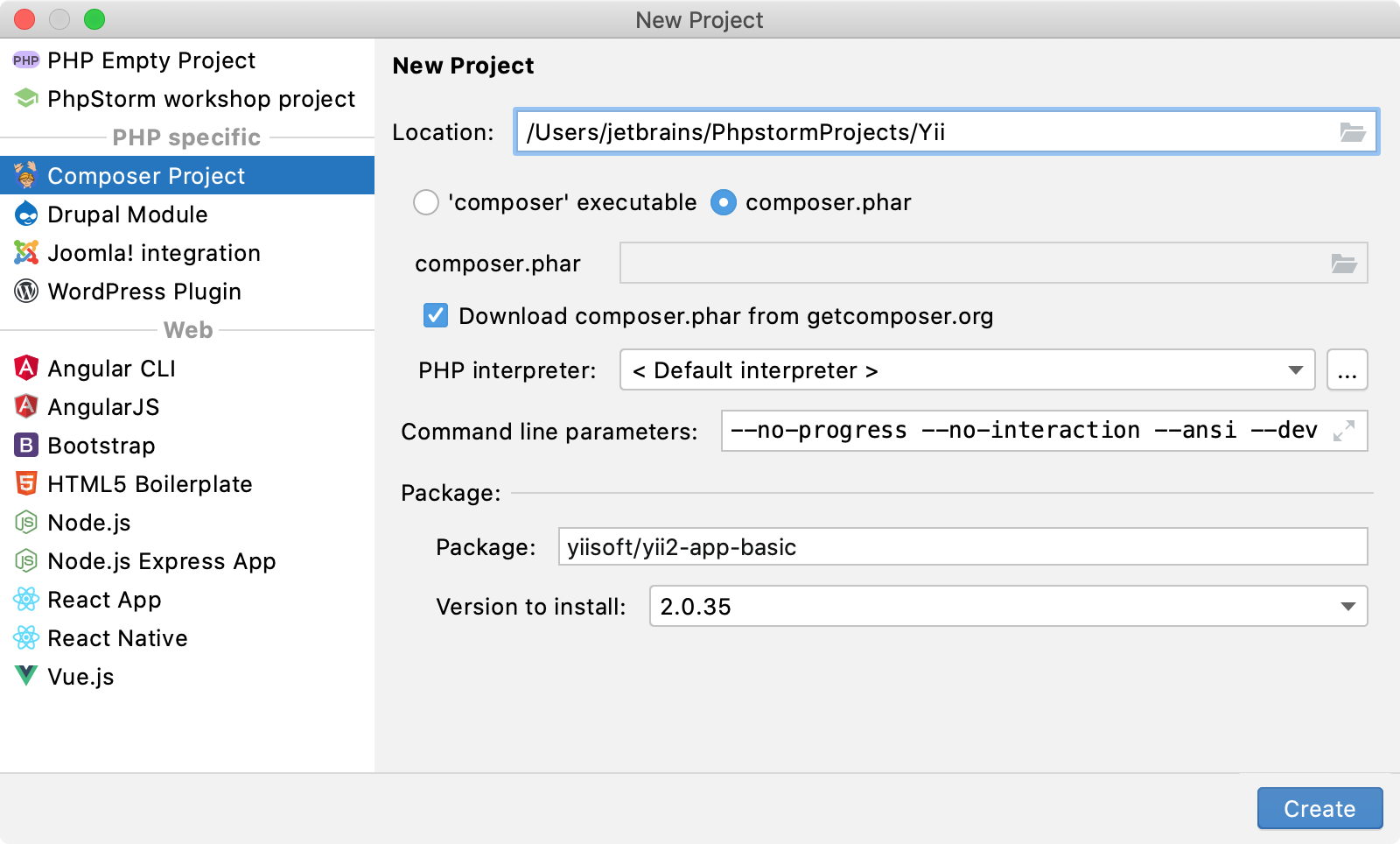
新しい Composer プロジェクトを作成し、 yiisoft/yii2-app-basic パッケージをインストールすることを選択します。
設定 ダイアログ(Ctrl+Alt+S )で に移動します。
ツールバーの
 をクリックします。 コマンドラインツール ダイアログで、 ツールの選択 リストから カスタムツール を選択し、その可視性レベルを project に設定します。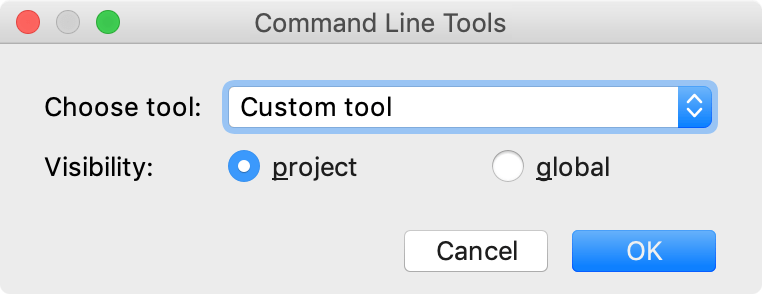
OK をクリックしてください。 ツール設定 ダイアログで、ツールの主なパラメーターを入力してください。 この場合、ツールはプロジェクトルート直下にあり、
yiiエイリアスを使用します。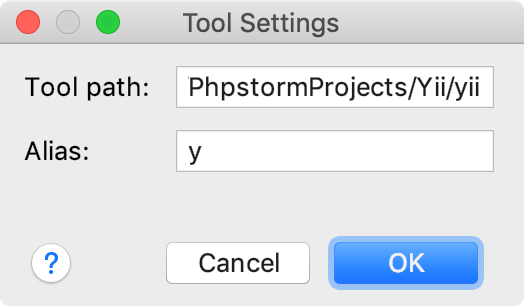
変更を適用して、ダイアログを閉じます。 ツール xml 定義がエディターで開きます。
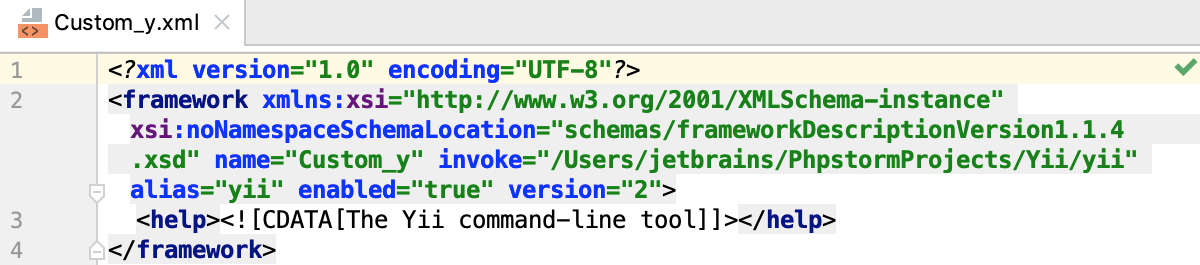
yii コマンドに コード補完を使用するには、最初に xml ツール記述子で定義する必要があります。
コマンドの定義は次のように構成されています。
<command> <!--the command's container--> <name> <!--the command itself, mandatory, and non-empty--> </name> <help> <!--the command's help message, optional--> </help> <params> <!--the command's parameters and their default values--> </params> <optionsBefore> <!--the command's options container--> <option name="" shortcut=""> <!--the option itself, mandatory, and non-empty; you can also provide a shorthand abbreviation and the usage pattern via attributes--> <help> <!--the command's help message, optional--> </help> </option> </optionsBefore> </command>入力された引数を反映する単純な
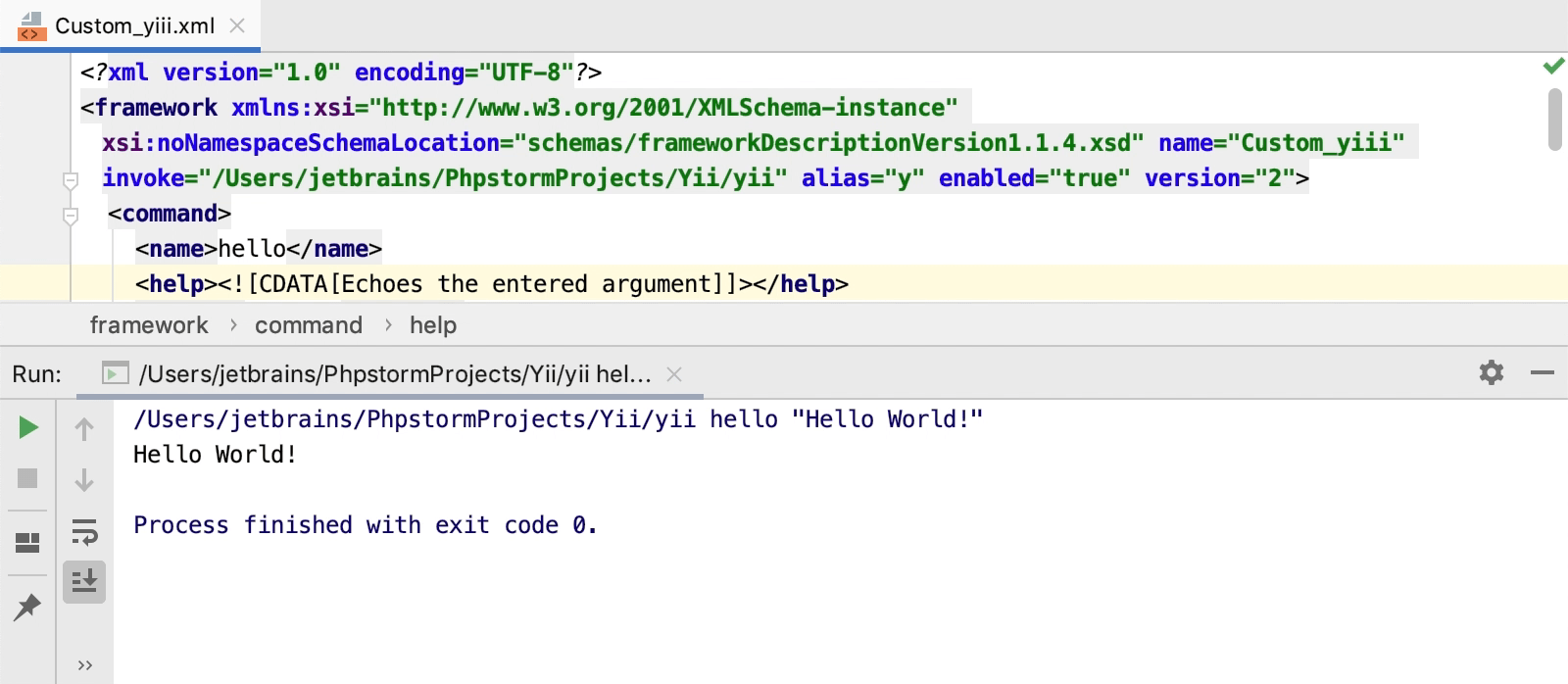
helloコマンドの定義を追加しましょう。 コマンドは次の構文で実行されます。yii hello [message] [...options...]このコマンドの結果の定義は次のようになります。
<command> <name>hello</name> <help>Echoes the entered argument</help> <params>message</params> <optionsBefore> <option name="--appconfig"> <help> Custom application configuration file path. If not set, default application configuration is used. </help> </option> <option name="--color" pattern="equals"> <help> Boolean, 0 or 1. Enables or disables ANSI color in the output. If not set, ANSI color will only be enabled for terminals that support it. </help> </option> <option name="--help" shortcut="-h" pattern="equals"> <help> Boolean, 0 or 1. Defines whether to display help information about current command. </help> </option> <option name="--interactive" pattern="equals"> <help> Boolean, 0 or 1. Defines whether to run the command interactively. </help> </option> </optionsBefore> </command>基本的なツール定義は準備ができています。 メインメニューから を選択するか、 Ctrl を 2 回押します。 開いた 何でも実行する ウィンドウで、コマンドを入力して Enter を押します。
完全な yii ツール定義ファイルは、 yii2-phpstorm-commandlinetool(英語) GitHub リポジトリにあります。 その他の注目すべき例も参照してください。