YouTrack Adds More Ways to Use AI on Your Terms
With YouTrack, you decide whether and how to use AI, or turn it off entirely. This release introduces Ask YouTrack, a built-in agentic AI chat that lets you ask questions in natural language and take action on tasks, tickets, and articles using your preferred AI models. Other AI-powered updates include task creation from Slack threads and easier MCP connections.
We’ve also improved planning with Whiteboards and Gantt charts, enhanced the reporter experience in YouTrack Helpdesk, and highlighted new YouTrack apps from JetBrains Marketplace.
Ask YouTrack: Your built-in agentic AI chat
Alongside YouTrack’s AI Assistant and remote MCP server, YouTrack now includes a built-in agentic AI chat. Ask YouTrack helps you complete everyday work with the AI providers and LLMs of your choice, all without leaving YouTrack. Ask YouTrack supports Bring Your Own Key (BYOK), which allows you to spend AI credits in line with your company’s policies and budget.
Ask YouTrack uses relevant project context directly, reducing repeated MCP calls and token consumption. Administrators can monitor token usage by user and disable Ask YouTrack when it isn’t needed.
Ask YouTrack currently supports actions involving tasks, tickets, and articles, with more capabilities coming soon.
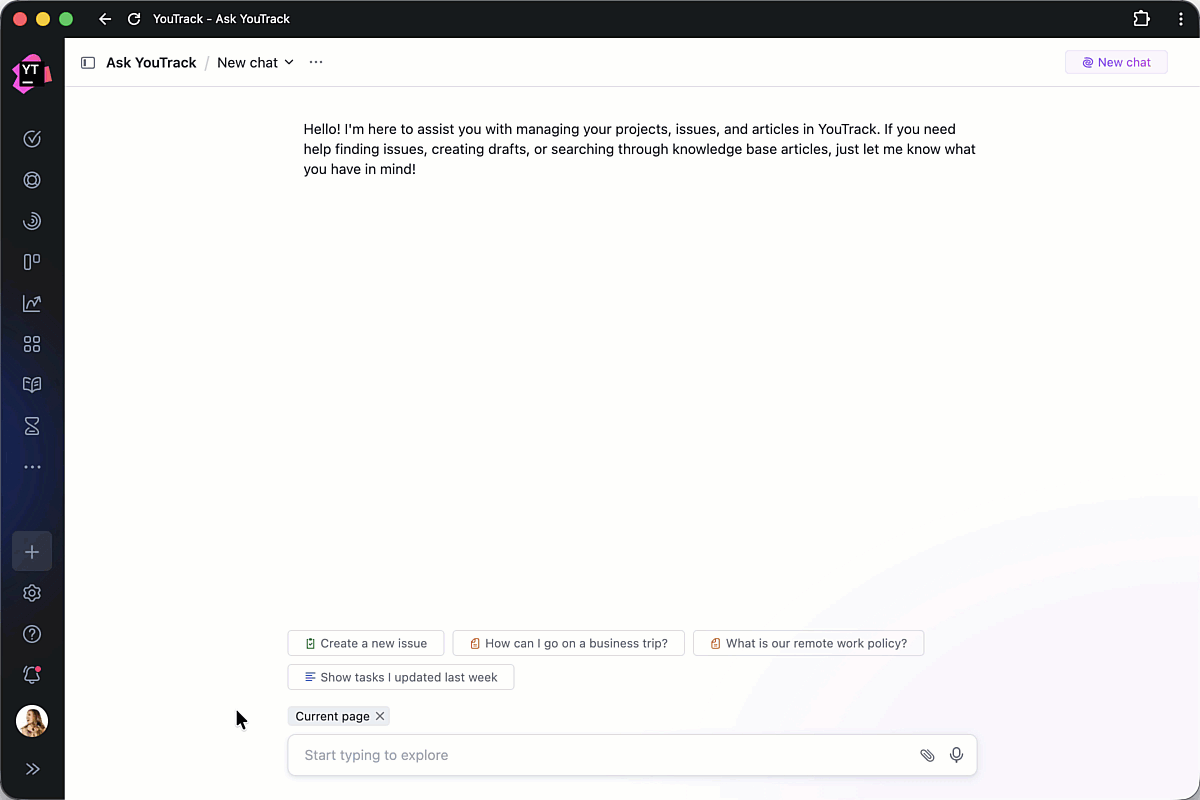
Search with natural-language prompts
Search across projects, get answers, and gain insights into ongoing work using natural-language prompts. For example, software teams can use Ask YouTrack to find unresolved bugs related to an upcoming release and group them by feature or subsystem. The results can then be visualized and summarized in an article for everyone involved in the release.
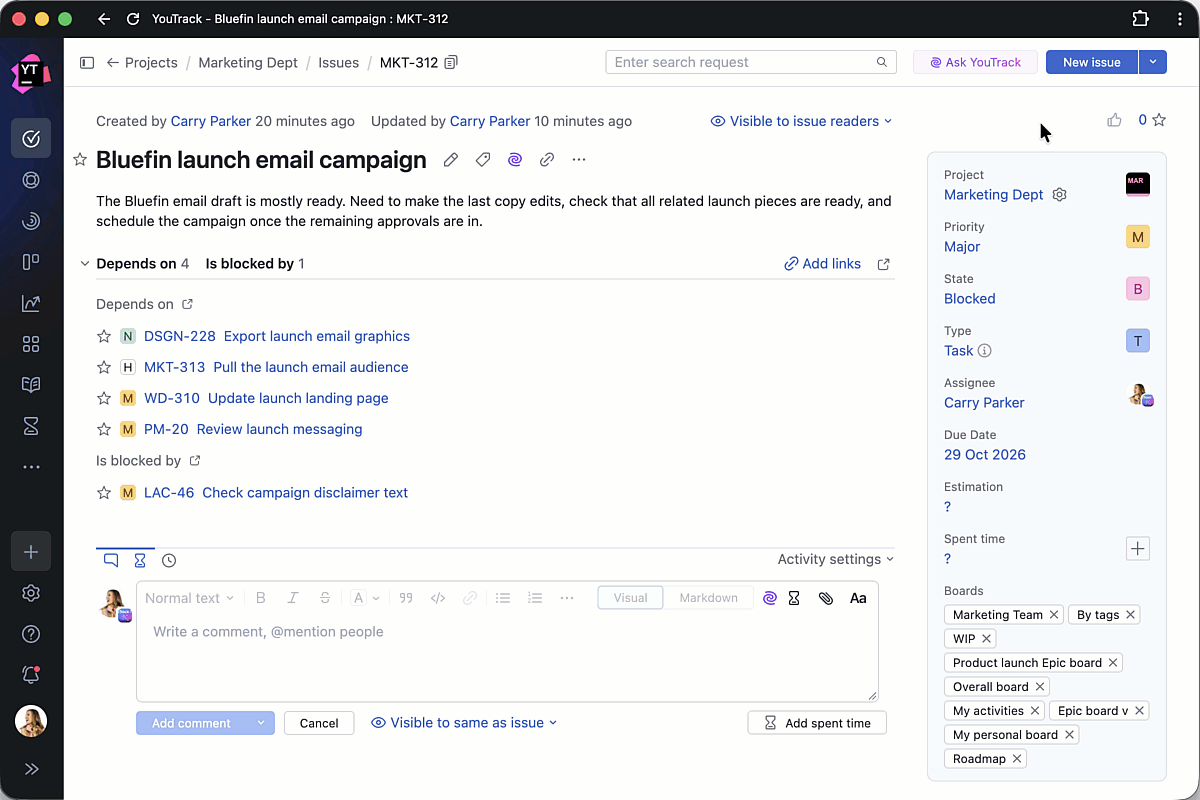
Turn answers into work actions
Use Ask YouTrack directly from YouTrack pages, save chats, and return to them later. For example, while reviewing a task, managers can ask what’s holding the task up and get an answer based on the available YouTrack context. They can then switch to the full-screen chat to organize workloads, review deadlines, and reassign tasks in bulk.
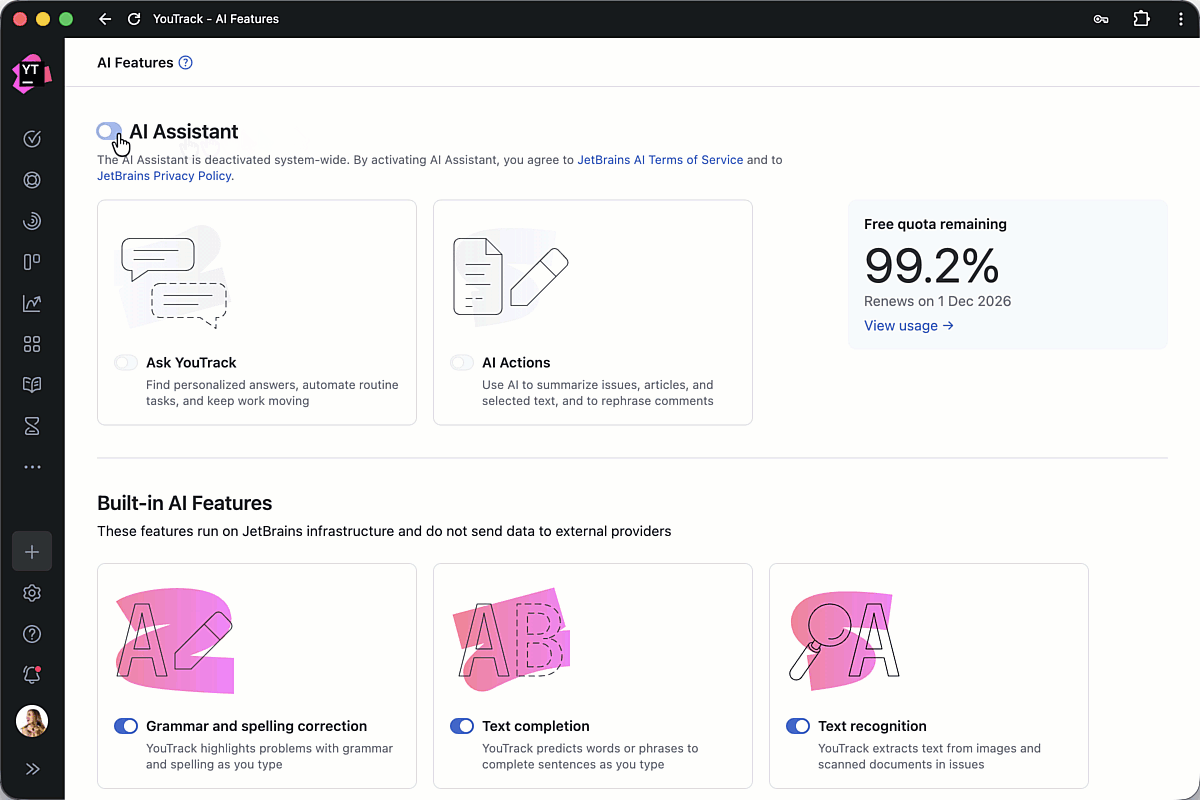
Choose your AI provider
You have free rein in choosing the provider and model that fit your organization’s policies and budget. Use models from OpenAI, Anthropic, and Google through JetBrains AI, or connect them using BYOK. If third-party providers aren’t an option or you need more granular control, connect a custom LLM compatible with OpenAI, Google, or Anthropic APIs.
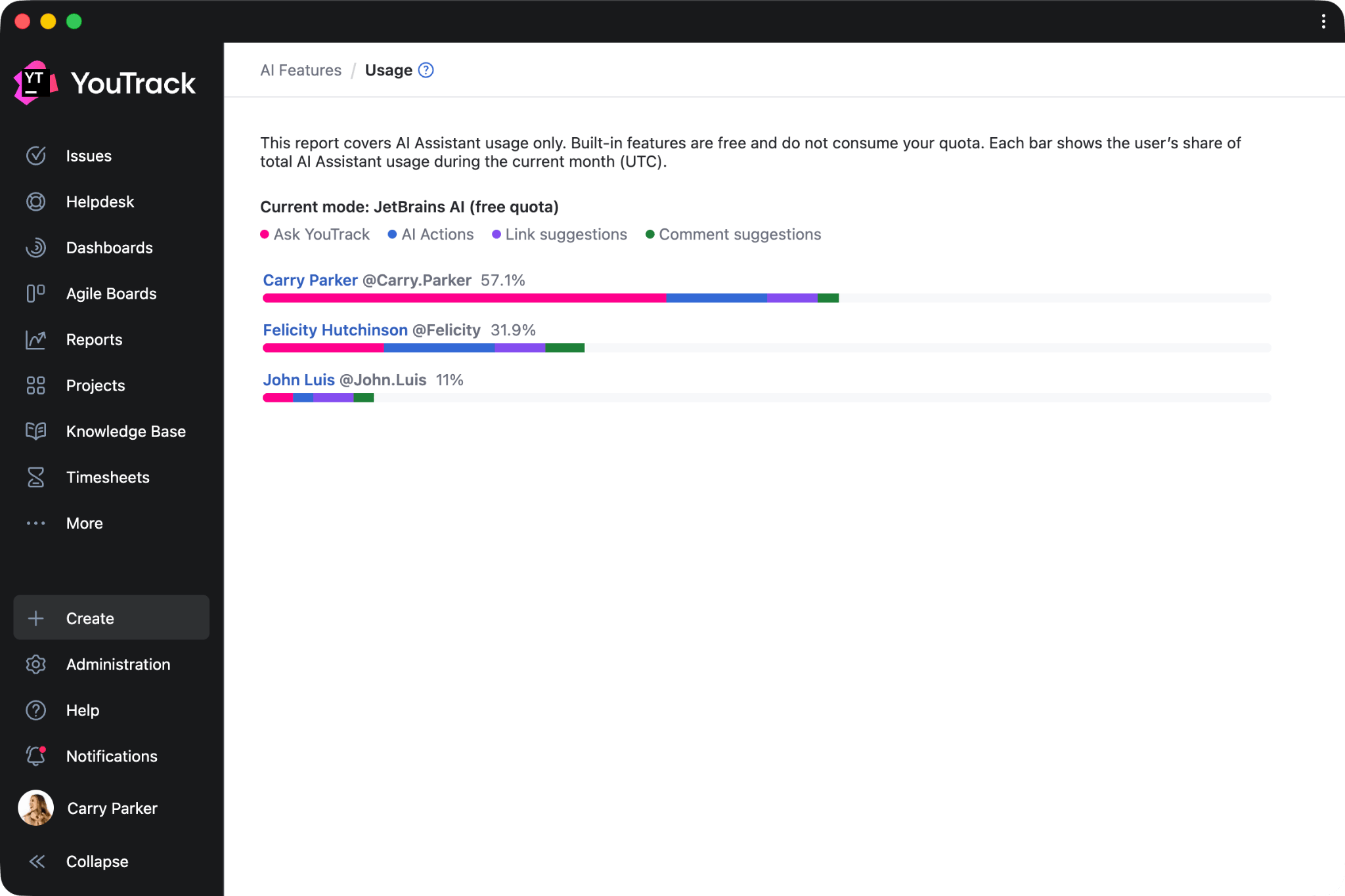
See how your team uses AI assistance
Administrators can monitor team members’ AI quota usage on the AI Features page. Usage for the current month is broken down by user and feature, including Ask YouTrack, AI Actions, link suggestions, and comment suggestions. Free quota usage is shown as a percentage, with a breakdown of how that quota is used across features. For paid connections, YouTrack also shows estimated costs based on usage. Paid connections show estimated costs, while free quota usage is shown as a percentage. Actual charges may vary depending on your provider’s pricing. Built-in writing assistance – including grammar and spelling correction, text completion, and text recognition in uploaded files – remains free and does not consume quota.
New credit pricing for AI assistance
Starting with this release, the built-in AI Assistant, which helps you summarize context and write text faster, uses a new pricing model. A limited number of AI credits are now included and replenished weekly with paid YouTrack Cloud subscriptions. YouTrack Cloud and YouTrack Server customers on free plans or with active paid subscriptions can access paid credits through a connected JetBrains AI subscription or use BYOK.
Task creation from Slack threads
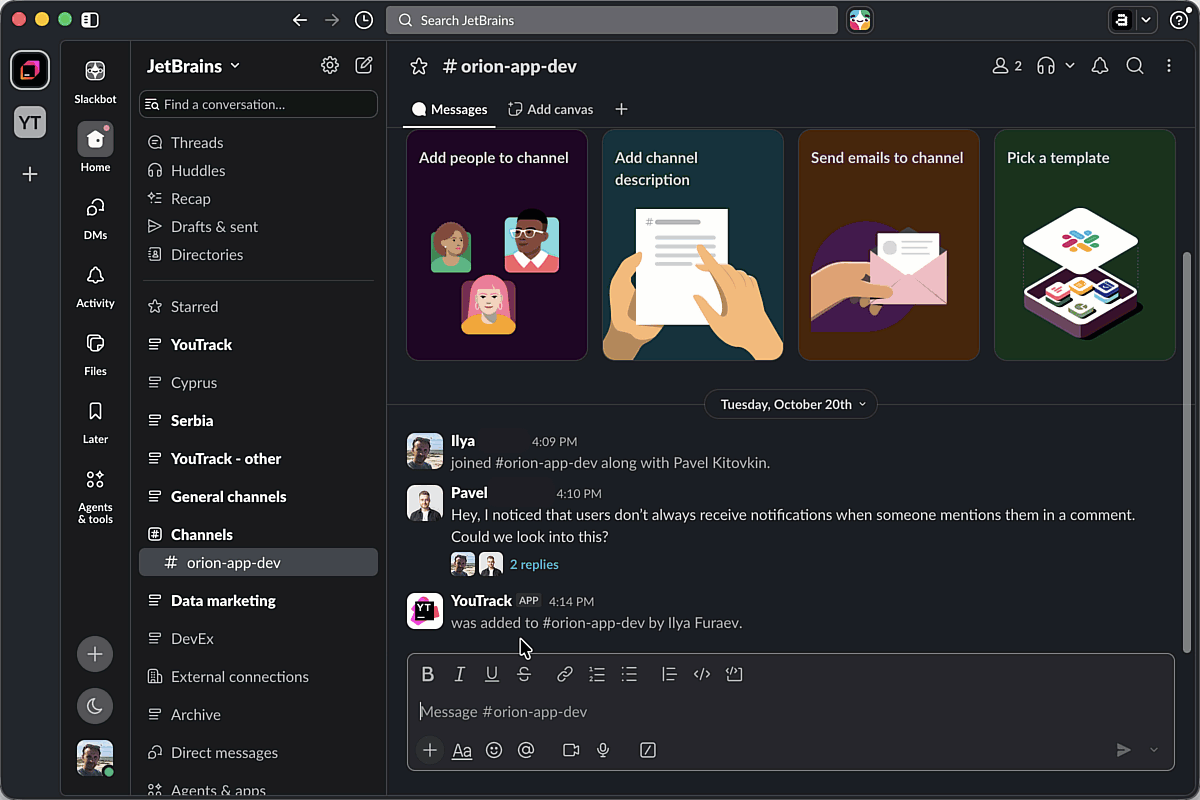
For teams that use Slack, the YouTrack Slack app can now use AI to create a task from a thread. For example, product teams can mention @YouTrack in a channel to turn a conversation into a feature request and specify what the task should include.
YouTrack MCP enhancements
You can now connect YouTrack Cloud to Claude and ChatGPT directly through their directories to work with tasks, tickets, articles, and project context without configuring MCP manually. The ChatGPT connection is available for Business, Enterprise, and Edu workspaces.
The open-source YouTrack CLI is also available through package managers. Use it to manage work from the terminal, automate CI pipelines, and make AI agent workflows more token-efficient.
Whiteboard updates
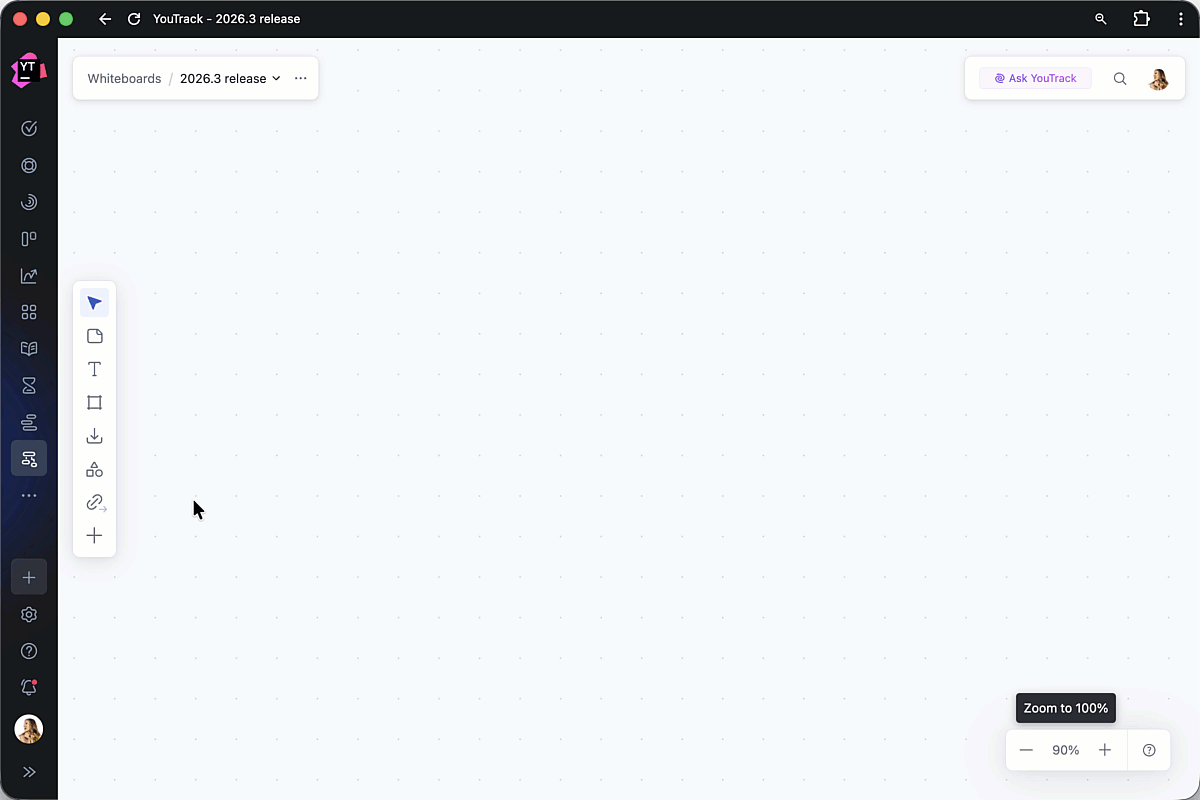
Whiteboards now offer more ways to plan and visualize work. Upload images, group related cards into frames, draw lines between items, and add issue lists directly on your boards. Improved search and import tools make it easier to find and add tasks, articles, and linked tasks.
With new permission controls, administrators can allow teams to work on whiteboards without giving them access to board settings. You can also clone whiteboards to reuse existing layouts.
Gantt chart improvements
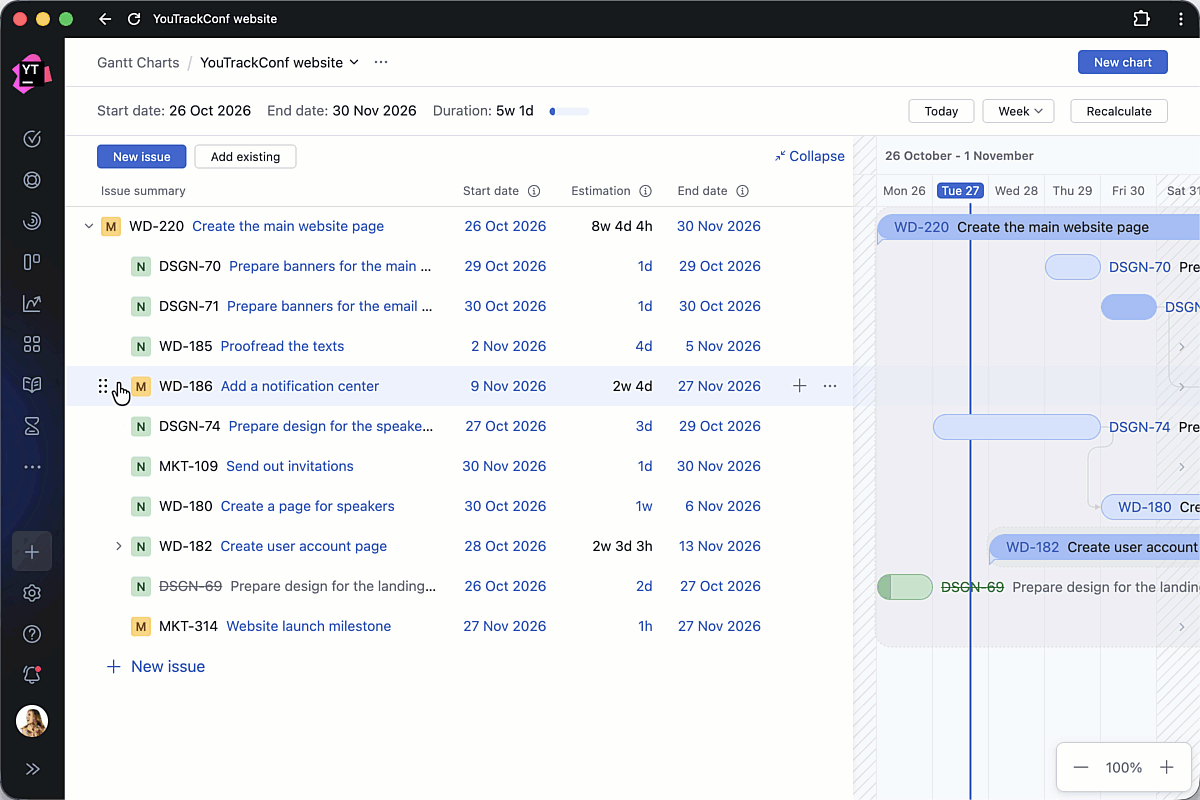
We’ve improved the Gantt chart experience – from initial planning to managing ongoing work. You can schedule tasks using start dates and estimates or plan backward from deadlines. Over the course of your project, you can add milestones, zoom the timeline in or out, and jump to the current date.
Helpdesk improvements
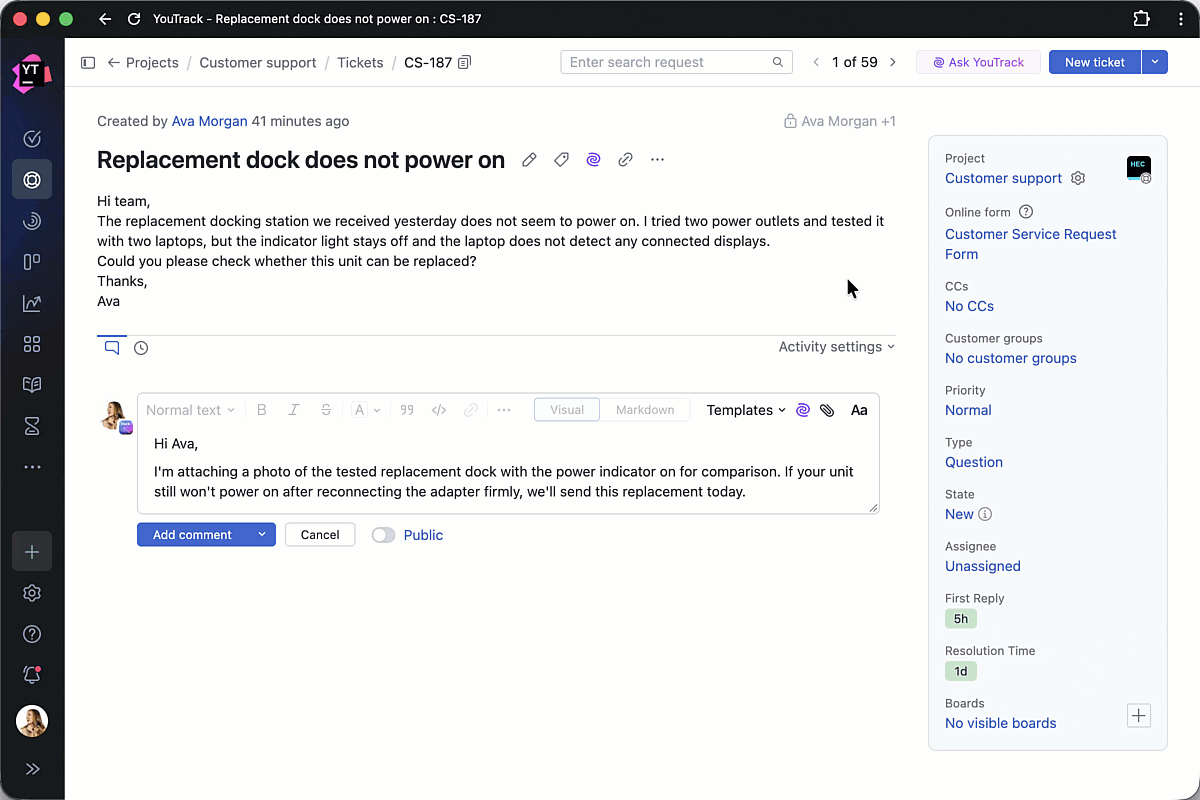
Send attachments in email notifications
Email notifications can now include files attached to tickets, tasks, and comments. Reporters can open screenshots, receipts, equipment photos, and other supporting materials directly from their email inboxes without opening the ticket in YouTrack.
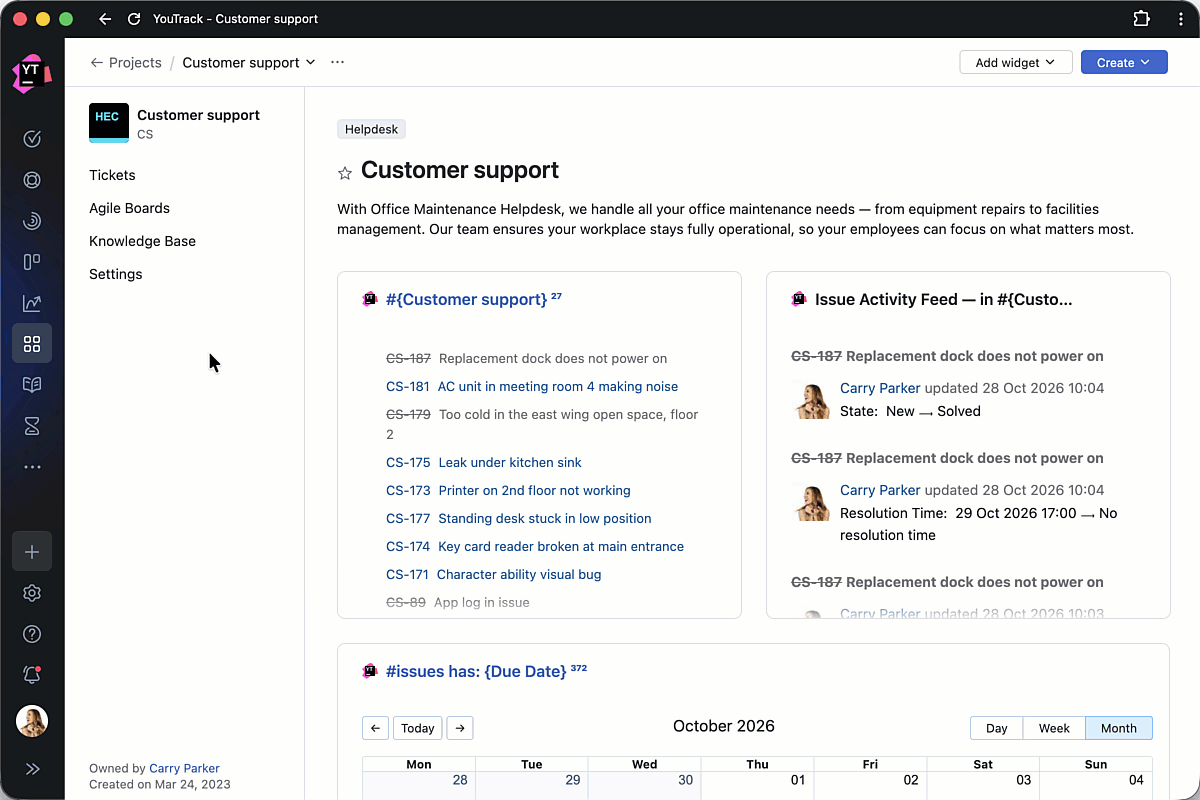
Manage email notifications for reporters
Administrators can now choose which built-in notifications reporters receive in each helpdesk project, reducing unnecessary emails. They can disable notifications for ticket creation, new public comments, and automated ticket reminders.
YouTrack app updates
Develop YouTrack apps with AI agents
If you use AI agents to create apps and workflows, we’ve released the YouTrack Apps Agent Skill and an updated CLI for a smoother development experience. You can build YouTrack apps and workflow rules directly in your IDE instead of relying only on the built-in editor.
This helps app developers deliver customizations and integrations for their own teams or clients several times faster. An agent can draft an app in minutes and keep its code in Git, while the CLI uploads it directly to the target YouTrack instance and project. See how it works in this hands-on example from the YouTrack Reddit community.
Discover new YouTrack apps
Apps for advanced planning
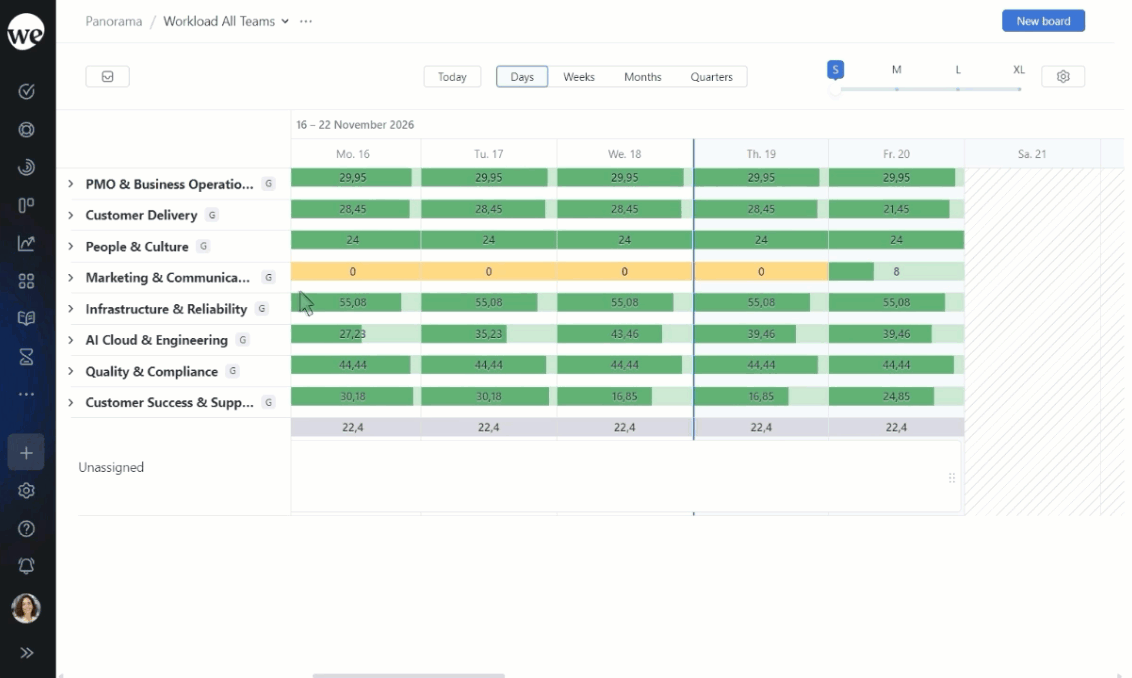
Panorama by twenty20
With this app, resource and capacity planning gets a dedicated page in YouTrack. View your team’s workload on a timeline, compare planned hours with available capacity, and reschedule tasks by dragging and dropping them.
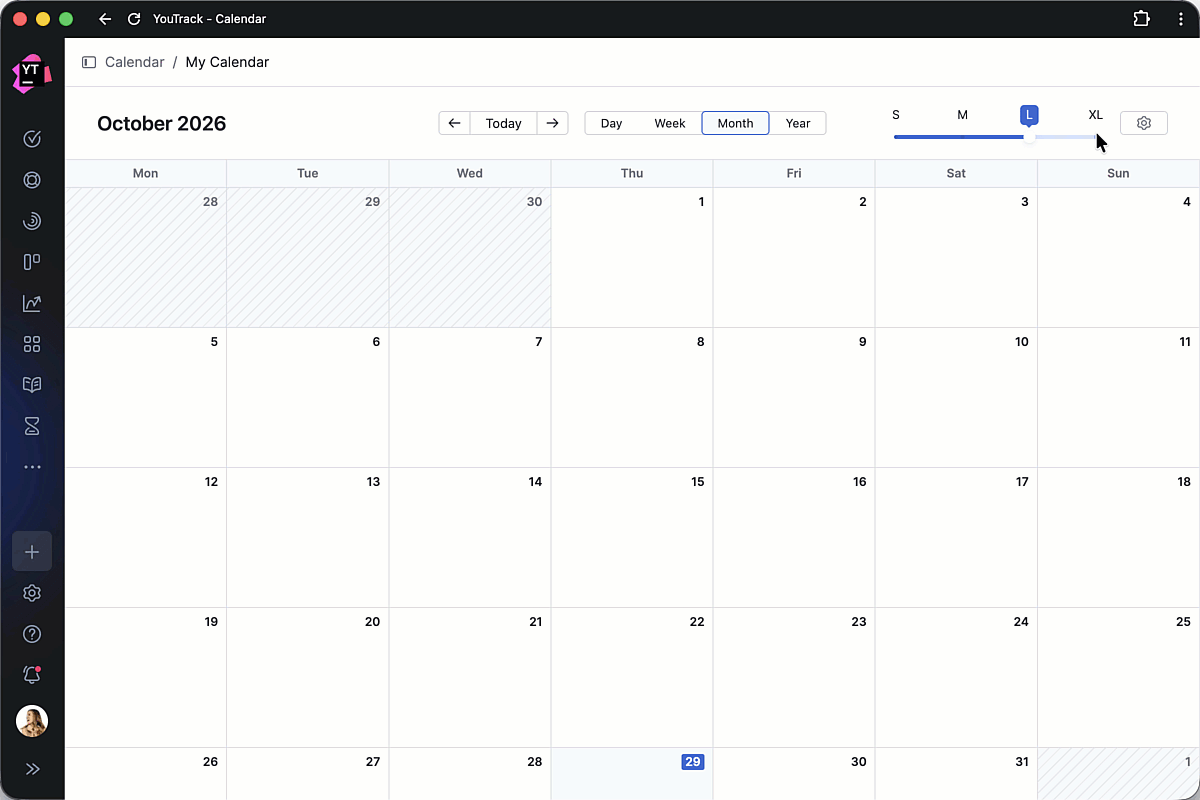
Calendar by twenty20
This app gives you a personal calendar in YouTrack to organize your project activity by date. Choose which projects and sprints from Agile boards to include. You can even switch between day, week, month, and year views.
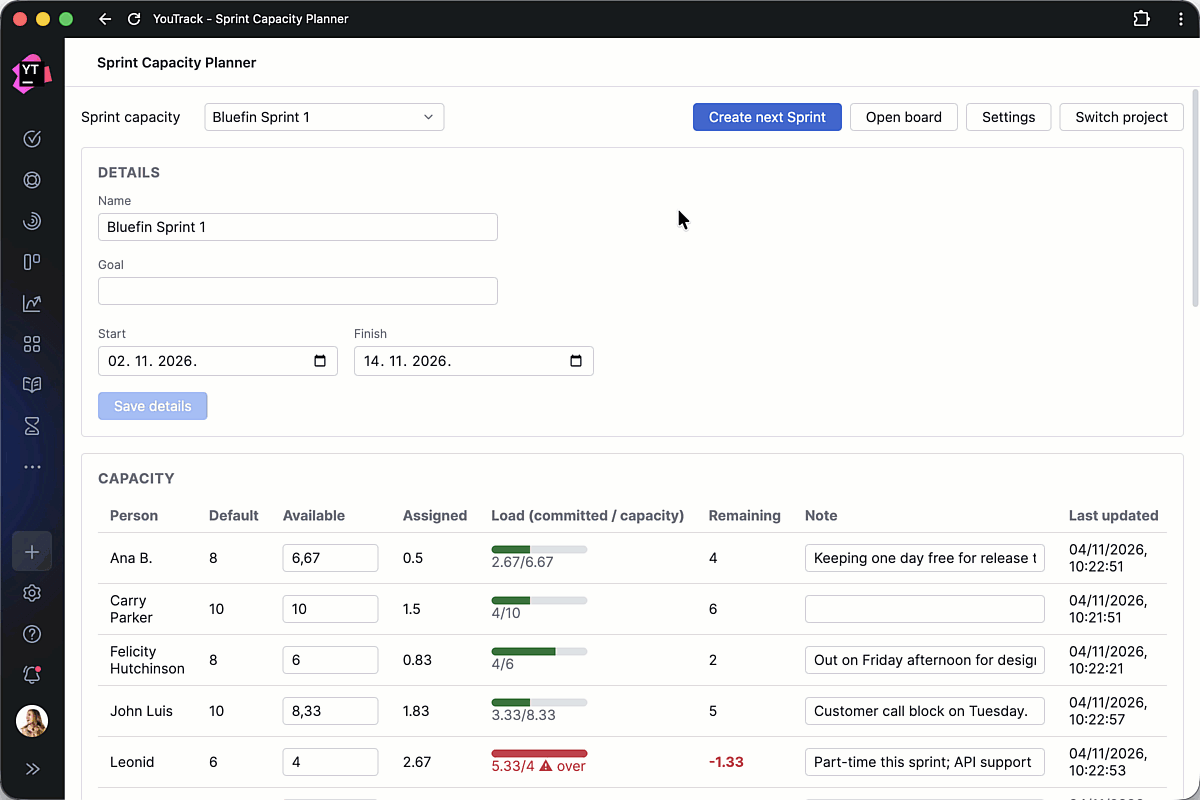
Sprint Capacity Planner by Nikita Koval
Managers can plan sprints around each person’s availability, drag and drop tasks from the backlog to assign them to team members, and create a new sprint in one click.
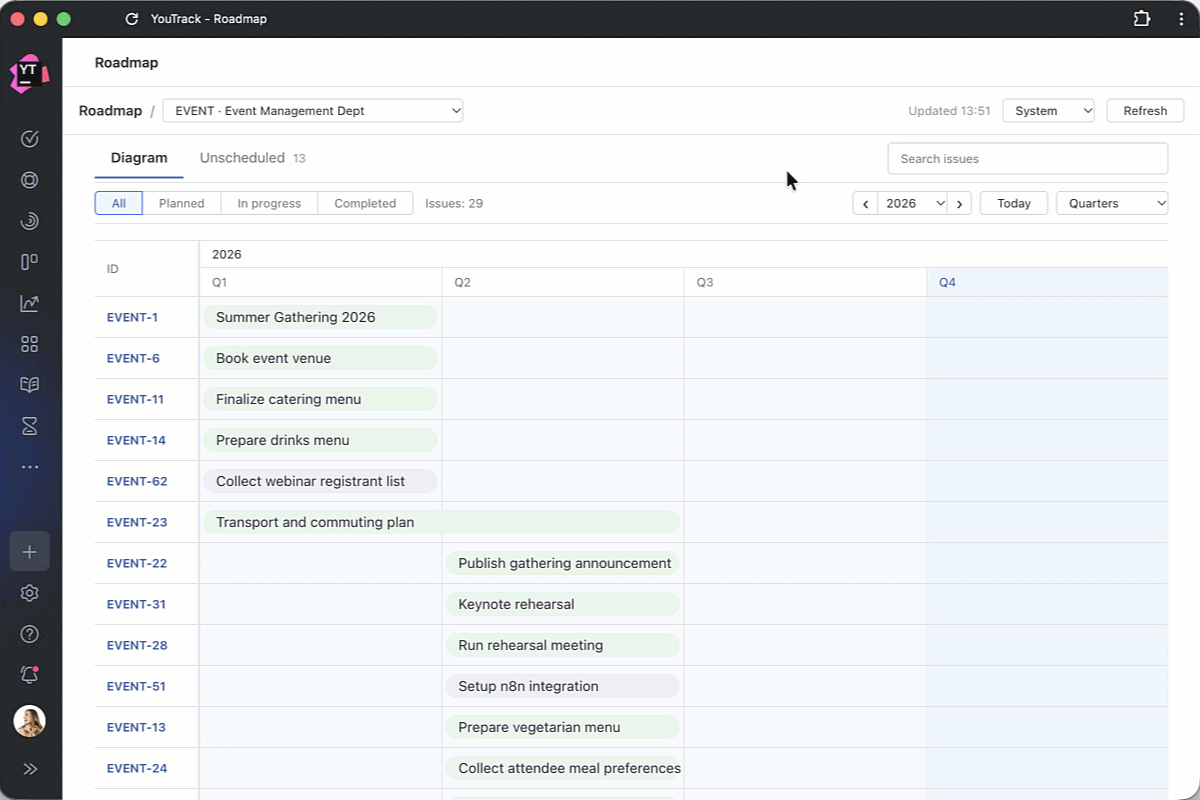
One Roadmap by Alex Basis
This app lets you plan project work on a timeline by week, month, or quarter. Project managers can map existing date fields to the timeline and schedule tasks that don’t have exact dates yet.
Apps for task checklists and personal productivity
Checklists for YouTrack by Appfero
Turn recurring steps into reusable checklists for tasks and articles. Start with built-in templates or create your own, mark key steps as required, and keep tasks unresolved until their checklists are complete.
Checklist Pro for YouTrack by Checklist Pro Labs
Give each issue type, such as Task or Bug, its own checklist with required steps. The corresponding template is then automatically applied to new issues of the same type.
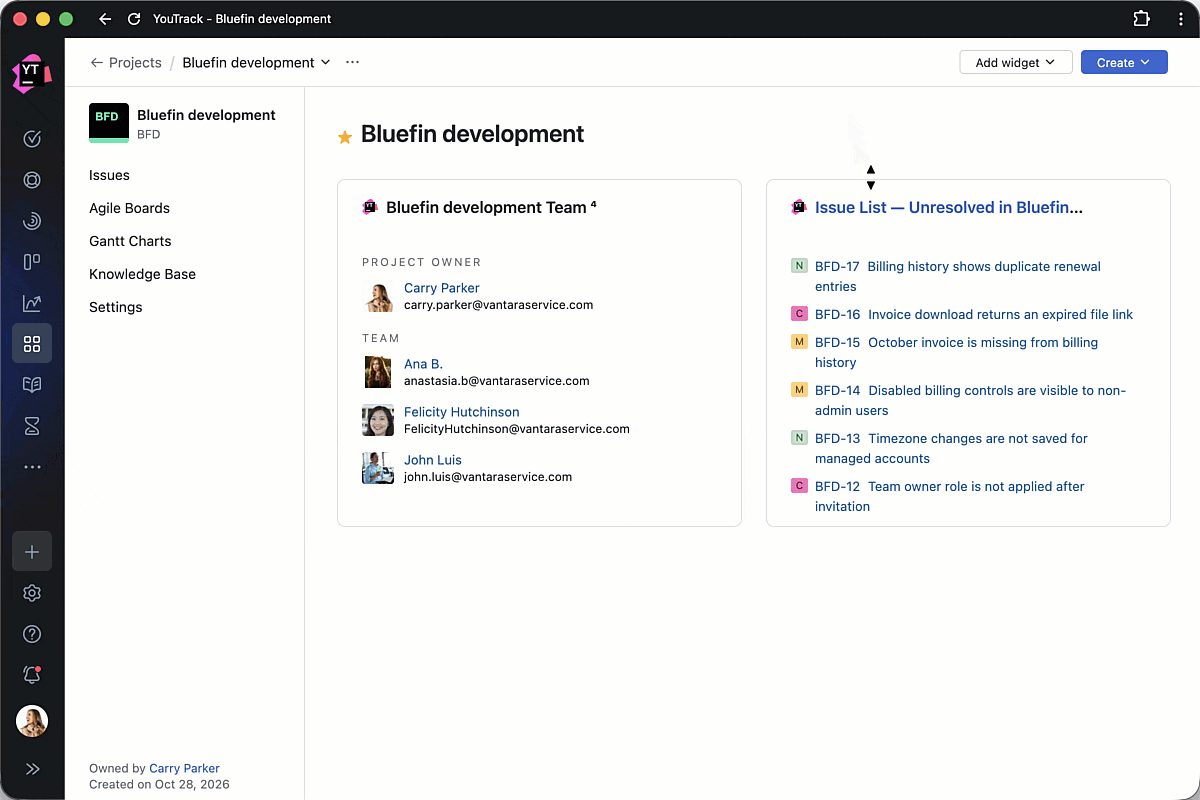
Real Quick Notes by J&J Ideenschmiede
Keep quick notes, reminders, and to-dos directly on your YouTrack dashboard. The widget automatically saves everything you type.
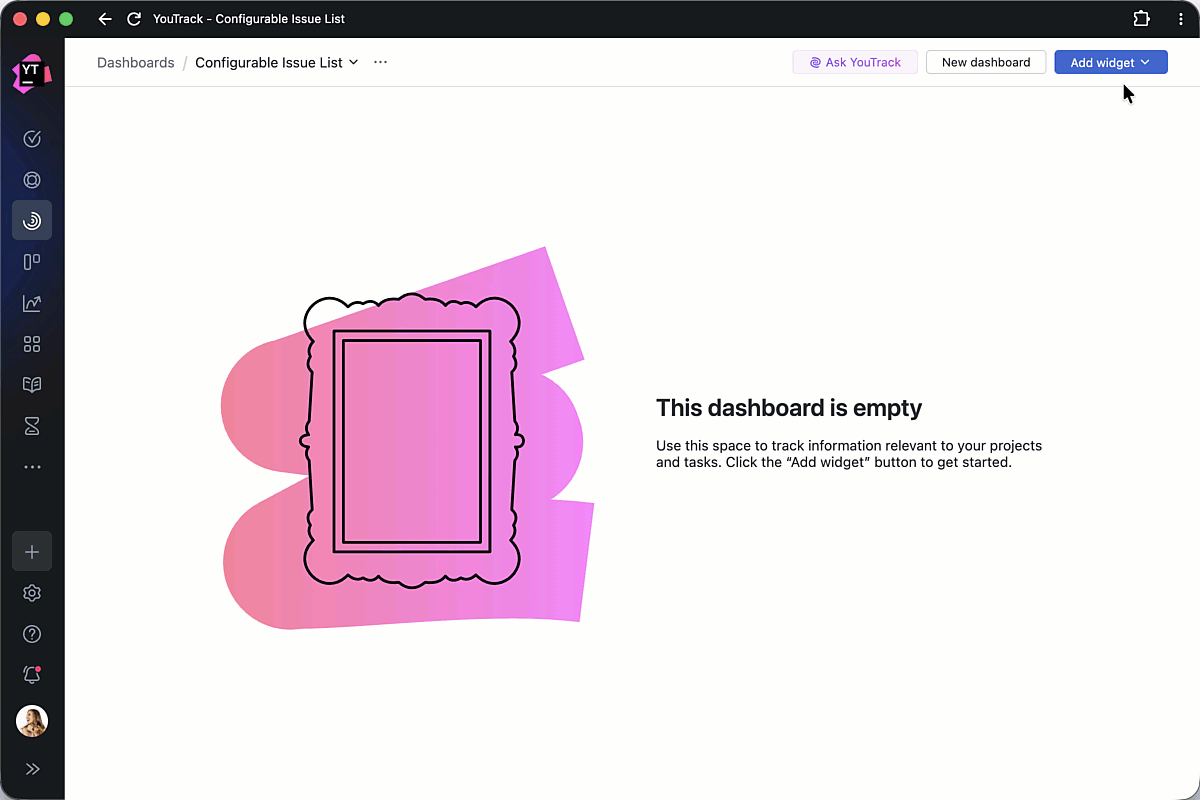
Configurable Issue List by Testcase
Organize and access issues directly from your dashboard with the Dynamic Issue Table widget. Use a saved search or type in your own query. You can also choose which columns to display and filter the results.
Apps for enhancing task content
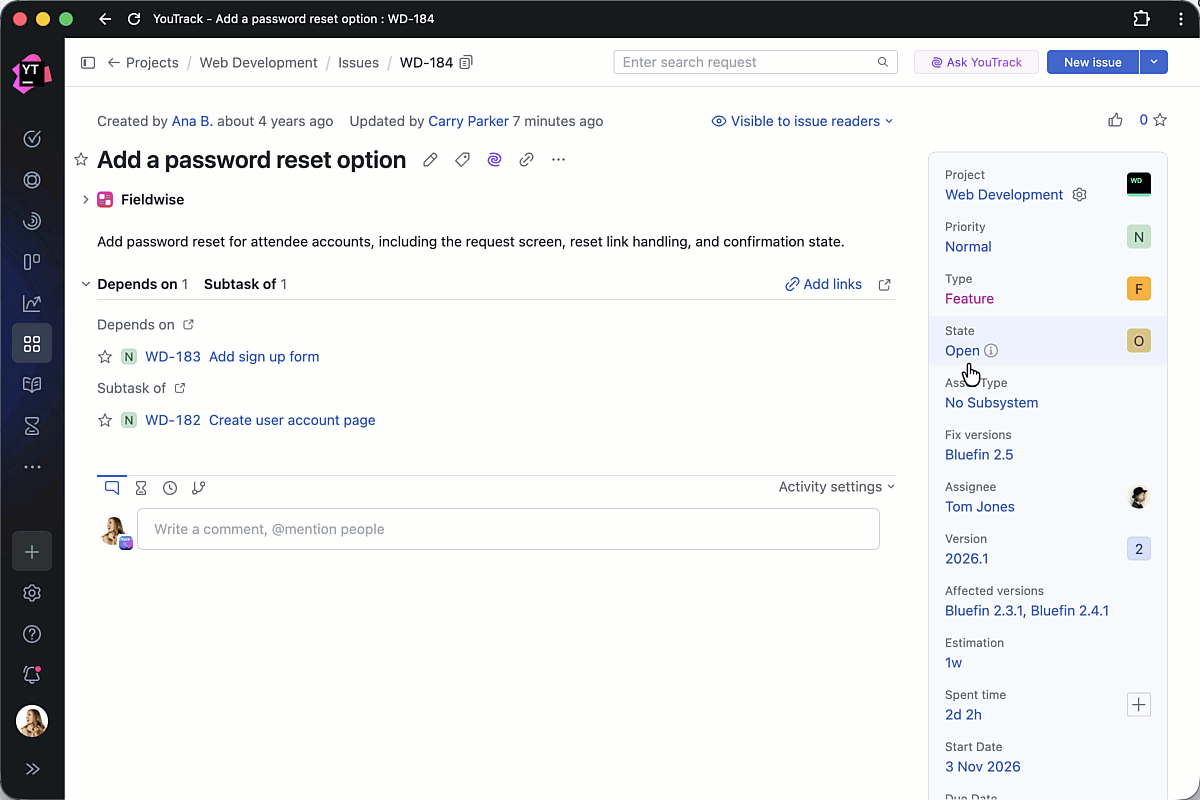
Fieldwise by twenty20
Organize long lists of custom fields more conveniently by arranging them into groups, tabs, and columns. Project admins can drag and drop fields to customize the layout, while team members edit values in place.
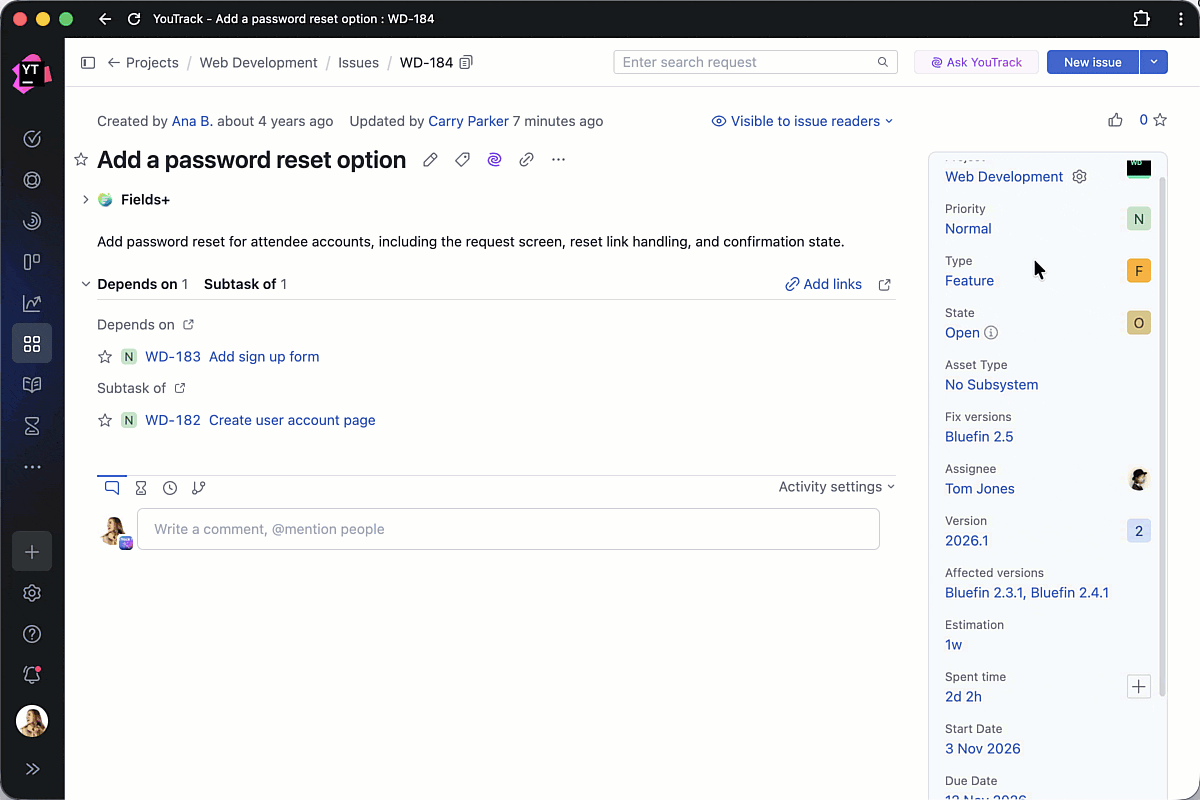
Fields+ by Medeu IT
Keep key task details in view by showing the fields that matter most, such as priority, state, and assignee, right below the task summary. The free version uses one shared field list across all selected projects.
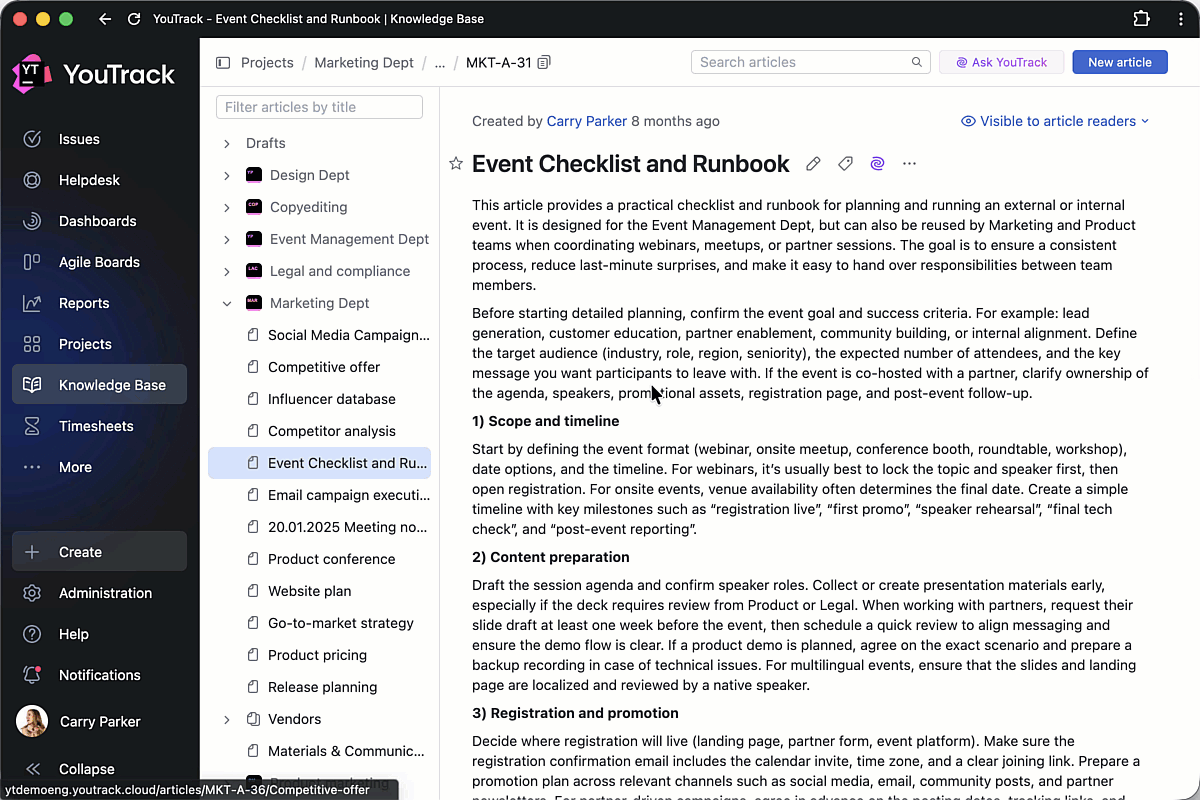
Lock by Marcus Christensson
Protect resolved tasks and Knowledge Base content from further edits by making them read-only until someone reopens the task or unfreezes the article.
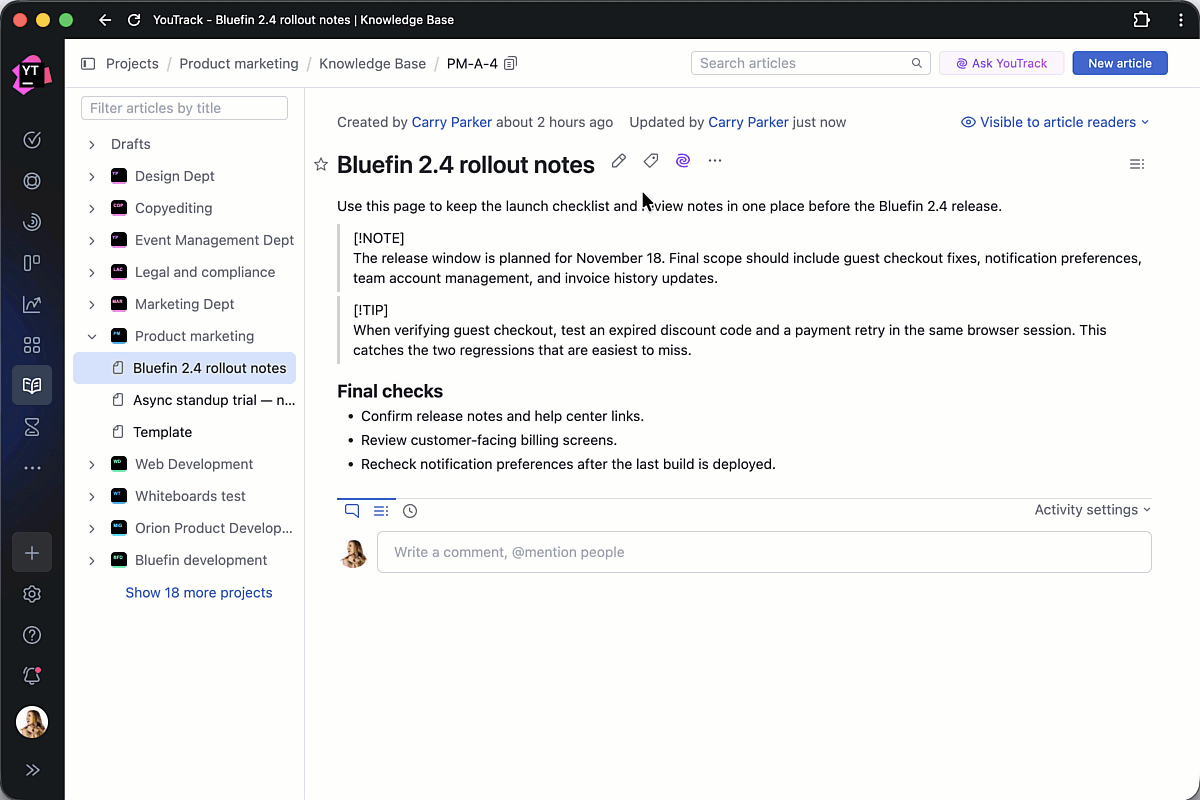
Callouts by Maksim Fedorov
Make warnings, tips, and key notes stand out in tasks and articles by writing GitHub-style alerts or using an editor toolbar.
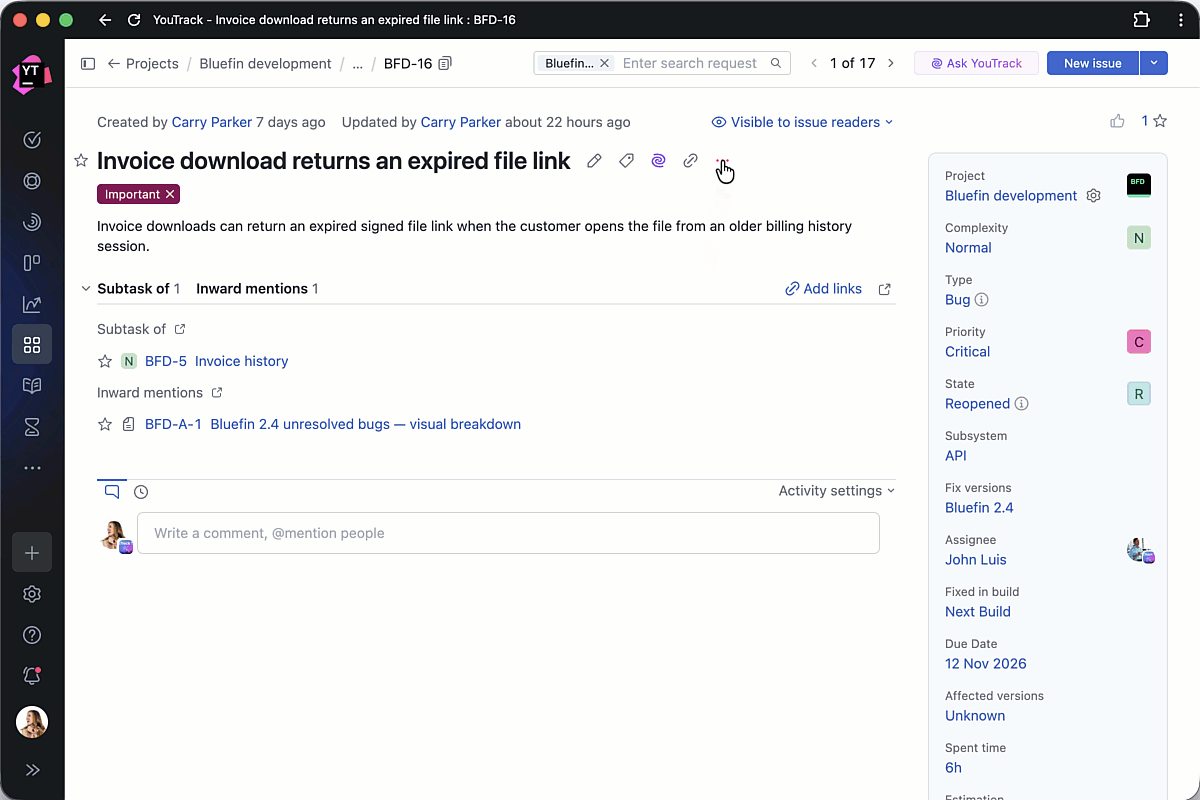
Diffyt by Marcus Christensson
Compare any two versions of a task or article line by line to see exactly what changed.
Apps for time tracking and reporting
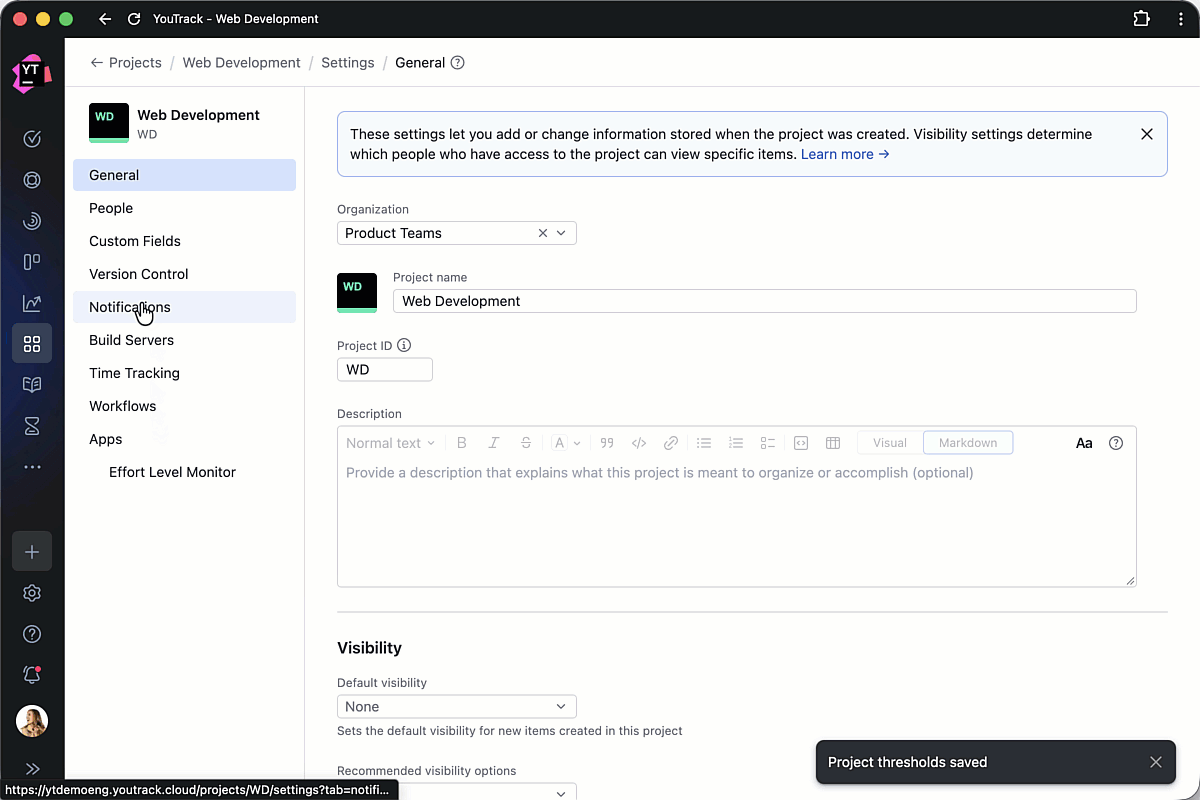
Effort Level Monitor by msp AG
See when a task takes longer than expected. Set time thresholds for each project, track logged time by effort level, and notify stakeholders with templated comments.
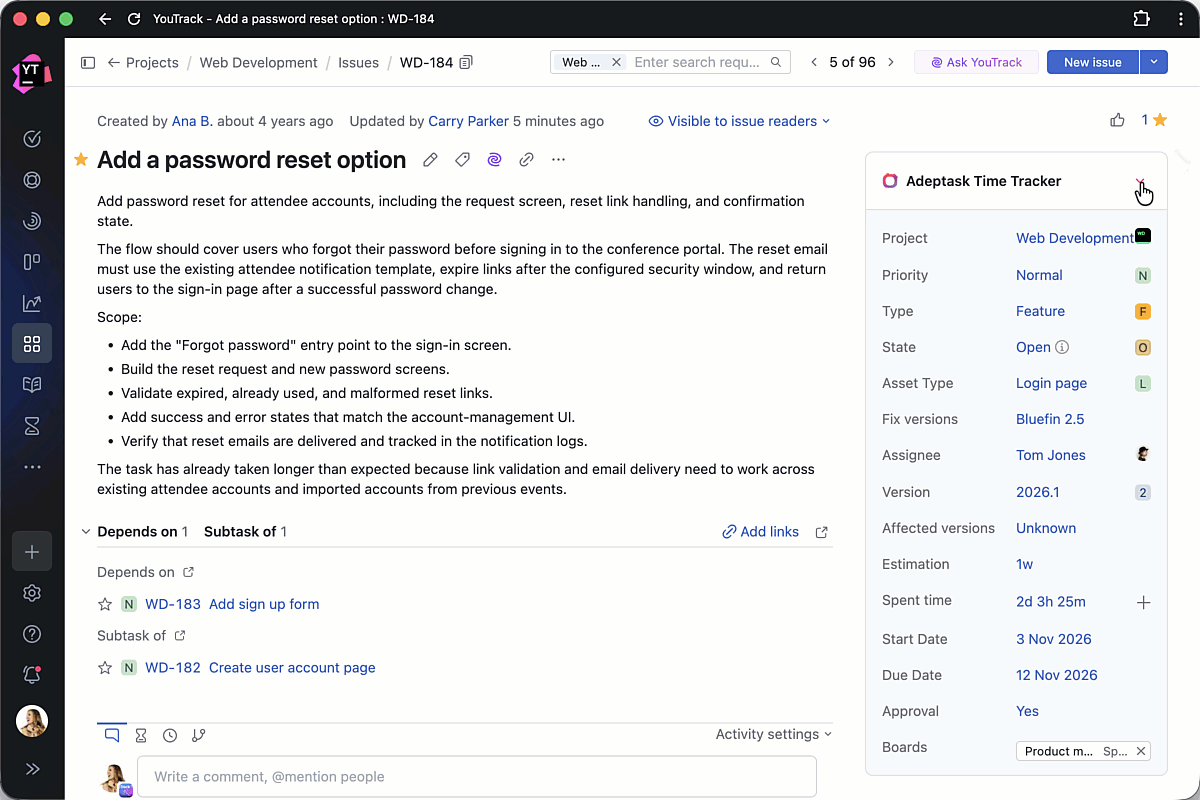
Adeptask Time Tracker by Adeptask
Track time across several tasks with one-click timers that pause automatically when you start tracking another work activity.
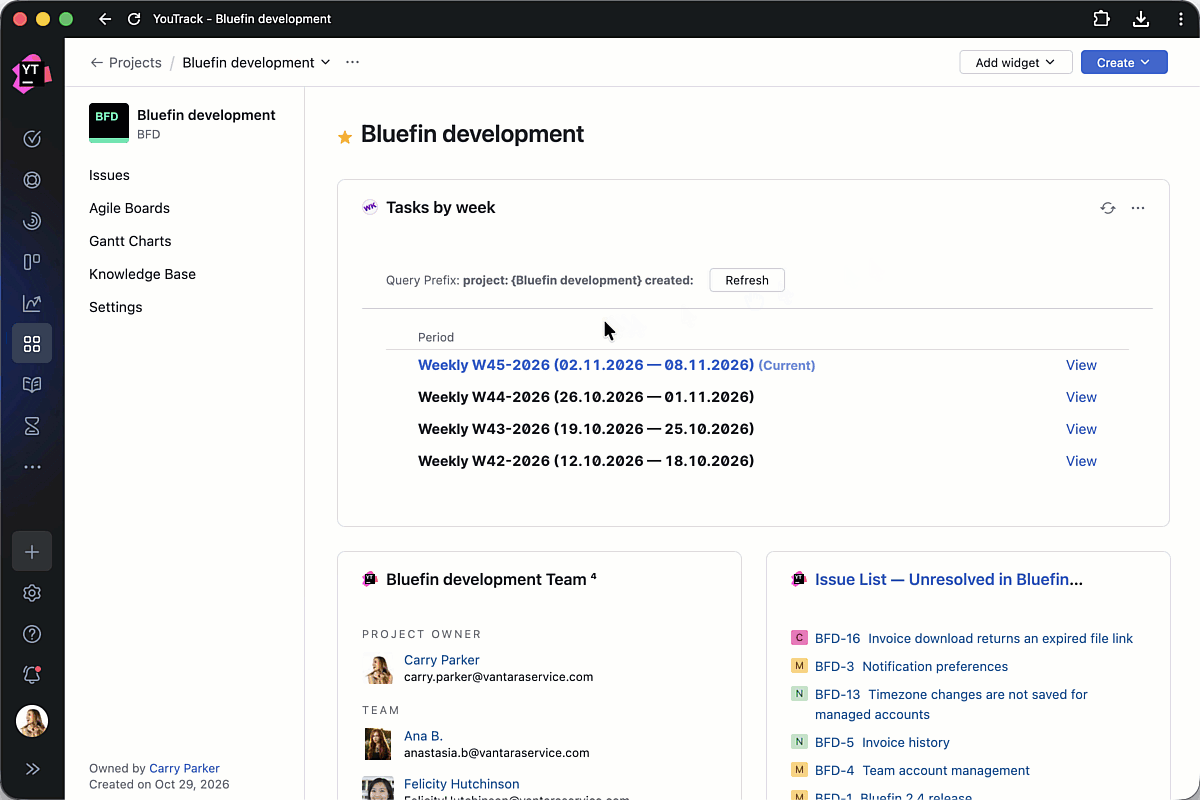
Adv.Weekly Report by mag1.cc
Review your work week by week. Split a YouTrack search into calendar weeks on your dashboard and export weekly data to Excel for your status reports.
Apps for administration
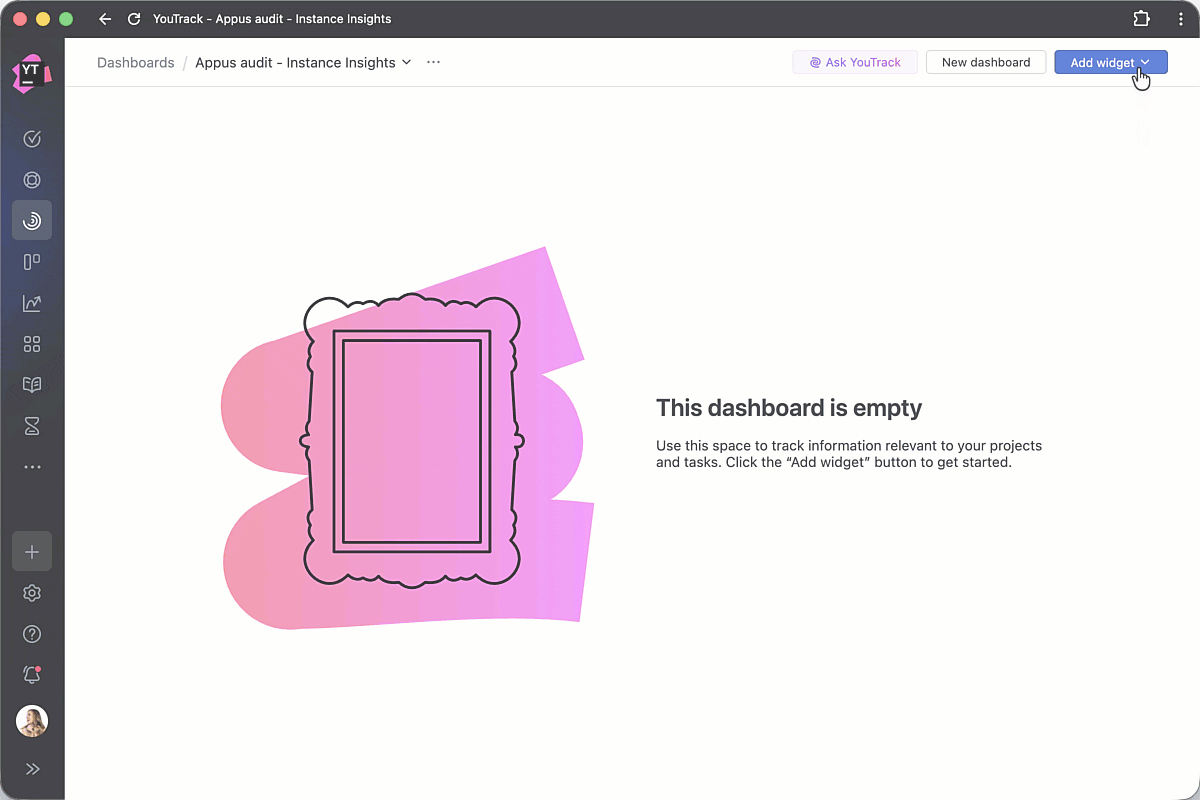
Instance Insights by Ninjaneers GmbH
Administrators can get a score out of 100 showing how well their instance has held up over time. The report can be exported or displayed on a dashboard.
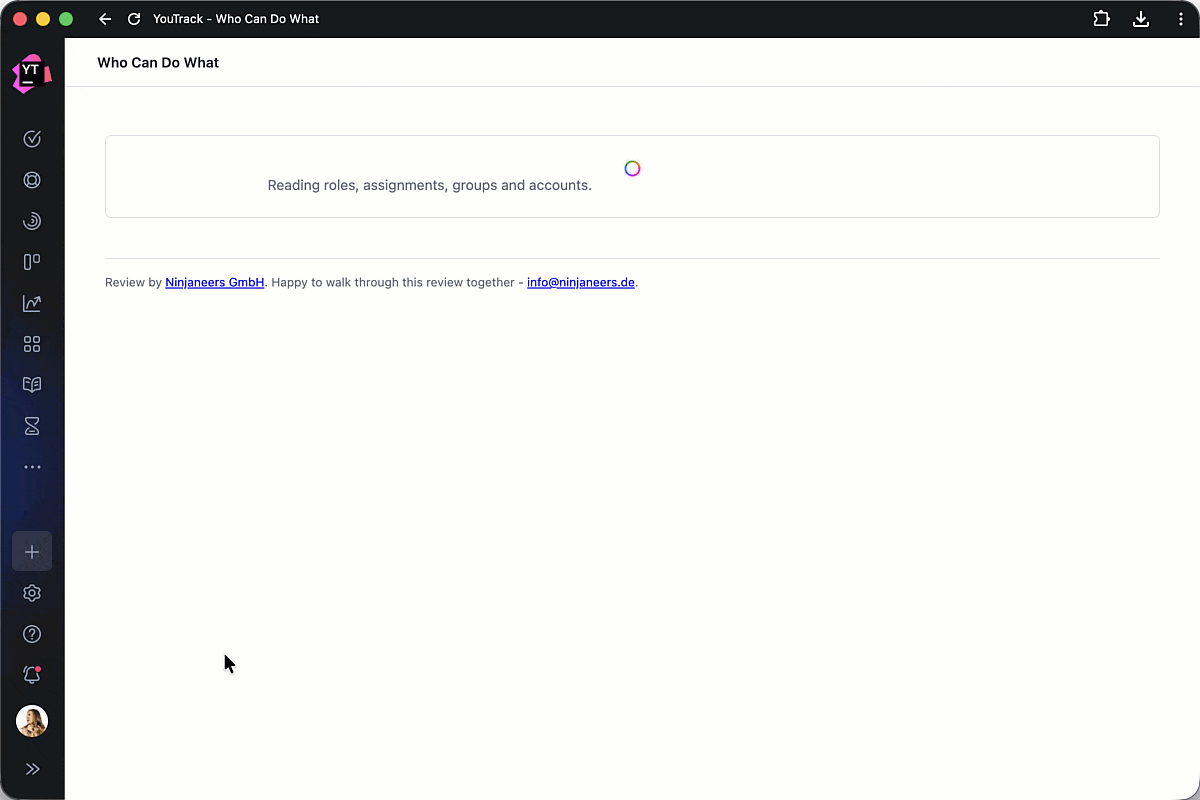
Who Can Do What by Ninjaneers GmbH
Administrators can see who holds which permissions across every project, group, and role. A dedicated YouTrack page lets them review access, mark permissions that should be removed, and export the results for an audit.
Adv.KVStore by mag1.cc
Store settings, cached results, and sync state globally or per project through an HTTP API. Save data between app and workflow runs.
Other enhancements
This release also brings improvements to the Notification Center, user profile and administration pages, time-tracking controls, and app configuration and management.