Overview and setup
The AI Assistant Experimental Features plugin provides access to a set of experimental AI features available in all JetBrains IDEs and focused on providing workflow-centric assistance. These features are intended to help you with your everyday tasks – whether you are exploring code, reviewing changes, or trying to recall where you left off after a break.
The plugin offers the following functionality:
Recap
Quickly retrace your steps after a period of inactivity to rebuild context and continue where you left off. This feature provides a summary of your recent work, reminding you what was done before the break.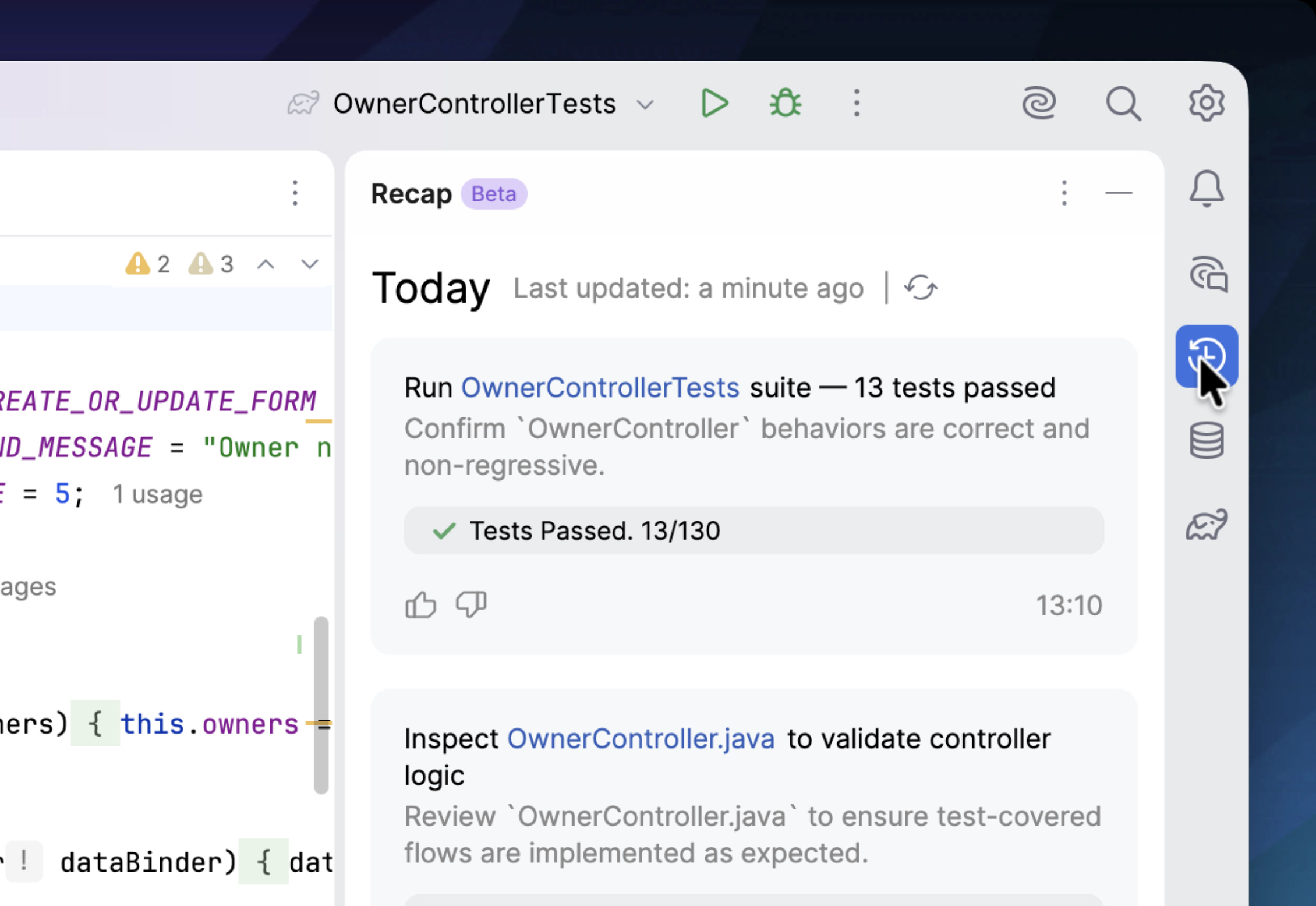
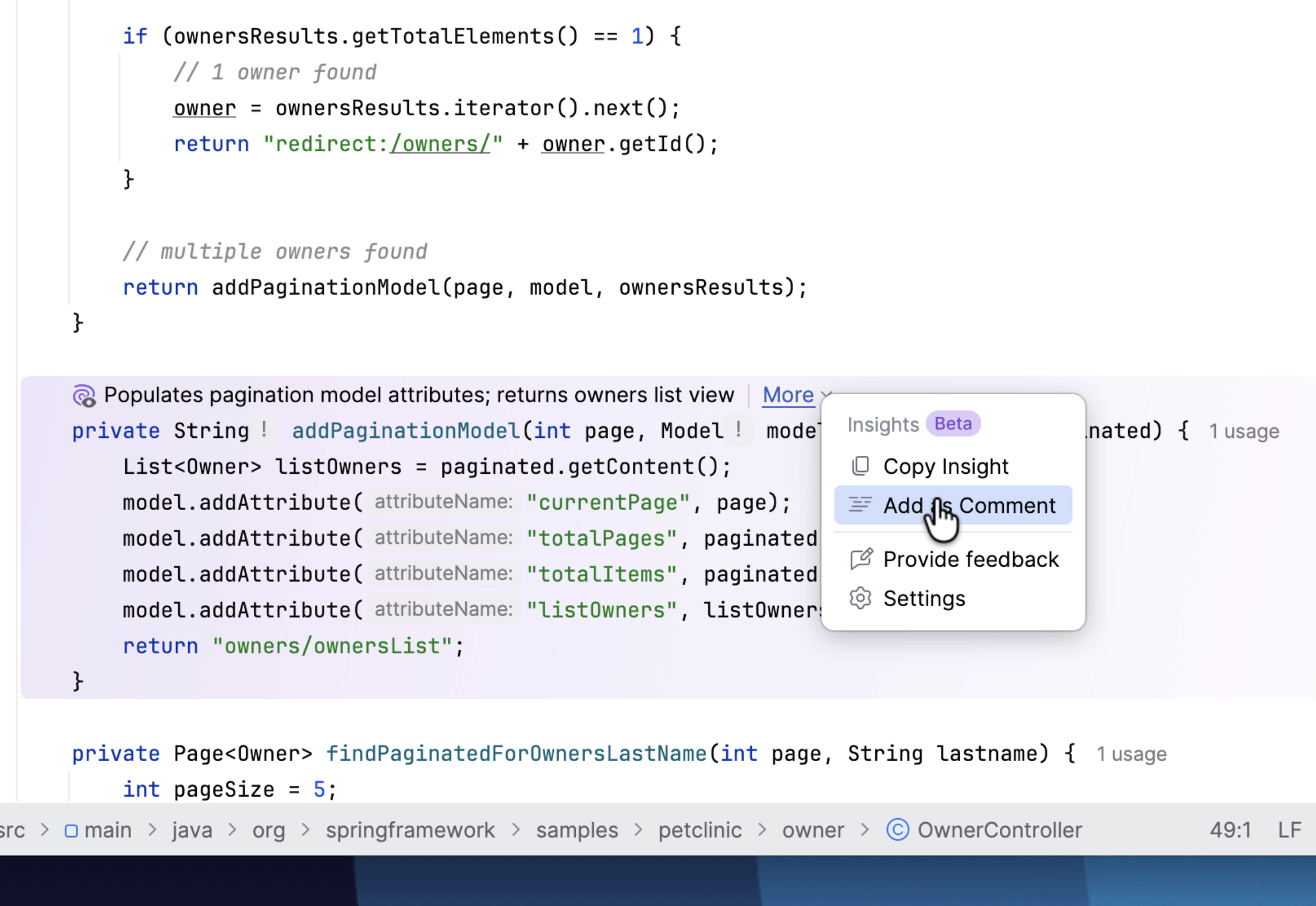
Insights
Get brief and concise summaries for pieces of code that are hard to interpret at first glance. This feature allows you to better understand the intent of the code, making your next edits more predictable and safe.Group with AI
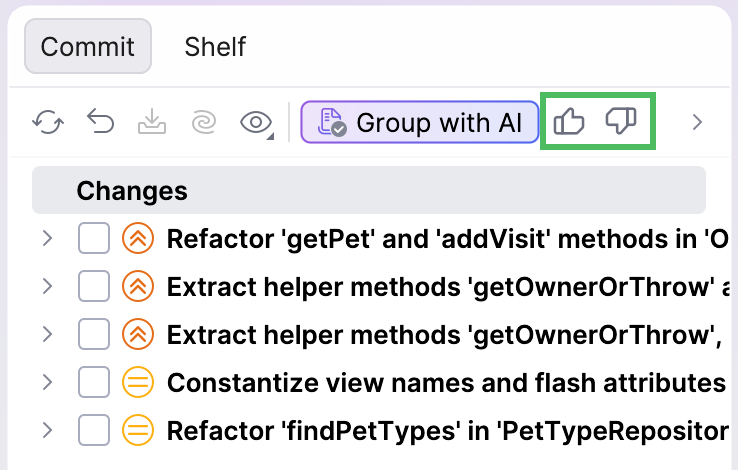
Organize raw diffs into groups based on the importance of introduced changes to review the edits faster. This feature allows you to focus on the highest-impact changes first, filtering out smaller, less important updates.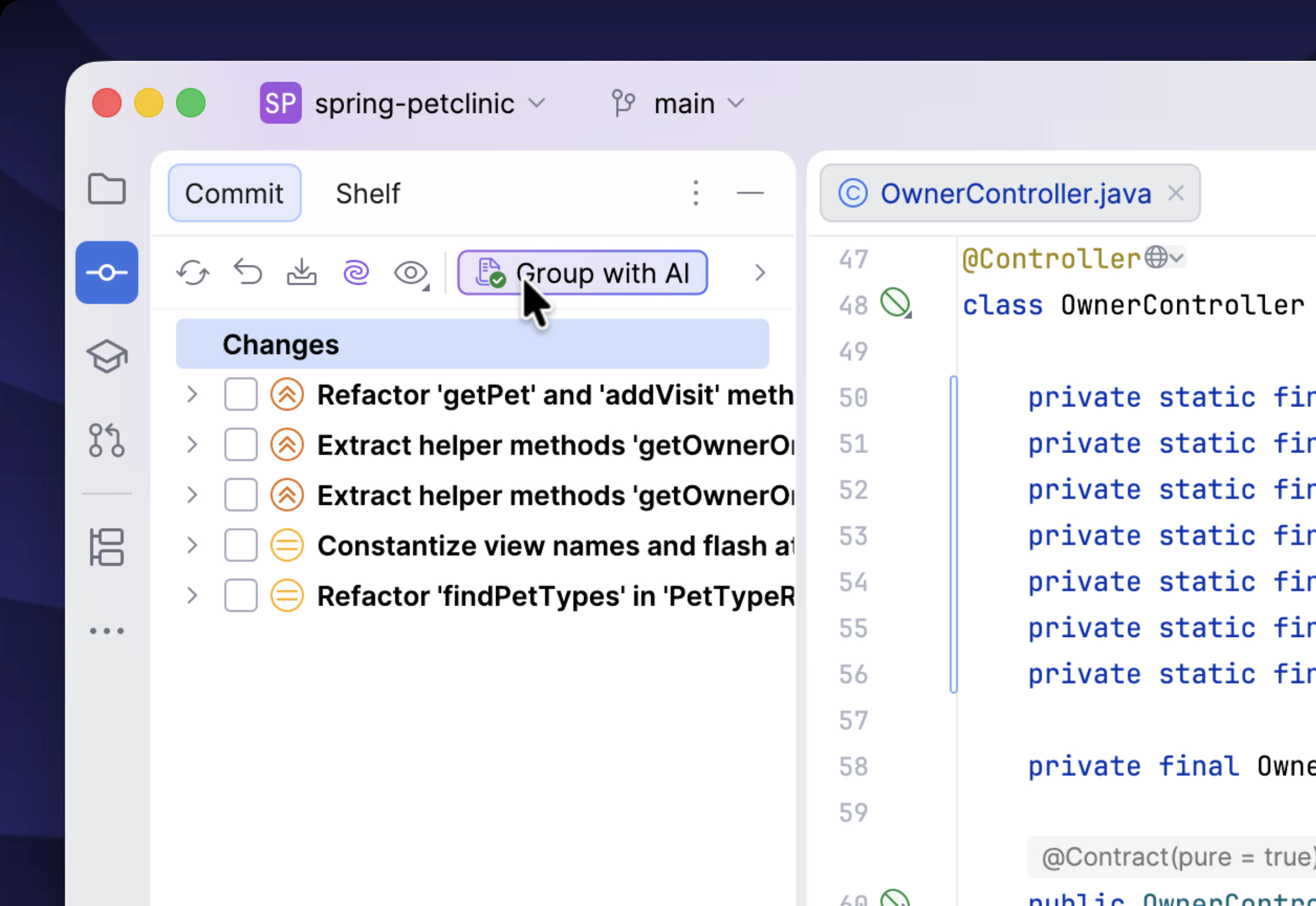
What "Experimental" means?
The features provided by the AI Assistant Experimental Features plugin are proactive: they gather context and annotate code automatically. This differs from the typical workflow, in which features must be triggered manually. Because this behavior represents a new approach, the features are labeled as experimental.
Install the plugin
The AI Assistant Experimental Features plugin is not bundled and not installed by default. If you want to use the features it offers, you have to install it first.
- Prerequisites
Before installing the AI Assistant Experimental Features plugin, make sure the following conditions are met:
The AI Assistant plugin is installed.
You have an active JetBrains AI service subscription.
The detailed data collection is enabled.
- Limitations
There are a few limitations that apply when you use the AI Assistant Experimental Features plugin:
Currently, only English is supported. Disable custom language preferences to ensure proper functionality.
The features do not work with models obtained from third-party AI providers. Even if configure your own API key, usage is still deducted from your JetBrains AI service subscription quota.
The features are currently not available for users on the AI Free license tier.
- Quota consumption information
The plugin's features rely on models accessed through the JetBrains AI service, so their usage counts toward your monthly quota. However, each feature is capped at 1 AI Credit per billing period. Once this limit is reached, the feature is automatically disabled. If you want to continue using it, you can enable it in the settings.
To install the plugin:
Navigate to , and type AI Assistant Experimental Features in the search field.
Click Install.
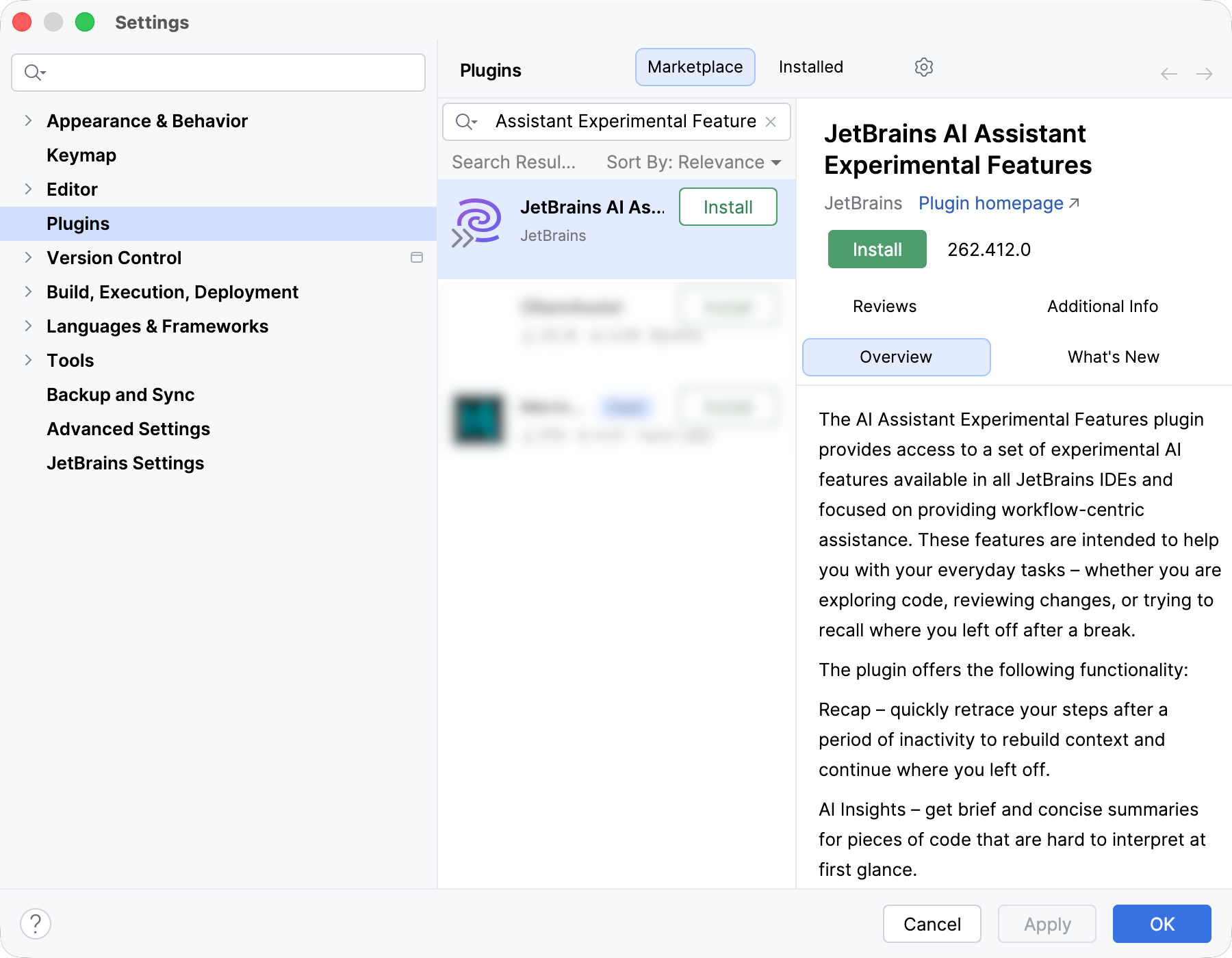
If prompted, restart the IDE.
What's next?
After installing the plugin, you can begin exploring its features in your daily workflow. Scan through your code and receive hints for non-obvious parts, review the introduced changes organized neatly by importance, or get help recalling what you were working on before a break.
For more detailed information, refer to the dedicated feature pages.
Provide feedback
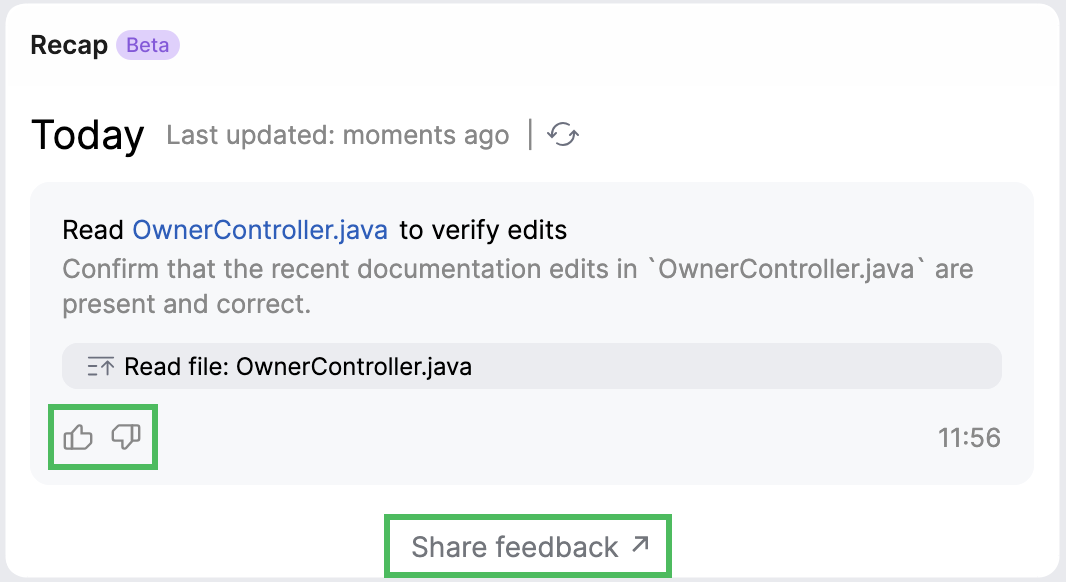
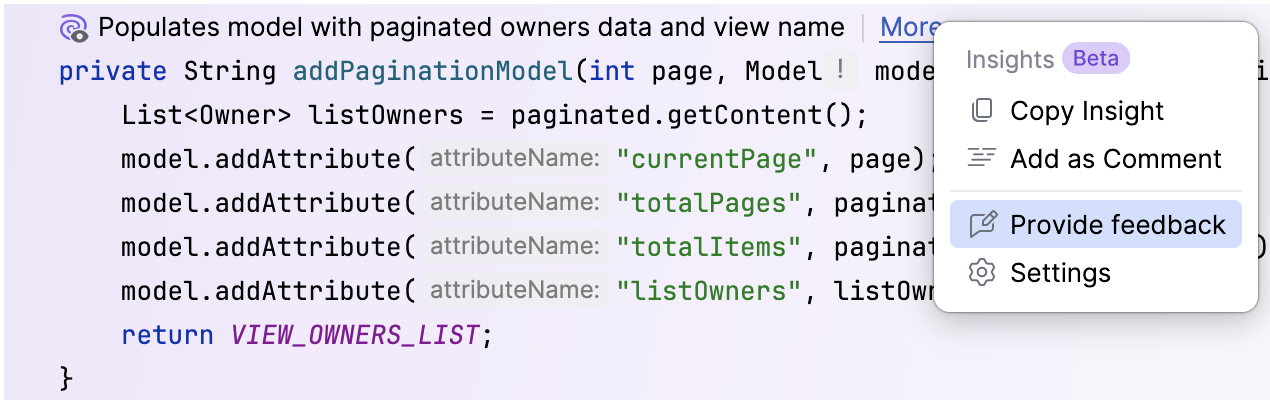
If you have tried the features and would like to provide feedback, you can either rate individual suggestions using the  and
and  buttons, or share more detailed feedback using the feedback forms – whether something works well, needs improvement, or you have ideas for new features. Your input helps us improve the experience and prioritize the most valuable enhancements.