Bring your own key (BYOK)
AI Assistant supports the Bring Your Own Key (BYOK) approach, which allows you to use models from a supported AI provider by providing your own API key.
This setup allows you to use AI Assistant features if they are supported by the provider models, work in AI Chat, and use integrated agents with the provider's models without a JetBrains AI subscription.
You can enter your API key after installing the AI Assistant plugin:
Open the
 AI Chat tool window.
Click OpenAI-compatible, LM Studio, Ollama.
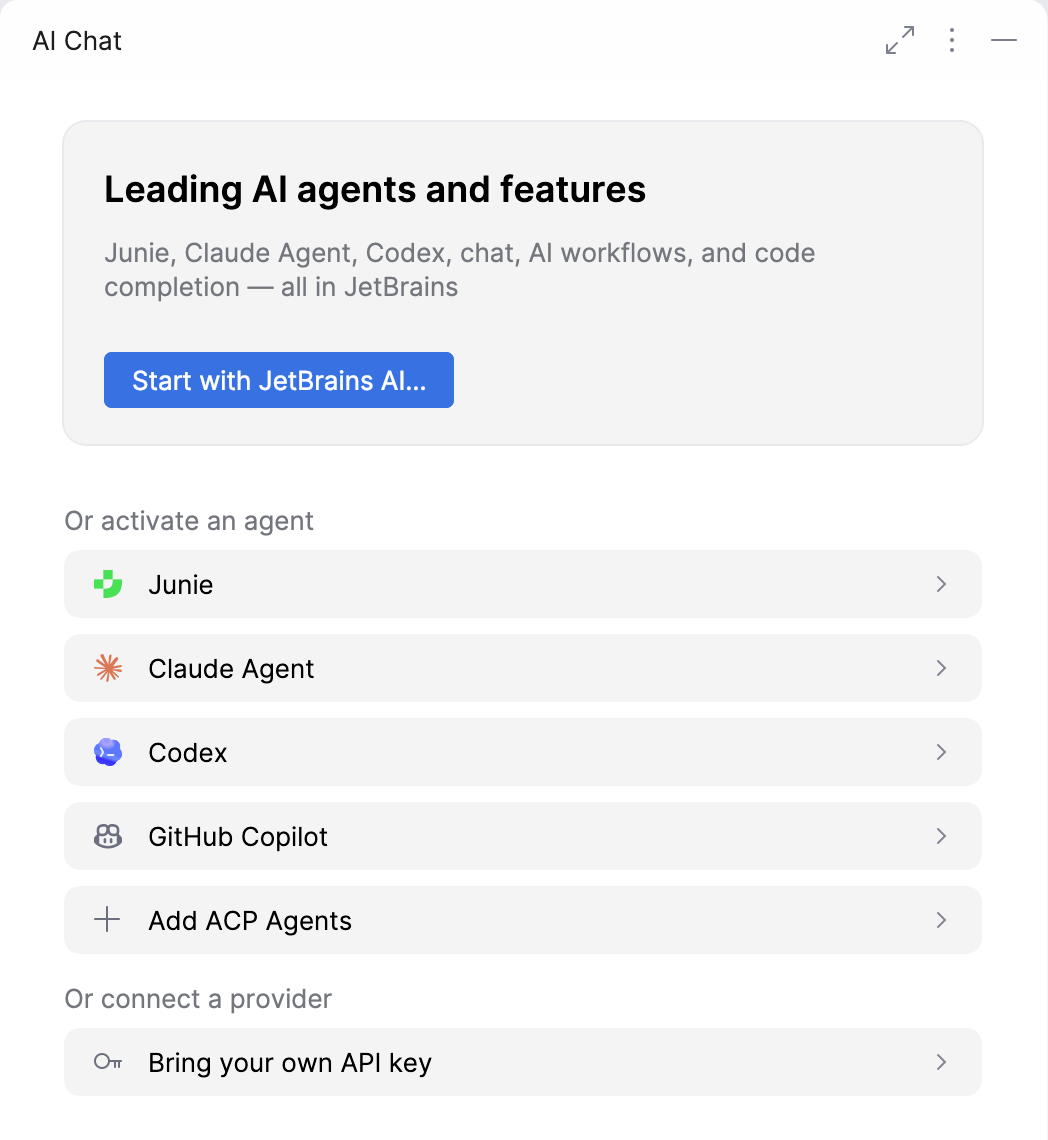
In the Provider field, select the AI provider that you want to use.
Configure the provider settings. Depending on the selected provider, the configuration may differ:
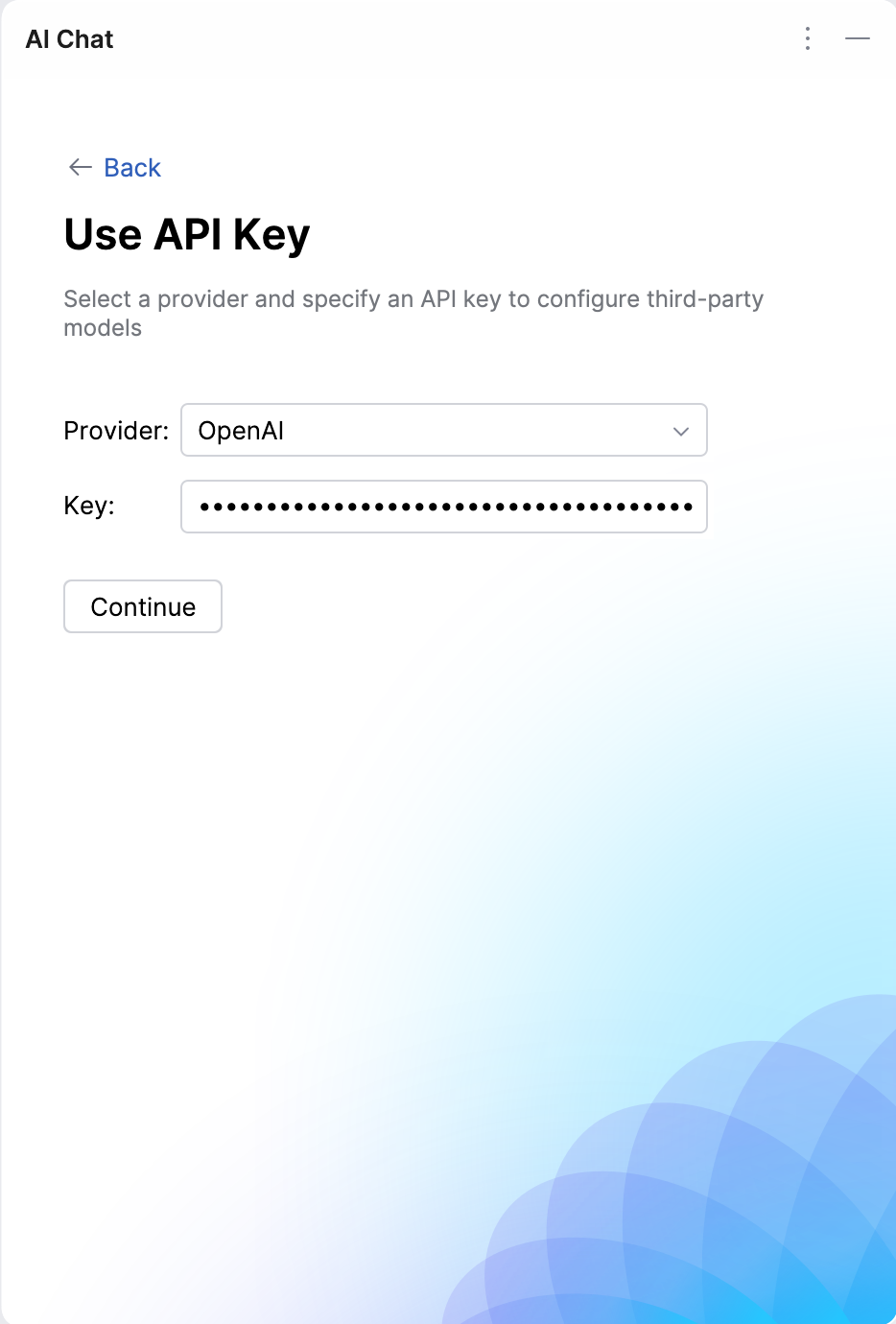
Enter your Key and click Continue.
Select the authentication method. There are two possible options:
Express – authenticate using a Vertex AI express mode API key.
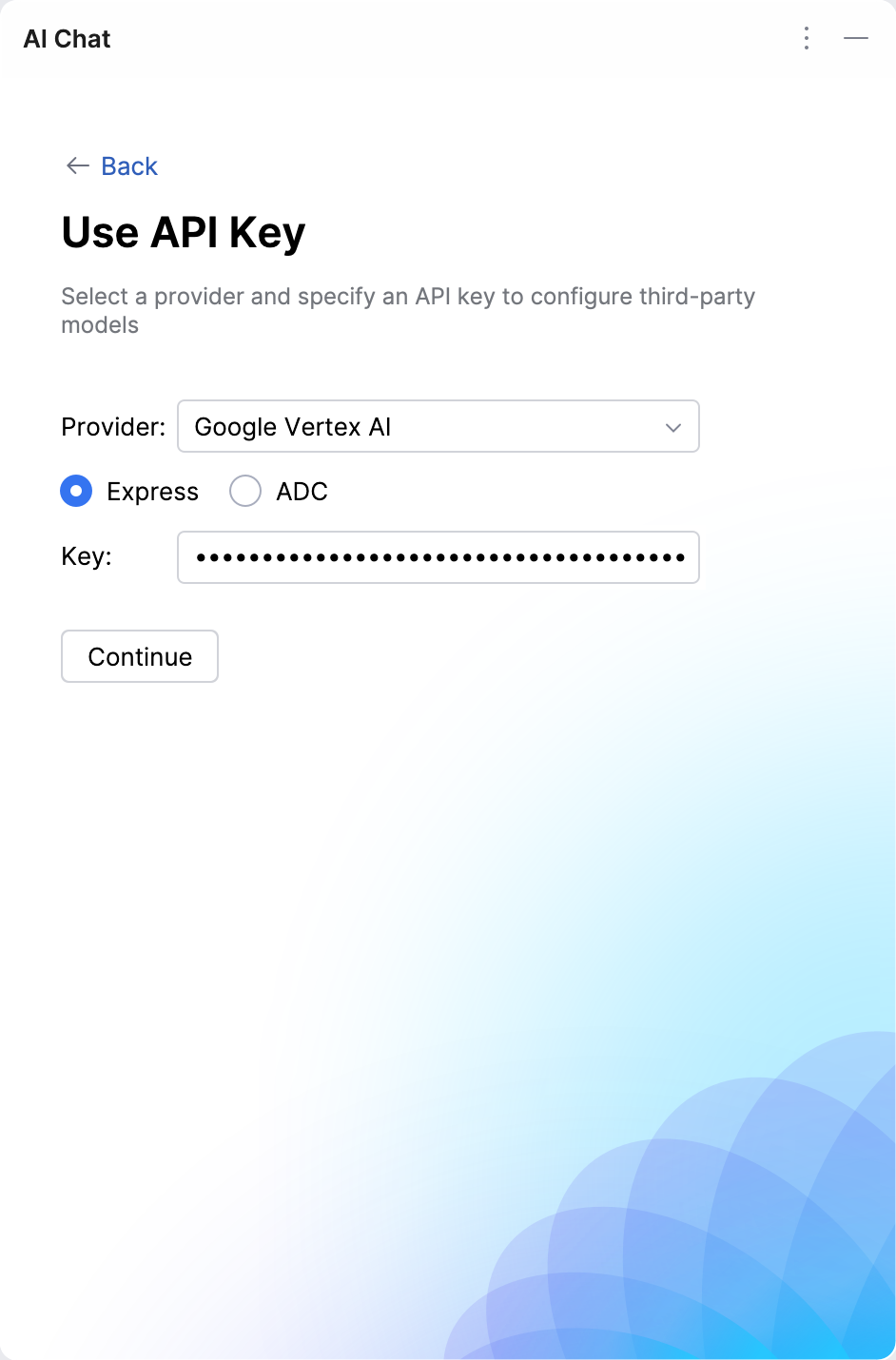
ADC (Application Default Credentials) – a Google Cloud authentication mechanism that uses credentials configured in your environment (for example, from your local Google Cloud setup or a service account) to authorize requests.
This method requires specifying the Project ID and Location parameters.
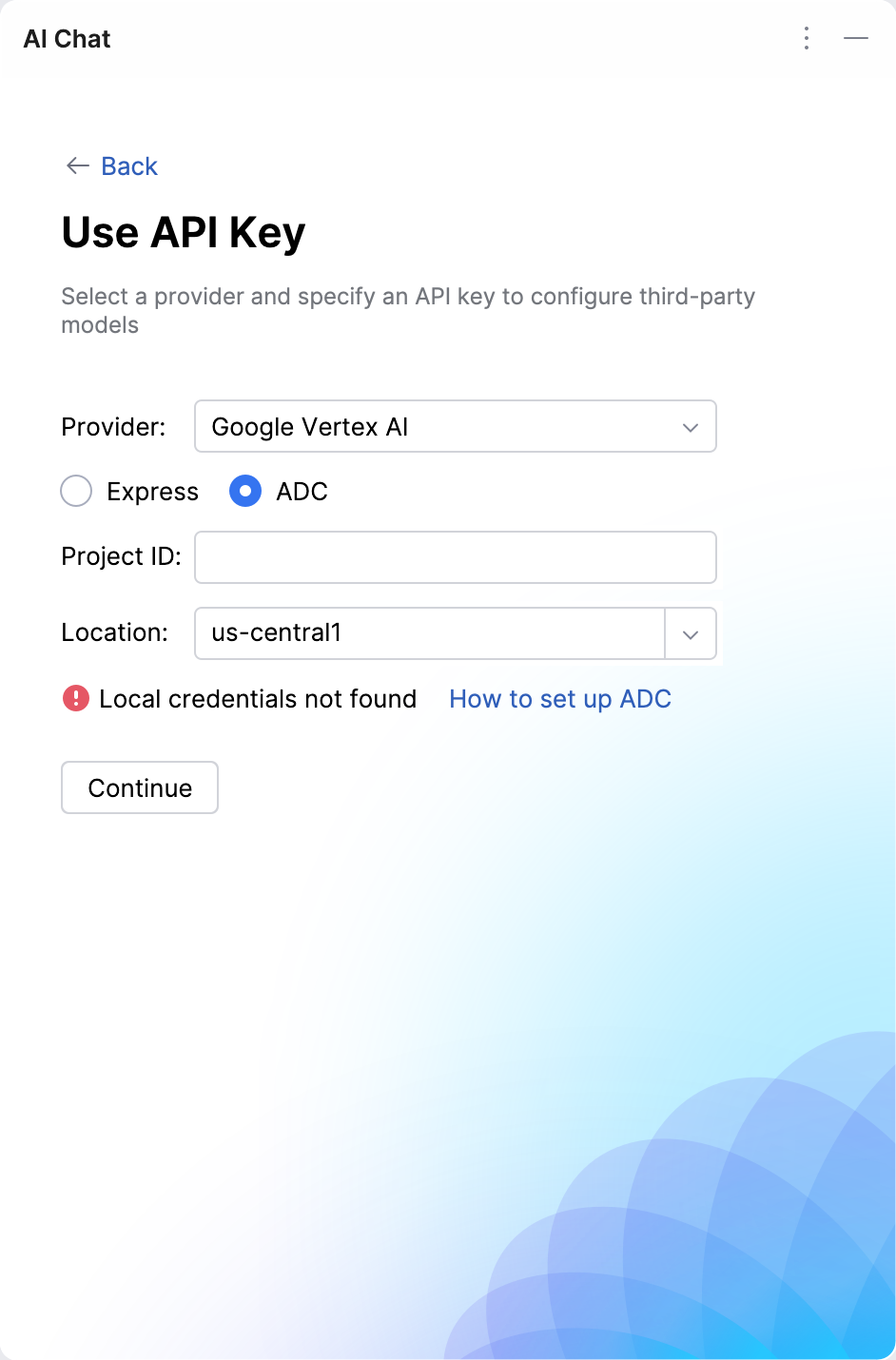
Click Continue.
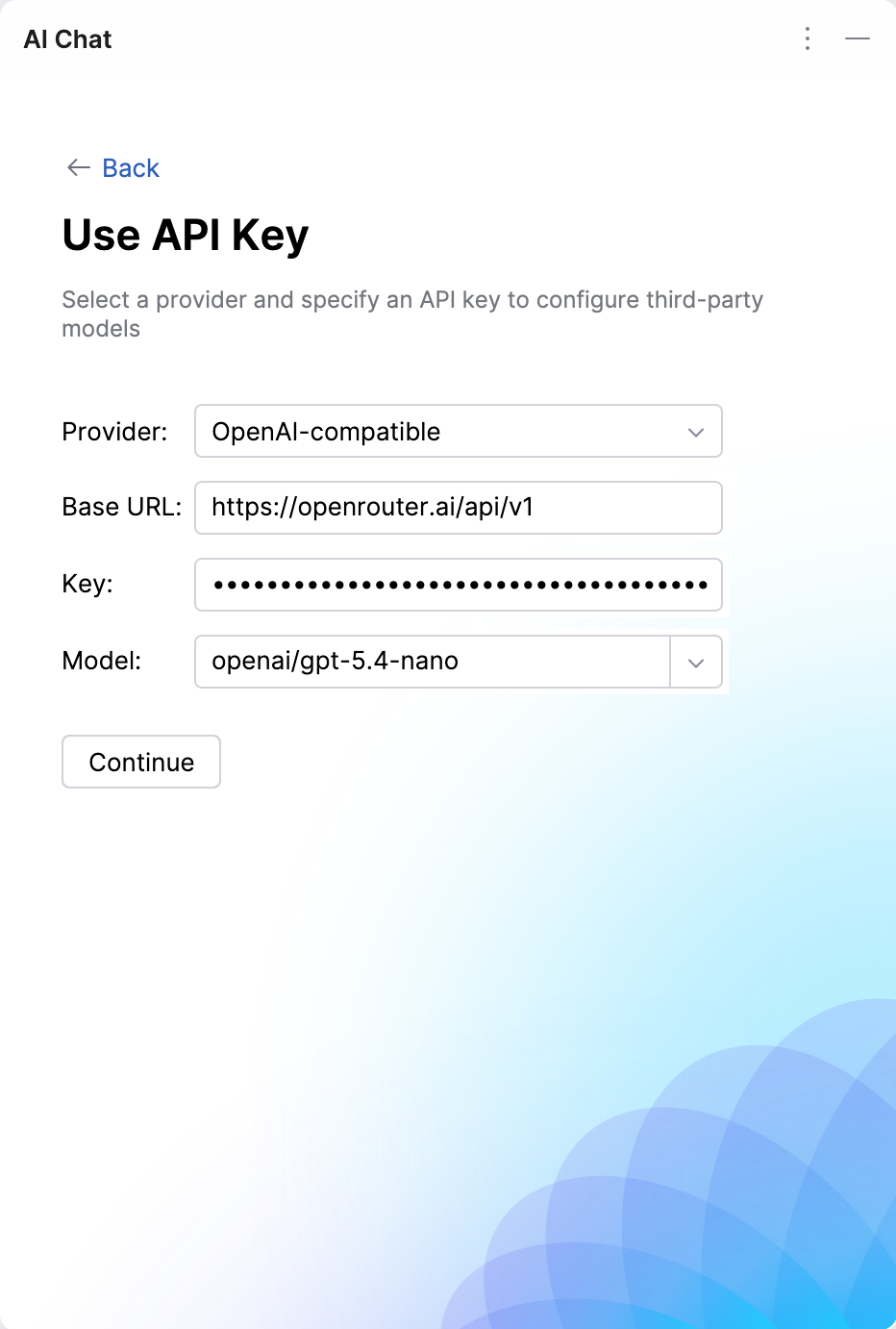
Specify the Base URL of the provider's API endpoint.
Enter your Key.
Specify the Model you want to use.
Click Continue.
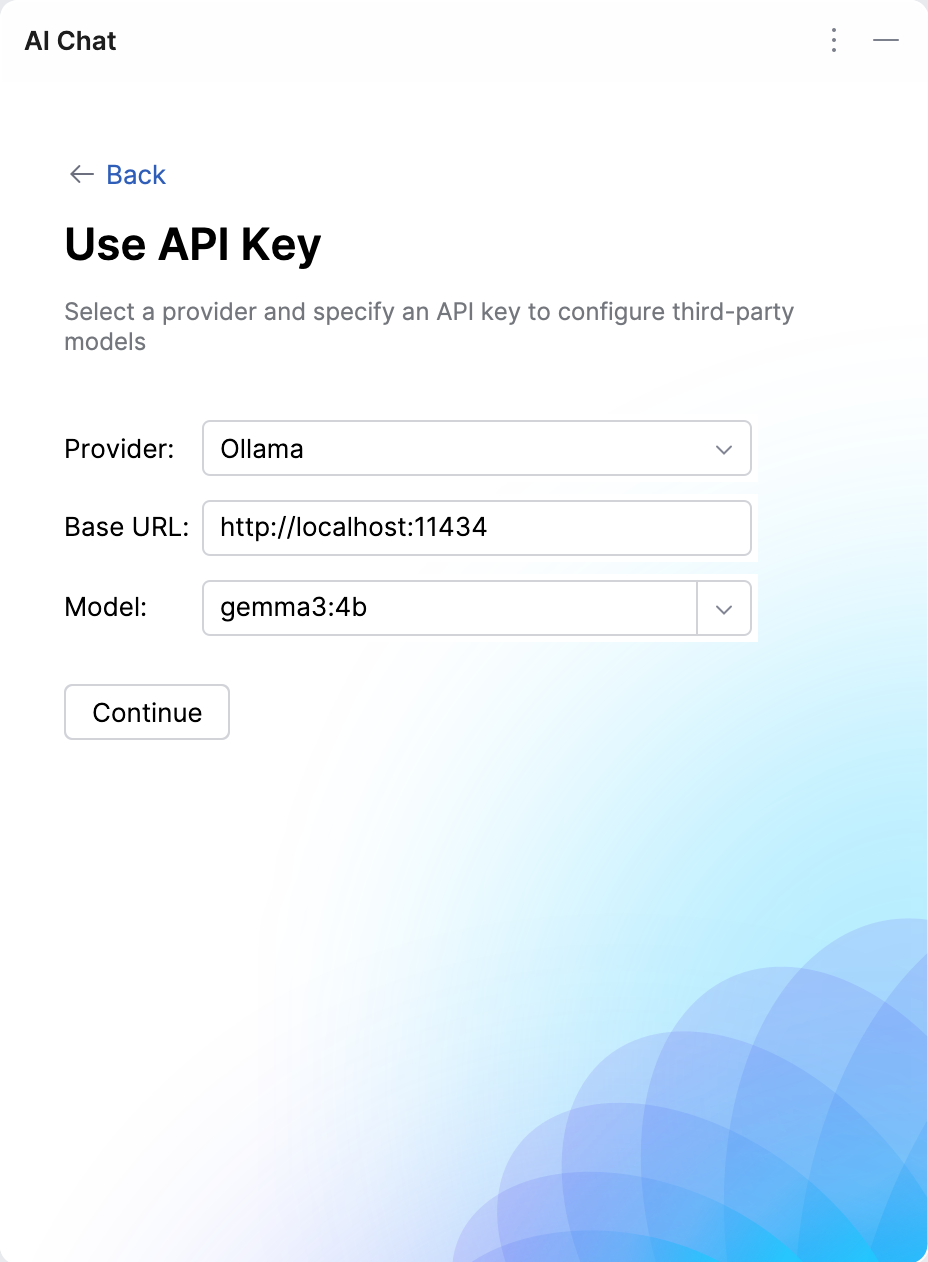
Specify the Base URL of the provider's local instance.
Specify the Model you want to use.
Click Continue.
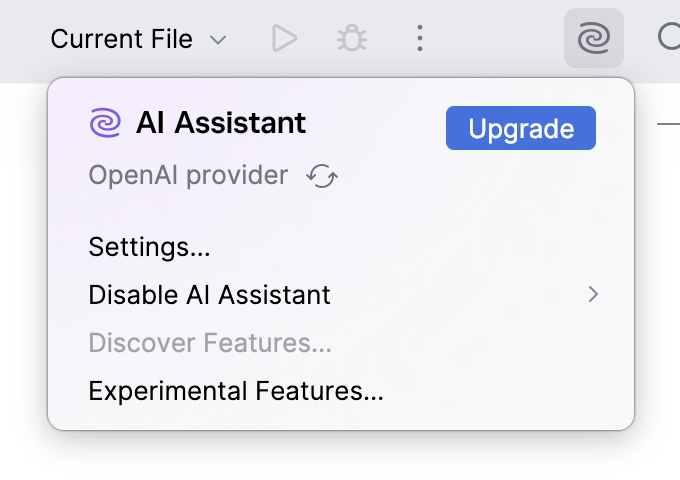
After completing these steps, you can start using AI Assistant with the selected AI provider. To verify that the selected provider is active, click the  JetBrains AI widget in the window header toolbar.