Spring Boot REST API tutorial, part 2: Add GET and DELETE endpoints
2: Add REST endpoints
Continue the project from Spring Boot REST API tutorial, part 1: Create and run a project. In this part, add a photo model, a service that stores photos in memory, and endpoints to list, retrieve, and delete them.
Create the Photo model class
The greeting endpoint returns a string, but the photo endpoints need to work with structured data. A Photo represents that data in Java. It starts with an identifier and a file name; the image bytes arrive in the next part, when you add uploads.
In the model package, create a class named
Photowith an identifier, a file name, and two constructors:public class Photo { private String id; private String fileName; public Photo() { } public Photo(String id, String fileName) { this.id = id; this.fileName = fileName; } }The two-argument constructor creates the example photo used below. The no-argument constructor is used when adding uploaded photos in the next part.
Generate accessors for both fields: place the caret inside the class, press Alt+Insert, select Getter and Setter, then select both fields, and click OK.
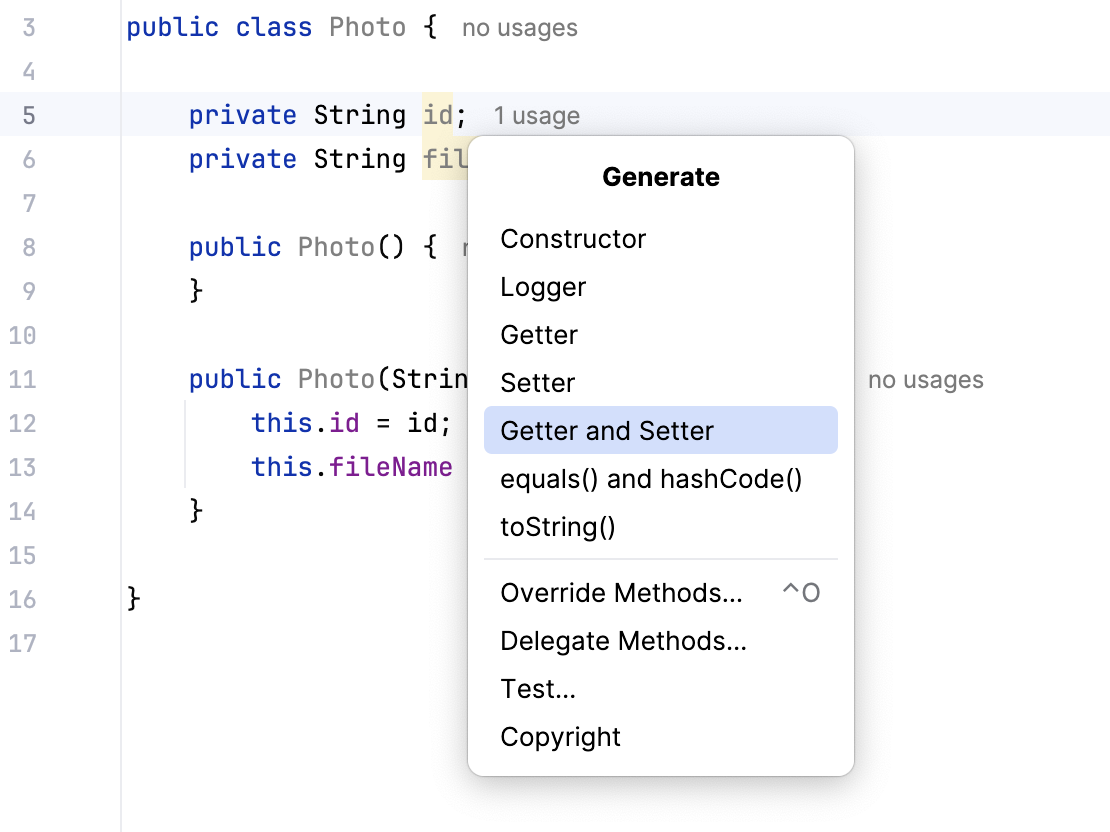
Spring uses Jackson to convert the photos returned by your endpoints into JSON. Jackson reads the photo properties through the getters, so the JSON response includes
idandfileName. The setters let you assign these values when creating photos.
Create and inject a photo service
A controller translates an HTTP request into a call, and a result back into a response. Create a service to store the photos that PhotosController will return.
In the next part, you will add a second controller to serve image downloads. Both controllers will need the same photos. Giving each its own map would leave the application with two separate sets of photos, so both will use the same service.
The service also becomes the place for logic that is not HTTP translation, such as building a photo out of an uploaded file. Both controllers can use this service, and the service can switch from a map to a database without putting database operations in either controller.
In the service package, create
PhotosService:@Service public class PhotosService { private final Map<String, Photo> db = new HashMap<>(); public PhotosService() { db.put("1", new Photo("1", "hello.jpg")); } public Collection<Photo> get() { return db.values(); } public Photo get(String id) { return db.get(id); } public Photo remove(String id) { return db.remove(id); } }Use the
java.utilimports forMap,HashMap, andCollection, and importPhotofrom your model package that IntelliJ IDEA suggests.@Servicetells Spring to create an instance at startup, the same way@RestControllerdoes. The map stores photos by identifier, so retrieving or removing one does not require searching a list. It starts with one example,hello.jpg, to give the endpoints something to return. This is metadata only, there is no image file yet.In
PhotosController, add a field and a constructor for the service. Keep thehello()method:private final PhotosService photosService; public PhotosController(PhotosService photosService) { this.photosService = photosService; }Nothing calls this constructor in your code. At startup Spring sees that
PhotosControllerrequires aPhotosService, finds the class annotated with@Service, creates one instance, and passes it in. This is constructor injection, and one instance is created and shared — which is what lets the second controller see the same photos in the next part.
Add a GET endpoint for all photos
The model and storage are in place. The first photo endpoint connects them to the browser by asking the service for all stored photos and returning the result.
In
PhotosController, add a method for GET requests mapped to/photos:@GetMapping("/photos") public Collection<Photo> get() { return photosService.get(); }Restart the application: click
 Rerun in the Run tool window. Then open
http://localhost:8080/photos. The browser shows a JSON array holding the one photo:[{"fileName":"hello.jpg","id":"1"}]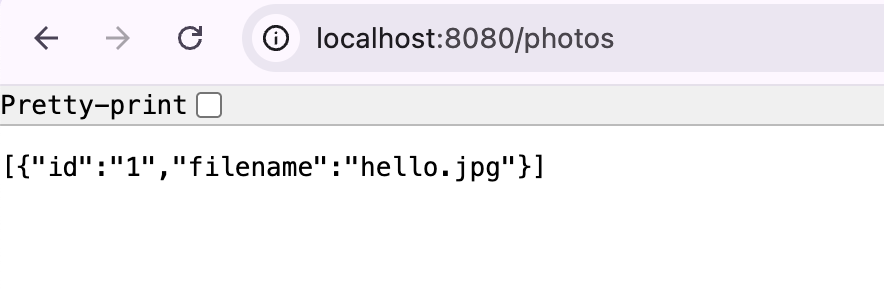
Nothing in the method explicitly creates JSON. It returns a Java collection, and because the class is a
@RestController, Spring converts the return value into the response. The getters you generated provide the photo properties that appear in the JSON array.
Add a GET endpoint for one photo
Add another
get()method toPhotosController:@GetMapping("/photos/{id}") public Photo get(@PathVariable String id) { Photo photo = photosService.get(id); if (photo == null) { throw new ResponseStatusException(HttpStatus.NOT_FOUND); } return photo; }The braces in
/photos/{id}identify a variable part of the path.@PathVariablepasses it into the parameter with the same name, so a request for/photos/1looks up the photo with identifier1.The service returns
nullwhen it finds no photo. The controller turns that absence into404 Not Foundby throwingResponseStatusException. This keeps the HTTP response handling in the controller.Restart the application and open
http://localhost:8080/photos/1to see the photo as a JSON object. Openhttp://localhost:8080/photos/2to check the 404 response. Because there is no photo with this identifier, the browser shows the default Spring Boot Whitelabel Error Page with thetype=Not Found, status=404message.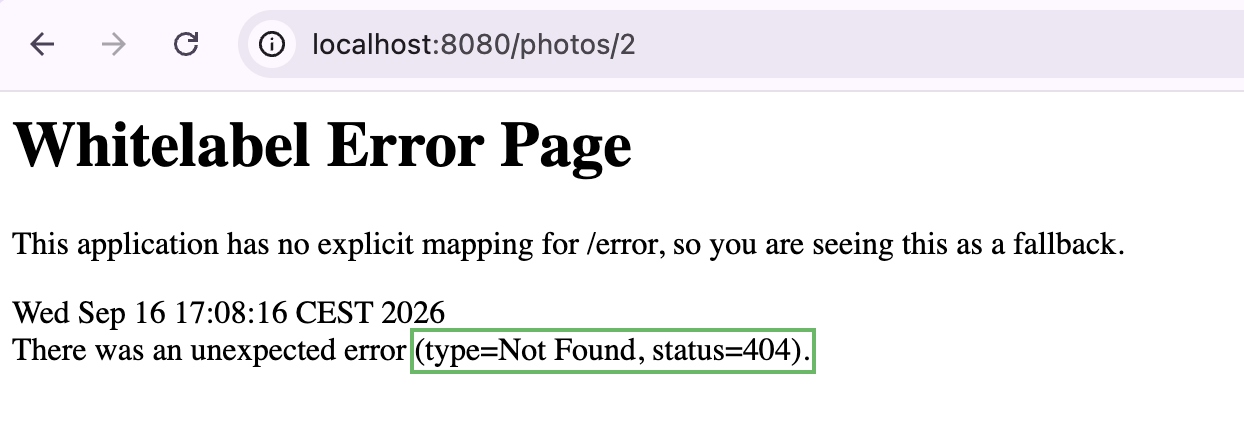
Add a DELETE endpoint
Add a method for DELETE requests to
PhotosController:@DeleteMapping("/photos/{id}") public void delete(@PathVariable String id) { Photo photo = photosService.remove(id); if (photo == null) { throw new ResponseStatusException(HttpStatus.NOT_FOUND); } }@DeleteMappinghandles a different HTTP verb on the same path. The service returns the removed photo, ornullif it was absent, which the controller turns into a 404.Restart the application and open
http://localhost:8080/photos.Open the browser developer tools, and switch to the Console tab.
Send a DELETE request for the photo that exists:
(async function deletePhoto(id) { await fetch("http://localhost:8080/photos/" + id, { method: "DELETE" }) })("1")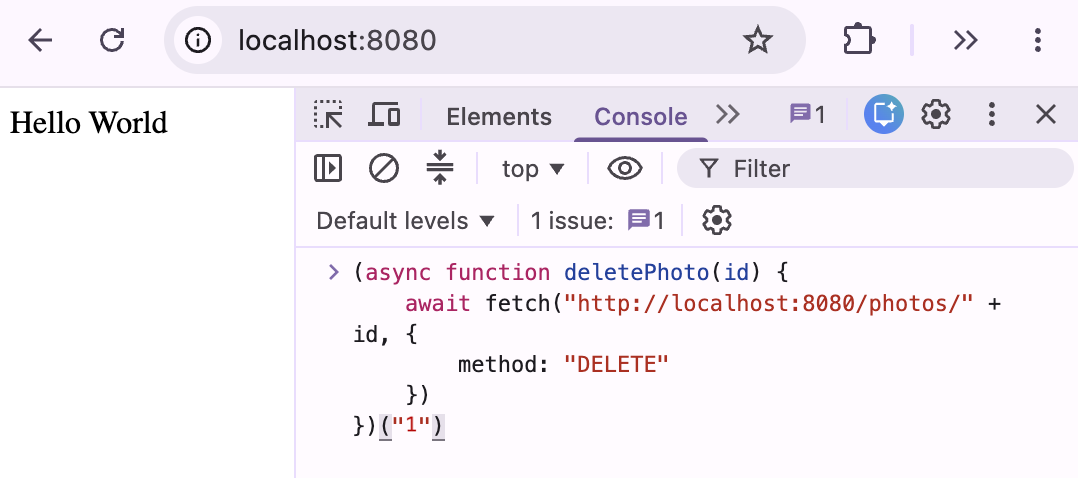
Reload
http://localhost:8080/photos. The list is now empty:[].