Licensing and activation
You can evaluate Java and Kotlin by IntelliJ IDEA free of charge for up to 30 days.
Java and Kotlin by IntelliJ IDEA offers the following activation options:
Free 30-day trial: a 30-day trial to explore all code editor features.
Paid license — a paid subscription for commercial use.
Trial and subscription
When you start a new version of Java and Kotlin by IntelliJ IDEA for the first time, you are granted a free 30-day trial. Select the Anonymous Trial option on the Activate License page and click Activate.
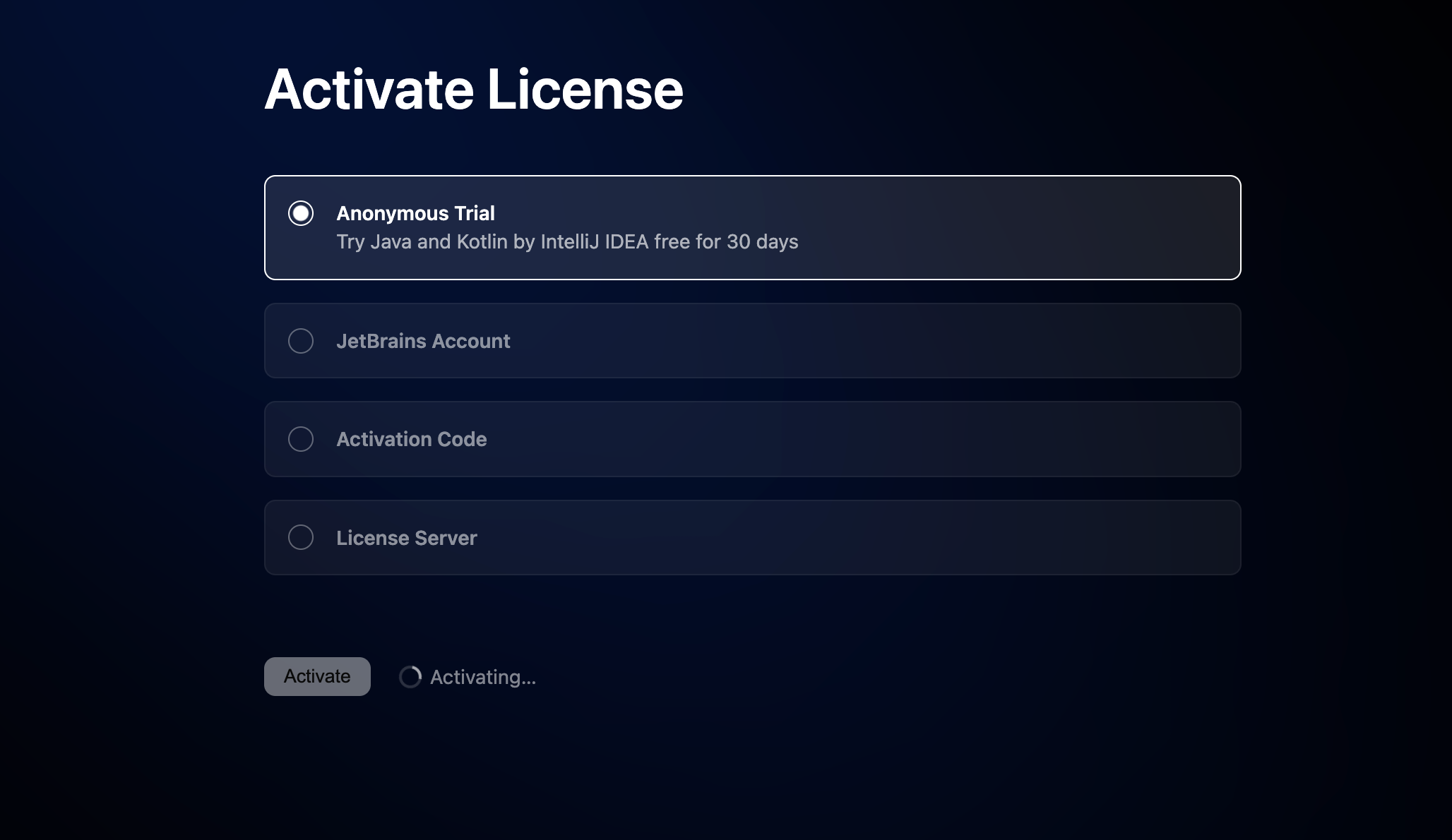
Java and Kotlin by IntelliJ IDEA reuses IntelliJ IDEA license information. After the trial period expires, you need an Ultimate subscription to continue using the extension. A new trial period becomes available with each major release of IntelliJ IDEA.
Activate Java and Kotlin by IntelliJ IDEA
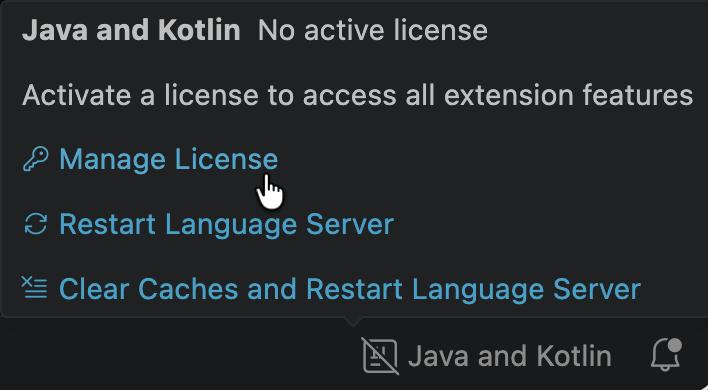
Click or hover over the Java and Kotlin by IntelliJ IDEA status bar item in the bottom right corner of the code editor and select Manage License.
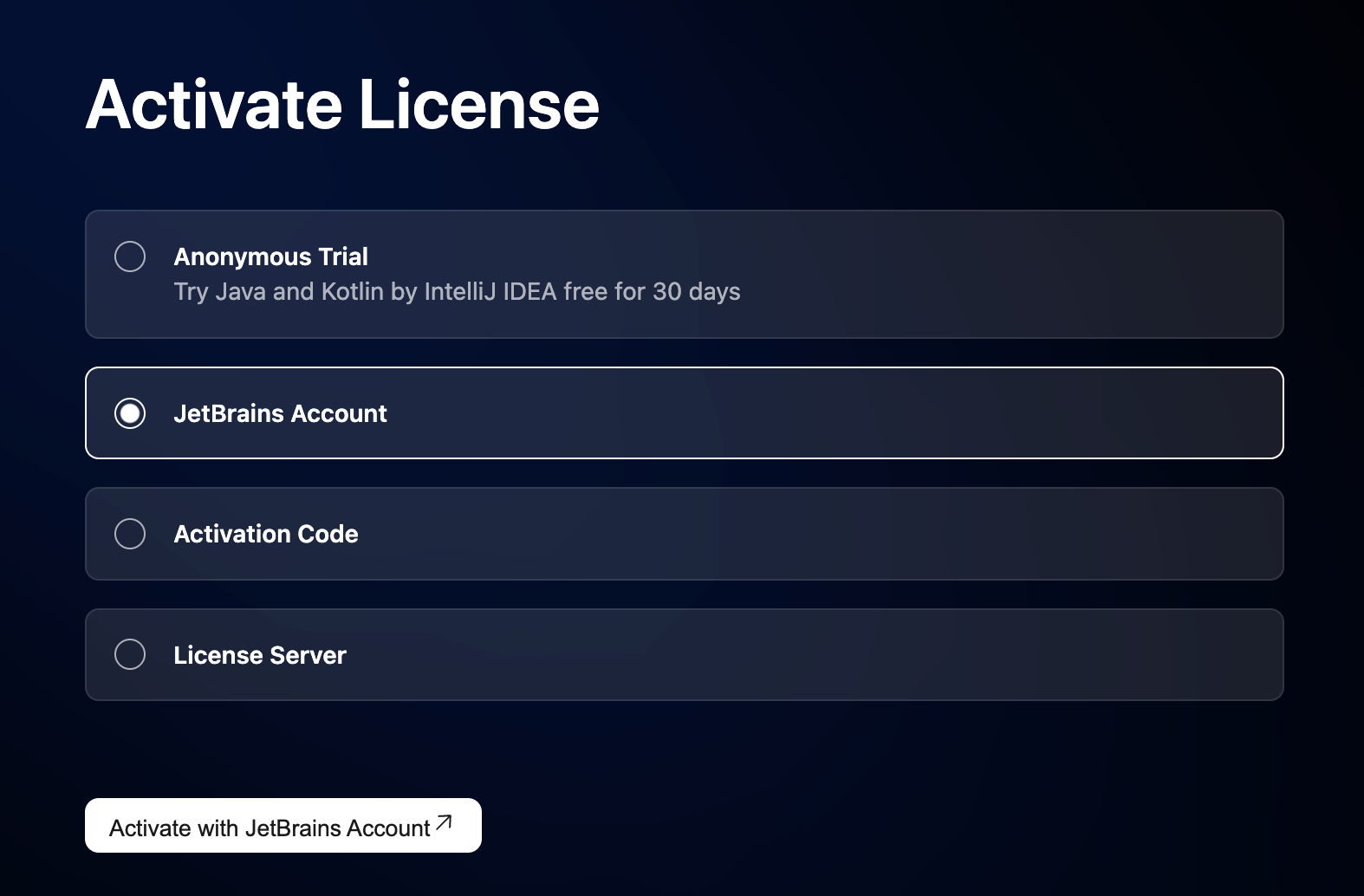
On the Activate License page, select one of the available activation options:
Click Activate with JetBrains Account, then log in to your JetBrains Account to access the licenses you have purchased.
Java and Kotlin by IntelliJ IDEA selects and activates one of your available licenses and displays its details, such as the expiration date and license ID.
Provide an activation code and click Activate.
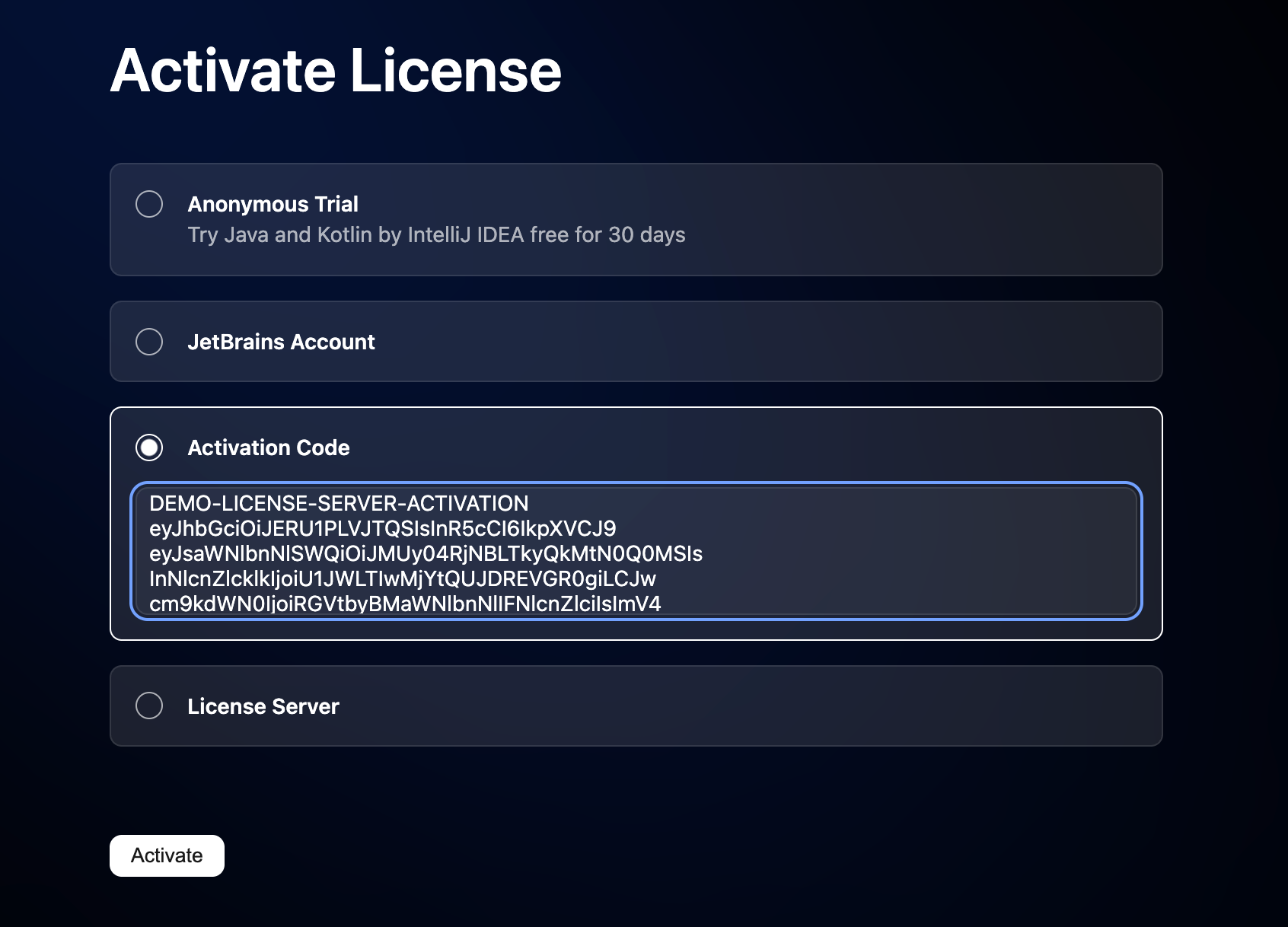
When purchasing a product license, you receive a code for its offline activation. You can always download available activation codes from your JetBrains Account.
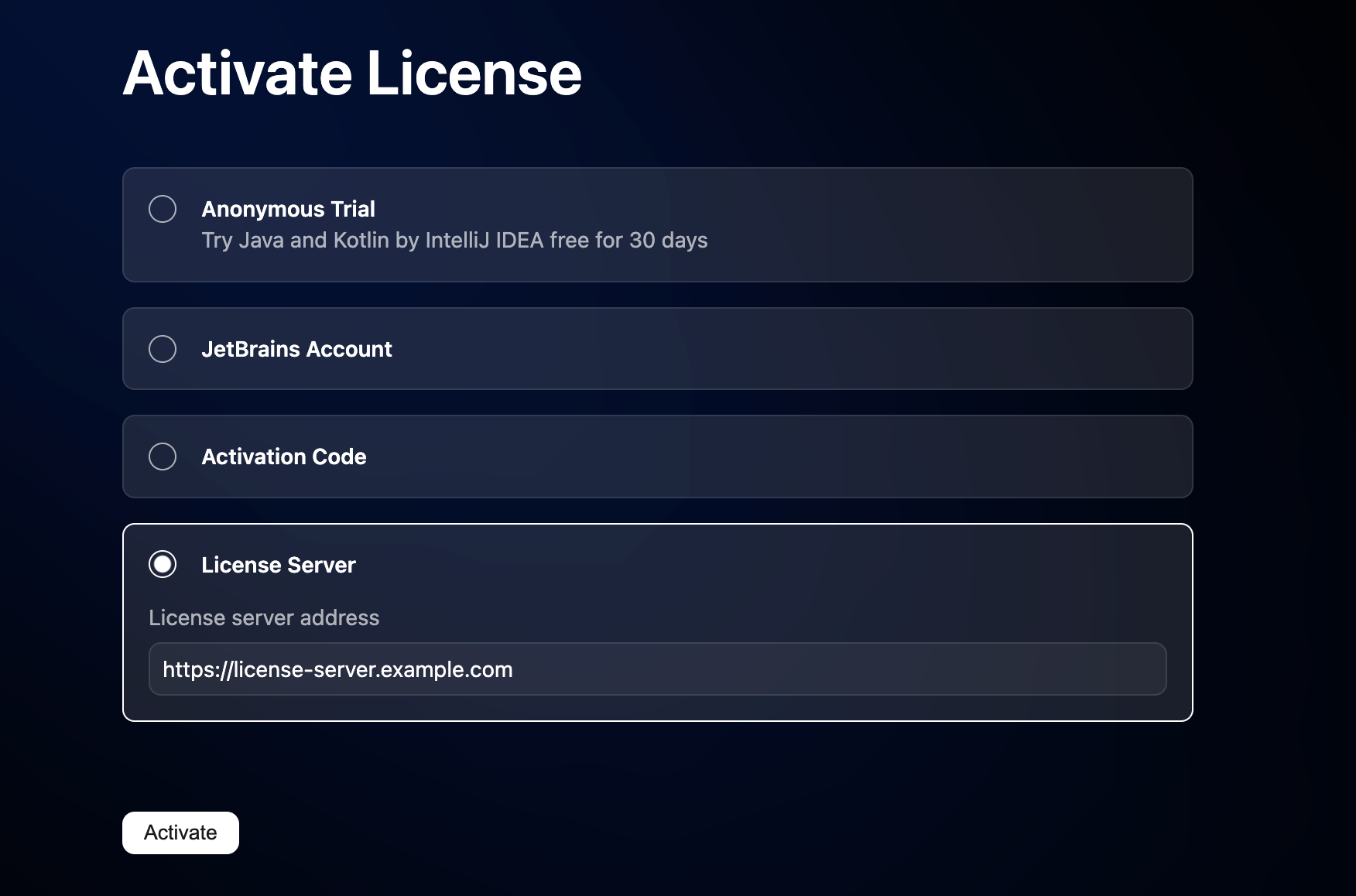
Activate a license using the Floating License Server or License Vault.