Teams
A team is a part of an organization accumulating specific projects. Using teams, you can group users around dedicated projects in Qodana Cloud.
Create a team
During the project setup stage, Qodana Cloud helps you create a team, so you need this step only for creating additional teams.
On the organization page, click .
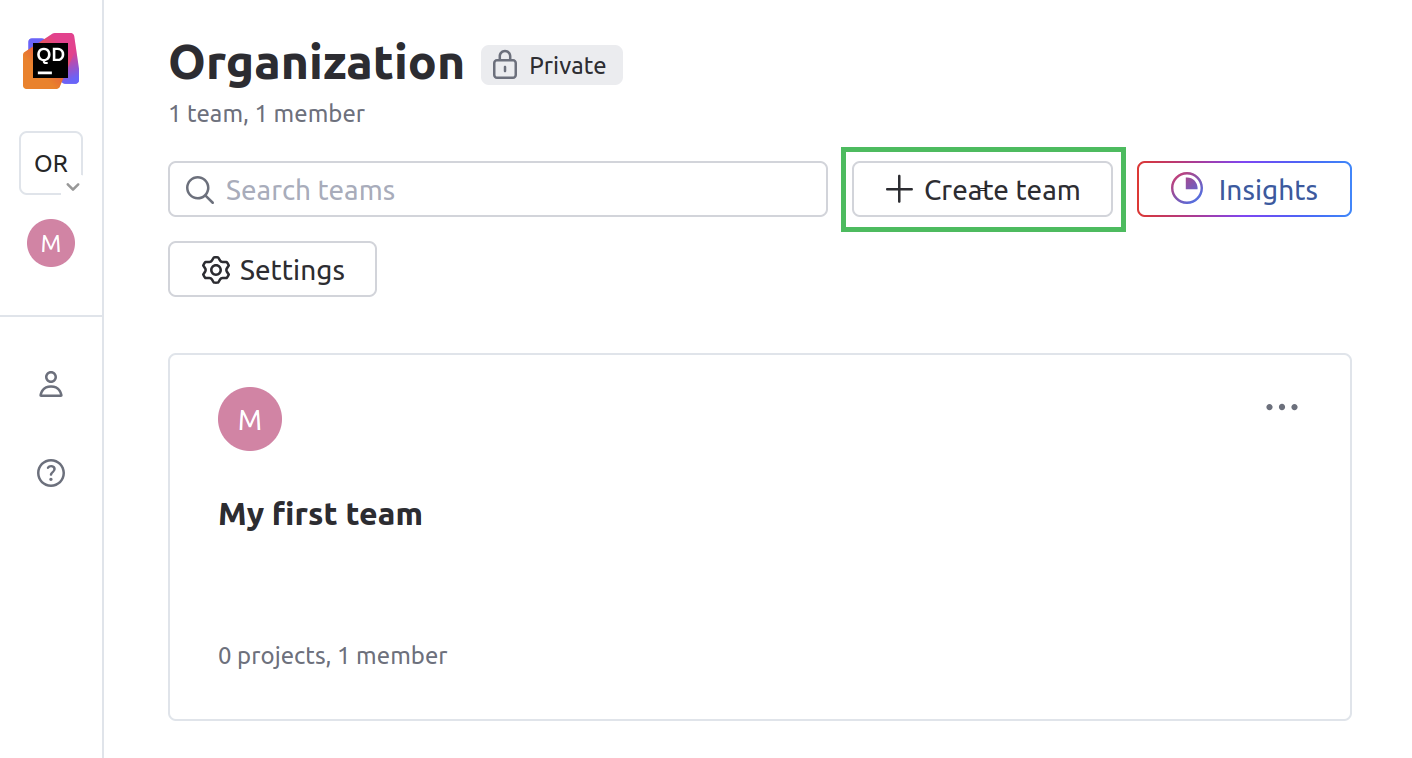
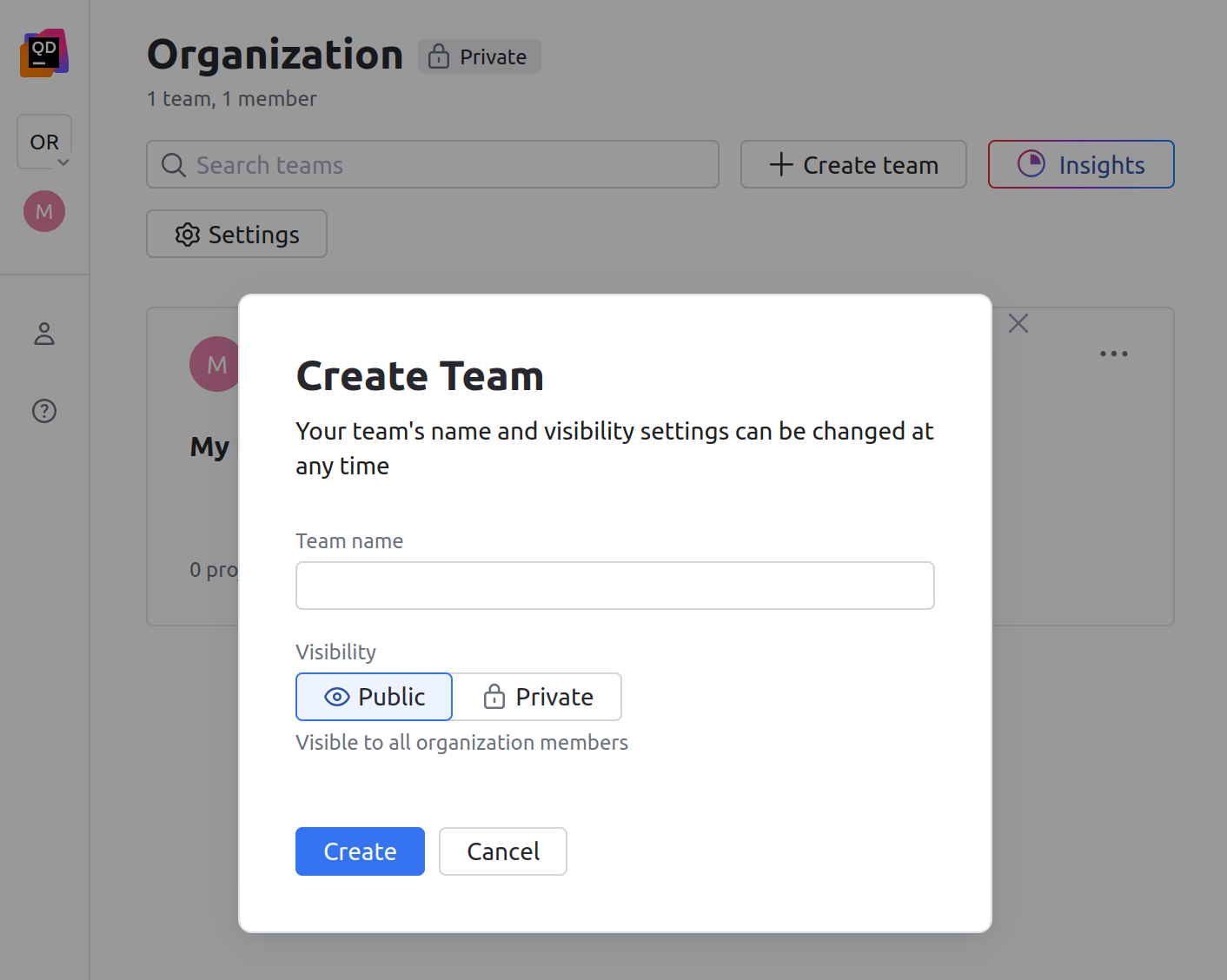
This will open the dialog.
On the dialog, specify the team name, its visibility and then click .
Navigate teams
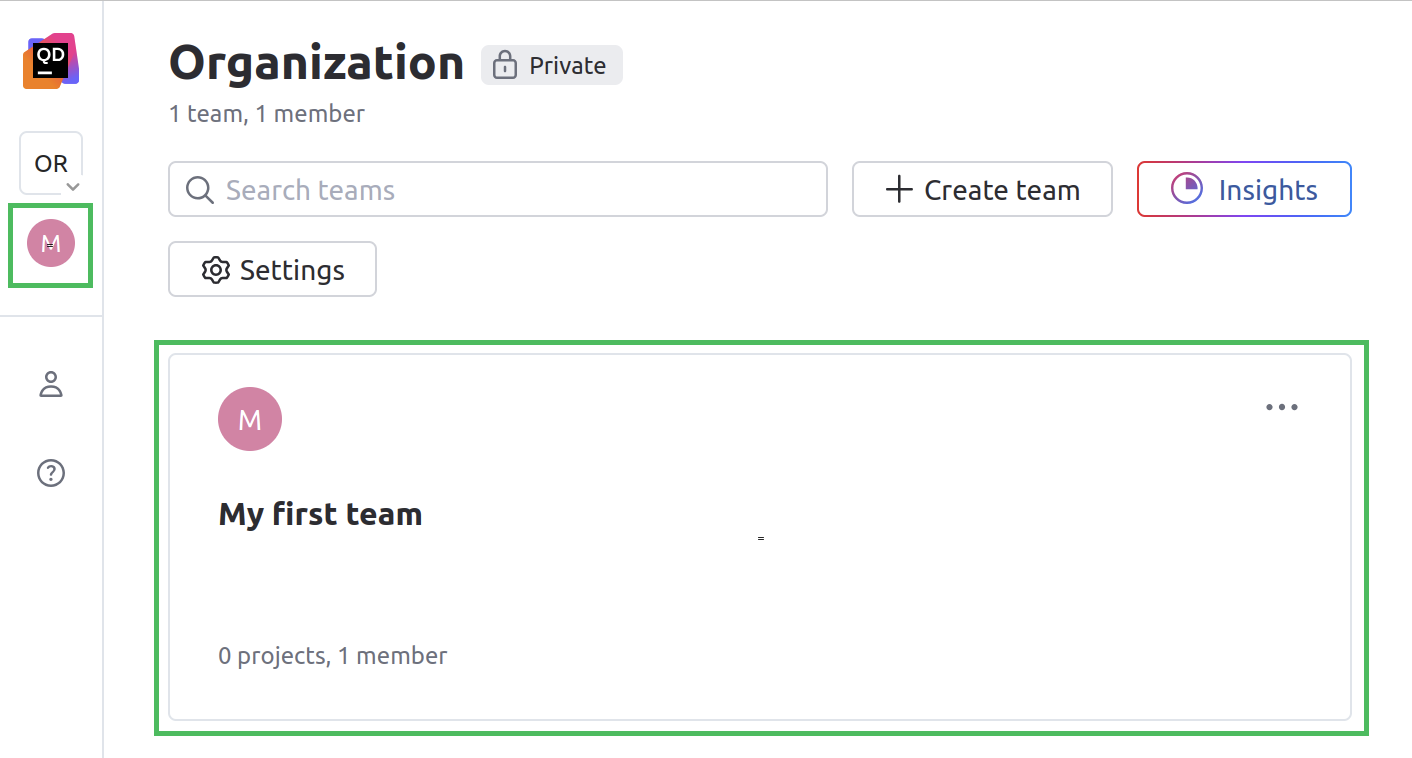
You can navigate to a team by clicking its tile on an organization page, or its pictogram in the left sidebar.
Configure teams
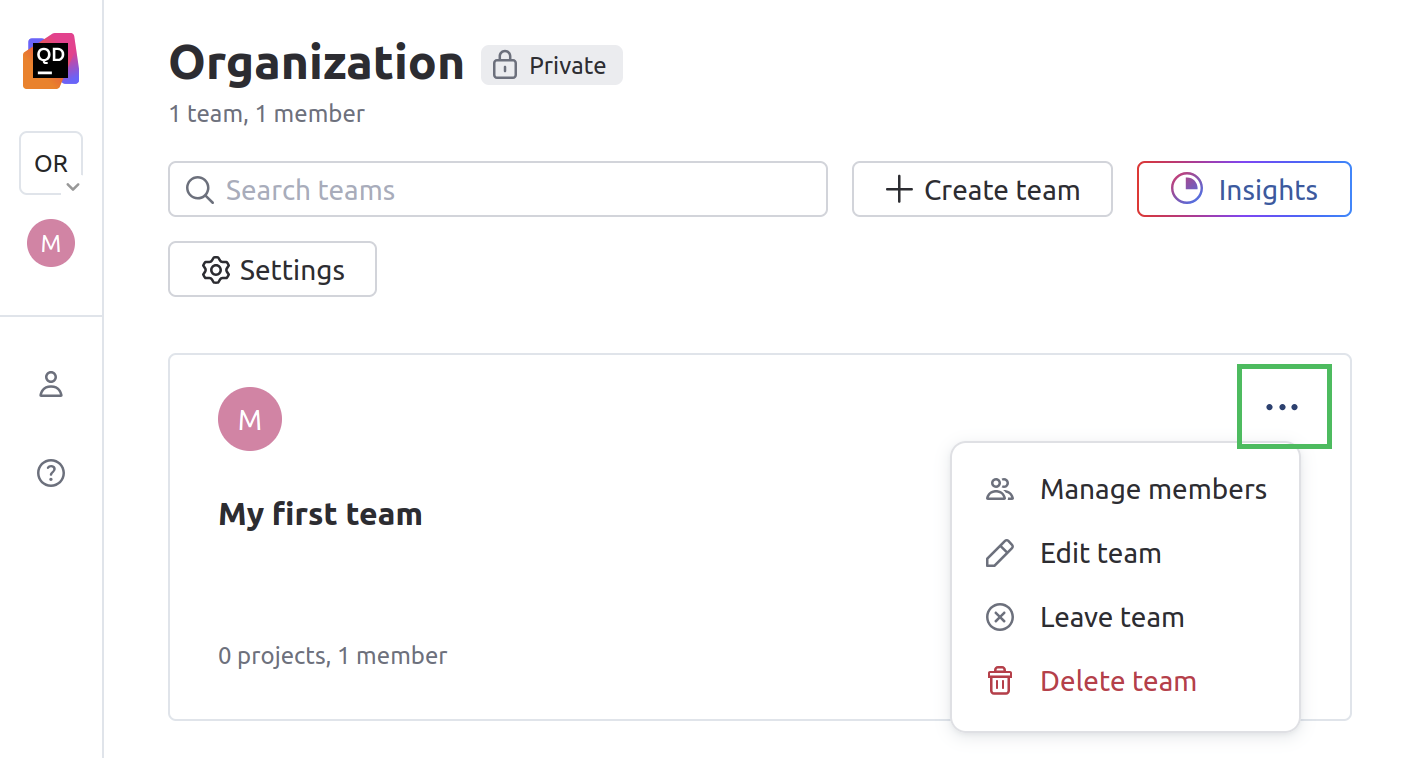
To configure a team, click the upper-right corner of a team. Here, you can manage team members, rename the team, manage its visibility, leave and delete the team.
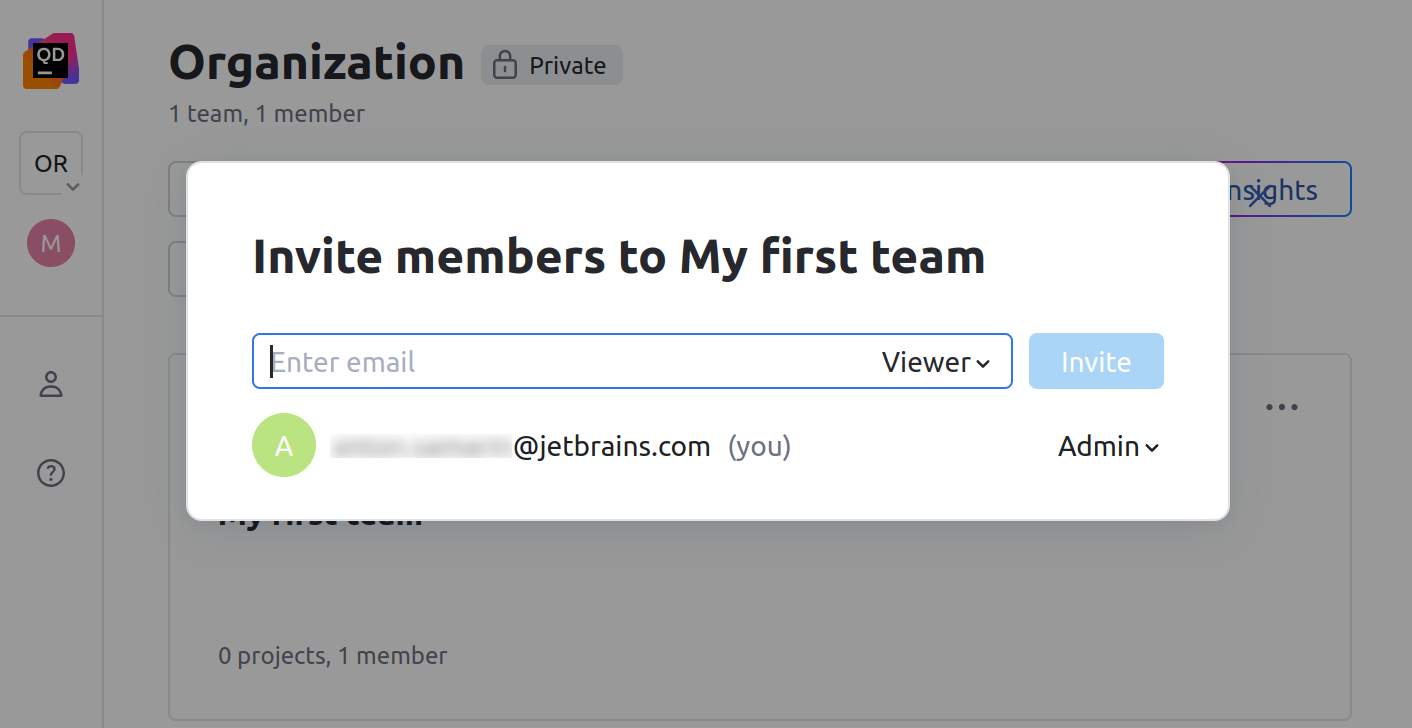
You can click to add new members to a team, configure user roles of existing team members, or delete them.