User Quick Start Guide
Have you recently joined a SpaceCode organization? Follow these steps to quickly set up your personal SpaceCode environment and start collaborating with other team members to achieve your goals.
Step 1. Complete your profile
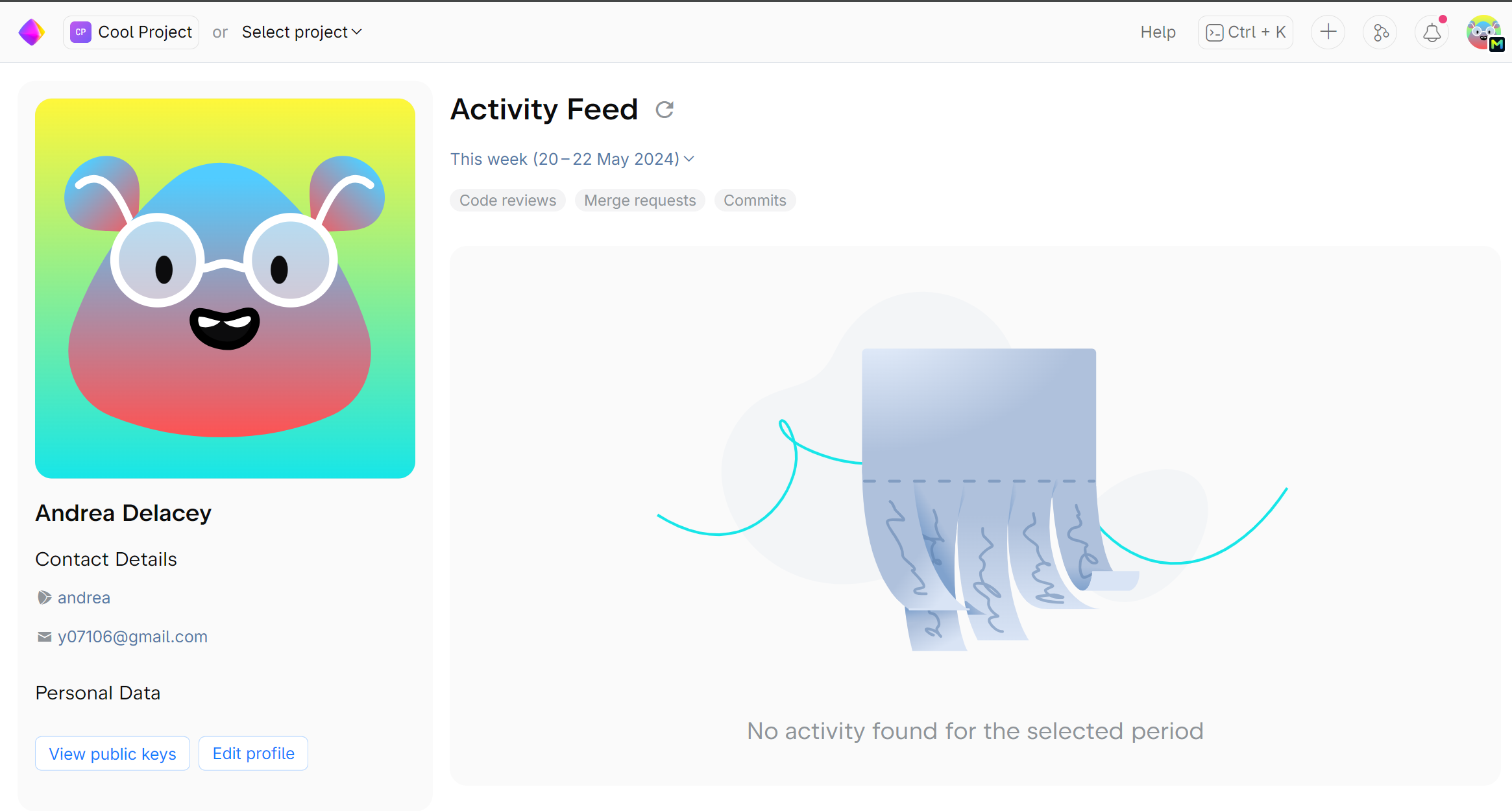
Your profile helps other team members get to know you and quickly find out what projects you’re working on. It contains your contact details, information about the projects you’re involved in and your recent activity. Add a picture, so others can easily identify you in commits, code reviews and comments.
To edit your profile, click on your avatar in the top right corner and choose Profile. Then scroll down the left panel and click Edit.
Check out this article to learn more about configuring your profile.
Step 2. Create or join a project
Projects are where related repositories, either mirrored or hosted internally, are contained, along with their quality protection settings, code reviews and merge requests. A project is a workspace where you collaborate with your teammates by reviewing changes or requesting a review.
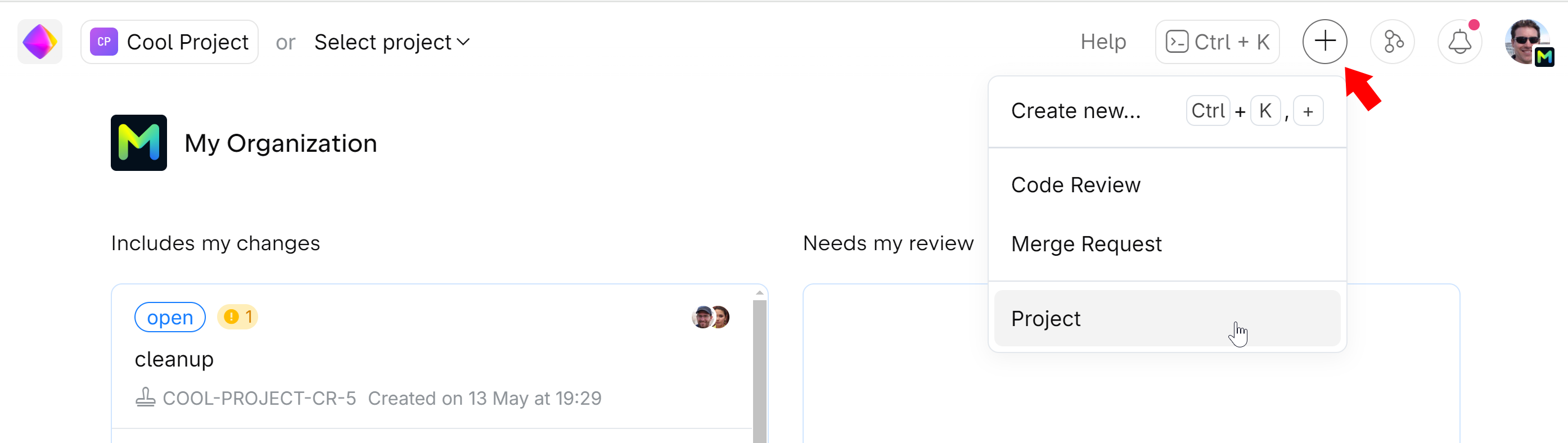
To create a new project, simply click  on the top right and choose Project. You can make a project private to restrict access to it or keep it visible to everyone within your SpaceCode Code organization.
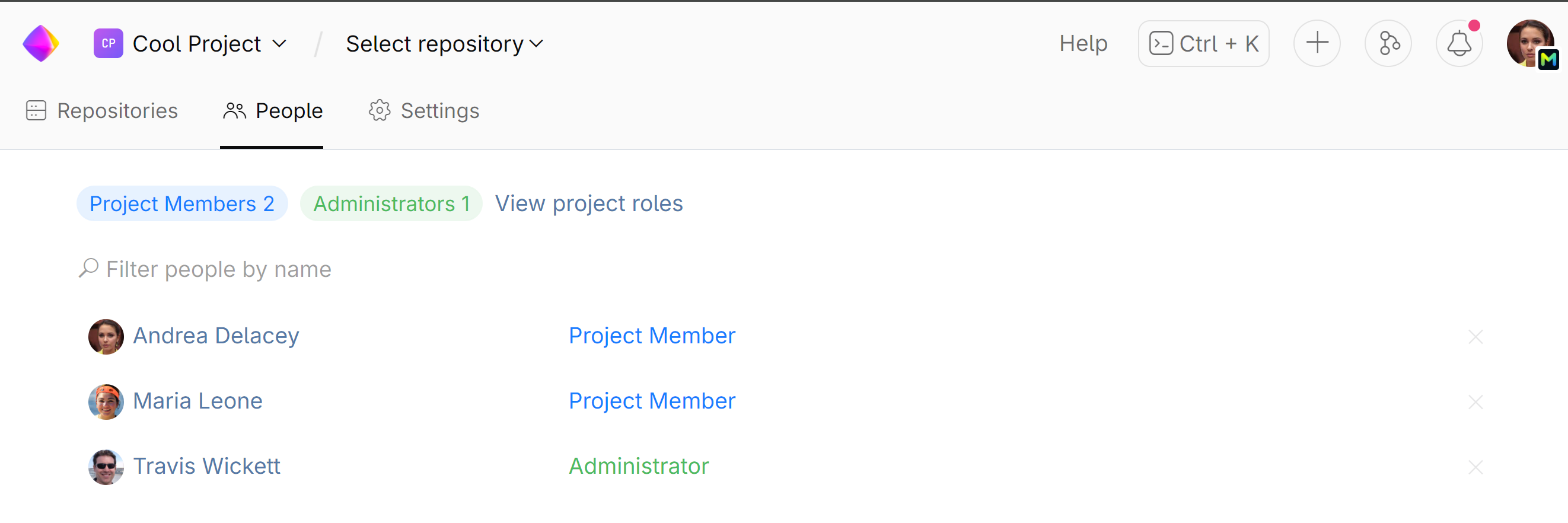
To join an existing project, you need to contact the project administrator and ask for membership. To find out who the project administrator is, open the project and go to the People tab:
Step 4. Explore, commit, review
Now that you've created or joined your first project, you can start working on your tasks.
Store or mirror your source code in SpaceCode. Clone an existing repository or set up a new one from scratch.
Start collaborating on code: track commit history, search and examine code, create code reviews and merge requests.
More resources to help you navigate SpaceCode
Once you go through these first steps, you can keep exploring SpaceCode and discover more functionality. There are all kinds of learning resources available, so you can learn how you like and at your own pace.
Read SpaceCode documentation.
Can't find an answer? Submit a request to our support team.