Querying Data from MongoDB Databases

Run any queries you want against the database inside your JetBrains IDE.

How to use:

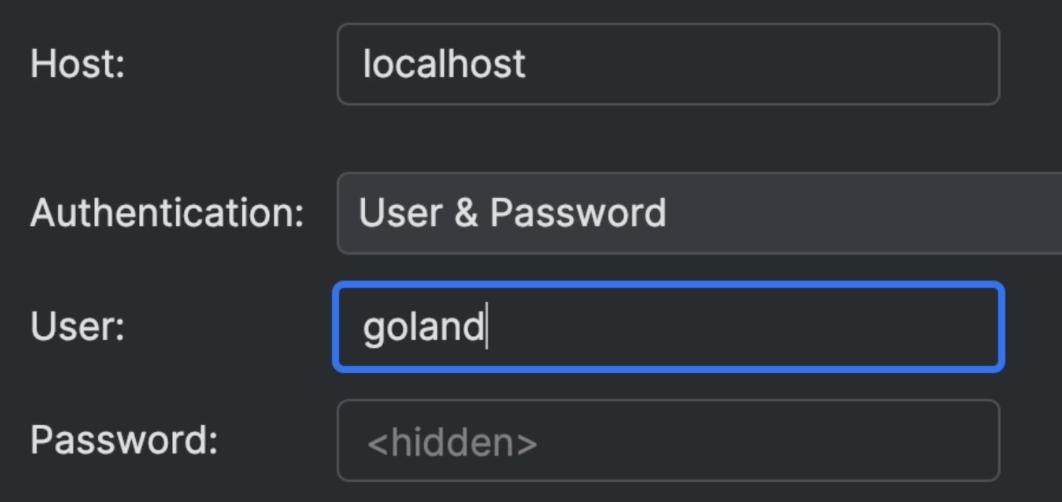
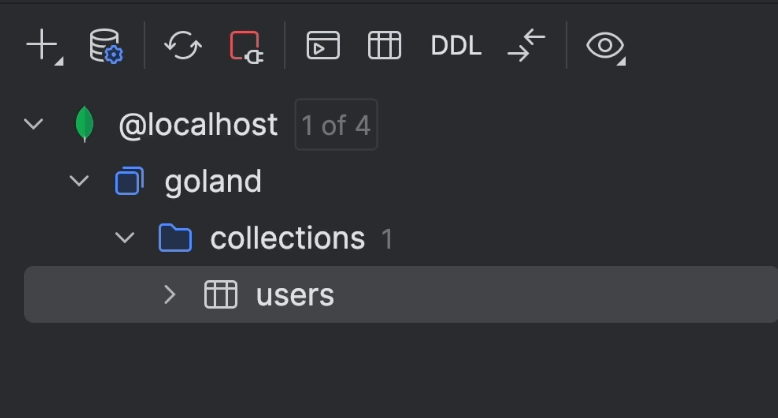
Connect to a MongoDB database from the IDE, then open a Console to it and write a query.

To run it, press ⌃⏎ (macOS) / Ctrl+Enter (Windows/Linux) to run the query and retrieve the results.
Related Resources

Connect to a MongoDB database
Access a MongoDB database from your JetBrains IDE and do the work in the same window.
Query MongoDB databases using SQL statements
Run MongoDB queries in SQL format within your IDE.
Zero to Document Hero - Introduction to MongoDB
Learn about the primary differences between relational databases, non-SQL databases and document databases.