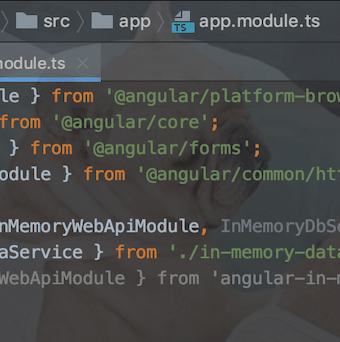
Customize Editor Background
Make your editor feel a bit more personal.
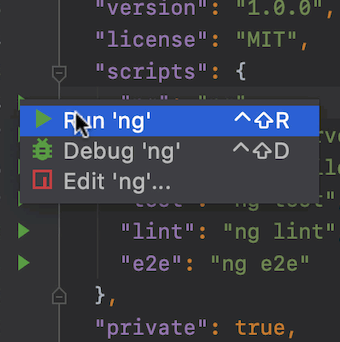
Run npm Scripts Swiftly
WebStorm lets you run npm scripts right from the gutter.
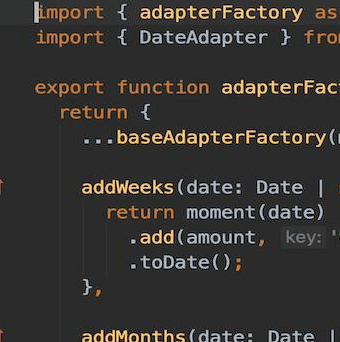
Presentation Mode
Make it easier for the audience to see what you're doing.
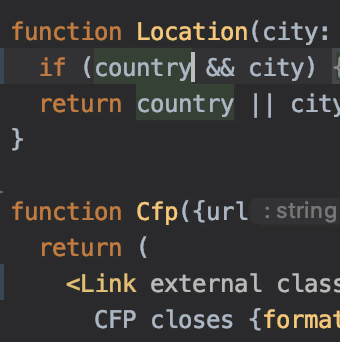
Move Elements Left and Right
Quickly swap functions parameters, attributes in tags, and more.
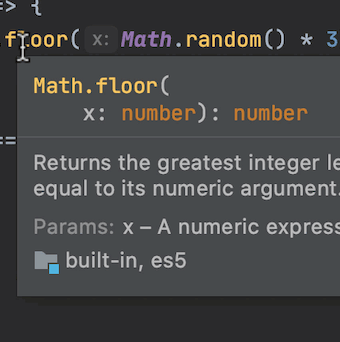
Check Documentation in JavaScript
Hover over a symbol or use a shortcut to quickly review documentation.
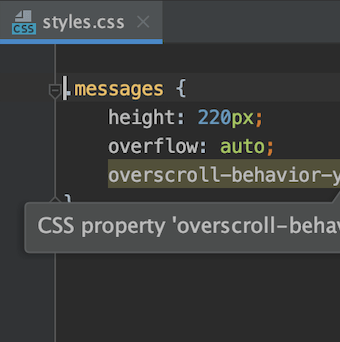
Check Browser Compatibility in CSS
Let WebStorm warn you about unsupported CSS properties.

Access Run Configurations Quickly
Learn a quick way to access all your run configurations.
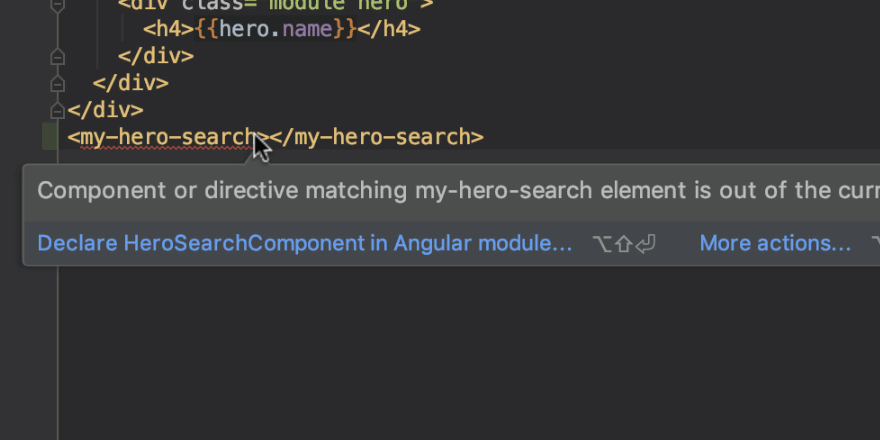
Spot Missing Declarations
Have an Angular component that isn't declared in the module? No worries!
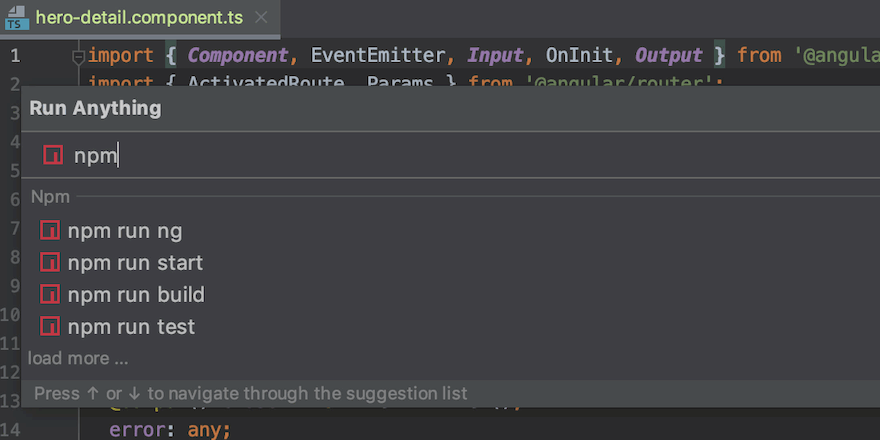
Run Tools and Configurations from One Place
Use a single action to run configurations, tools, and open recent projects.
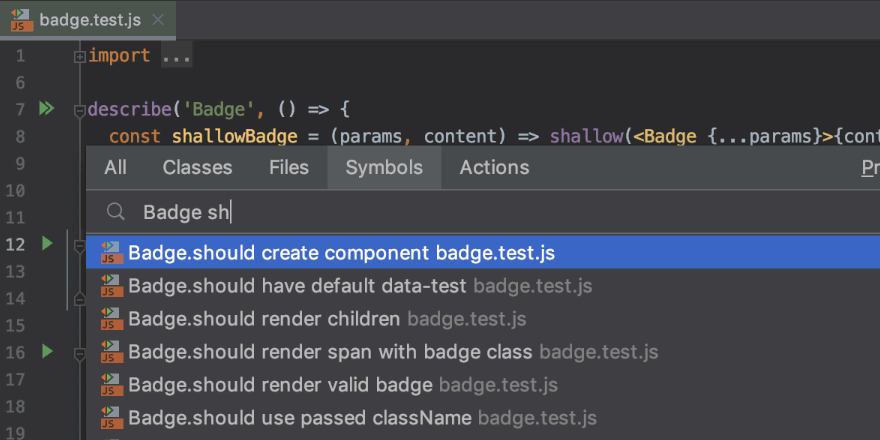
Navigate to Test
Use the Go to Symbol popup to go to a test.

Jump between Files
Use a shortcut to quickly jump between the Angular component's template, test, and other files.
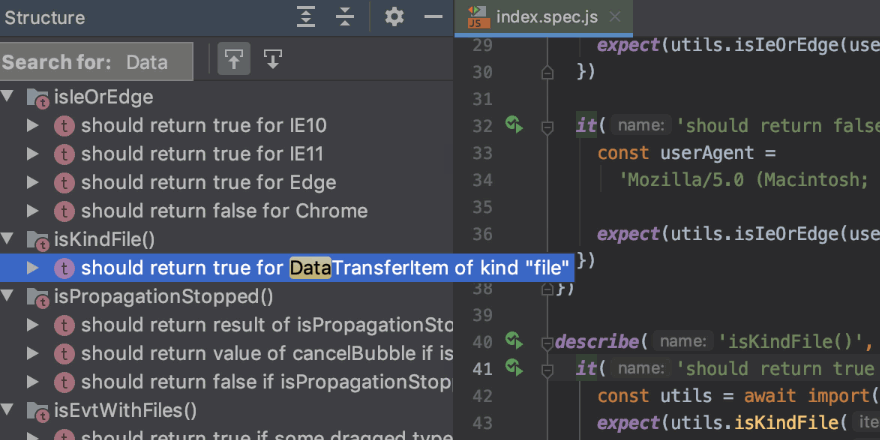
Finding Tests in Large Test Files
Use the Structure tool window for quick navigation around large test files.