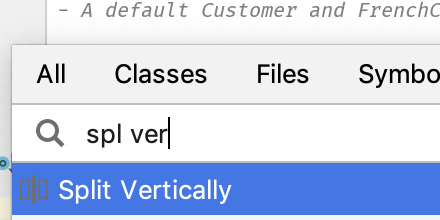
Split Screen Without Tabs
Get your code and tests side-by-side without resorting to tabs.
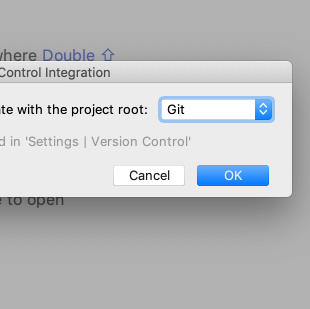
Put New Project Under Version Control
The fastest way to register a new project directory under local version control.
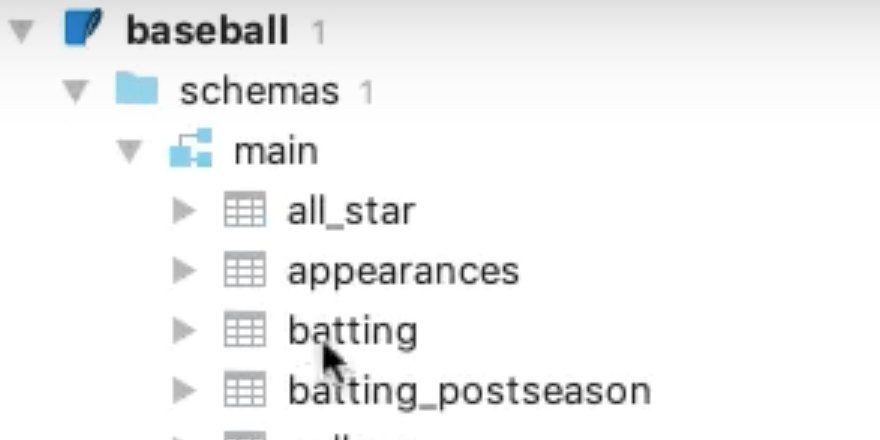
Create SQLite Database Connection
How to drag-and-drop a .sqlite database file onto the Database tool to create a connection.
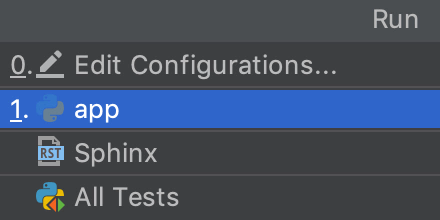
Run From Keyboard
Use the keyboard to select and run a run configuration.
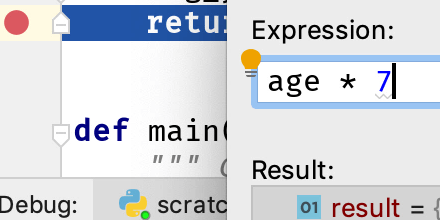
Evaluate Expression During Debugging
Select your code and execute it, in the right context.
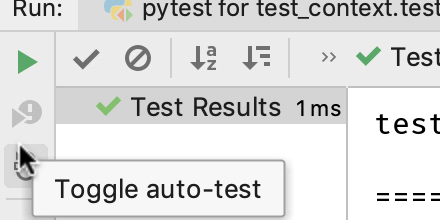
Auto-Run Tests
Get into testing mode by telling PyCharm to automatically re-run tests as you type.
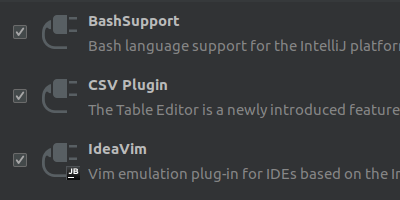
Enable vim keybindings with IdeaVim plugin
Use the same keybindings from vim with a PlugIn
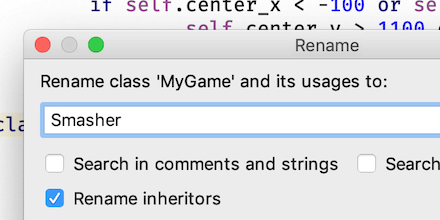
Rename Symbol
Change a variable name, class name, or other symbol, across the project.
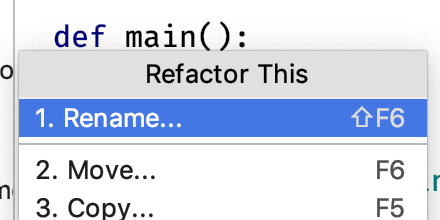
Rename a File and its References
Change your mind on a file name and the IDE makes all the changes for you.
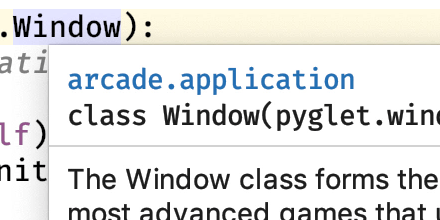
Quick Documentation
View arguments and documentation without interrupting your flow.
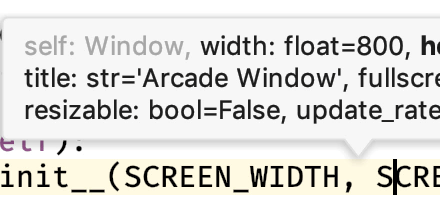
View Parameter Info
Quickly see function arguments and argument types.
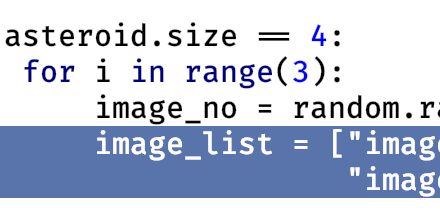
Move Block Up/Down Using Keyboard
Use the keyboard to move a line or selection up or down in your file.