Using Code Snippets
How to use the built-in code snippets in JetBrains IDEs.
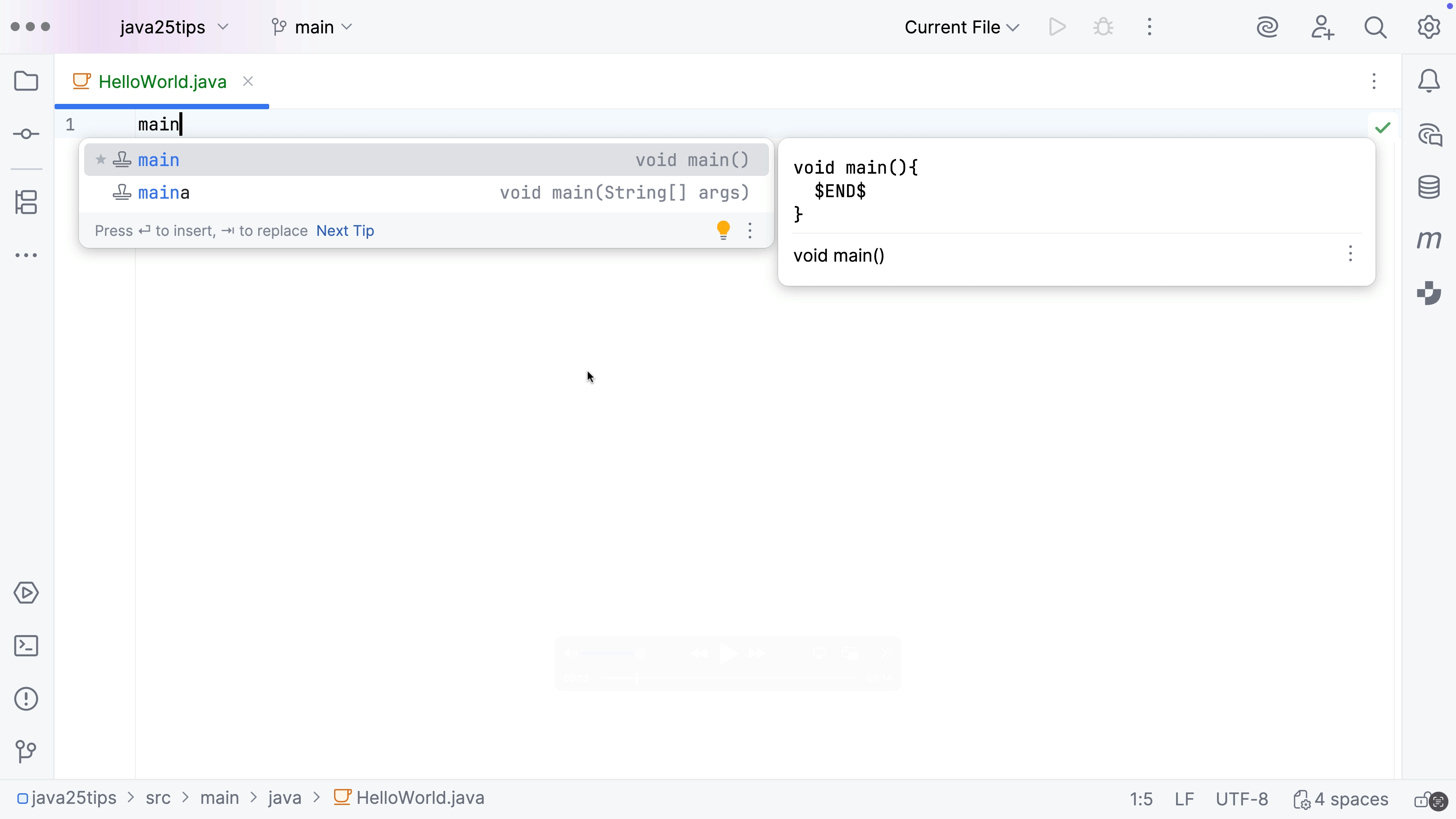
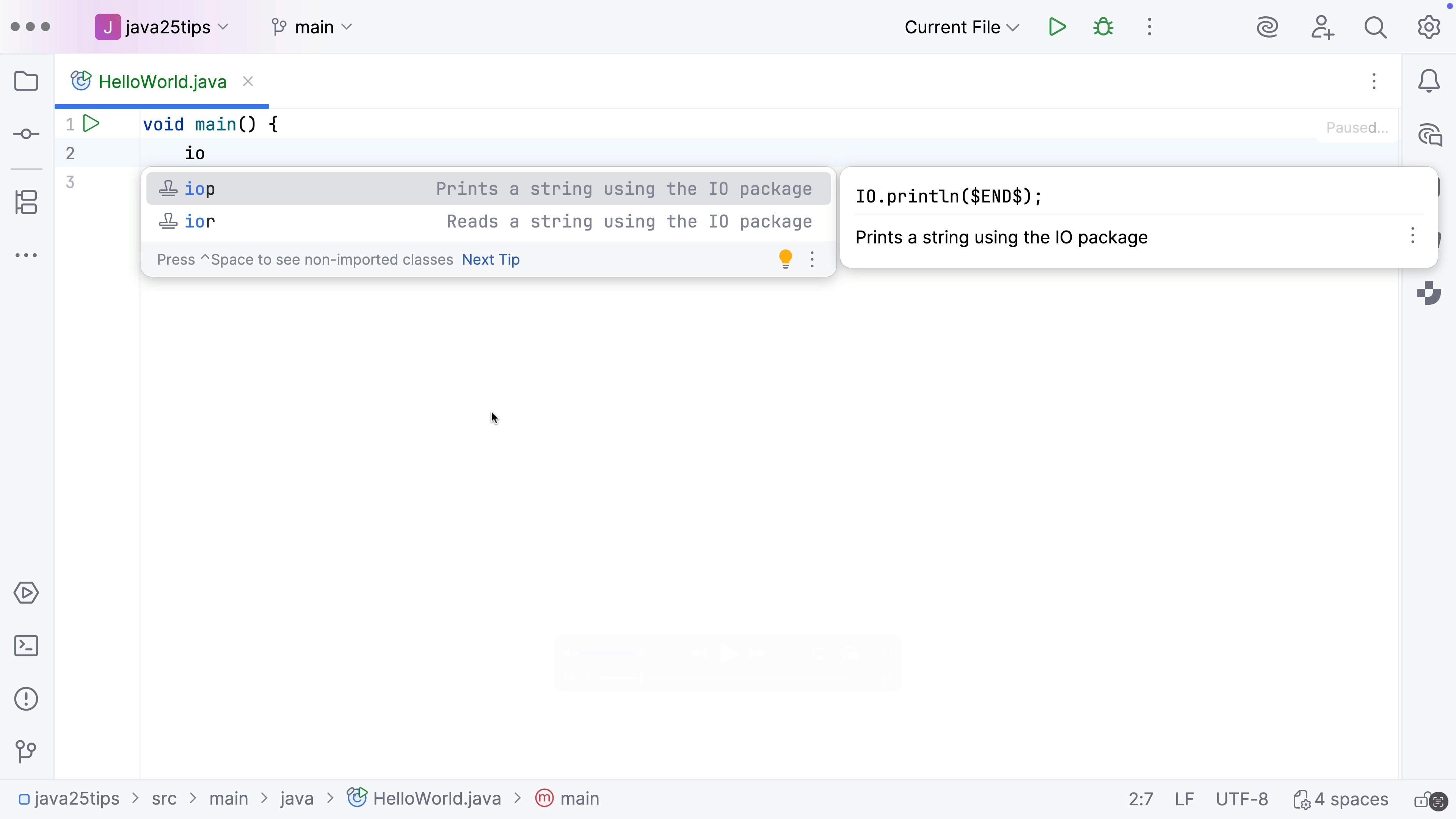
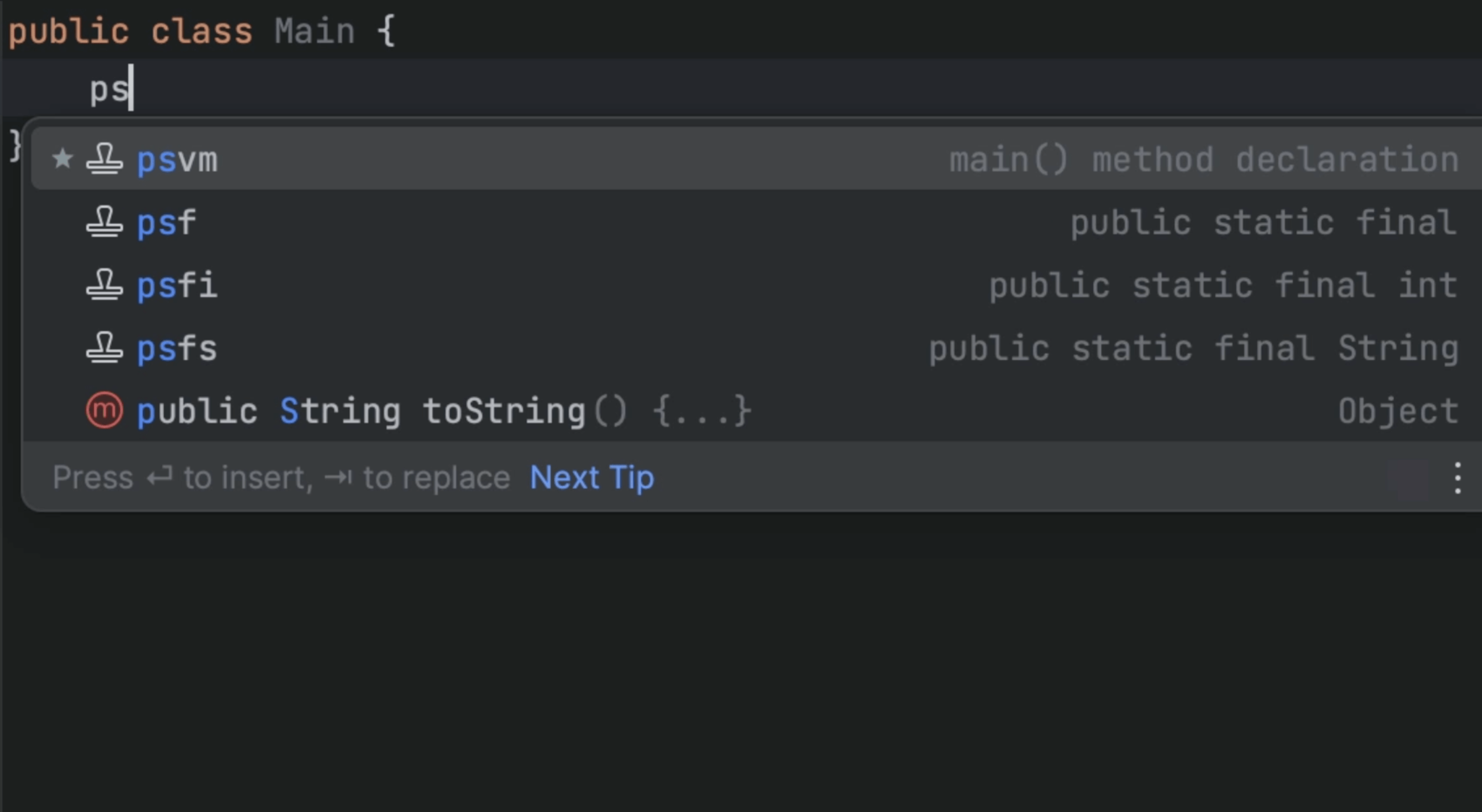
Code snippets, or Live Templates as they are called in JetBrains IDEs, can help you save and reuse code. To use them, type the Live Template abbreviation and press ⇥ (macOS) / Tab (Windows/Linux) to expand it. You can also press ⌘J (macOS) / Ctrl+J (Windows/Linux) to check what code snippets are available in the current context.
To see the full list of available code snippets, go to Preferences / Settings | Editor | Live Templates.