
Quickly Sort Lines

Sort lines of code in your editor alphabetically.

To quickly sort lines alphabetically, select them in the editor and choose Edit | Sort Lines from the main menu. Alternatively, you can run this action using the Find Action command ⌘⇧A (macOS) / Ctrl+Shift+A (Windows/Linux).
Related Resources

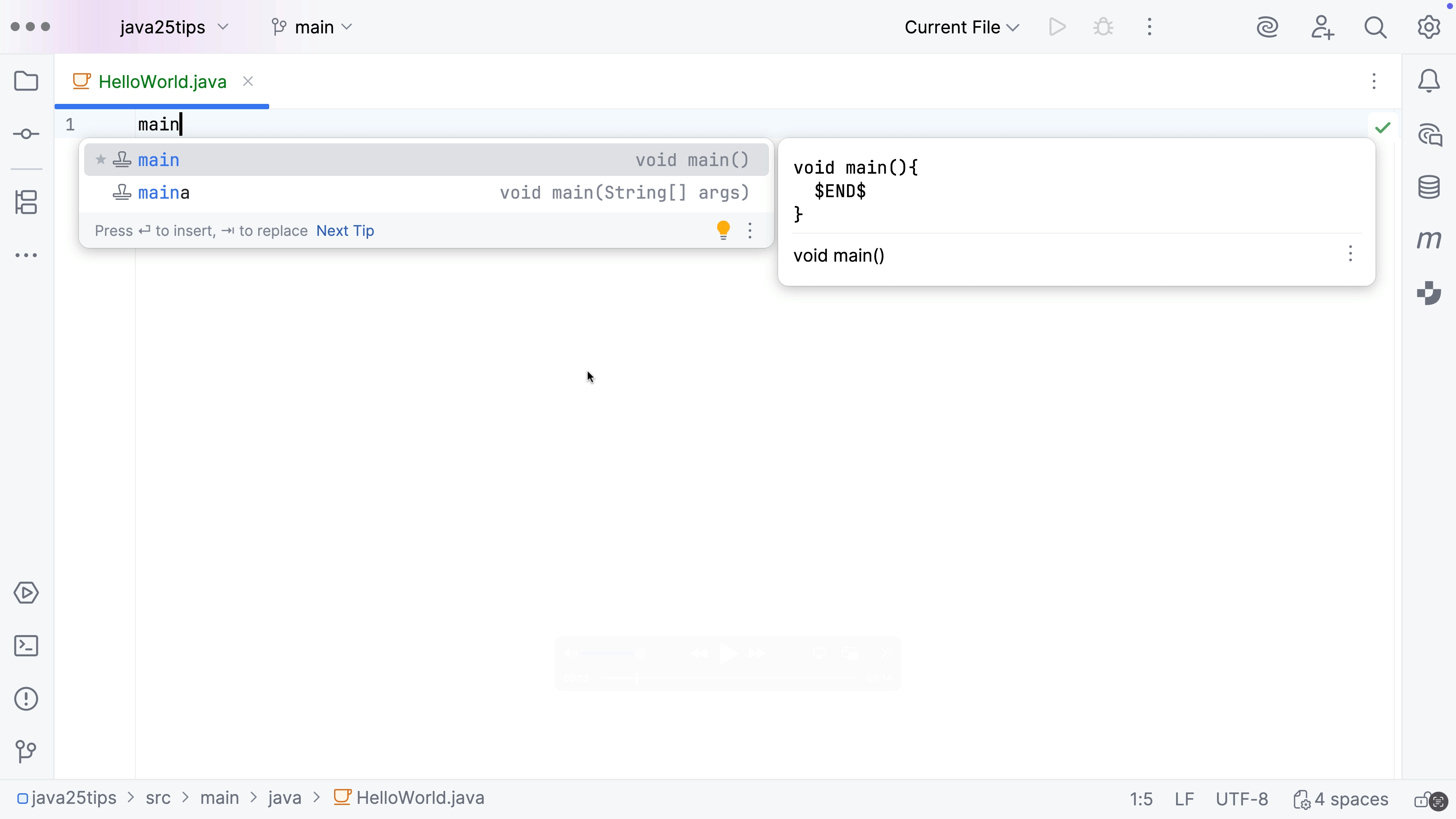
New live templates for main methods
Create an instance main method using a live template.
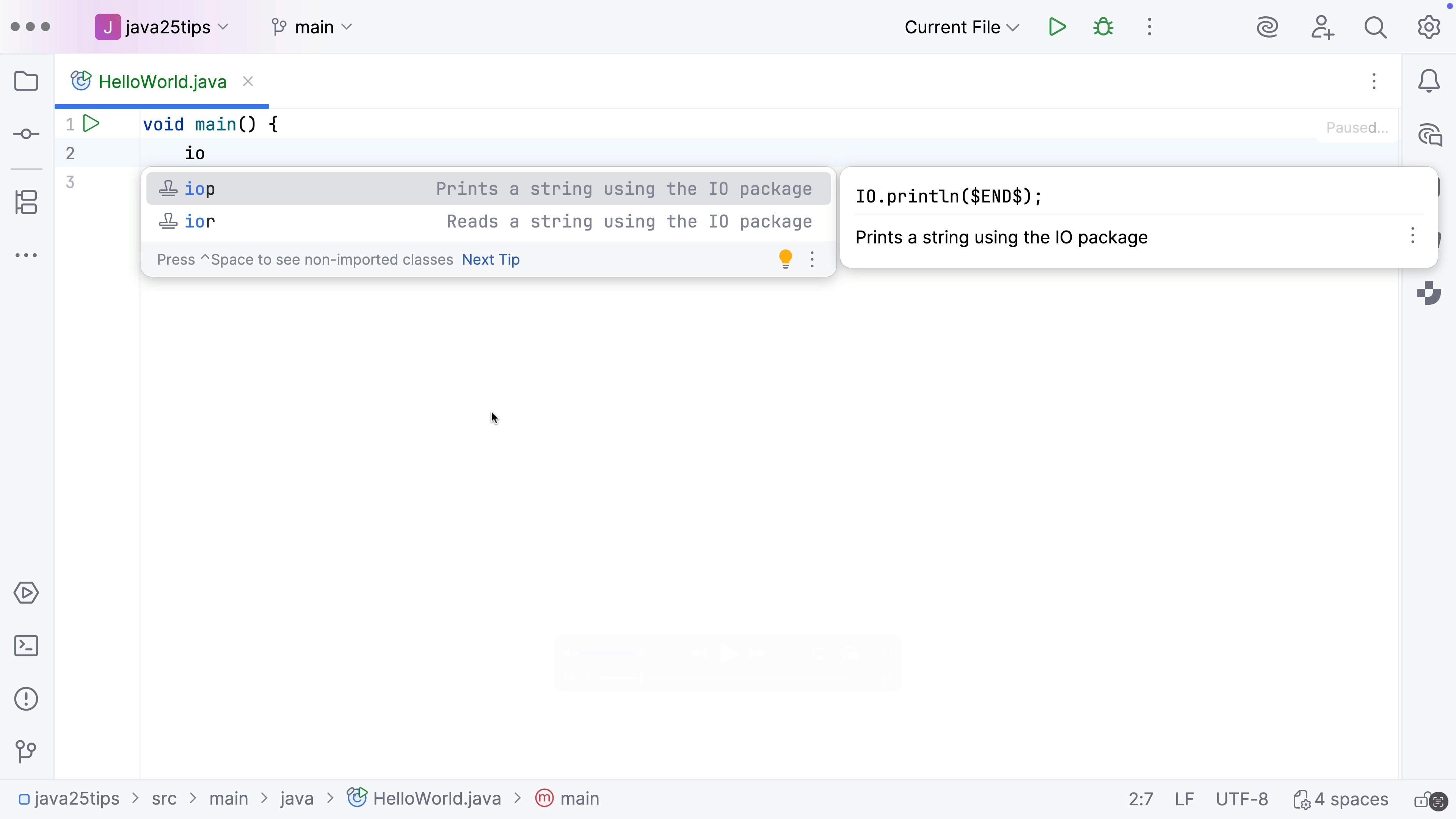
Live templates for simple IO
Add simple IO methods using live templates.
Azure Functions
Azure Functions
Build serverless applications with Rider