Plan mode
Use Plan mode when you want the agent to prepare an implementation plan before it starts changing code. This helps the agent better understand your task, clarify conditions and constraints, and ask follow-up questions before implementation begins.
In practice, think of planning not just as a permission mode, but as a separate development phase that comes before implementation and review.
In the Air app, Plan mode is available for all agents, even if their standalone versions do not provide such a mode.
The browser has no plan mode of its own. There, planning first is whatever the selected agent offers natively, which today means Claude Agent and its Plan permission mode – see Set up a task before you send it.
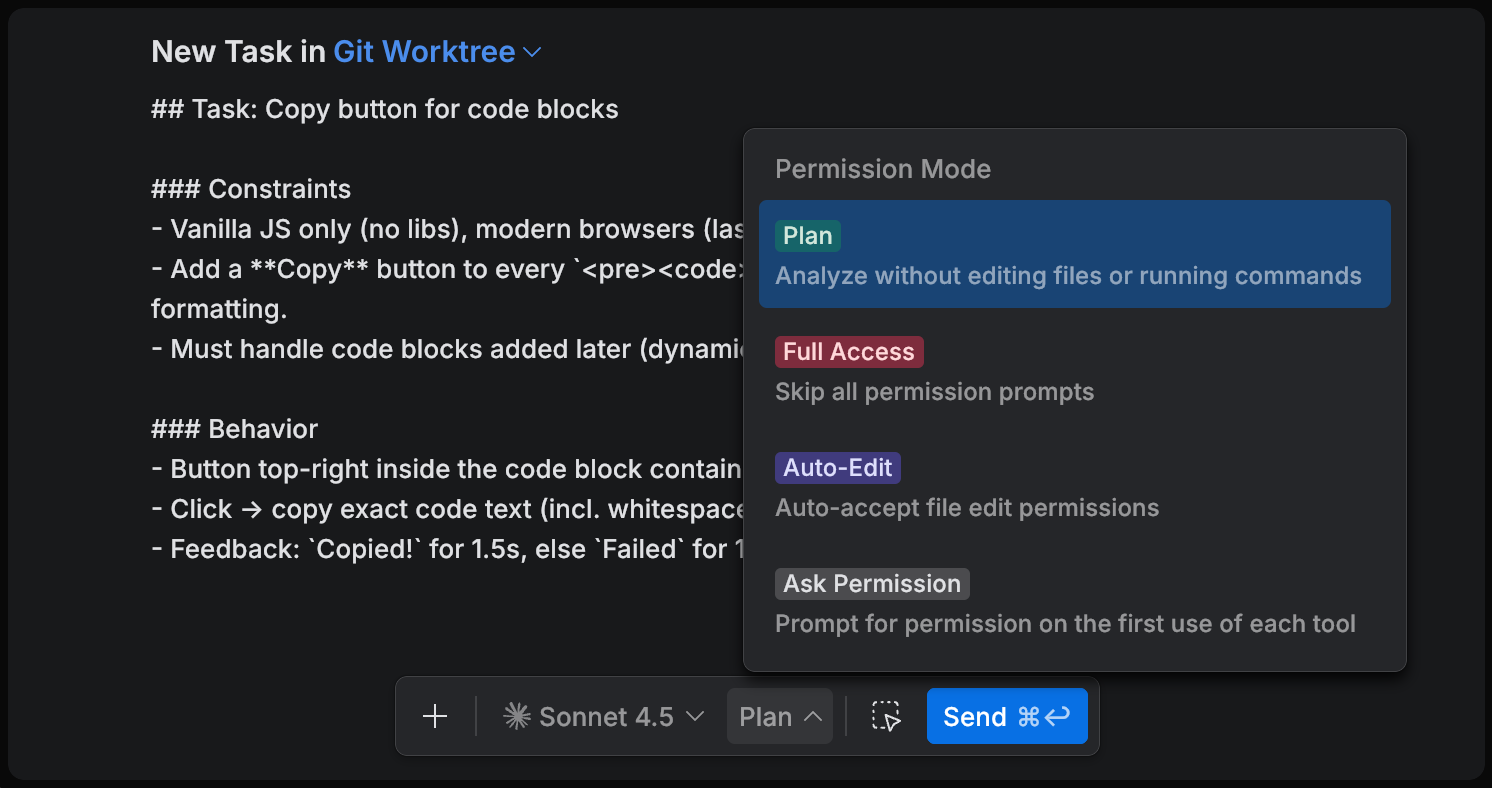
How plan mode works
In Plan mode, the agent analyzes the task and creates a Markdown file with the plan in the .air/plans directory.
After the plan is ready, the Implement dialog appears. This dialog lets you approve moving to implementation based on the generated plan.
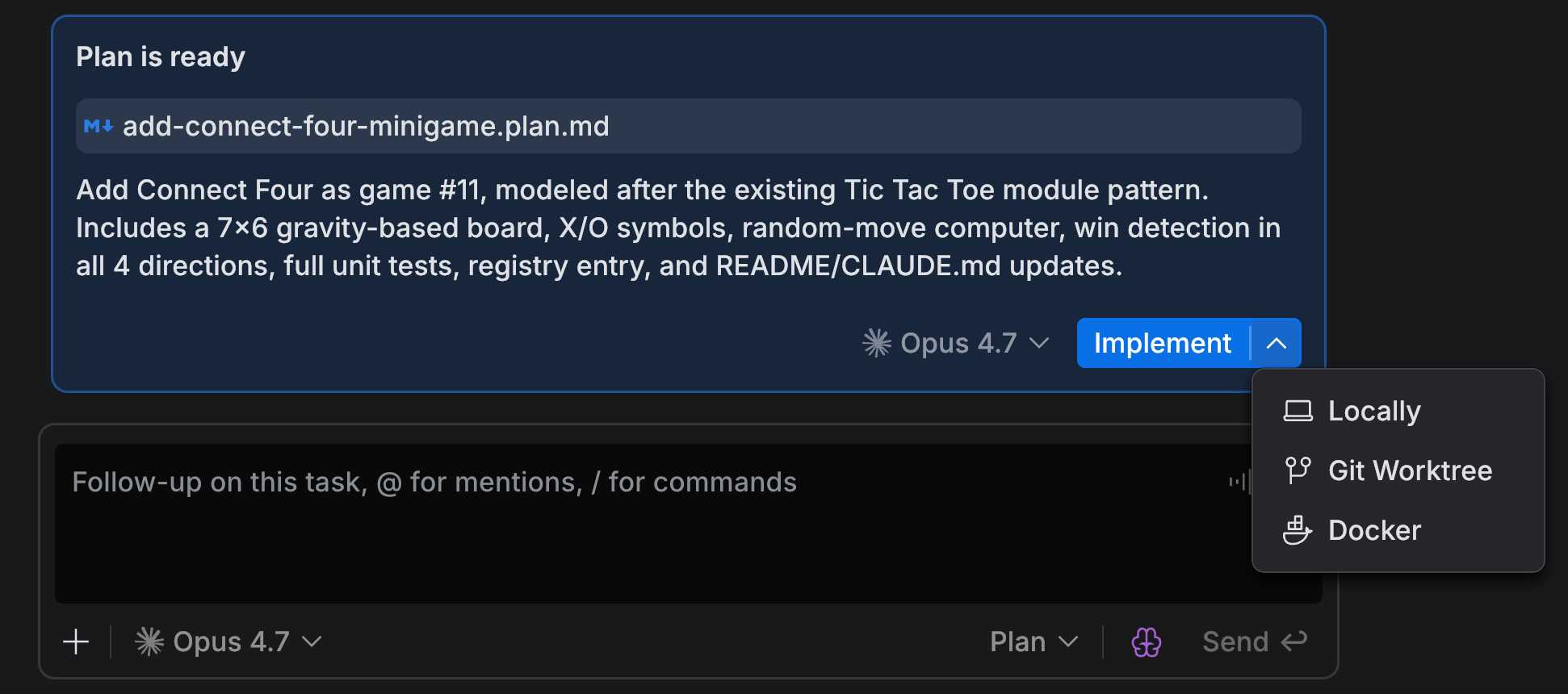
When to use plan mode
Plan mode is especially useful for tasks that are not fully straightforward from the start.
tasks with multiple conditions or constraints
changes that affect several files or modules
tasks where you want to confirm scope before implementation
tasks where the agent may need to ask clarifying questions first
For very small and obvious changes, you can usually skip planning and go directly to implementation.