Peek Definition
The Peek Definition feature of Visual Studio Code allows you to view and edit the source code of a referenced symbol right on the spot, without opening another tab.
ReSharper extends this feature, making it even more handy:
ReSharper uses its knowledge of the solution structure to provide the correct destinations for the Peek commands.
ReSharper performs code inspection and provides quick-fixes inside the Peek view:
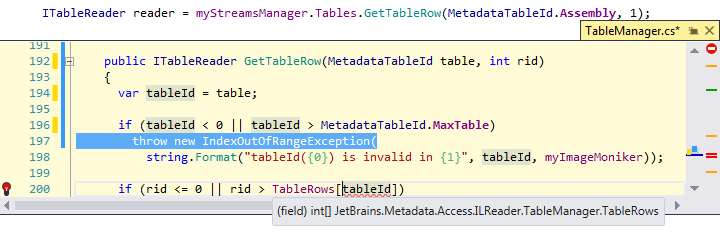
If you modify code, it is reanalyzed automatically.
Coding assistance and navigation commands are also available inside the Peek view:
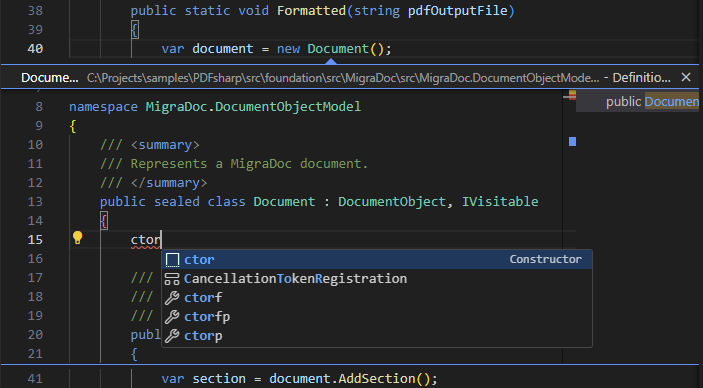
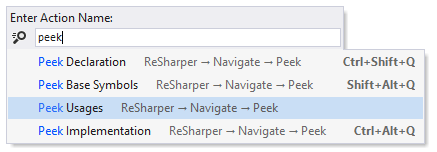
To open different kinds of related sources in the Peek view, you can place the caret at a symbol and type >peek in the search box:
03 September 2026